Penlo reads the handwriting on your BOOX, reMarkable or Supernote with Google's Gemini image recognition, turns it into searchable text, and sends it to Notion, Obsidian, your inbox or your AI assistant. Automatically. Now on Android too.
BOOX tablets sync straight to Penlo with the Penlo Android app. Every other tablet that saves PDFs to Dropbox or OneDrive works too. Switch hardware any time without changing your workflow.
How it works
Set up in five minutes. Runs in the background forever.
No exports, no manual uploads. Close a notebook on your tablet and Penlo takes it from there.
1
Connect your tablet
On BOOX, install Penlo and scan a QR code with your phone. On other tablets, link Dropbox or OneDrive and pick the folder.
2
Write as usual
Use your e-ink tablet normally. Close a notebook and the new pages are on their way.
3
Google Gemini reads your handwriting
New pages are picked up in real time and read by Gemini, Google's industry-leading image recognition: cursive, mess and mixed languages included.
4
Notes land where you work
Notion pages, Obsidian Markdown, an email, or a question you ask Claude. Searchable from one dashboard.
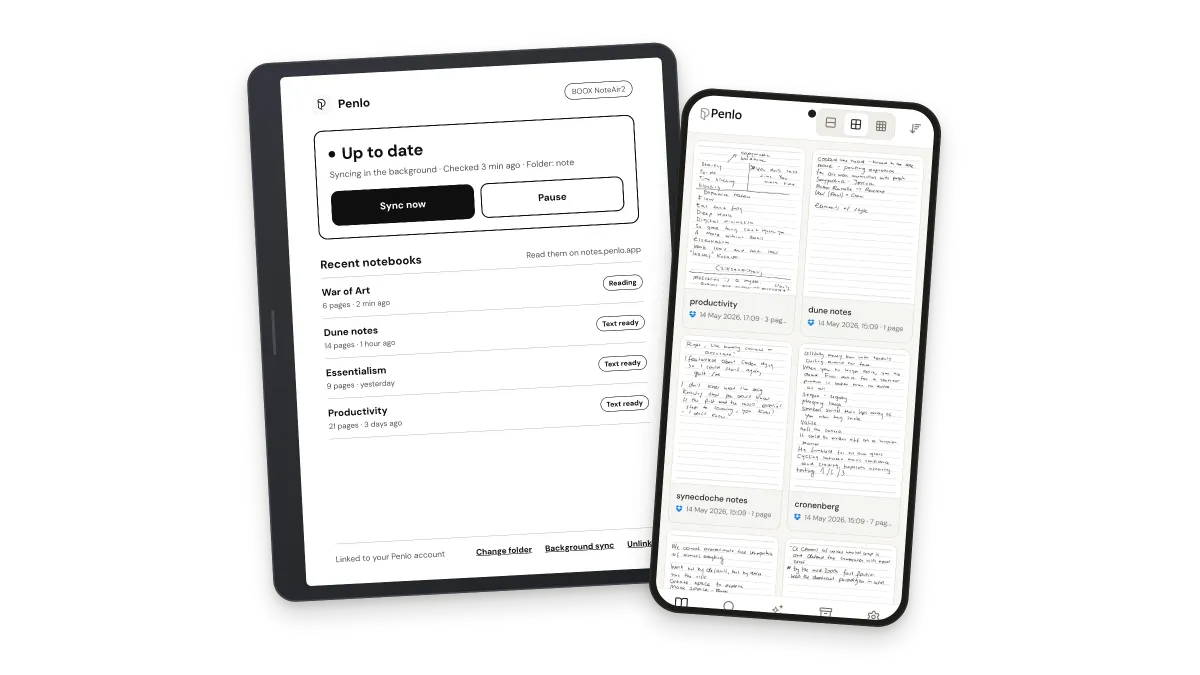
Penlo for Android. Your BOOX syncs straight to Penlo.
Install Penlo on your BOOX and it uploads your notebooks itself, in the background. No Dropbox, no OneDrive, nothing to connect. On your phone, the same app gives you every notebook, every page and every word, in your pocket.
Available now on Google Play. Penlo on the web works today on any phone, tablet or computer.
Ask Claude, ChatGPT, Gemini or Cursor about anything you've written. Penlo's MCP server lets them search your handwritten notes right in the conversation.
Pricing
Start free, upgrade when you need more
Every plan includes a 7-day Power trial. No credit card required. Prices include tax, except in the US, Canada and India, where sales tax is added at checkout.
Notebooks hold your most personal thinking. Penlo encrypts them in transit and at rest, stores them in the EU, and locks every page to your account. It reads your cloud folder without ever changing your originals.
Built on Supabase, Vercel and Google Cloud. No ads, no data selling, and you can delete everything in one click.
Everything you need to know before you connect your tablet.
Can't find what you're looking for? Contact our team
Which e-ink tablets does Penlo work with?
BOOX tablets sync directly with the Penlo Android app, no cloud account needed. reMarkable, Supernote, Kindle Scribe and any other tablet that saves PDFs to Dropbox or OneDrive work too: Penlo watches your cloud folder, so the brand doesn't matter.
Is there a Penlo app?
Yes. Penlo for Android is coming soon to Google Play: on a BOOX it syncs your notes folder in the background, and on a phone it's your whole notebook library in your pocket. Penlo on the web works on any device today. Close a notebook on your tablet and Penlo reads it, indexes it and sends it to your destinations automatically.
How good is the handwriting recognition?
Penlo uses Gemini, Google's industry-leading image recognition model. It handles cursive, messy handwriting, mixed languages and multi-page notes. There is no daily cap: every page is processed in full.
How do Claude and ChatGPT read my notes?
Penlo includes an MCP server. Install the extension in Claude Desktop, or add Penlo as a connector in ChatGPT or Cursor, and the assistant searches your notes when you ask about them.
Is my data private?
Yes. Penlo runs on Supabase in the EU. Notes are locked to your account with row-level security, cloud access keys are encrypted with a separate vault key, API keys are hashed, and everything is encrypted in transit and at rest. See our security page for details.
Can't find what you're looking for? Contact our team
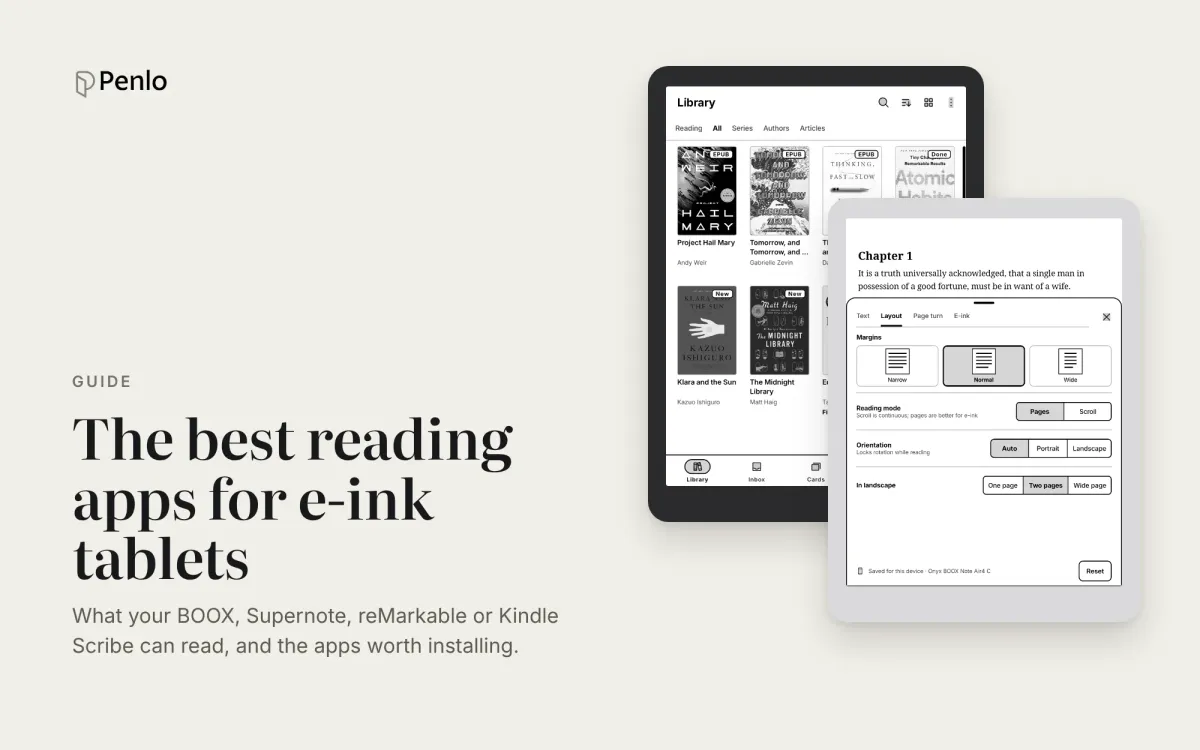
Your note-taking tablet is also a reader. Which reading apps BOOX, Supernote, reMarkable and Kindle Scribe can run, the best ones to install, and how to keep reading and handwritten notes working together.
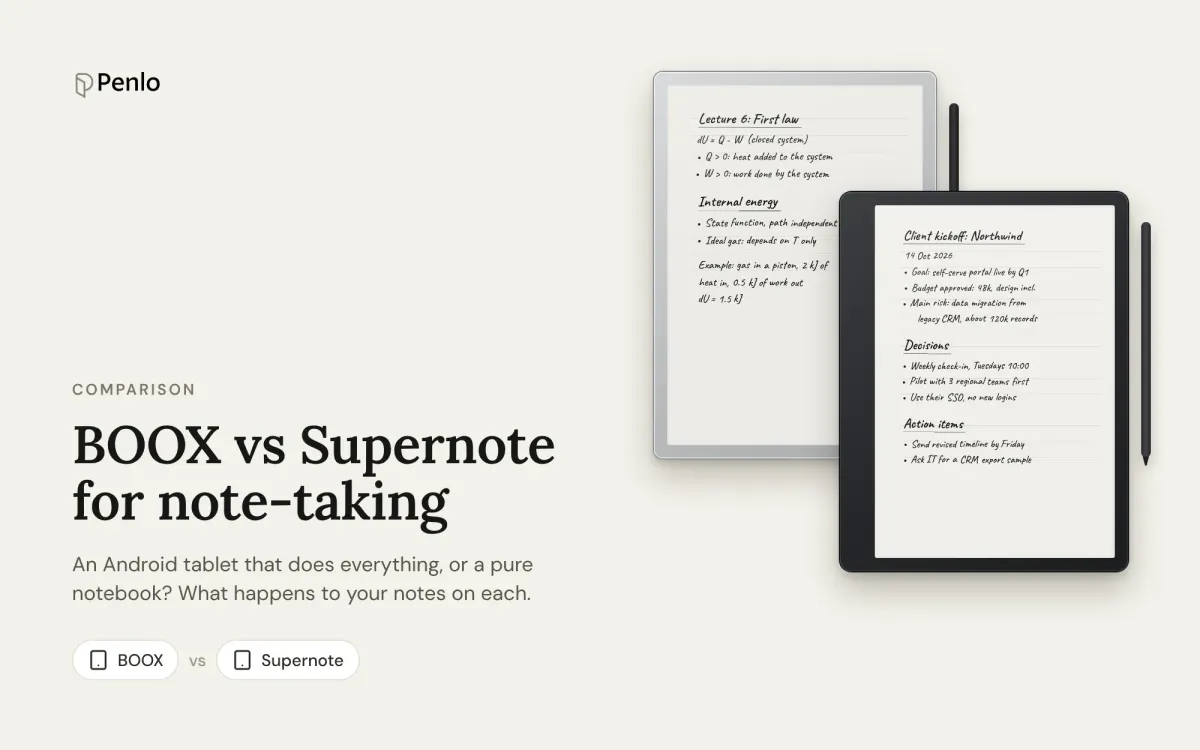
BOOX or Supernote? How they compare for note-taking: models and prices, apps, handwriting recognition, search, cloud sync and getting your notebooks off the tablet.
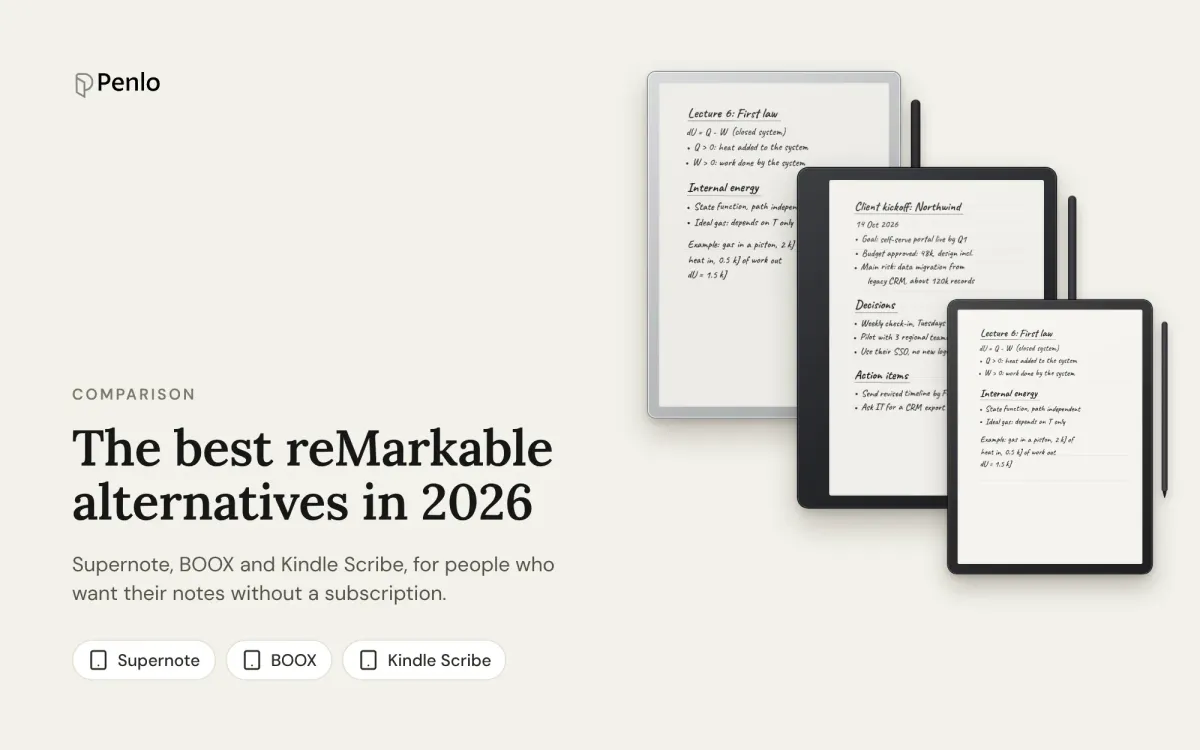
Tired of paying for reMarkable Connect? The best alternatives in 2026, with prices, what each does differently, and how each handles handwriting search and exporting notes.
Your handwriting deserves better than a folder of PDFs.