
Research notes for PhD students: write by hand, search like a database
Lectures, papers, supervisor meetings and lab notes, all handwritten on an e-ink tablet and all searchable at once. How PhD students use Penlo instead of a spreadsheet index.

Michal Wlosik
· 3 min read
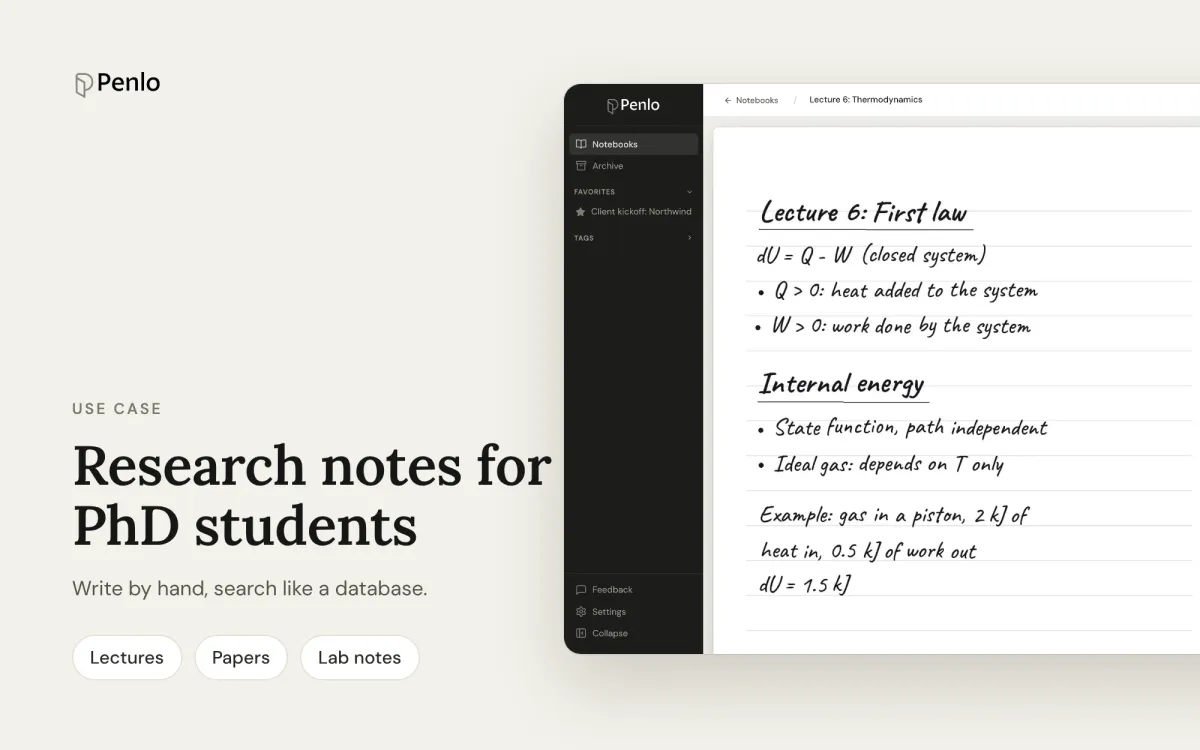
A PhD produces an enormous amount of handwriting: lecture notes, reading notes on dozens of papers, supervisor meetings, lab or field notes, half-formed ideas at 11pm. E-ink tablets are perfect for writing all of it, and terrible at finding any of it again. Some researchers we've spoken to keep a spreadsheet just to remember which notebook holds what.
Penlo replaces that spreadsheet. Every page you write becomes searchable text, across every notebook at once.
Set up your notebooks once
Penlo uses your notebook names as titles, and searches them too. A naming scheme you'll stick to goes a long way:
- Reading: one notebook per paper or book, named after it: Smith 2024, Attention in tutoring.
- Courses: one notebook per course or lecture series: Lecture: Bayesian methods.
- Supervision: one running notebook: Supervisor meetings.
- Lab or field work: one per study or month: Fieldwork, Oct 2026.
Then add tags in Penlo, such as chapter-2, methods or to-cite, to group notebooks across those types.
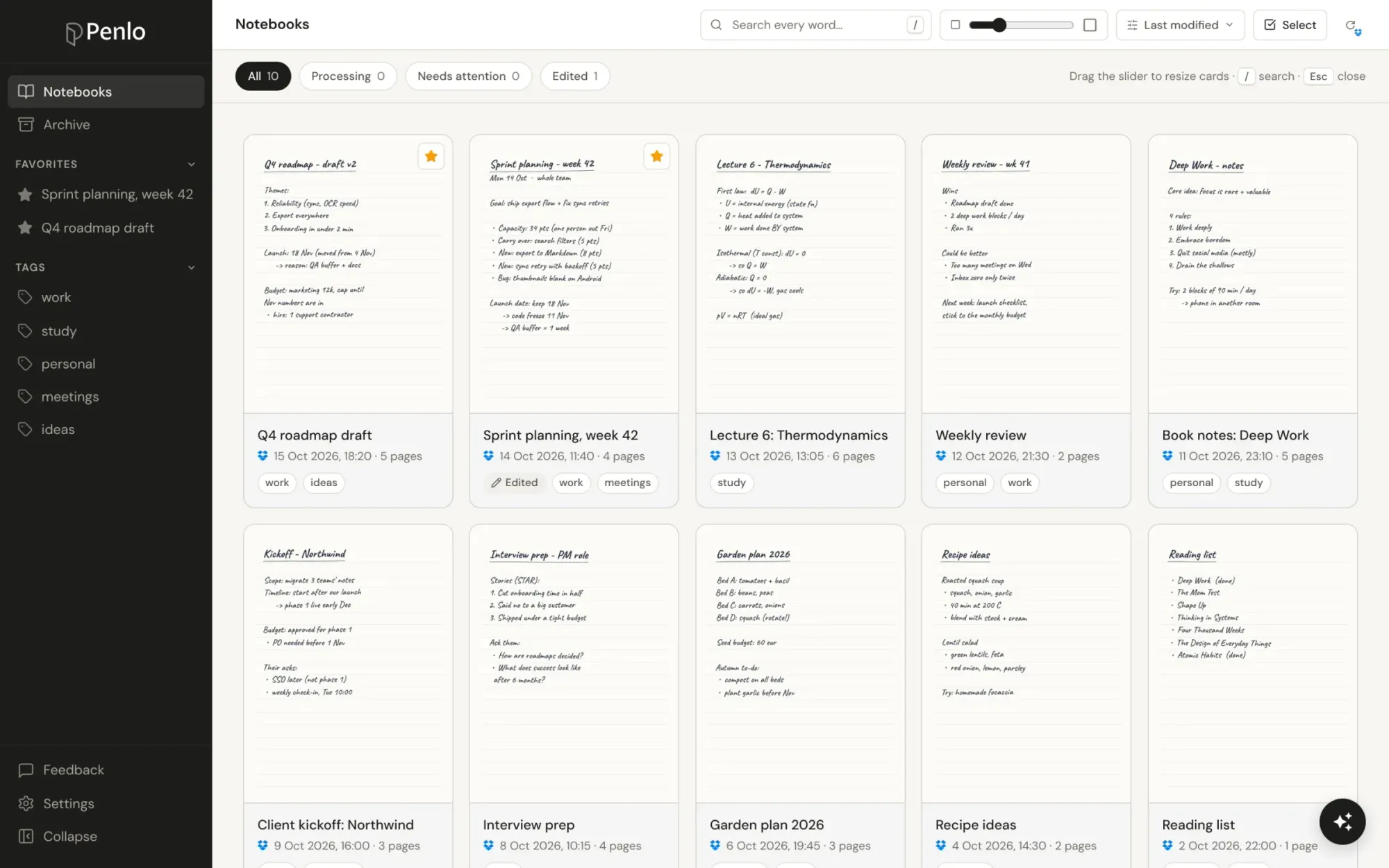
Find every mention of a concept
Writing up a literature review? Search a concept and Penlo lists every page, in every notebook, where you wrote it, with the passage highlighted. Use quotes for exact phrases ("working memory") and a minus to exclude a word (attention -visual).
Ask questions across your reading
Penlo AI answers questions from your own notes and tells you which notebook each answer came from. It's a good way to rediscover what you already thought:
- "Which papers did I note as arguing against the dual-process model?"
- "What did my supervisor say about the sample size?"
- "List the open questions I wrote down this month."
Get your notes into your writing
- Copy or download. Copy a page or a whole notebook, or download it as Markdown to drop into your writing tool or reference manager notes.
- Notion. Send a notebook to Notion as a page, with its summary and tags.
- Your own AI assistant. Connect Penlo to Claude or ChatGPT and ask it to outline a section from your reading notes.
Storage for years of notebooks
Penlo reads your notebooks from your own Dropbox or OneDrive, so the original PDFs always stay in your cloud storage. A PhD's worth of handwriting adds up.

Setting up Dropbox for your notes? Get 500 MB extra, free.
Sign up through our referral link and you get 500 MB on top of the free 2 GB plan. (We get a little extra space too.)
Which plan?
Searching across all notebooks is part of Pro; Penlo AI and connecting your own AI assistant are part of Power. Every account starts with a 7-day trial of Power, no card needed, so you can try the whole workflow on a week of real notes.
Written by
Builder, product marketer. Creator of Penlo and Ectobuilder. Co-author of The AdTech Book. Writes about turning handwritten notes into searchable, useful text.
Keep reading
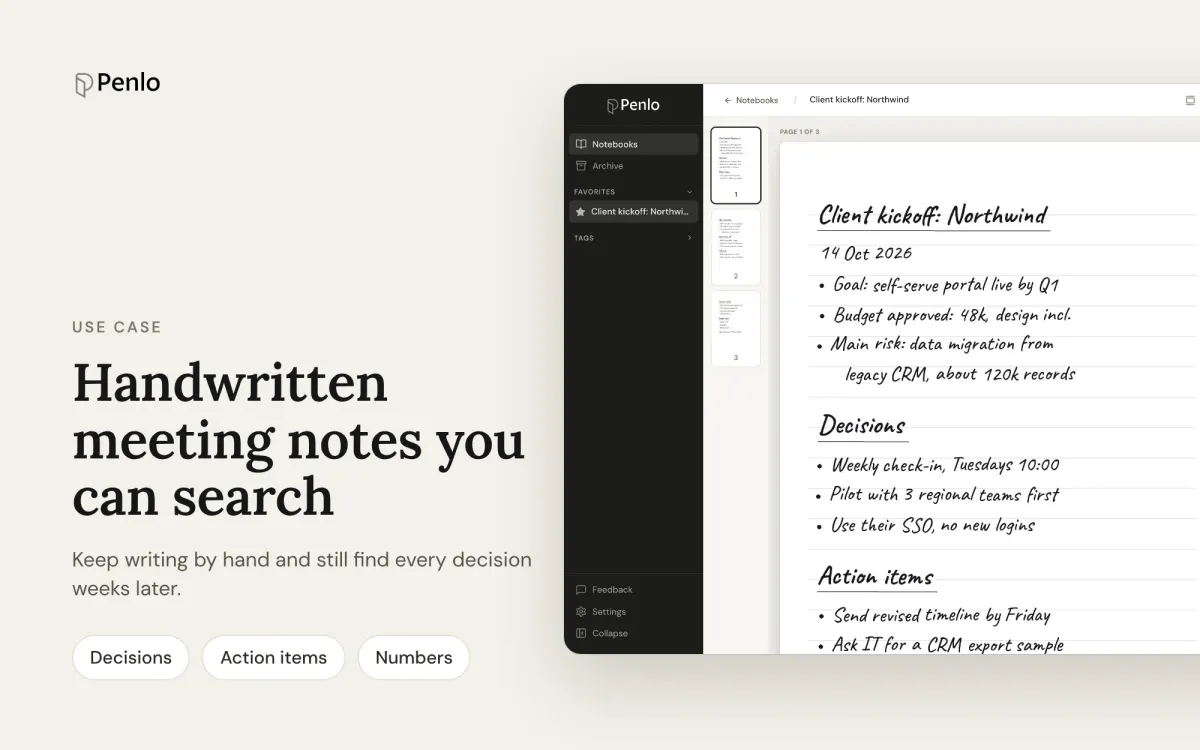
A handwritten meeting-notes system you can actually search
Keep taking meeting notes by hand, and still find every decision, action item and number weeks later. A simple system for e-ink tablets and Penlo.