
From pen to Notion: send your handwritten notes to Notion
Turn a handwritten notebook into a Notion page, with its text, summary, tags and a link to the original, in two clicks.

Michal Wlosik
· 2 min read
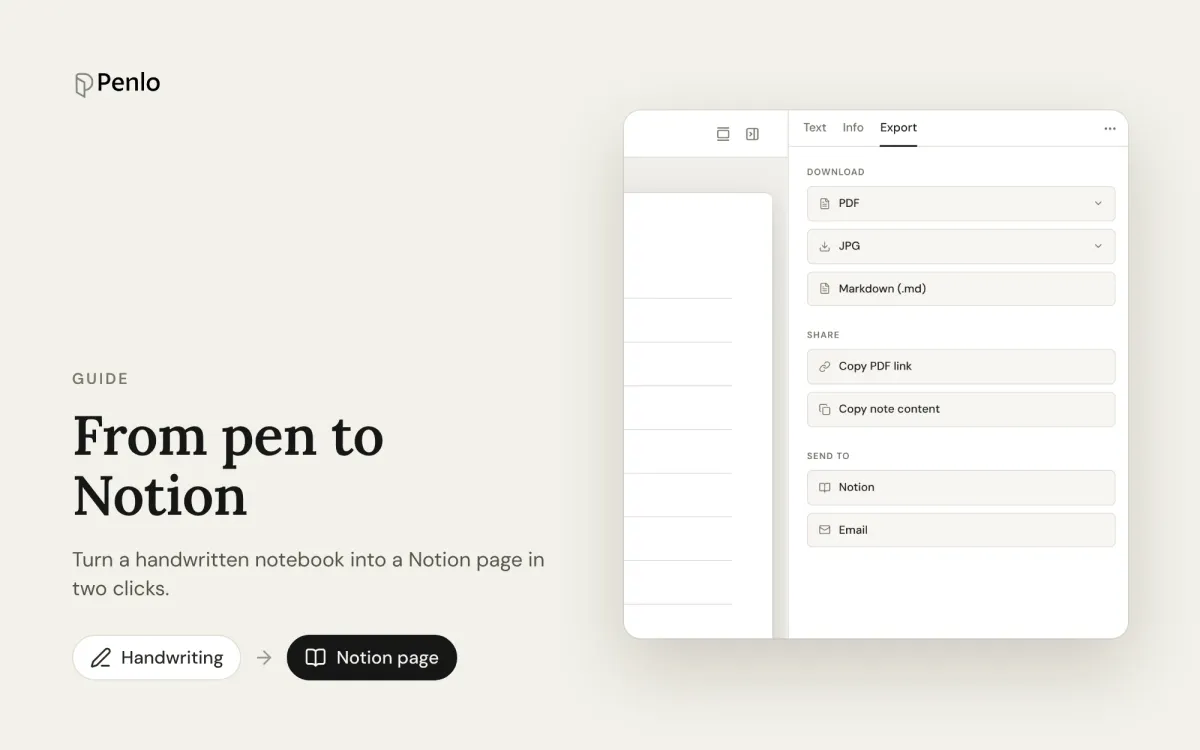
If Notion is where your projects live, your handwritten notes should be there too. Penlo turns a notebook from your e-ink tablet into a Notion page: the cleaned-up text of every page, a short summary, your tags, and a link back to the original handwriting.
Connect Notion once
- In Penlo, open Settings › Export & destinations and choose Add destination › Notion.
- Sign in to Notion and pick which pages Penlo may use. Notion only lets Penlo see the pages you select here.
- Back in Penlo, choose the Notion page your notes should go under.
Send a notebook
Open any notebook in Penlo, go to the Export tab, and under Send to choose Notion. A few seconds later the page appears in your Notion workspace.
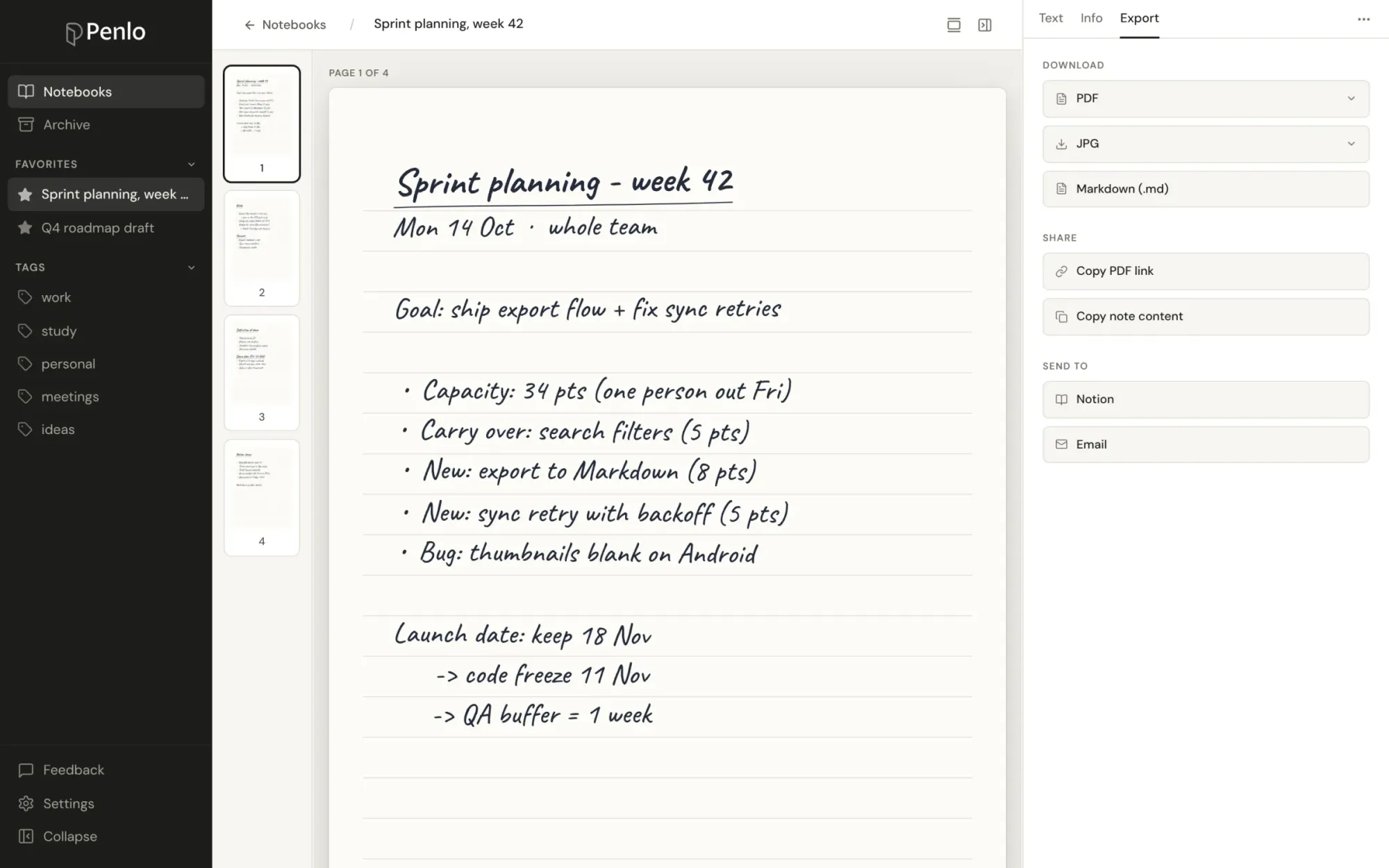
What ends up in Notion
- The text of every page, cleaned up and including any corrections you made in Penlo.
- The AI summary of the notebook.
- Your tags, the page count and the date it was synced.
- A link to the original handwritten PDF, so you can always check what you actually wrote.
Updating a page
Fixed a word or added pages on your tablet? Send the notebook again and Penlo updates the same Notion page instead of creating a duplicate.
Other ways to get the text out
Notion isn't the only option on the Export tab. You can also download a notebook as Markdown, a PDF or images, copy its text, email it to yourself, or create a share link. If you'd rather have an AI assistant use your notes, connect Penlo to Claude or ChatGPT.
Which plan?
Sending to Notion is part of Pro and Power, and of the 7-day free trial every new account starts with.
Written by
Builder, product marketer. Creator of Penlo and Ectobuilder. Co-author of The AdTech Book. Writes about turning handwritten notes into searchable, useful text.
Keep reading
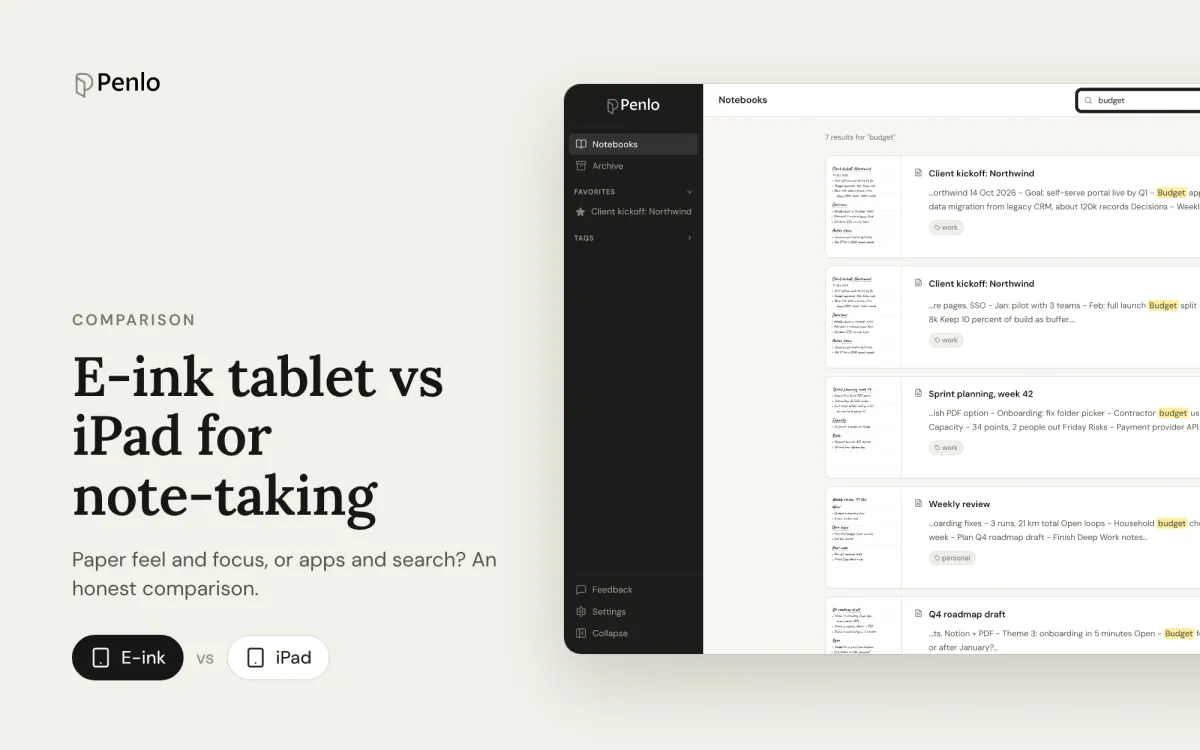
E-ink tablet vs iPad for note-taking: an honest comparison
Paper feel, focus and battery life, or apps, colour and search? How e-ink tablets and the iPad compare for handwritten notes, and how to close the e-ink tablet's one big gap.
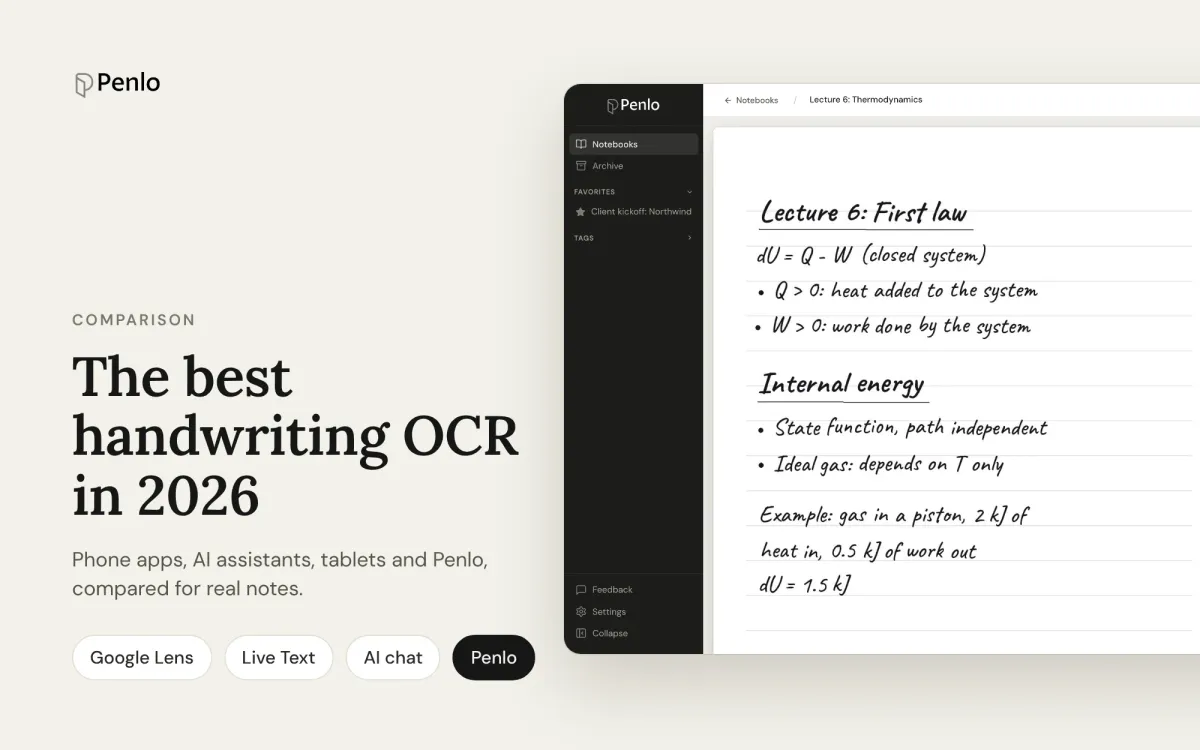
The best handwriting OCR in 2026: what actually works for notes
Google Lens, Apple Live Text, AI assistants, your tablet's own recognition and Penlo, compared for real handwritten notes: messy writing, many pages, and finding the text again.
How to convert handwritten notes to text on an e-ink tablet
Three ways to turn handwritten notes into text if you write on an e-ink tablet: on the device, with a phone OCR app, or automatically for every notebook. What each is good for, and where it falls short.