
E-ink tablet vs iPad for note-taking: an honest comparison
Paper feel, focus and battery life, or apps, colour and search? How e-ink tablets and the iPad compare for handwritten notes, and how to close the e-ink tablet's one big gap.

Michal Wlosik
· 3 min read
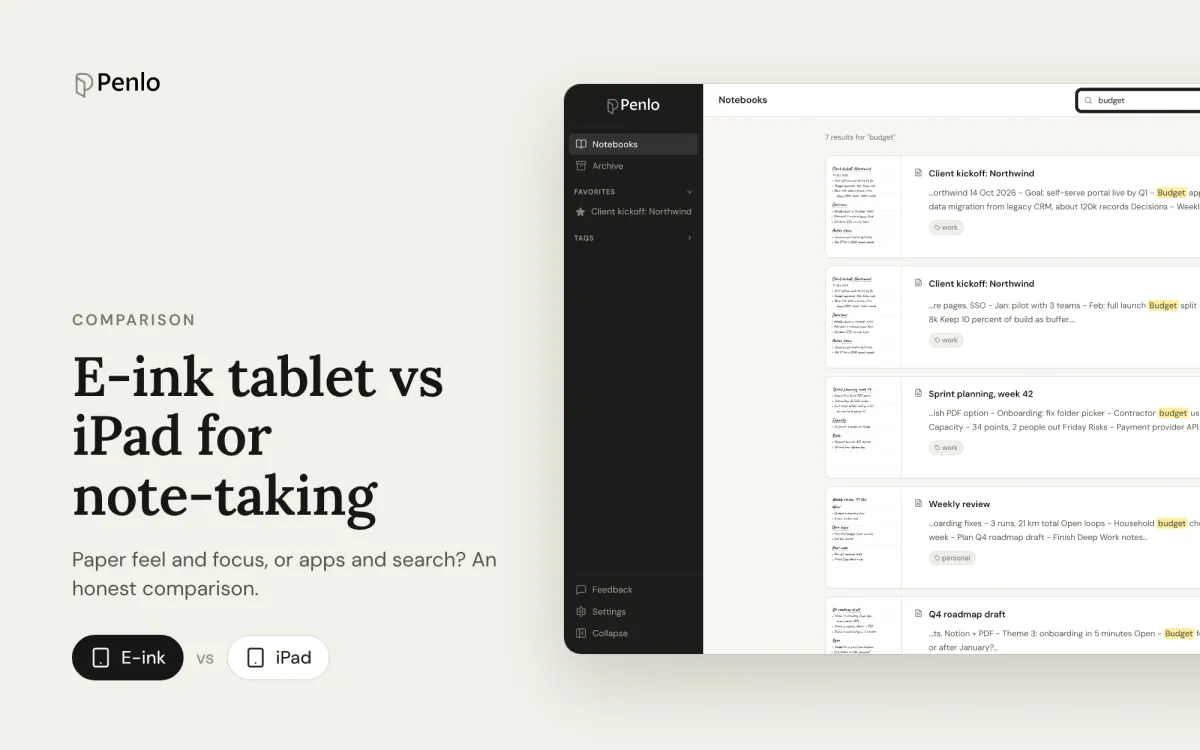
If you want to take notes by hand on a screen, there are two very different choices: an e-ink tablet like a BOOX, reMarkable, Supernote or Kindle Scribe, or an iPad with an Apple Pencil. Both work. They suit different people, and the difference is bigger than the spec sheets suggest.
Writing feel
E-ink tablets have a matte, textured screen that gives the pen a little friction, much like paper. An iPad is smooth glass; a matte screen protector helps, at some cost to sharpness. If writing for an hour at a time is the point, most people prefer e-ink.
Screen and eyes
E-ink reflects light like paper instead of shining it at you, so it's comfortable for long sessions and readable in sunlight. An iPad's screen is brighter, sharper and full colour, which is better for photos, video and colourful diagrams. Some e-ink tablets have colour now, but it's muted.
Battery
E-ink tablets typically last days to weeks between charges for note-taking, depending on the model. An iPad lasts around a day of use. If you forget to charge things, this matters more than it sounds.
Focus
An iPad does everything, and everything includes messages, email and video. A reMarkable or Supernote does almost nothing but notes, which is why many people buy one. BOOX sits in between: it runs Android apps, but on a screen that makes doom-scrolling unappealing.
Apps and finding notes later
This is where the iPad is strongest. Apps like Goodnotes and Notability are polished, and they can search your handwriting across notebooks and convert it to text. Apple Notes can search handwriting too.
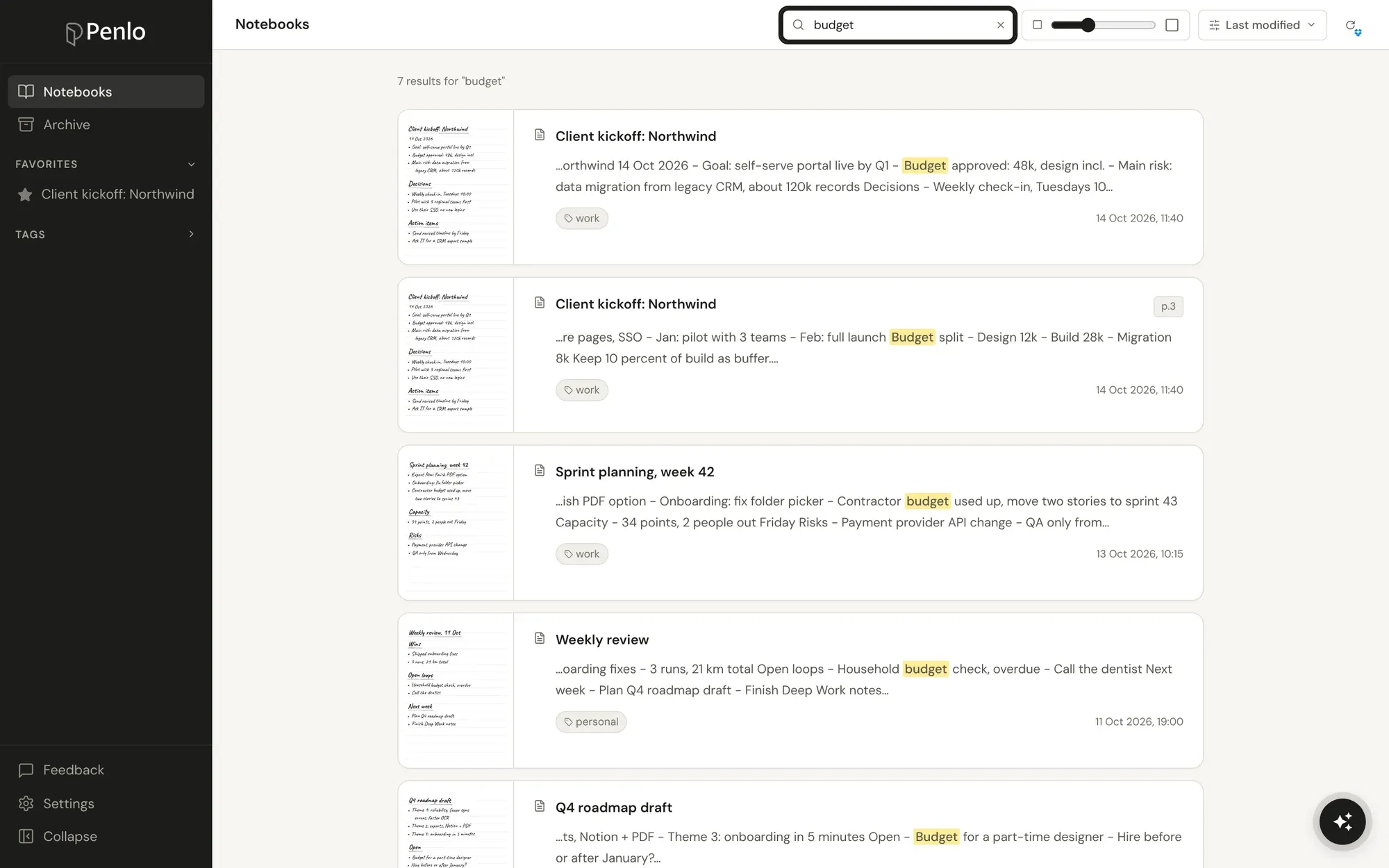
E-ink tablets are more mixed. Some search handwriting on the device, some only when you pay for a subscription, and searching them from your laptop or phone is limited or needs a subscription. If you've ever needed last month's notes while away from the tablet, you know the problem. Our guide to the best e-ink tablets compares each one on this.
Cost
Note-taking e-ink tablets mostly cost between about $330 and $630, sometimes with the pen included. An iPad starts lower, but the Apple Pencil is sold separately, and the models people use for serious notes cost more. Expect to spend a similar amount either way.
At a glance
| E-ink tablet | iPad | |
|---|---|---|
| Writing feel | Close to paper | Glass; better with a matte protector |
| Eyes and sunlight | Easy on the eyes, readable outdoors | Bright backlit screen |
| Battery | Days to weeks | About a day |
| Distractions | Few (most models) | Everything |
| Colour and media | Limited | Excellent |
| Search your handwriting | Varies; mostly on the tablet | Yes, in the main note apps |
Which should you choose?
- Choose an iPad if you want one device for notes, reading, drawing and everything else, and you'll use colour and media.
- Choose an e-ink tablet if you mainly write and read, want something that feels like paper and stays charged, and want fewer distractions.
Closing the e-ink tablet's one big gap
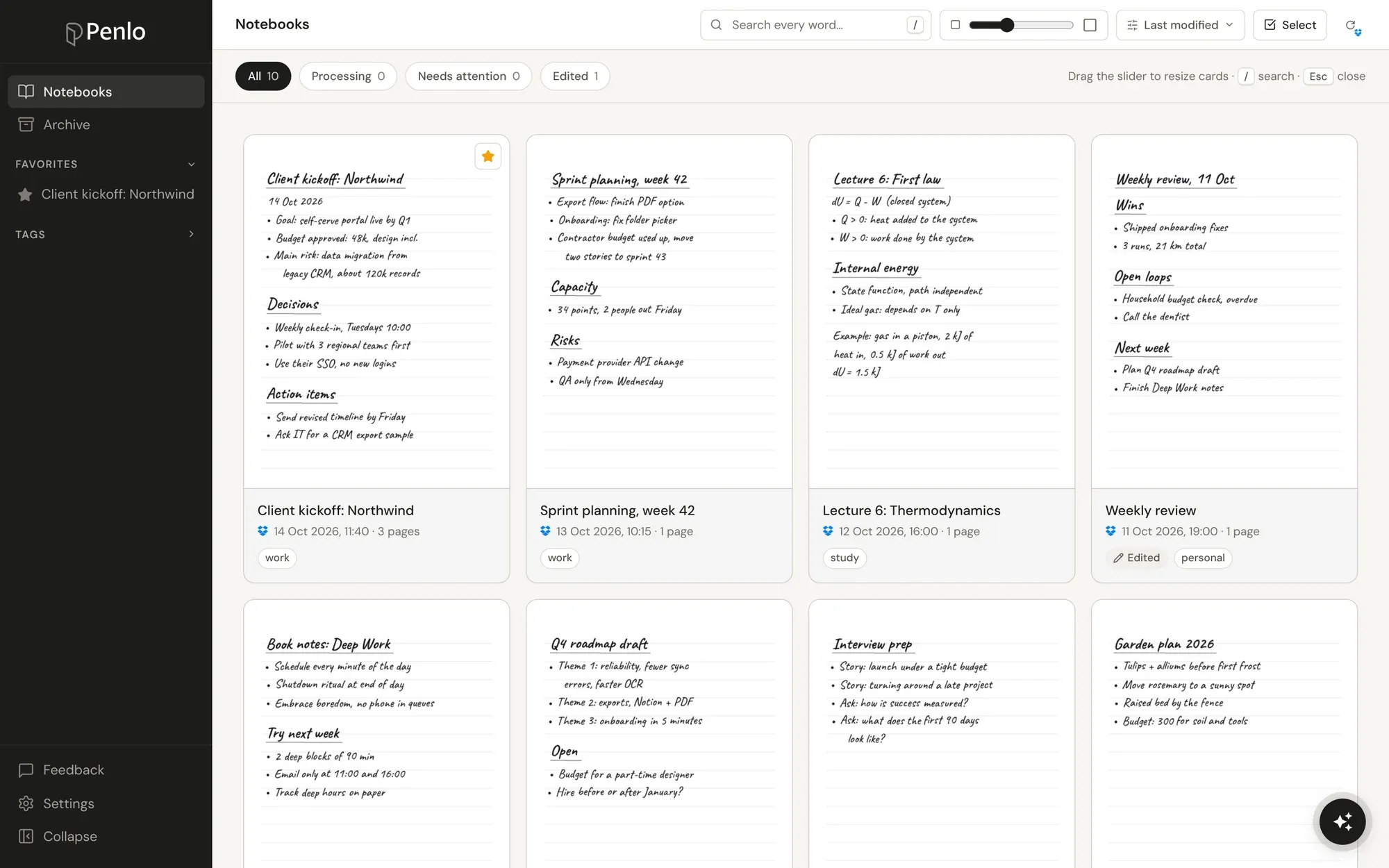
If you pick e-ink, you don't have to give up finding your notes. Penlo is built for e-ink tablets: your tablet saves each notebook as a PDF to Dropbox or OneDrive, and Penlo turns every page into text you can search from any browser, on any device, across every notebook.
Chose e-ink?
Get the paper feel and the search. Penlo makes every notebook searchable from any screen. Try every feature free for 7 days.

Setting up a new tablet?
Sign up for Dropbox through our referral link and get 500 MB extra on top of the free 2 GB. (We get a little extra space too.)
Setup takes about five minutes: see Getting started with Penlo.
Written by
Builder, product marketer. Creator of Penlo and Ectobuilder. Co-author of The AdTech Book. Writes about turning handwritten notes into searchable, useful text.
Keep reading
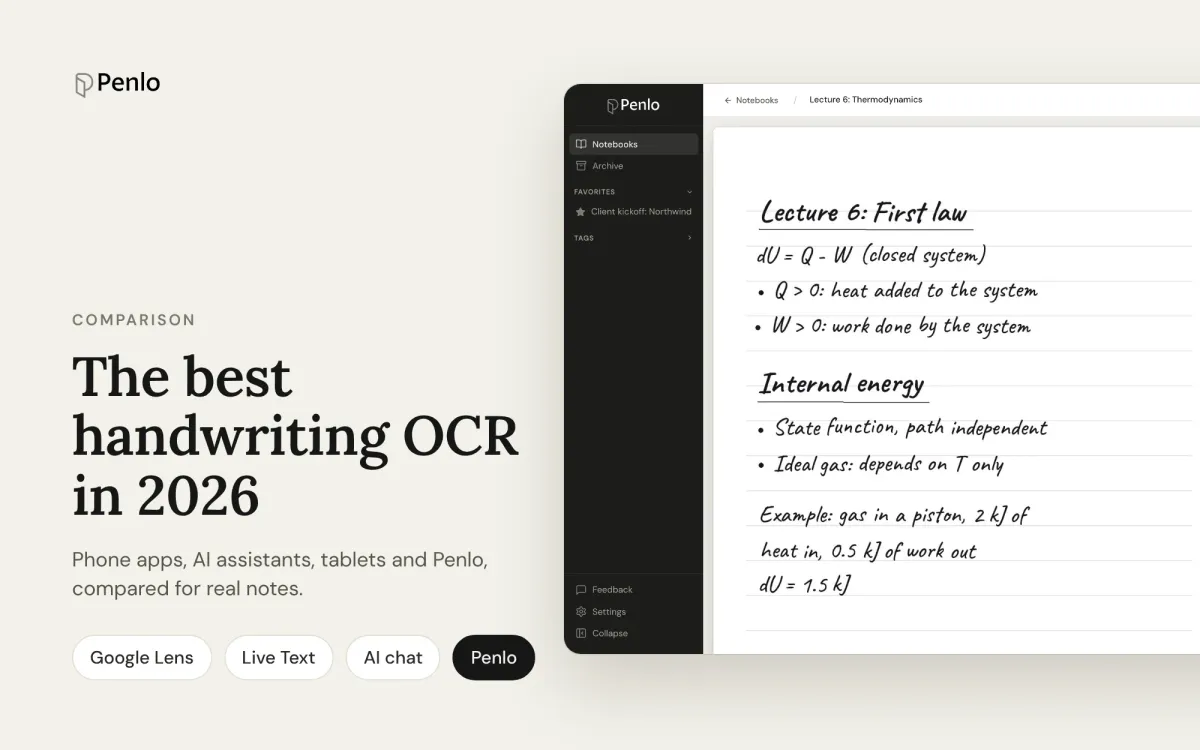
The best handwriting OCR in 2026: what actually works for notes
Google Lens, Apple Live Text, AI assistants, your tablet's own recognition and Penlo, compared for real handwritten notes: messy writing, many pages, and finding the text again.
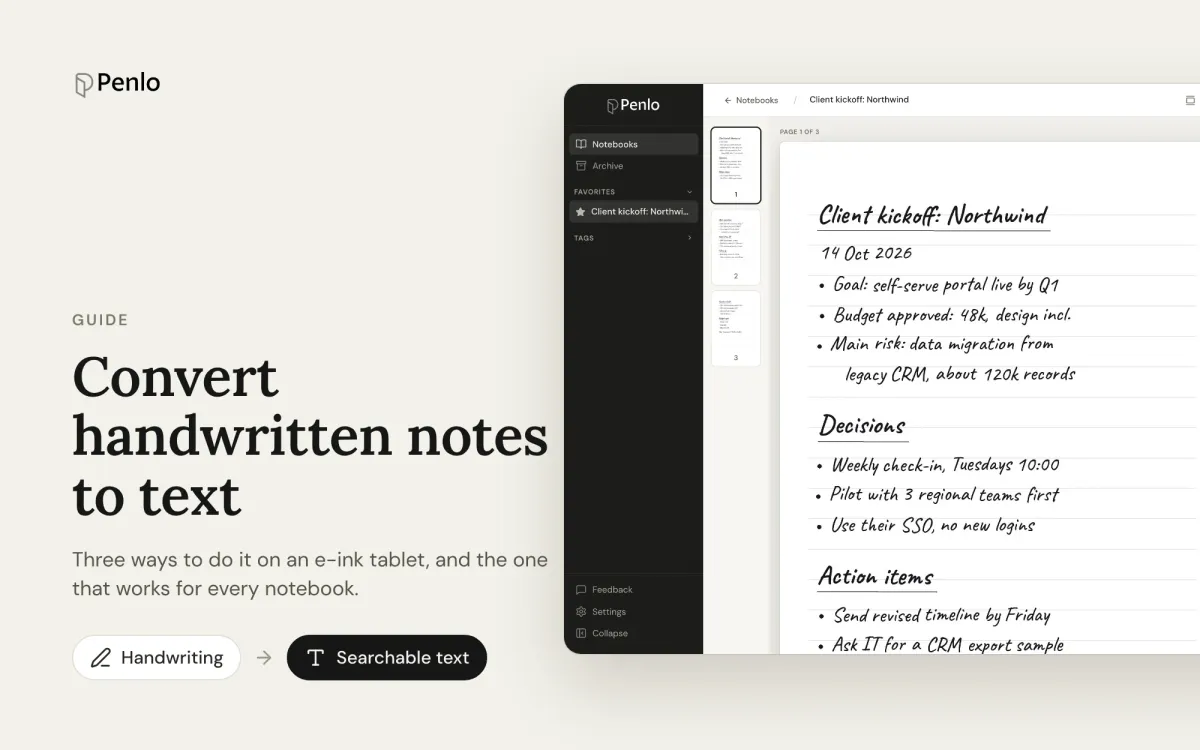
How to convert handwritten notes to text on an e-ink tablet
Three ways to turn handwritten notes into text if you write on an e-ink tablet: on the device, with a phone OCR app, or automatically for every notebook. What each is good for, and where it falls short.
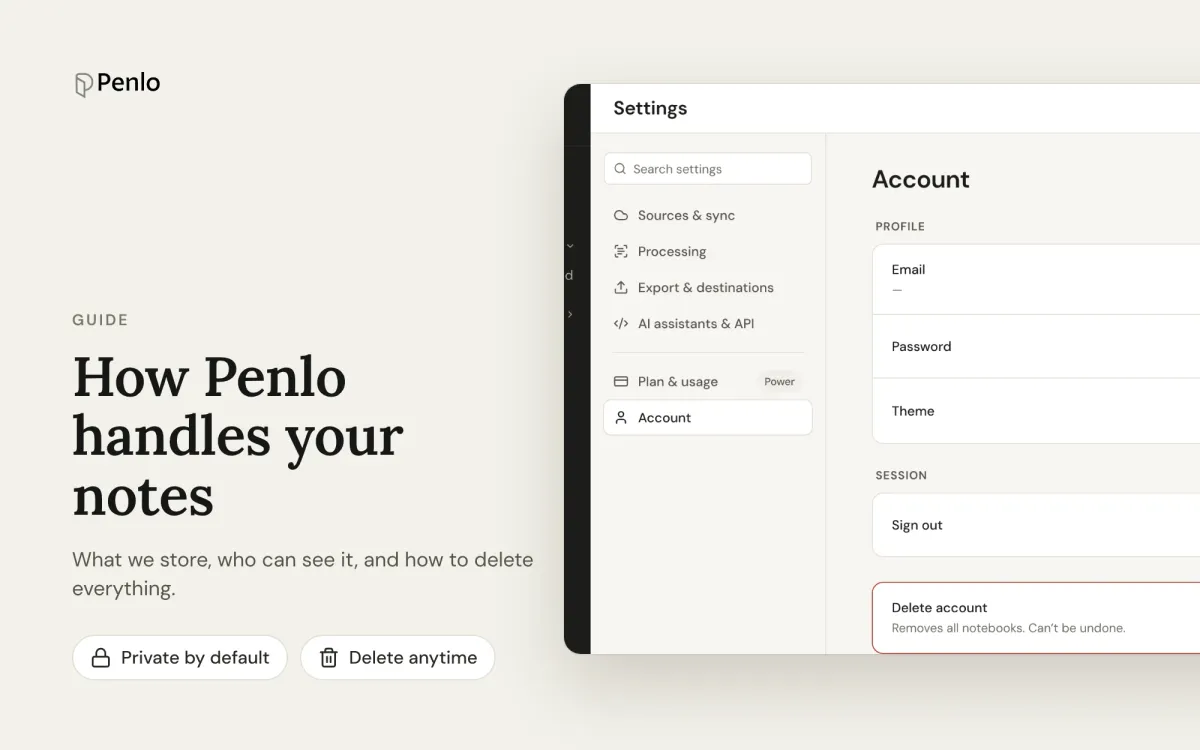
How Penlo handles your notes: privacy and security
What Penlo stores, where it's stored, who can see it, and how to delete everything. A plain-language guide for people who write sensitive things by hand.