The best e-ink tablets for note-taking in 2026, if you want to find your notes later
BOOX, reMarkable, Supernote or Kindle Scribe? The best note-taking tablets, picked for what most reviews skip: turning handwriting into text, searching it, and getting notebooks off the device.

Michal Wlosik
· 5 min read
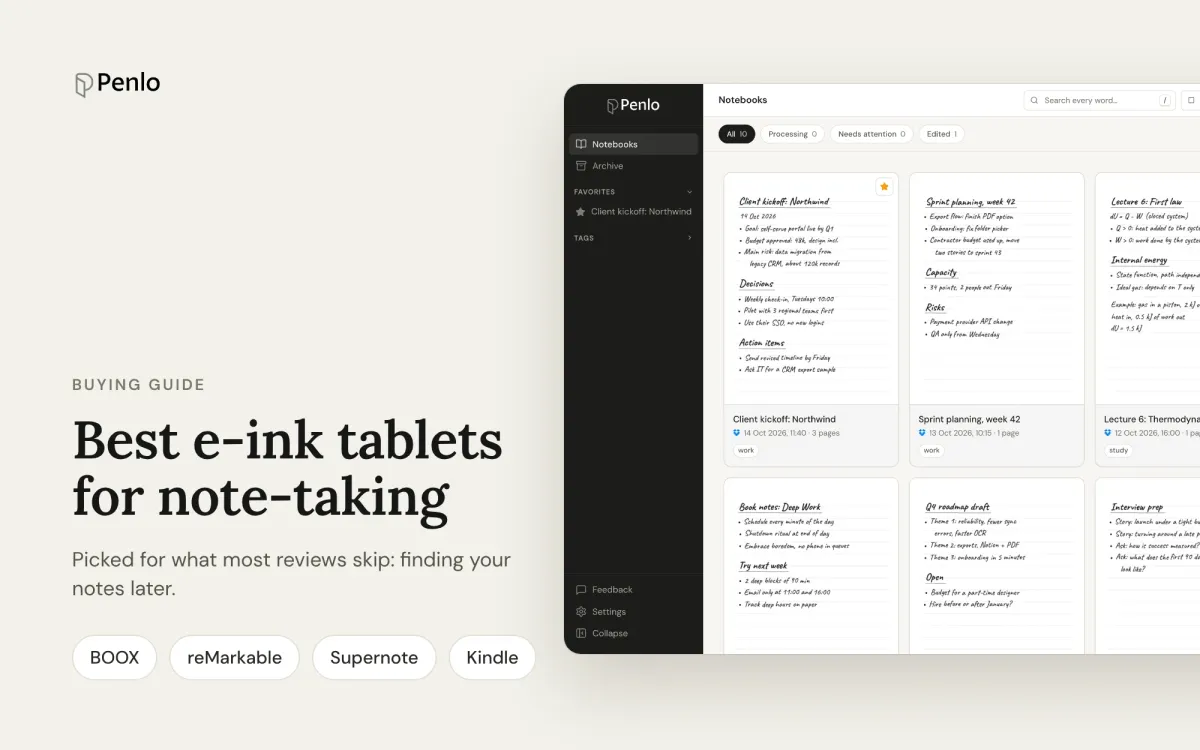
Most e-ink tablet reviews judge the pen, the screen and the battery. Those matter on day one. A few months in, a different question takes over: you wrote something important in a meeting in March, and now you need it. Can you find it?
This guide picks the best note-taking tablets with that in mind. Alongside how they feel to write on, we looked at how each one turns handwriting into text, how well it searches, how your notebooks get off the device, and whether you need a subscription for any of it.
Best overall for searchable notes: Onyx BOOX Note Air5 C
Best writing experience: reMarkable Paper Pro
Best without a subscription: Supernote Manta or Nomad
Best if you read Kindle books: Kindle Scribe
What to look for
- How notebooks leave the tablet. Some tablets save every notebook to your cloud storage automatically. Others make you export each one by hand. Over a year of notes, this matters more than anything else on this list.
- Handwriting to text. Can the tablet convert what you write, and does it do it in the background or only when you ask?
- Search. Can you search the words you wrote, across every notebook, without paying extra?
- Subscriptions. Some features are only included with a monthly plan.
Best overall for searchable notes: Onyx BOOX Note Air5 C
The Note Air5 C has a 10.3-inch colour E Ink screen, comes with its pen, and runs Android 15 with the Google Play Store, so you can install the apps you already use. The Notes app converts handwriting to text and can search your handwriting.
What puts it first here is what happens when you close a notebook: a BOOX can save it as a PDF to Dropbox automatically, every time. Nothing to remember, nothing to export. That makes it the smoothest tablet to pair with a tool that reads your notes for you. See how to set it up.
- Good: automatic export, pen included, colour, any Android app.
- Less good: colour E Ink is less crisp than black and white, and a full Android tablet is easier to get distracted on.
- Want a bigger screen? The BOOX Note Max has a 13.3-inch black-and-white screen, close to a sheet of A4.
Best writing experience: reMarkable Paper Pro
reMarkable tablets are built for writing and little else, and that focus is the point. The Paper Pro has an 11.8-inch colour screen; the Paper Pro Move is a 7.3-inch colour version that fits in a jacket pocket; the reMarkable 2 is the older black-and-white model.
Converting handwriting to text is free: you convert a page, or a selection, when you need it. Searching your handwriting needs a Connect subscription ($3.99 a month), which also adds unlimited cloud storage. Notebooks can be exported as PDFs to Dropbox or OneDrive without a subscription, but you export each one yourself.
- Good: excellent writing feel, simple and distraction-free, colour on the Pro models.
- Less good: handwriting search is behind a subscription, and getting notebooks into your cloud is a manual step.
Best without a subscription: Supernote Manta and Nomad
Supernote's tablets have black-and-white screens: the 10.7-inch Manta and the 7.8-inch Nomad. Their standout feature for finding notes is real-time recognition: write in a recognition note and it becomes text in the background, which you can then search. The pen is sold separately.
Supernote Cloud is free, and there's no subscription for any feature. To get notebooks into Dropbox or OneDrive as PDFs you export them and tap Sync; regular syncing uses Supernote's own format, which other apps can't open. Our Supernote vs reMarkable comparison goes deeper.
- Good: recognition and search on the device for free, no subscription, very good pen feel.
- Less good: only recognised notes are searchable, no colour, pen costs extra.
Best if you read Kindle books: Kindle Scribe
The current Kindle Scribe has an 11-inch screen and comes with its pen, with or without a front light. The Kindle Scribe Colorsoft adds colour. It's a Kindle first: if most of your time is spent reading, with notes on the side, it's the natural pick.
You can convert a notebook to text and have it emailed to you, and Amazon has added AI-powered search across your notes. Models from 2025 on can upload notebooks as PDFs to OneDrive; Dropbox isn't supported.
- Good: your Kindle library, pen included, months of battery.
- Less good: note-taking is less flexible than on the dedicated writing tablets, and exporting is one notebook at a time.
Already have one of these?
Penlo turns every notebook into searchable text you can use in any browser. Works with BOOX, reMarkable, Supernote and Kindle Scribe.
At a glance
| Tablet | Screen | Pen included | How notebooks reach your cloud | Search your handwriting | Subscription | List price |
|---|---|---|---|---|---|---|
| BOOX Note Air5 C | 10.3 in, colour | Yes | Automatically, as PDFs | Yes | None | $530 |
| reMarkable Paper Pro | 11.8 in, colour | No | Export each notebook | With Connect | Optional, $3.99/month | $629 |
| reMarkable Paper Pro Move | 7.3 in, colour | Yes | Export each notebook | With Connect | Optional, $3.99/month | $449 |
| Supernote Manta | 10.7 in | No | Export, then sync | Recognised notes | None | $505 |
| Supernote Nomad | 7.8 in | No | Export, then sync | Recognised notes | None | $329 |
| Kindle Scribe | 11 in | Yes | Share each notebook to OneDrive | AI search | None | $430 to $500 |
| Kindle Scribe Colorsoft | 11 in, colour | Yes | Share each notebook to OneDrive | AI search | None | $630 |
List prices in US dollars in 2026; sales are frequent, and pens and covers add to the total where they're not included. Features change with software updates, so check the makers' pages before you buy.
The part no tablet does
Every tablet here searches best on the tablet itself. None gives you all your notebooks as text you can search from your laptop or phone, and none lets you search notes from two different tablets together.
That's what Penlo adds. Your tablet saves notebooks as PDFs to Dropbox or OneDrive, and Penlo reads every page with Google Gemini, cleans up the text and puts everything in one searchable library, in any browser.
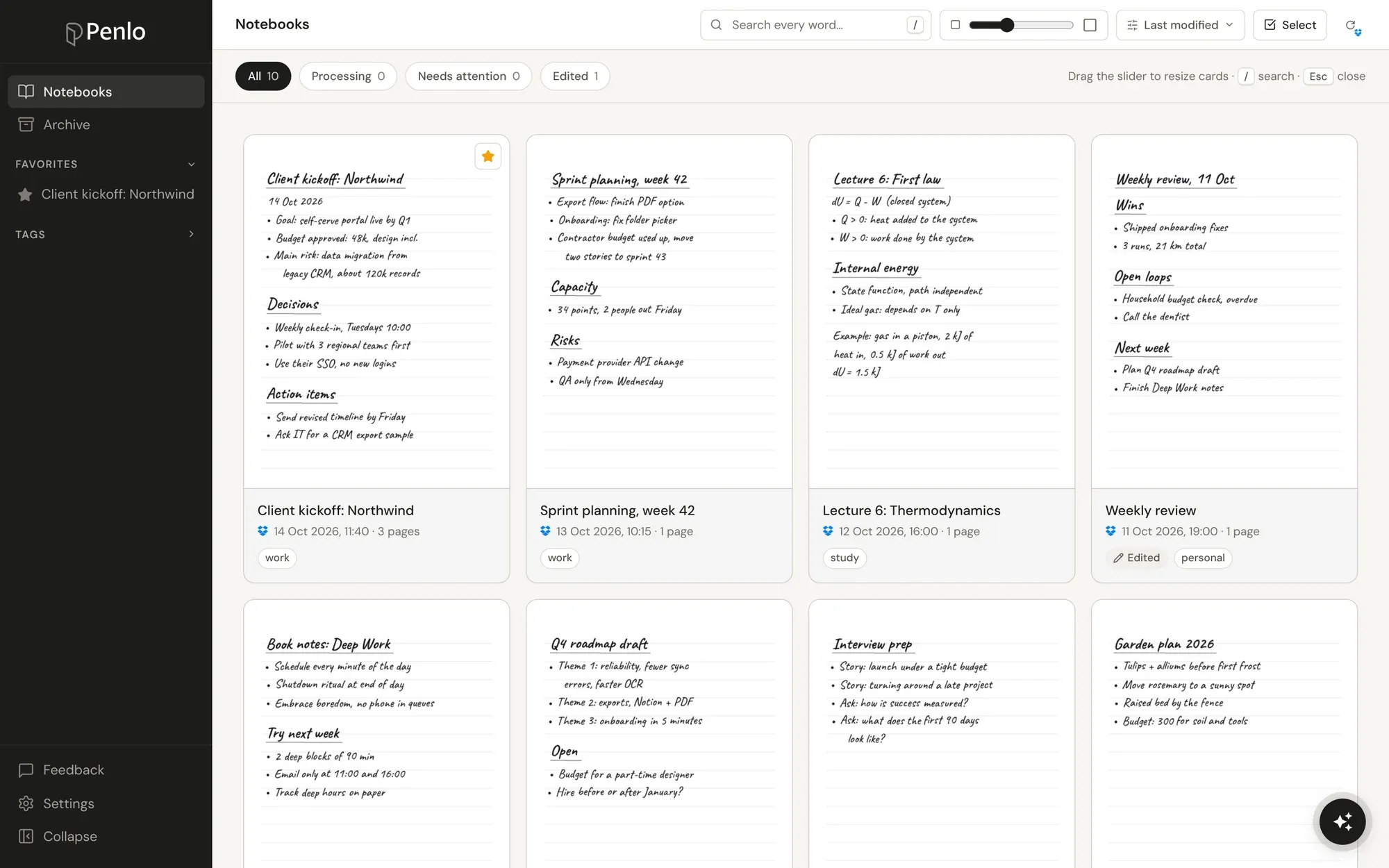
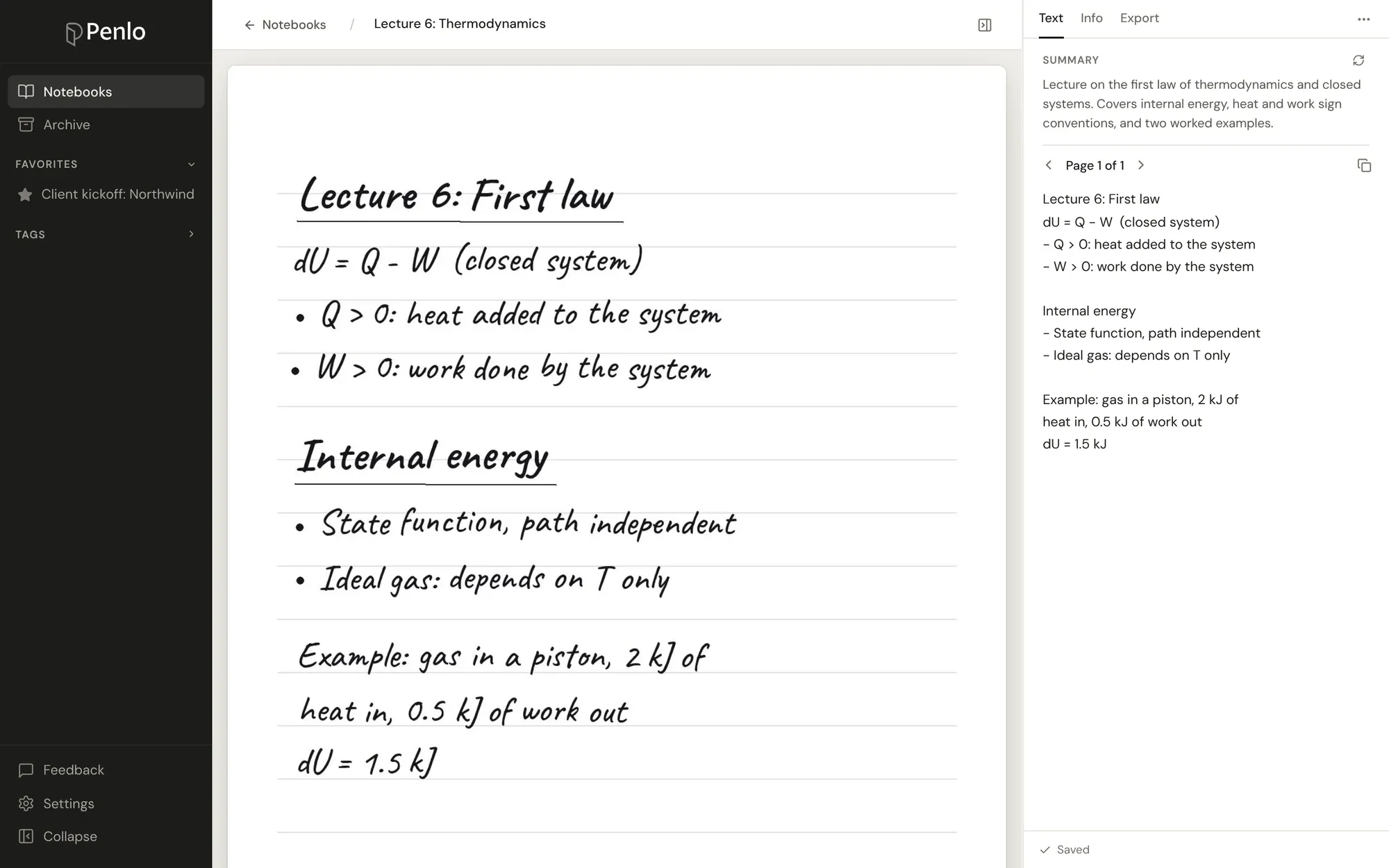
From there you can search every word, ask Penlo AI about your notes, send them to Notion, or let Claude and ChatGPT read them. If you're still deciding how to convert your notes, see How to convert handwritten notes to text.
BOOX, reMarkable and Supernote all work with Dropbox, and it's the setup we recommend: BOOX saves to it automatically, and Penlo can import every notebook already in your folder in one go.
Setting up a new tablet?
Sign up for Dropbox through our referral link and get 500 MB extra on top of the free 2 GB. (We get a little extra space too.)
Setup takes about five minutes: see Getting started with Penlo.
Written by
Builder, product marketer. Creator of Penlo and Ectobuilder. Co-author of The AdTech Book. Writes about turning handwritten notes into searchable, useful text.
Keep reading
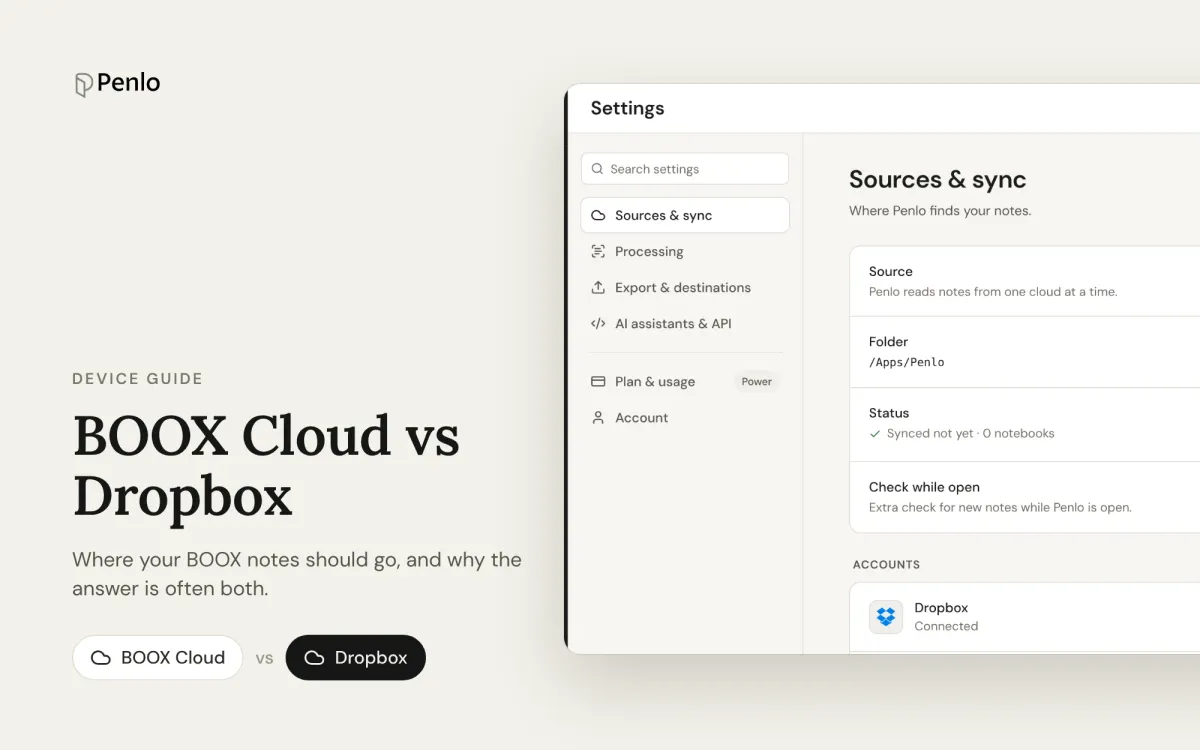
BOOX Cloud vs Dropbox: where should your BOOX notes go?
BOOX Cloud keeps your notes editable on BOOX devices. Dropbox turns every notebook into a PDF any app can read. What each does, what it doesn't, and why most people should use both.
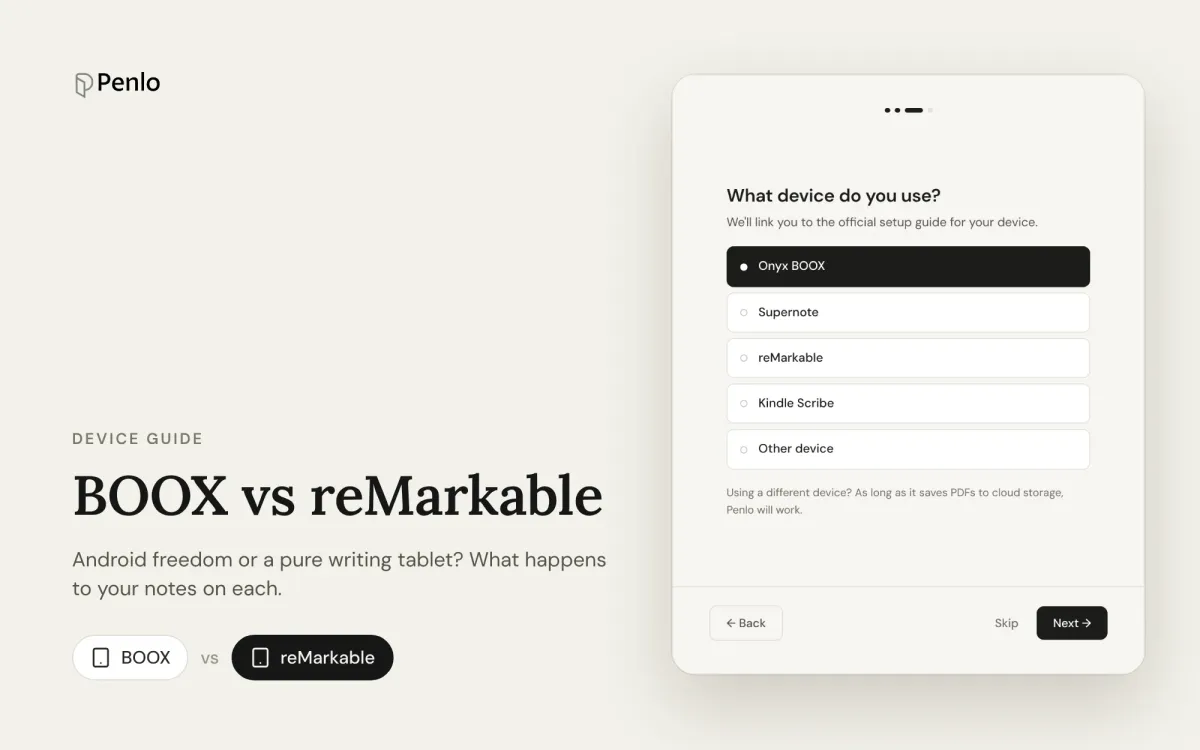
BOOX vs reMarkable for note-taking: Android freedom or a pure writing tablet?
BOOX or reMarkable? A comparison of what happens to your notes on each: apps, handwriting to text, search, cloud sync, subscriptions and getting notebooks off the tablet.
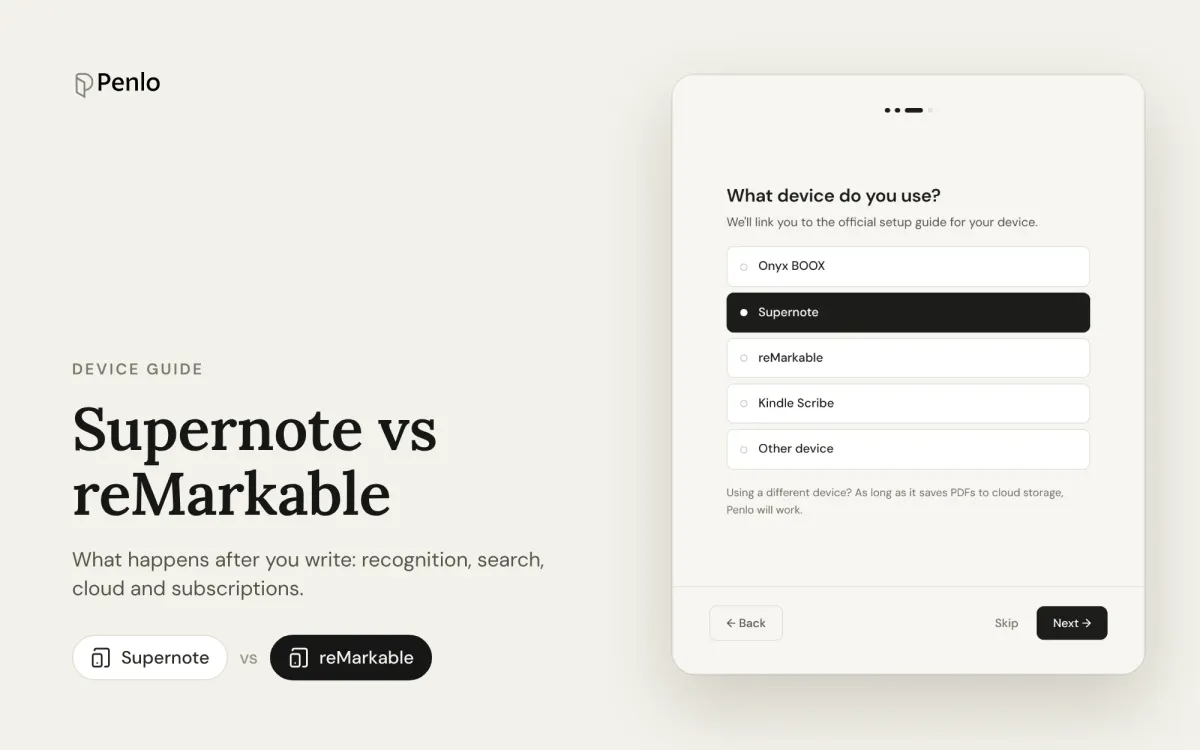
Supernote vs reMarkable for note-taking: what happens after you write
Supernote or reMarkable? A comparison that looks past the pen and screen: handwriting to text, search, cloud sync, subscriptions, and getting your notes out of the tablet.