
Ask your notes anything with Penlo AI
Penlo AI answers questions using everything you've written by hand, and shows you which notebooks each answer came from.

Michal Wlosik
· 2 min read
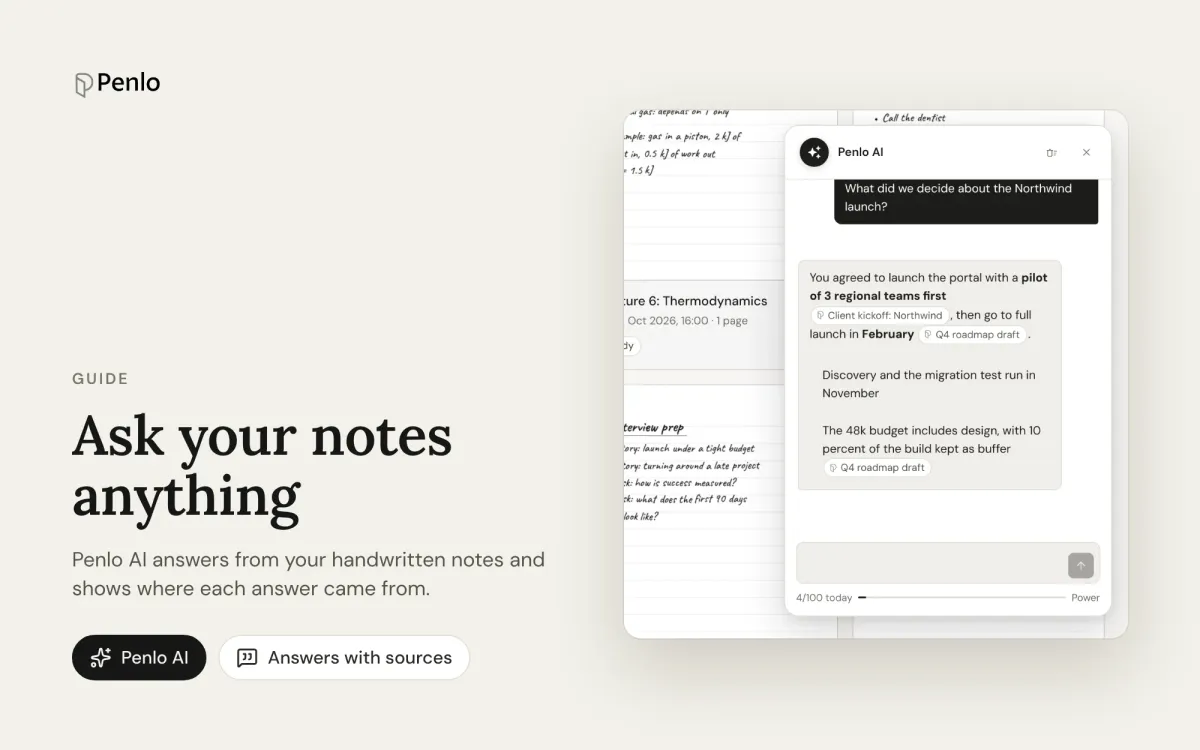
Search is great when you remember a word you wrote. But often you remember the idea, not the words: what did we decide about the launch date? or which book had that point about deep focus? Penlo AI answers questions like these using everything in your notebooks, and shows you where each answer came from.
This is part of our getting started series.
Open Penlo AI
Click the sparkle button in the bottom-right corner of your dashboard. A chat panel opens. Type a question in plain language and press Enter.
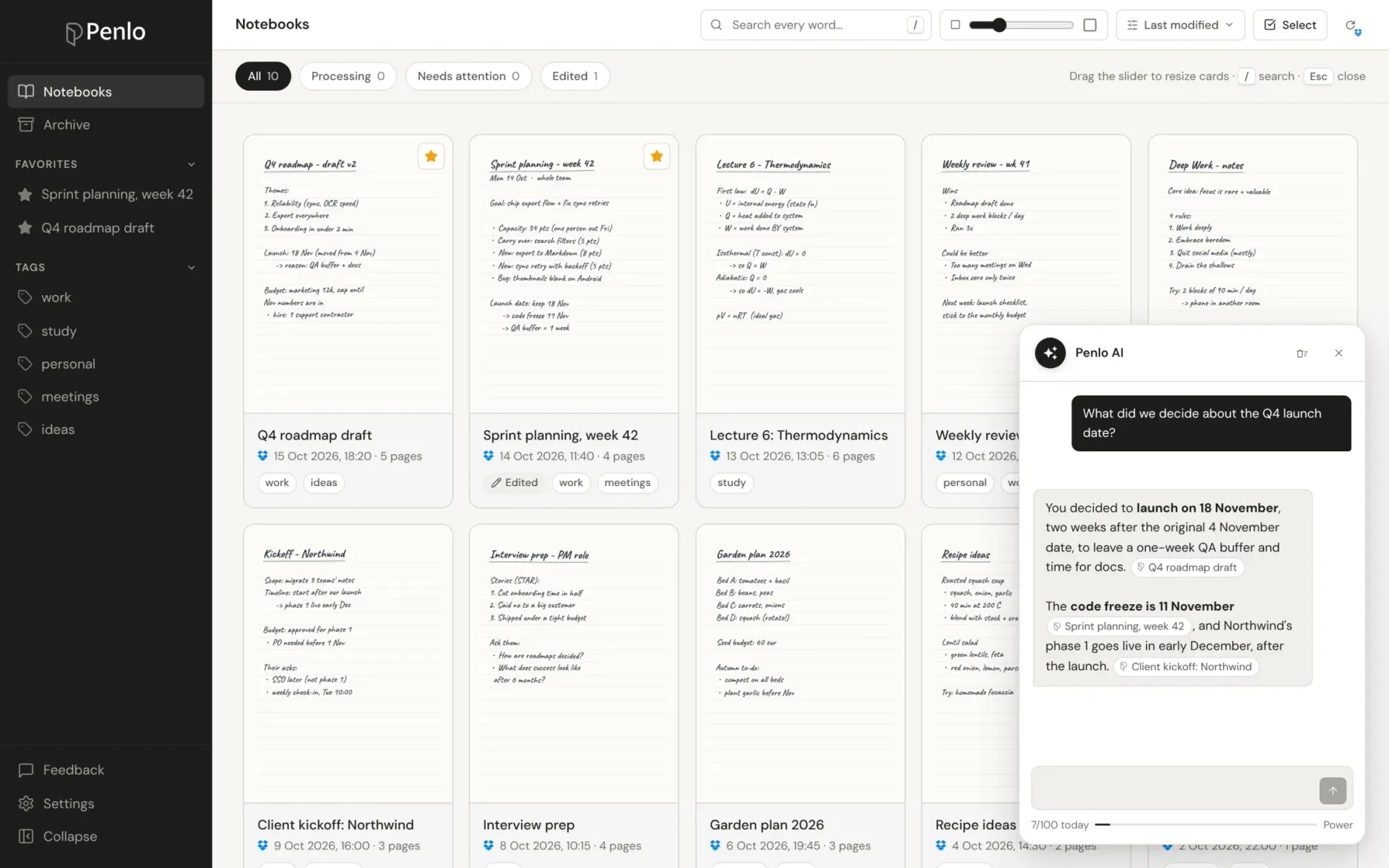
Penlo finds the passages in your notes that are most relevant to the question, even when they use different words, and writes an answer from them. The answer points to the notebooks it used, so you can open the original page and check.
Questions worth asking
Penlo AI is at its best when the answer is spread across several pages or notebooks:
- Decisions: "What did we decide about the Q4 launch date?"
- Tasks: "What tasks did I jot down this week?"
- Summaries: "Summarise my meeting notes with the design team."
- Recall: "Do I have notes on machine learning?"
- People and projects: "What did I write about the Northwind client?"
It remembers the conversation, so you can follow up: ask "and what were the risks?" after a question about a project, without repeating yourself.
How it works
When a notebook has been read, Penlo splits its text into passages and indexes them by meaning, not just by words. That's why a question about "costs" can find a page where you wrote "budget". When you ask something, Penlo pulls the most relevant passages from your library and has Google Gemini write the answer from those passages only.
New notebooks become available to Penlo AI a few minutes after they've been read. Corrections you make by hand are picked up too, so the AI always works from your best version of the text.
Good to know
Which plan includes Penlo AI?
Penlo AI is part of the Power plan, and of the 7-day free trial every new account starts with. Power includes up to 100 questions a day.
Is it different from the summary on each notebook?
Yes. Every notebook gets a short AI summary at the top of its Text tab. Penlo AI works across all your notebooks at once and answers the specific question you ask.
Can I use my own AI assistant instead?
Yes. On Power you can connect Penlo to Claude, ChatGPT, Claude Code or Cursor, and ask them about your notes directly. See Use your handwritten notes in Claude and ChatGPT.
Written by
Builder, product marketer. Creator of Penlo and Ectobuilder. Co-author of The AdTech Book. Writes about turning handwritten notes into searchable, useful text.
Keep reading
E-ink tablet vs iPad for note-taking: an honest comparison
Paper feel, focus and battery life, or apps, colour and search? How e-ink tablets and the iPad compare for handwritten notes, and how to close the e-ink tablet's one big gap.
The best handwriting OCR in 2026: what actually works for notes
Google Lens, Apple Live Text, AI assistants, your tablet's own recognition and Penlo, compared for real handwritten notes: messy writing, many pages, and finding the text again.
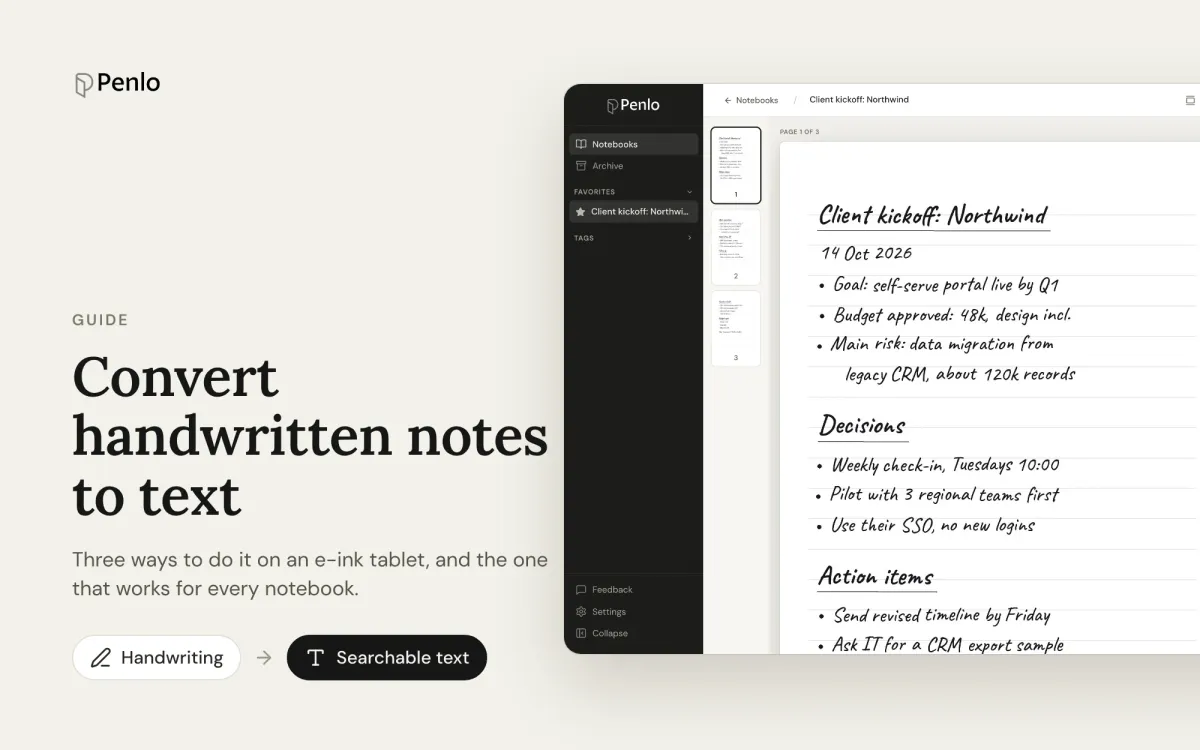
How to convert handwritten notes to text on an e-ink tablet
Three ways to turn handwritten notes into text if you write on an e-ink tablet: on the device, with a phone OCR app, or automatically for every notebook. What each is good for, and where it falls short.