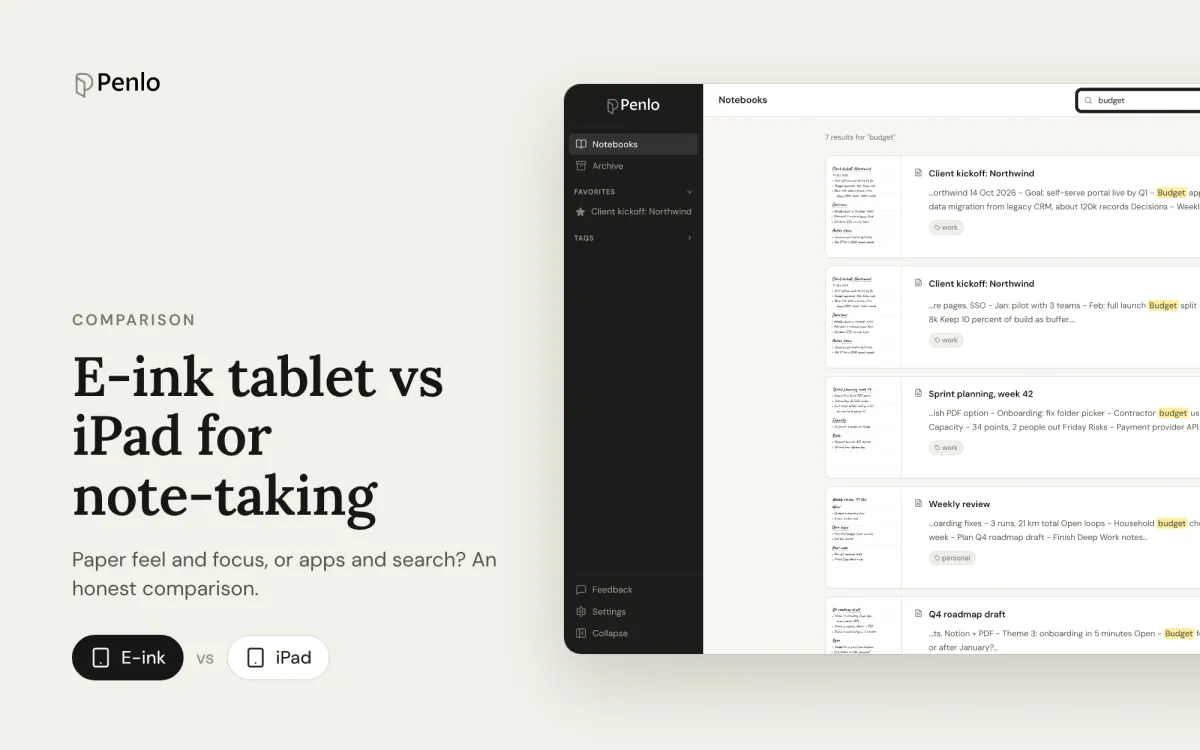
Paper feel, focus and battery life, or apps, colour and search? How e-ink tablets and the iPad compare for handwritten notes, and how to close the e-ink tablet's one big gap.
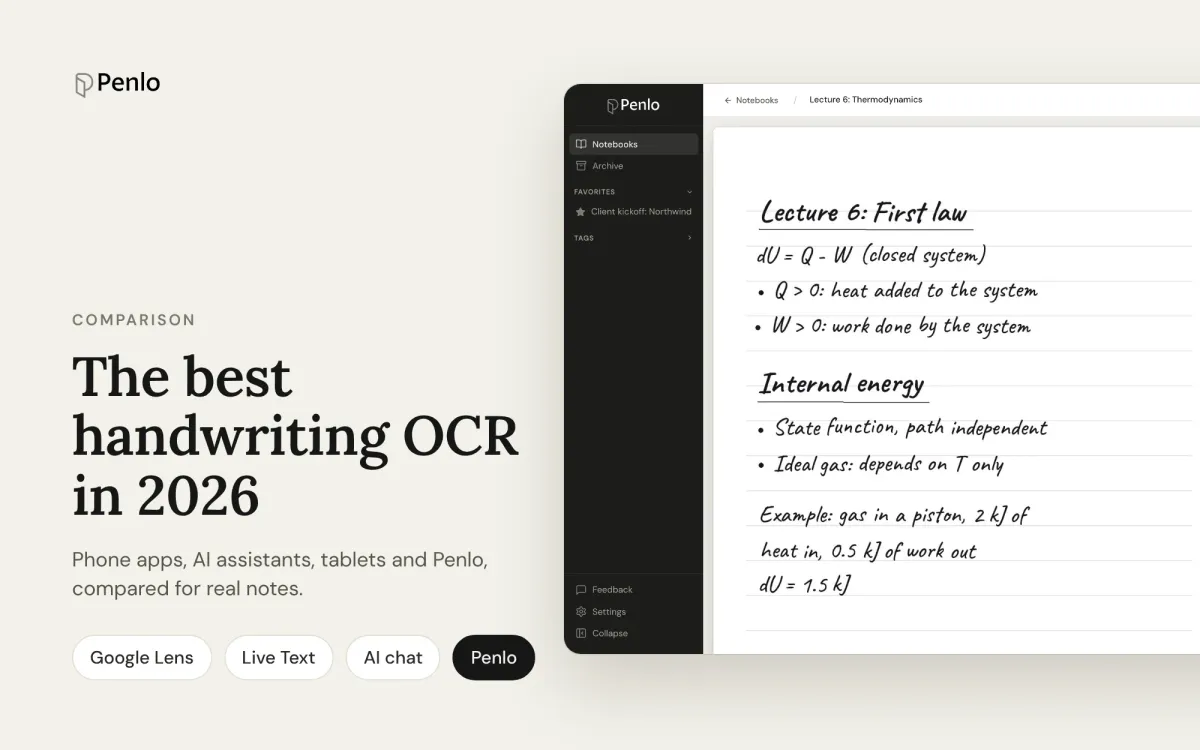
Google Lens, Apple Live Text, AI assistants, your tablet's own recognition and Penlo, compared for real handwritten notes: messy writing, many pages, and finding the text again.
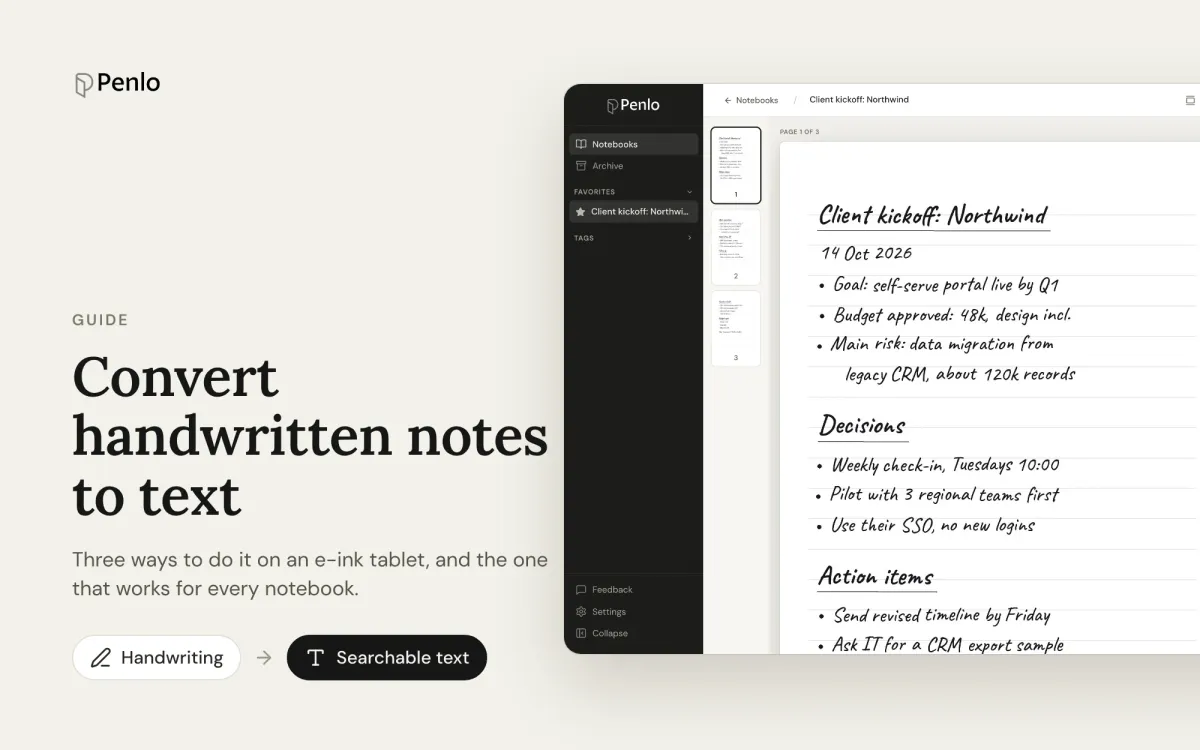
Three ways to turn handwritten notes into text if you write on an e-ink tablet: on the device, with a phone OCR app, or automatically for every notebook. What each is good for, and where it falls short.
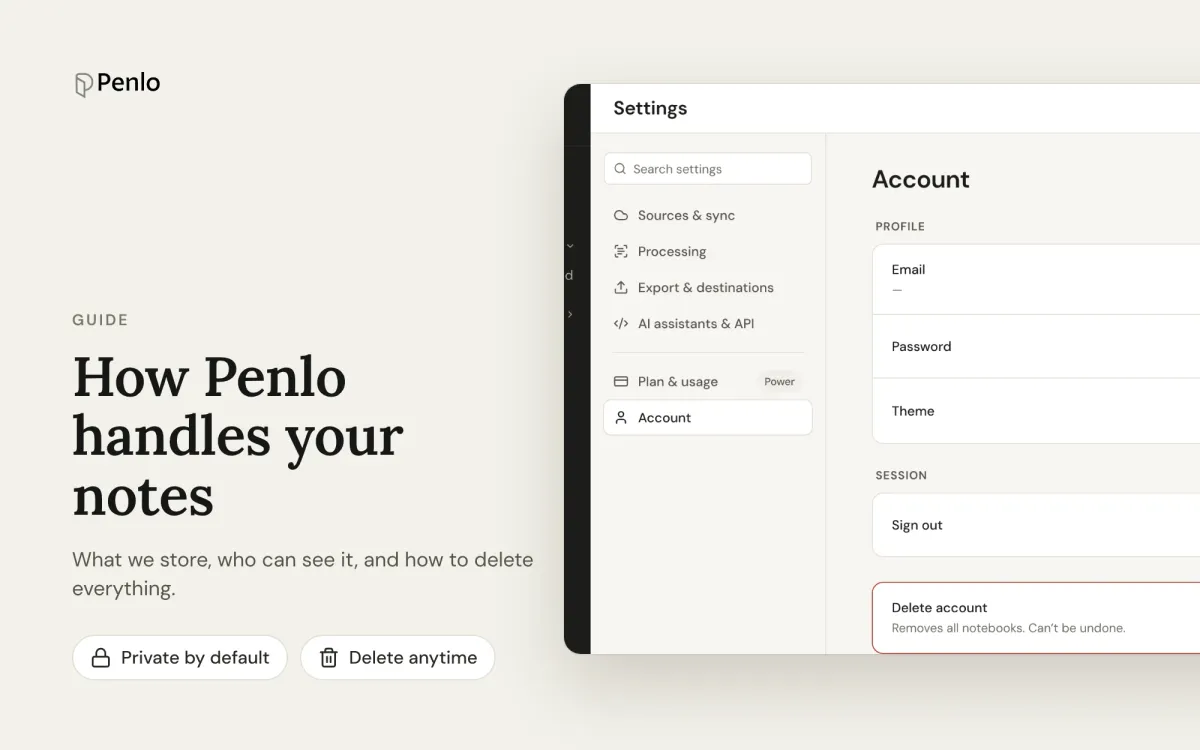
What Penlo stores, where it's stored, who can see it, and how to delete everything. A plain-language guide for people who write sensitive things by hand.
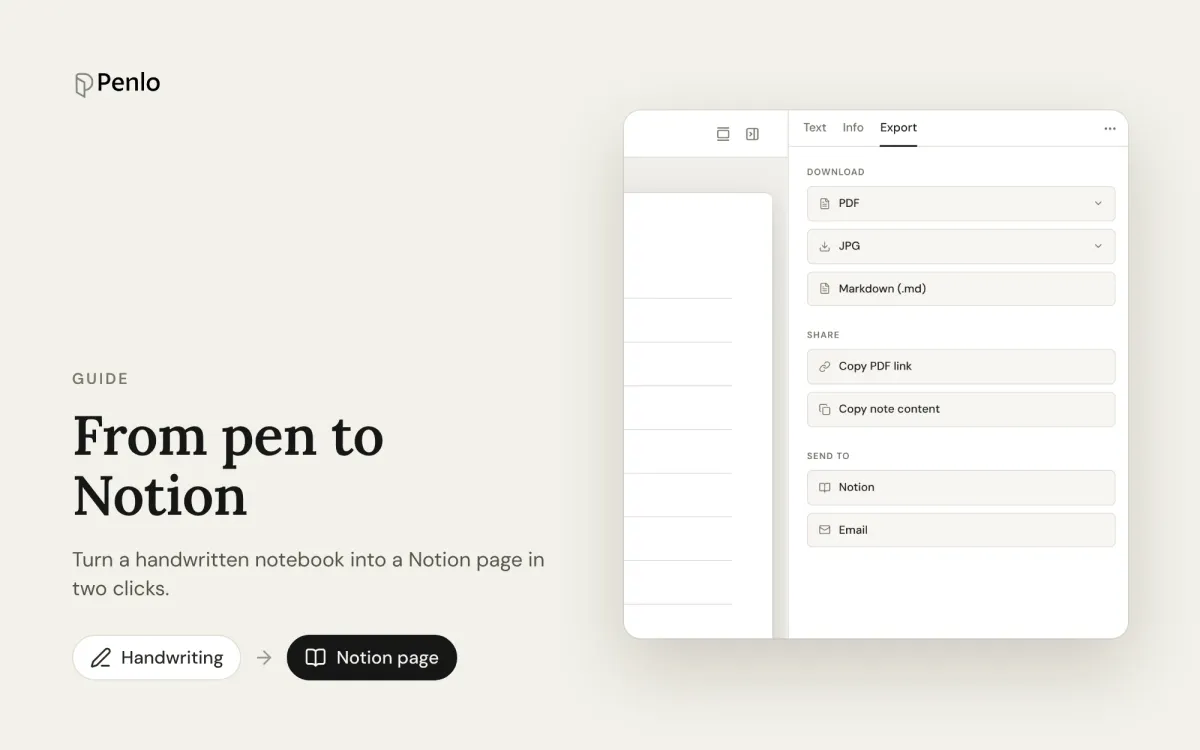
Turn a handwritten notebook into a Notion page, with its text, summary, tags and a link to the original, in two clicks.
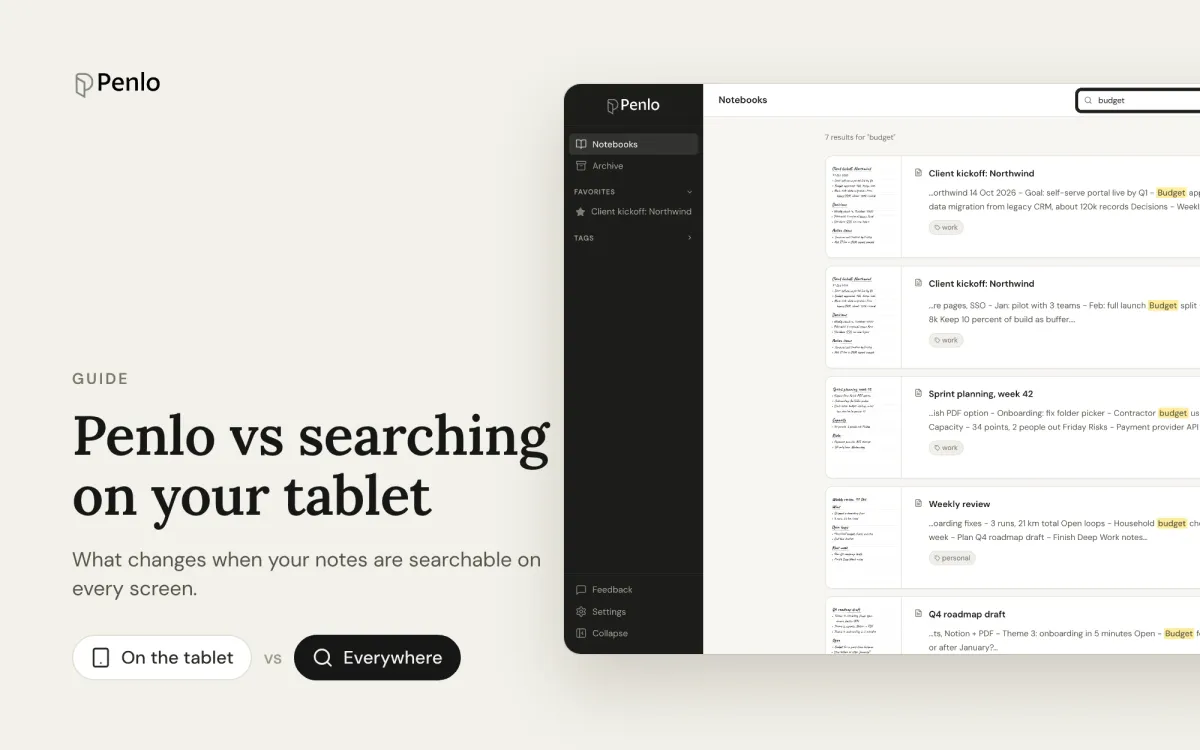
Your e-ink tablet can probably search your handwriting already. Here's what changes when your notes live in Penlo instead: every notebook, every device, from any screen.
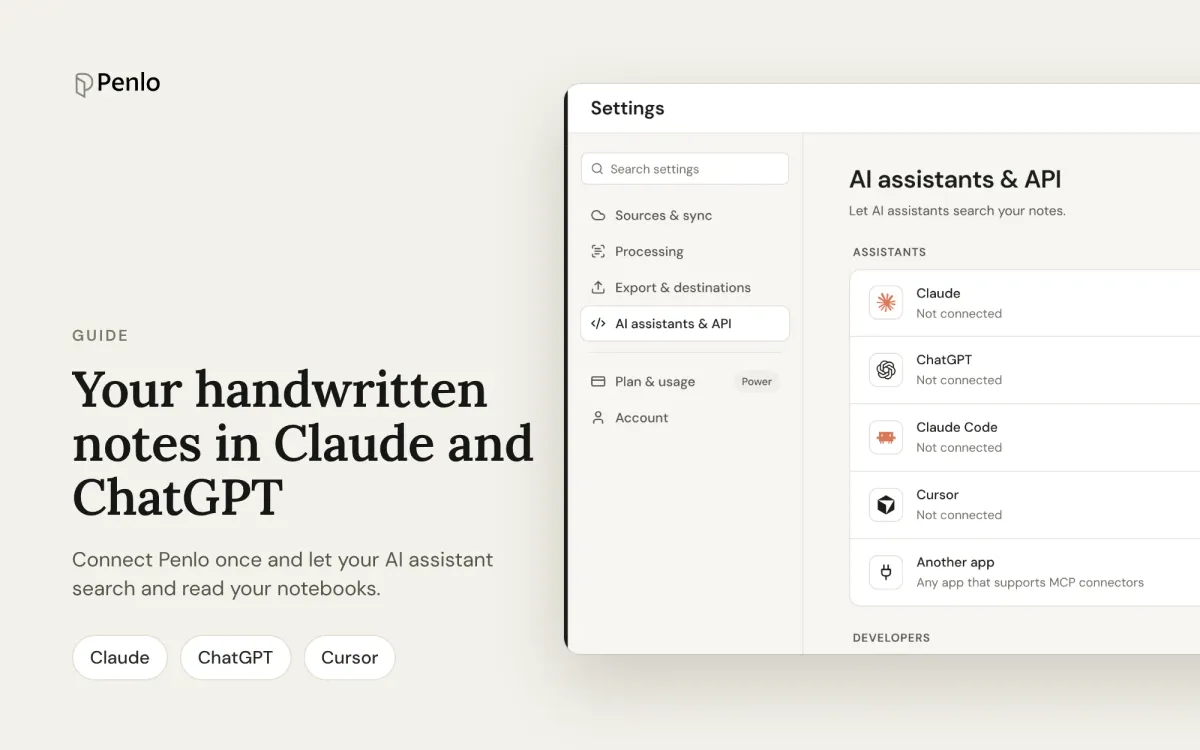
Connect Penlo to Claude, ChatGPT, Claude Code or Cursor in a minute, and let your AI assistant search and read your handwritten notebooks.
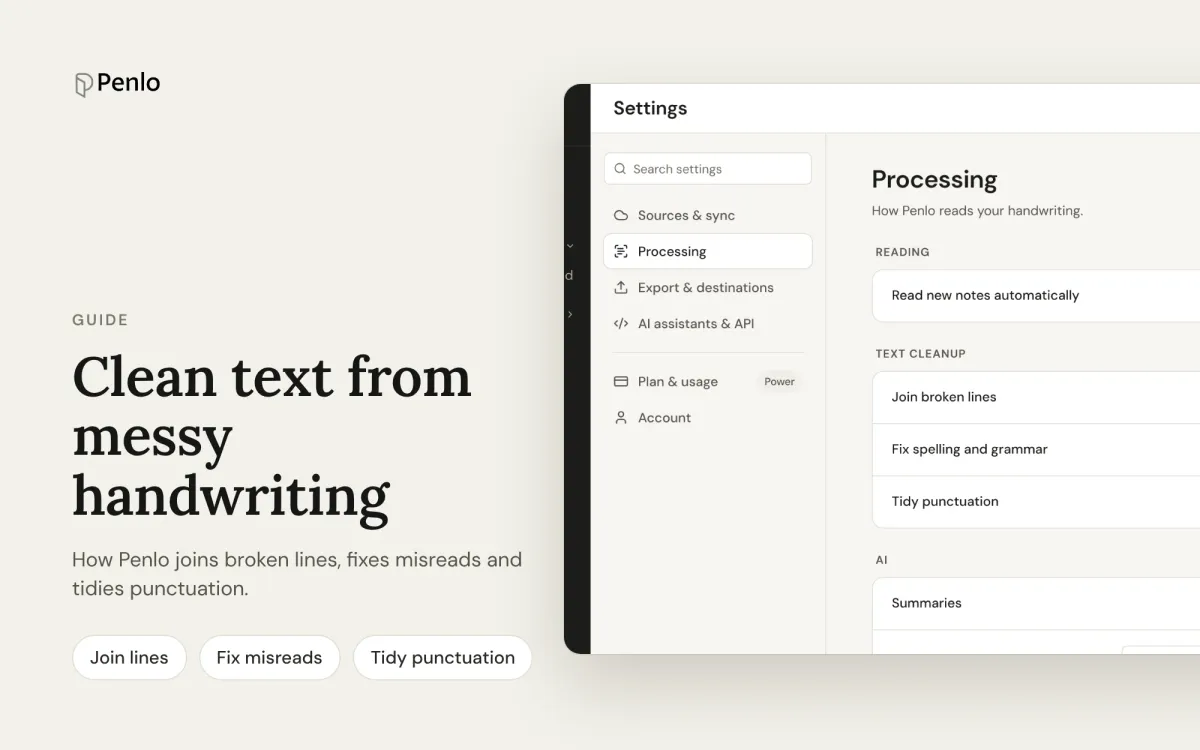
How Penlo joins broken lines, fixes misreads using context and tidies punctuation, and how to correct anything by hand without losing your edits.
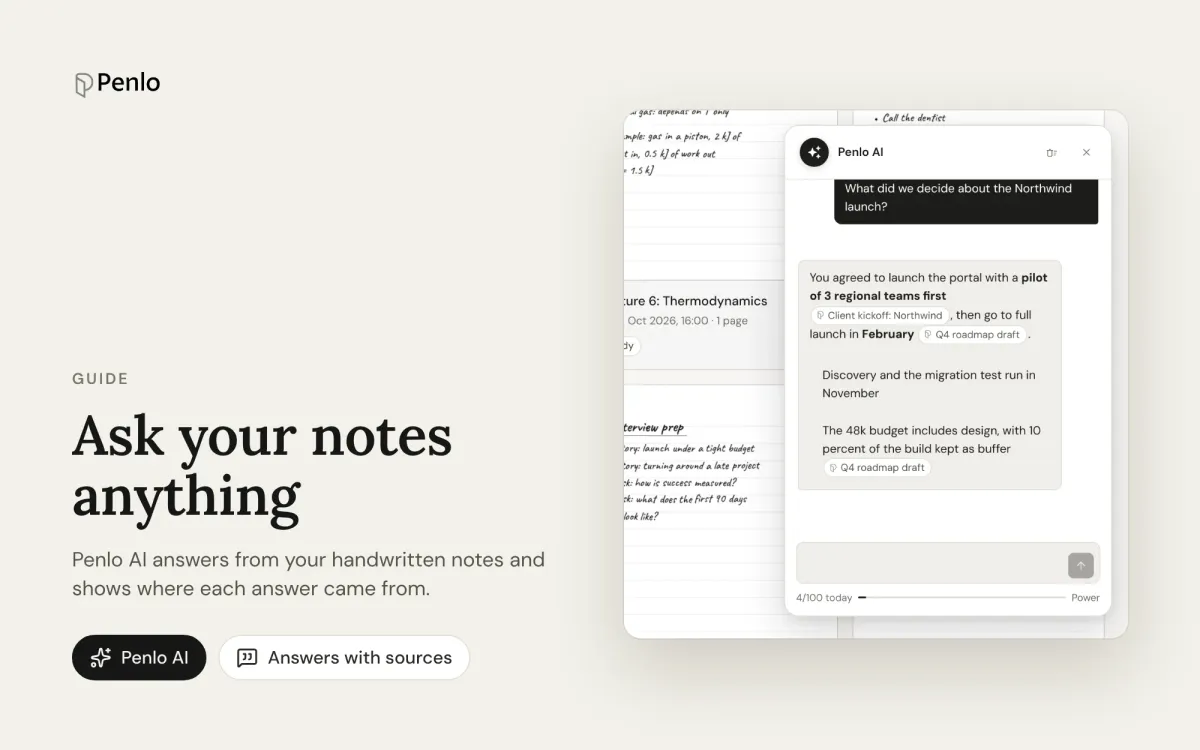
Penlo AI answers questions using everything you've written by hand, and shows you which notebooks each answer came from.
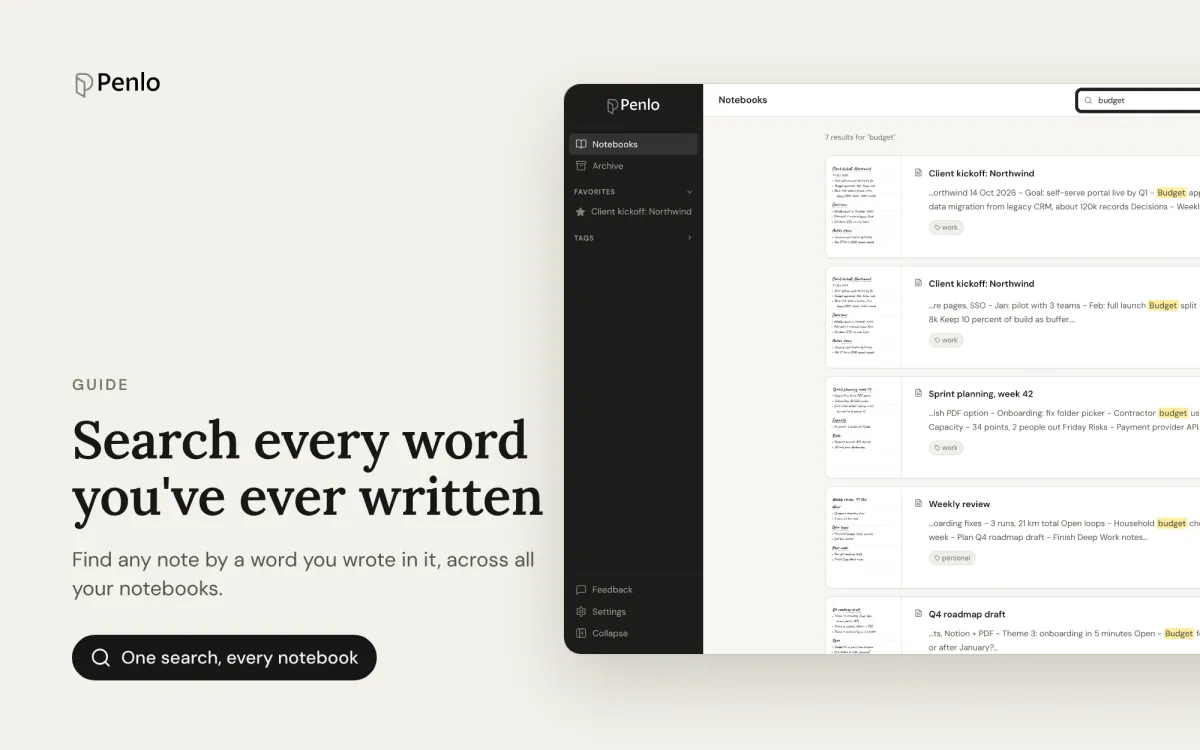
Penlo turns every handwritten page into text, so you can find any note by a word you wrote in it, across all your notebooks at once.
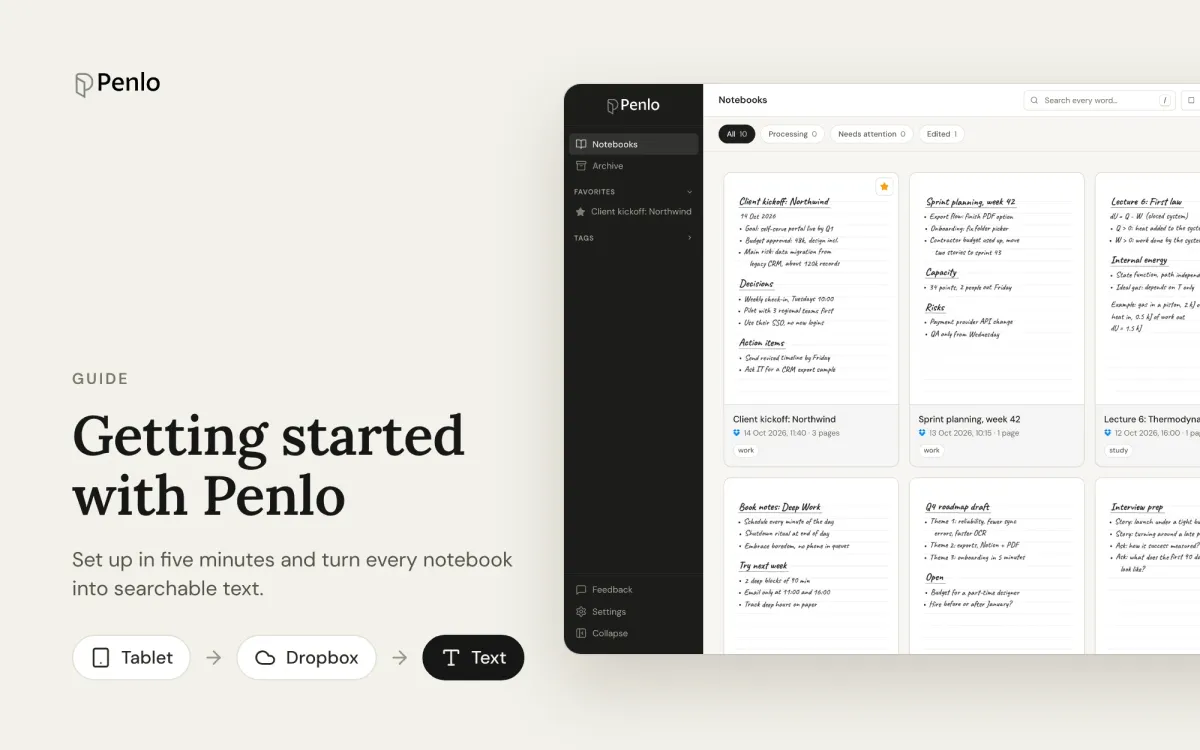
Connect your e-ink tablet to Penlo and turn your handwritten notes into searchable text. A five-step setup guide, and why Dropbox works best.