How Penlo handles your notes: privacy and security
What Penlo stores, where it's stored, who can see it, and how to delete everything. A plain-language guide for people who write sensitive things by hand.

Michal Wlosik
· 2 min read
Handwritten notes are often the most private things people write: client meetings, research data, journals, half-formed ideas. Before you connect your tablet to any service, you should know exactly what happens to them. This is a plain-language summary; the full details are in our privacy policy.
What Penlo reads
Penlo only reads the one folder you choose in your Dropbox or OneDrive: the folder your tablet saves its notebooks to. It doesn't browse or read any other files in your cloud storage, and it never changes or deletes your original files there.
What Penlo stores
- Your notebooks: a copy of each PDF, the transcribed text of every page, the AI summary, and the tags you add.
- Your account: your email address and settings. If you sign up with a password, it's stored only as a secure hash.
- Your connections: the access tokens for Dropbox, OneDrive or Notion, kept on the server and never sent to your browser.
- API keys: only a hash. The full key is shown to you once and never stored.
Where it's stored
Penlo's database and file storage run on Supabase in the EU (Ireland). Every connection to Penlo is encrypted with HTTPS, and database rules make sure each account can only ever read its own notes.
Who processes your notes
To read your handwriting, Penlo sends each PDF to Google Gemini, which returns the text. Gemini also writes the notebook summaries and powers Penlo AI. Google may process this data outside the EU. Penlo doesn't use any other AI service for your notes.
Penlo doesn't sell, rent or trade your data, and doesn't show ads.
Things you choose to share
Some features send your notes somewhere else, and only when you set them up:
- Share links: anyone with a notebook's share link can view it. You can turn a link off at any time.
- Notion: notebooks you send are copied into your Notion workspace.
- AI assistants: if you connect Claude, ChatGPT or another assistant, it can search and read your notes (read-only), and passes what it reads to its own AI provider. You can disconnect it in Settings › AI assistants & API, and access ends straight away.
- API and webhooks: if you create an API key or a webhook, the tools you connect can read your notes.
Deleting your data
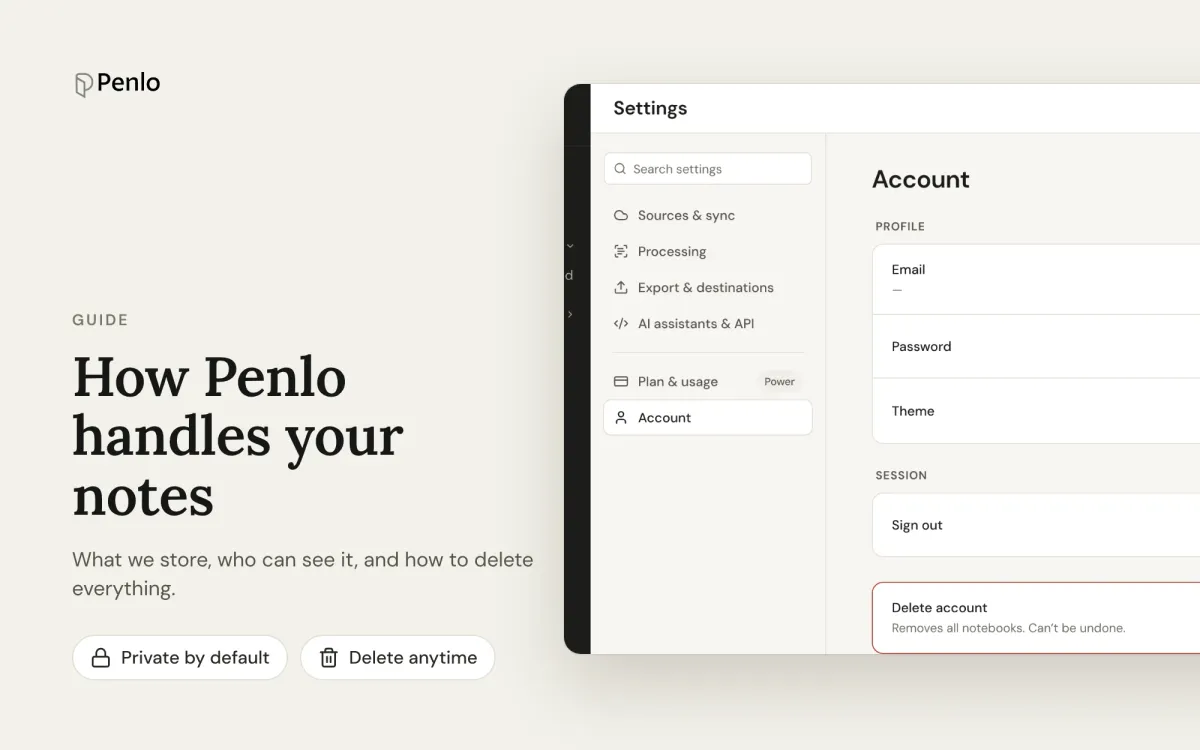
Go to Settings › Account and choose Delete account. Penlo deletes your account, every notebook, the stored PDFs and all their text. Your original files in Dropbox or OneDrive are not touched.
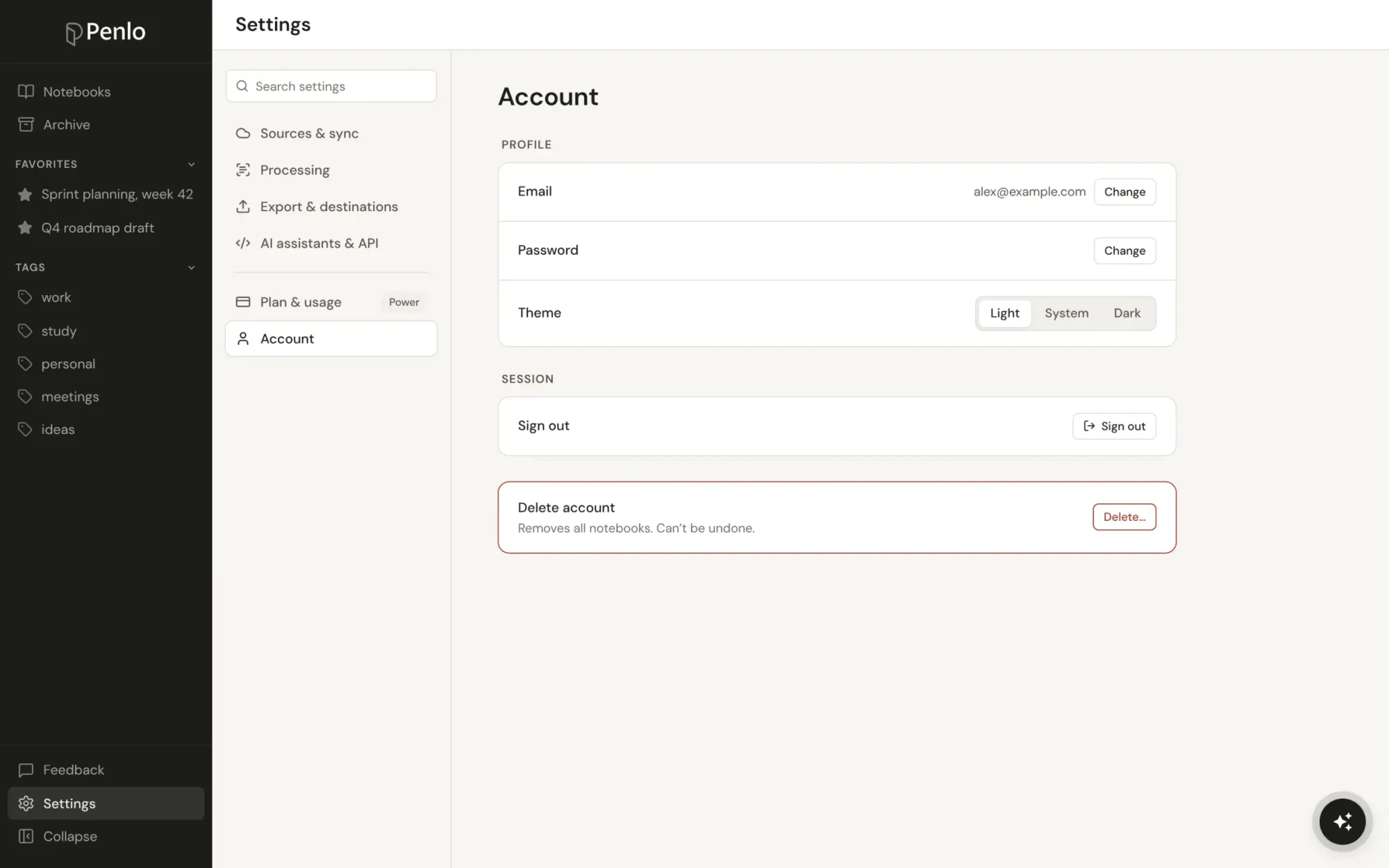
To remove a single notebook, archive or delete it in Penlo. To stop Penlo reading new notes without deleting anything, disconnect Dropbox or OneDrive in Settings › Sources & sync.
Questions
Penlo is run by an independent developer in Wrocław, Poland. If anything here is unclear, or you'd like a copy of your data, email hello@penlo.app.
Written by
Builder, product marketer. Creator of Penlo and Ectobuilder. Co-author of The AdTech Book. Writes about turning handwritten notes into searchable, useful text.
Keep reading
E-ink tablet vs iPad for note-taking: an honest comparison
Paper feel, focus and battery life, or apps, colour and search? How e-ink tablets and the iPad compare for handwritten notes, and how to close the e-ink tablet's one big gap.
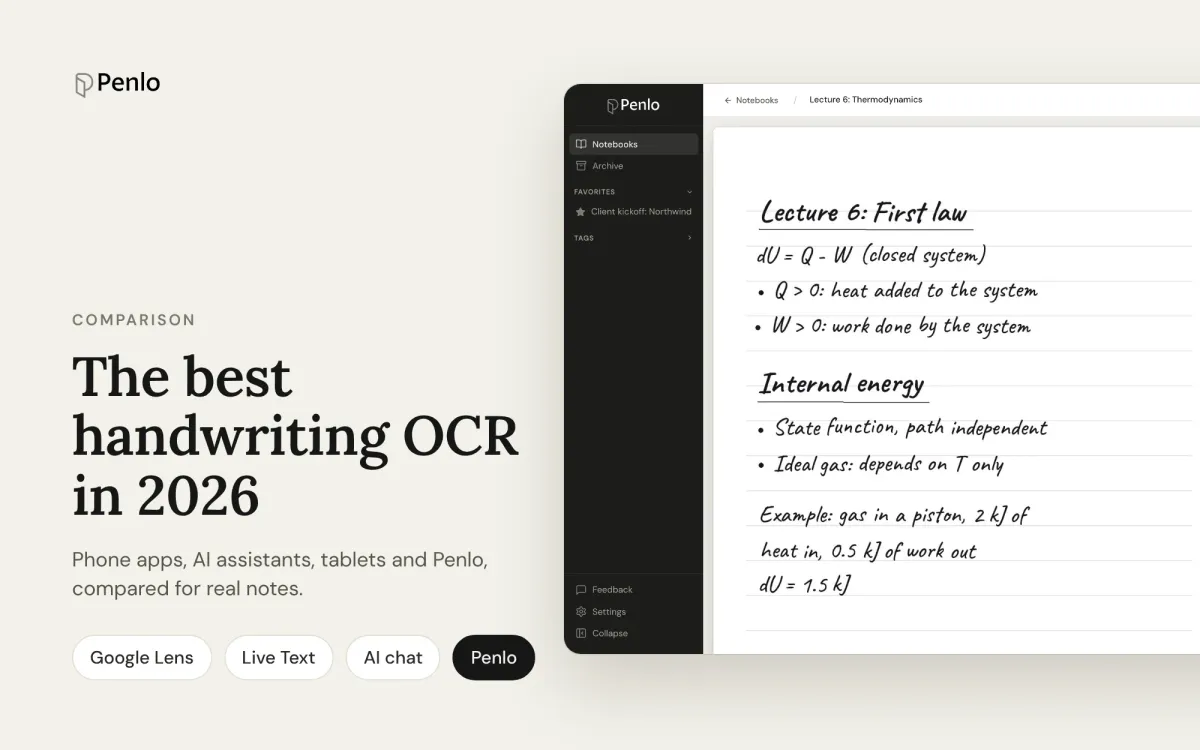
The best handwriting OCR in 2026: what actually works for notes
Google Lens, Apple Live Text, AI assistants, your tablet's own recognition and Penlo, compared for real handwritten notes: messy writing, many pages, and finding the text again.
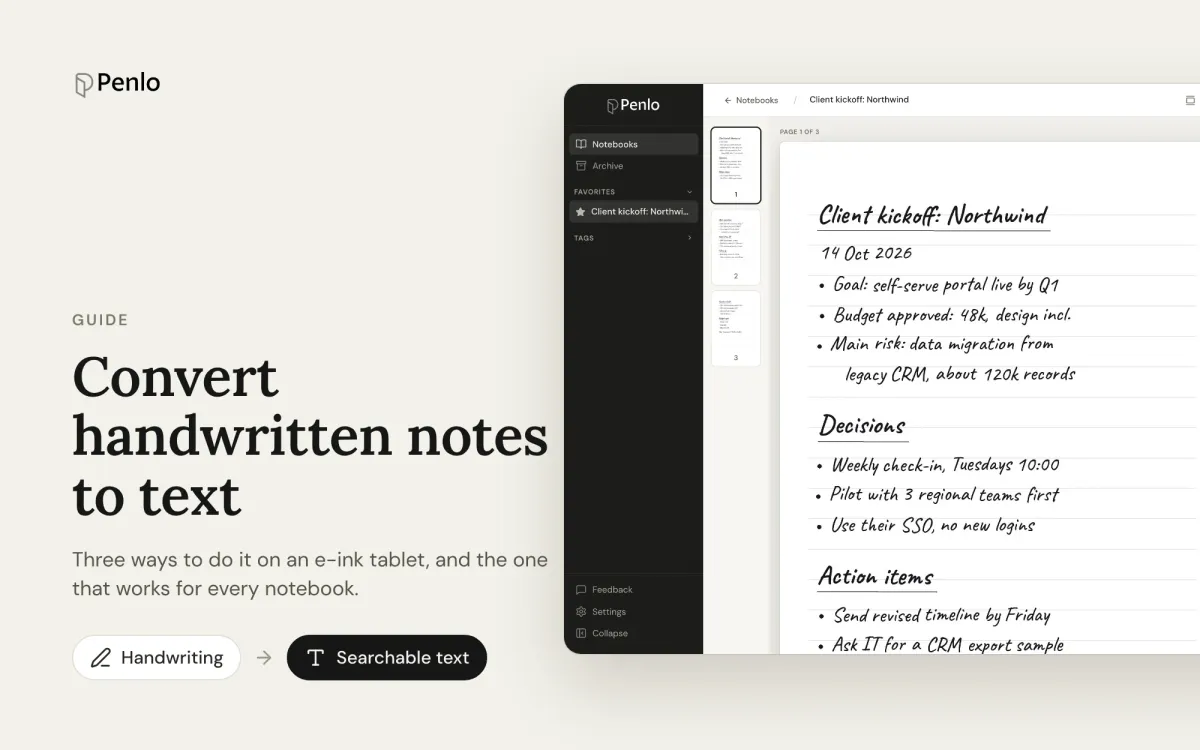
How to convert handwritten notes to text on an e-ink tablet
Three ways to turn handwritten notes into text if you write on an e-ink tablet: on the device, with a phone OCR app, or automatically for every notebook. What each is good for, and where it falls short.