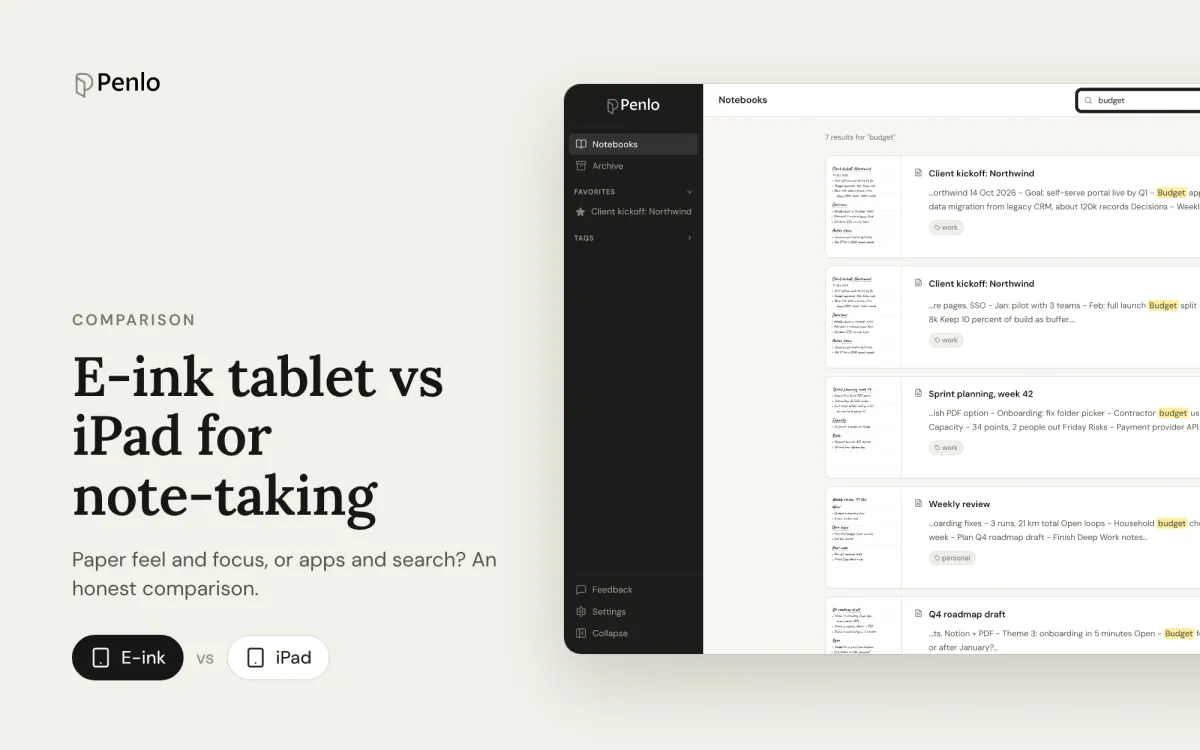
Paper feel, focus and battery life, or apps, colour and search? How e-ink tablets and the iPad compare for handwritten notes, and how to close the e-ink tablet's one big gap.
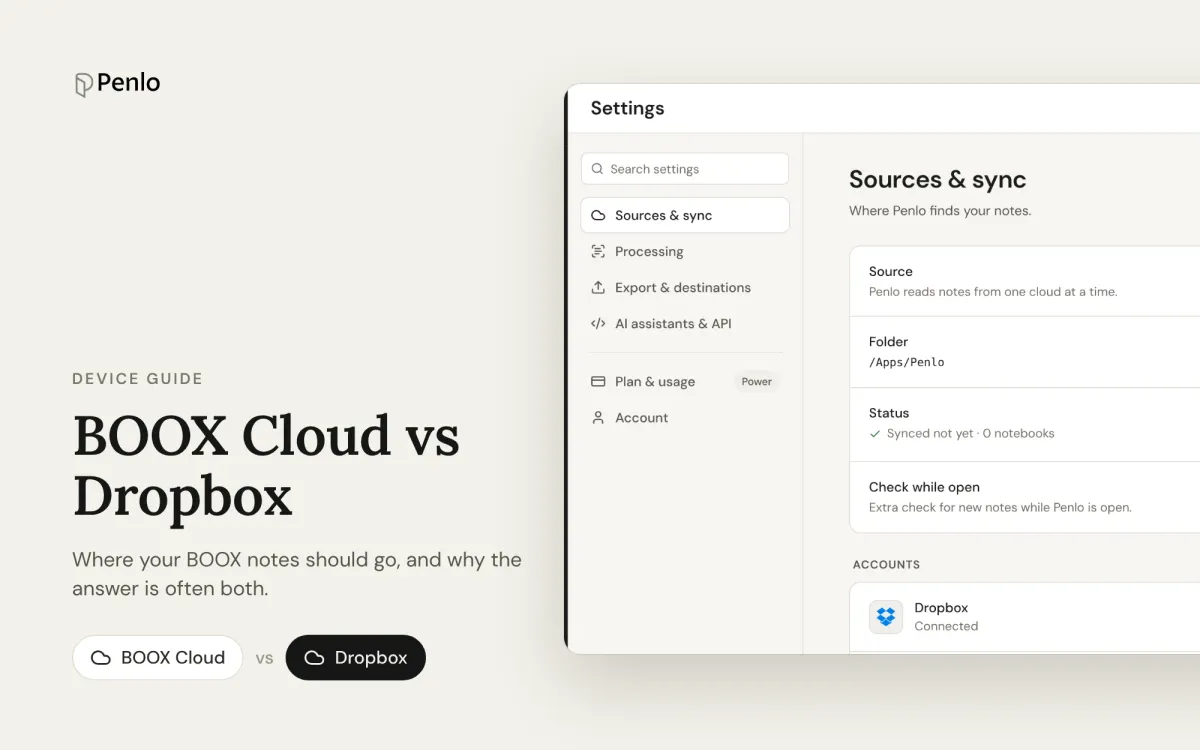
BOOX Cloud keeps your notes editable on BOOX devices. Dropbox turns every notebook into a PDF any app can read. What each does, what it doesn't, and why most people should use both.
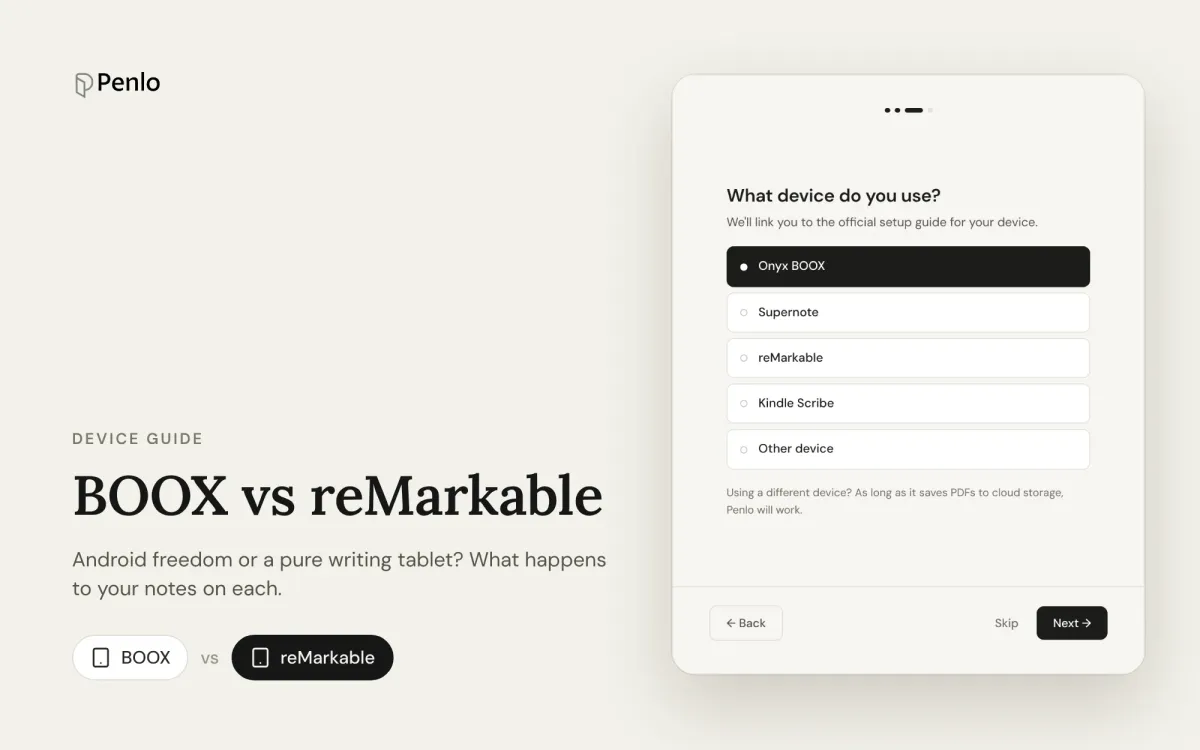
BOOX or reMarkable? A comparison of what happens to your notes on each: apps, handwriting to text, search, cloud sync, subscriptions and getting notebooks off the tablet.
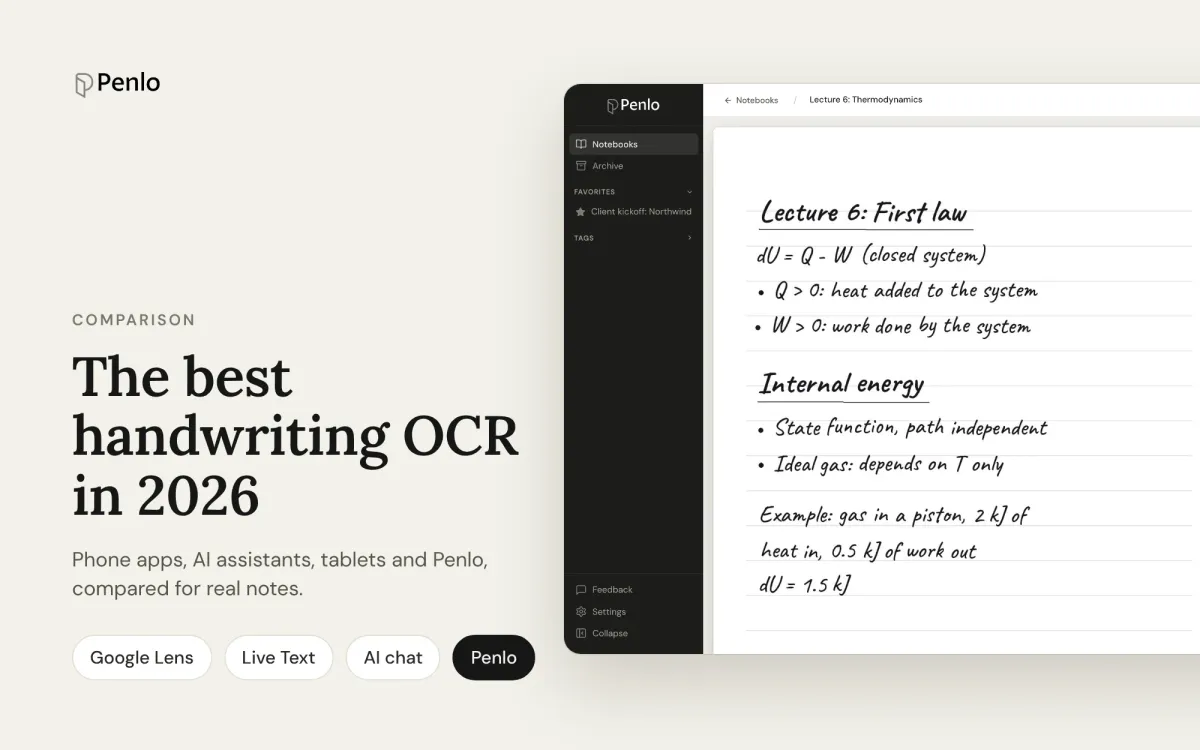
Google Lens, Apple Live Text, AI assistants, your tablet's own recognition and Penlo, compared for real handwritten notes: messy writing, many pages, and finding the text again.
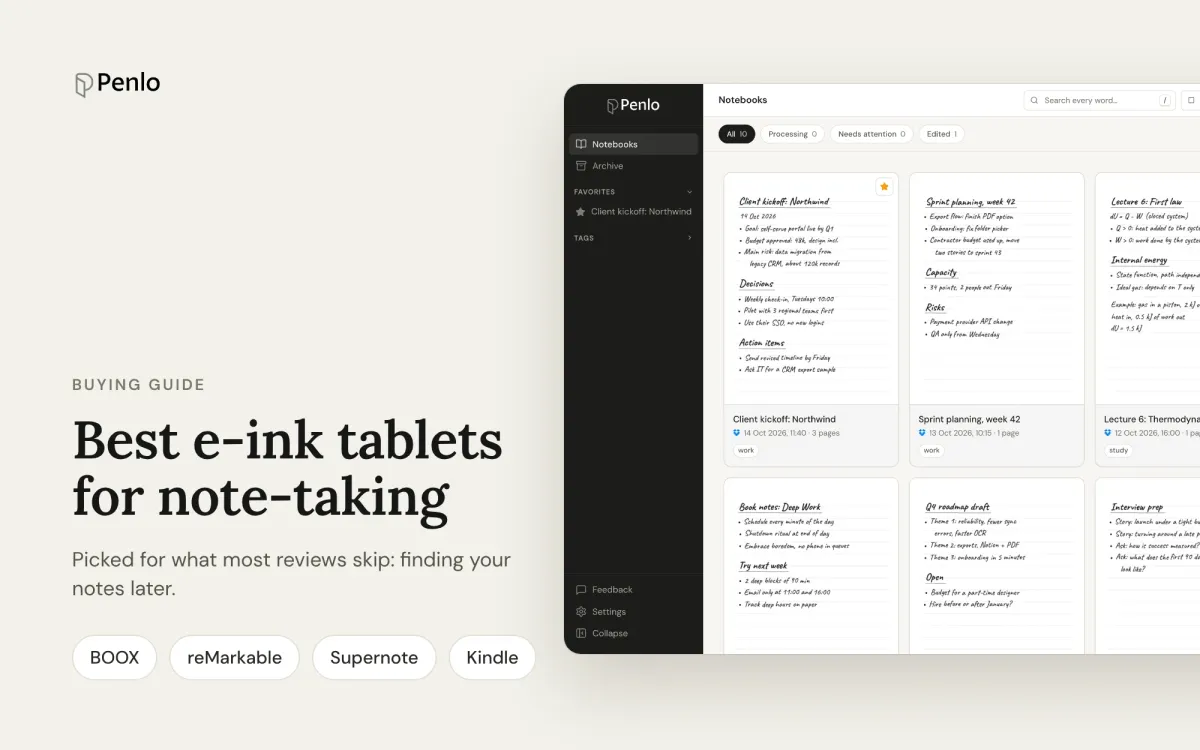
BOOX, reMarkable, Supernote or Kindle Scribe? The best note-taking tablets, picked for what most reviews skip: turning handwriting into text, searching it, and getting notebooks off the device.
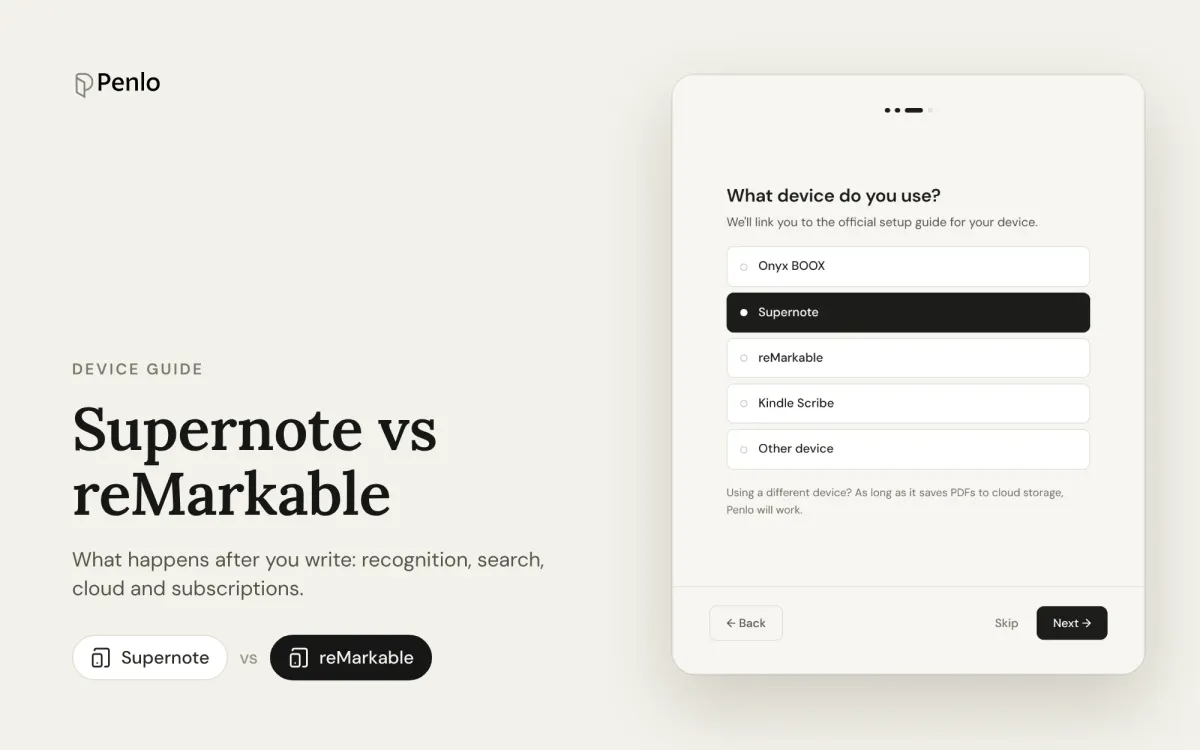
Supernote or reMarkable? A comparison that looks past the pen and screen: handwriting to text, search, cloud sync, subscriptions, and getting your notes out of the tablet.
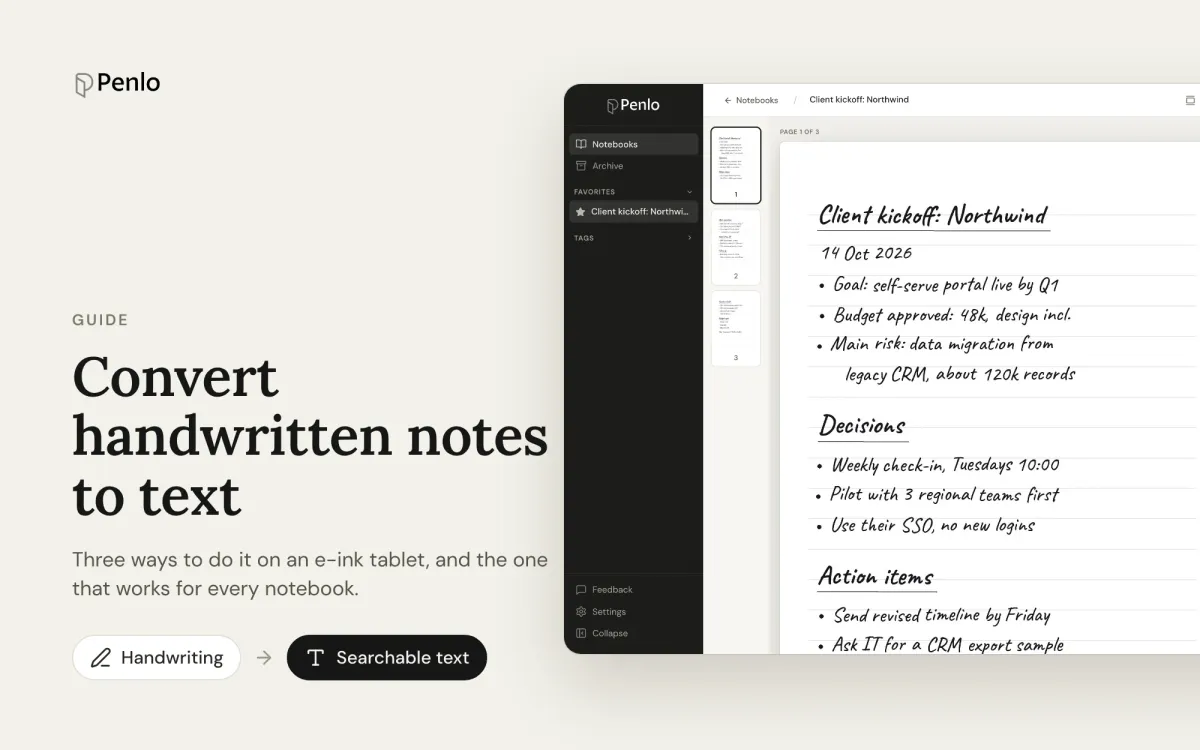
Three ways to turn handwritten notes into text if you write on an e-ink tablet: on the device, with a phone OCR app, or automatically for every notebook. What each is good for, and where it falls short.
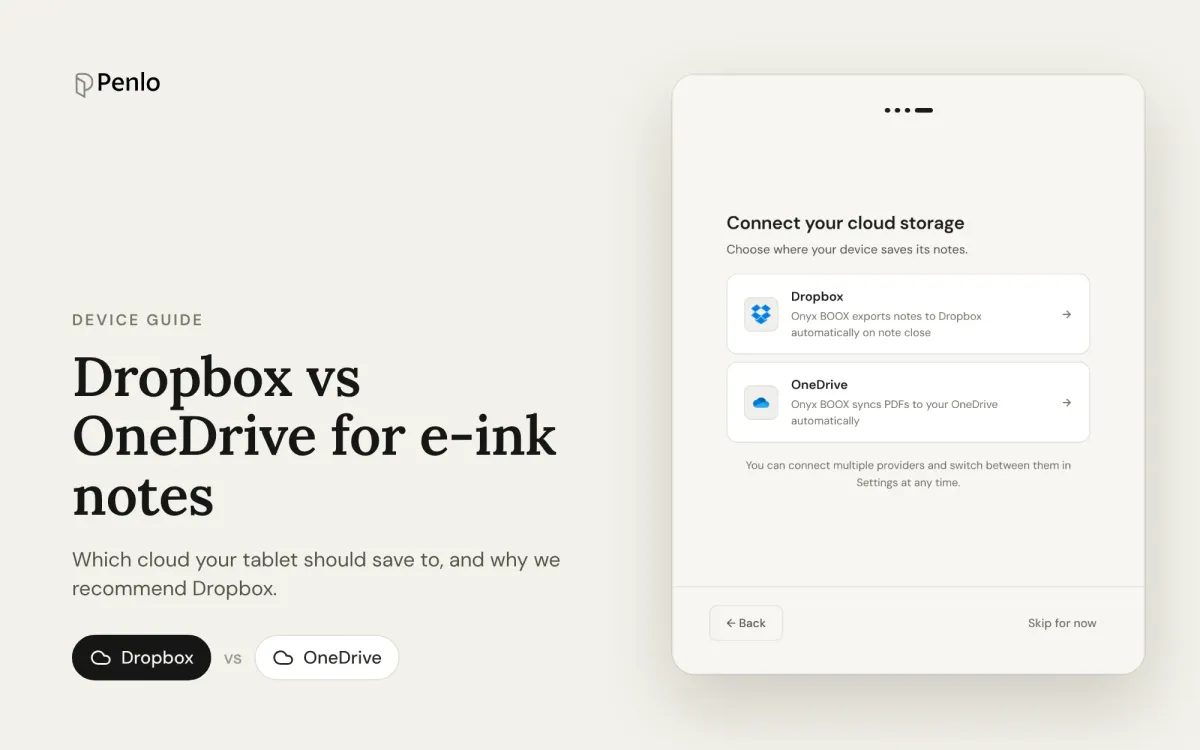
Which cloud should your e-ink tablet save to? A comparison of Dropbox and OneDrive for BOOX, Supernote, reMarkable and Kindle Scribe, and how each works with Penlo.
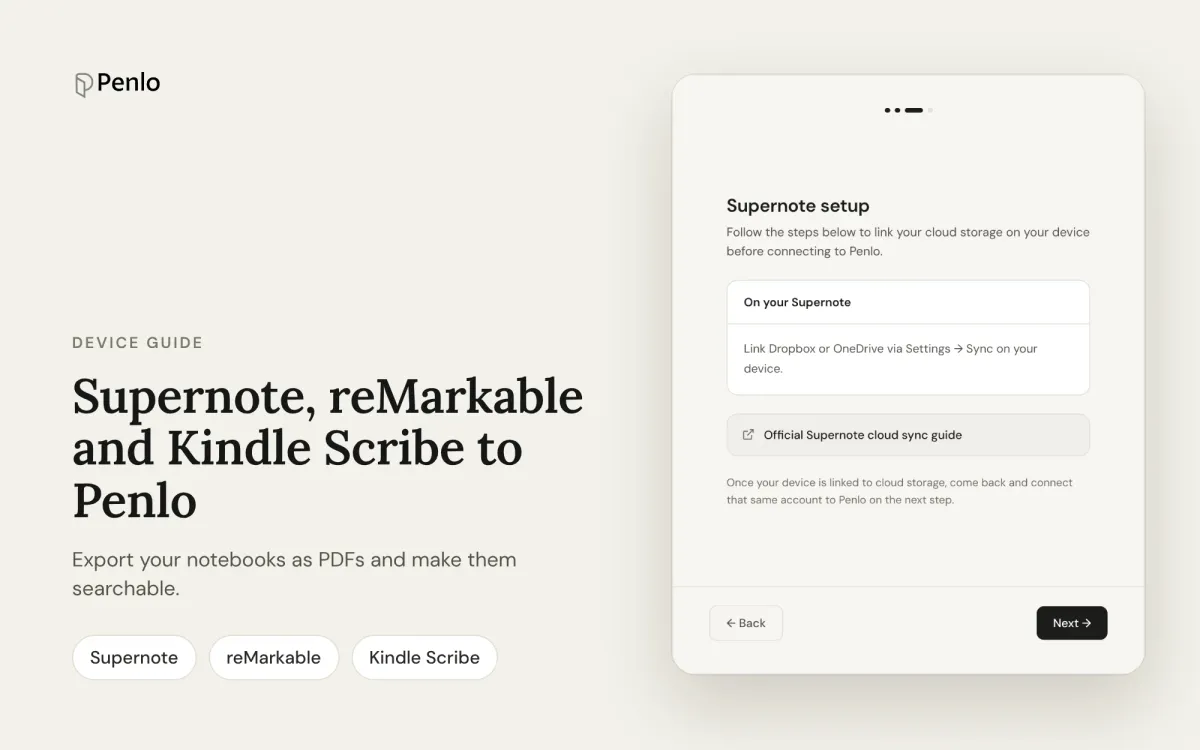
How to get handwritten notebooks from Supernote, reMarkable and Kindle Scribe into Dropbox or OneDrive as PDFs, so Penlo can make them searchable.
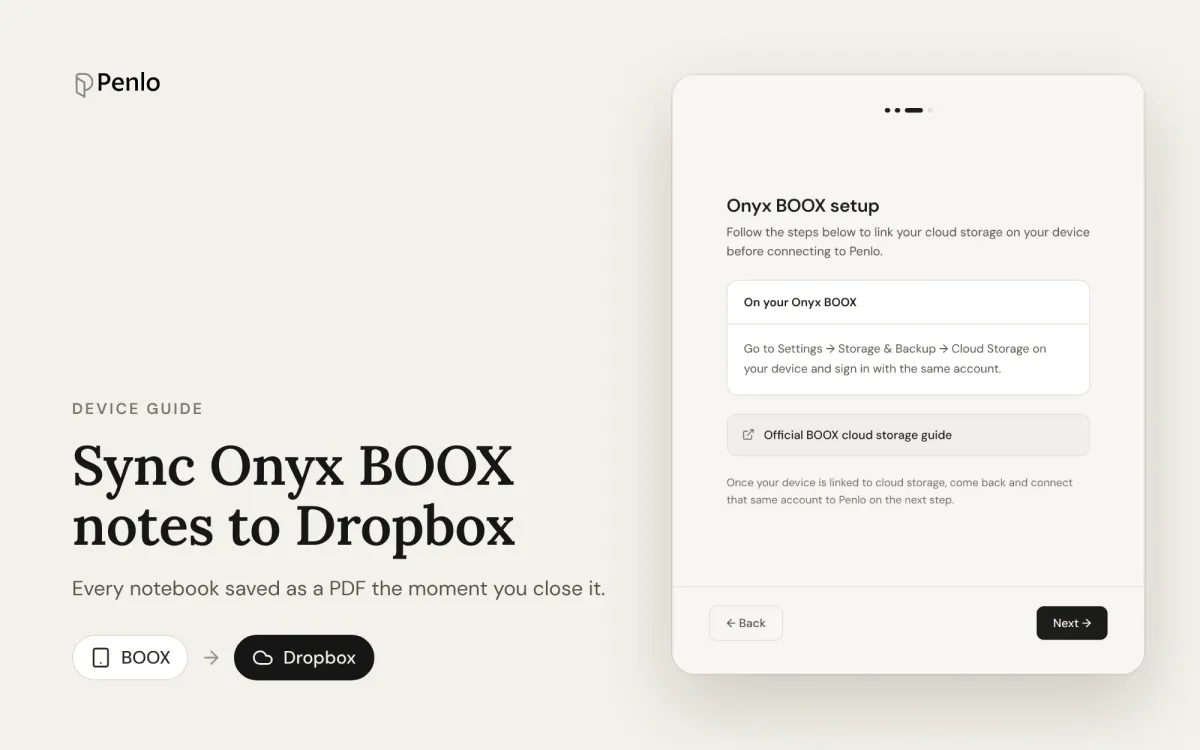
Set your BOOX to save every notebook to Dropbox as a PDF the moment you close it, then make the handwriting searchable with Penlo.
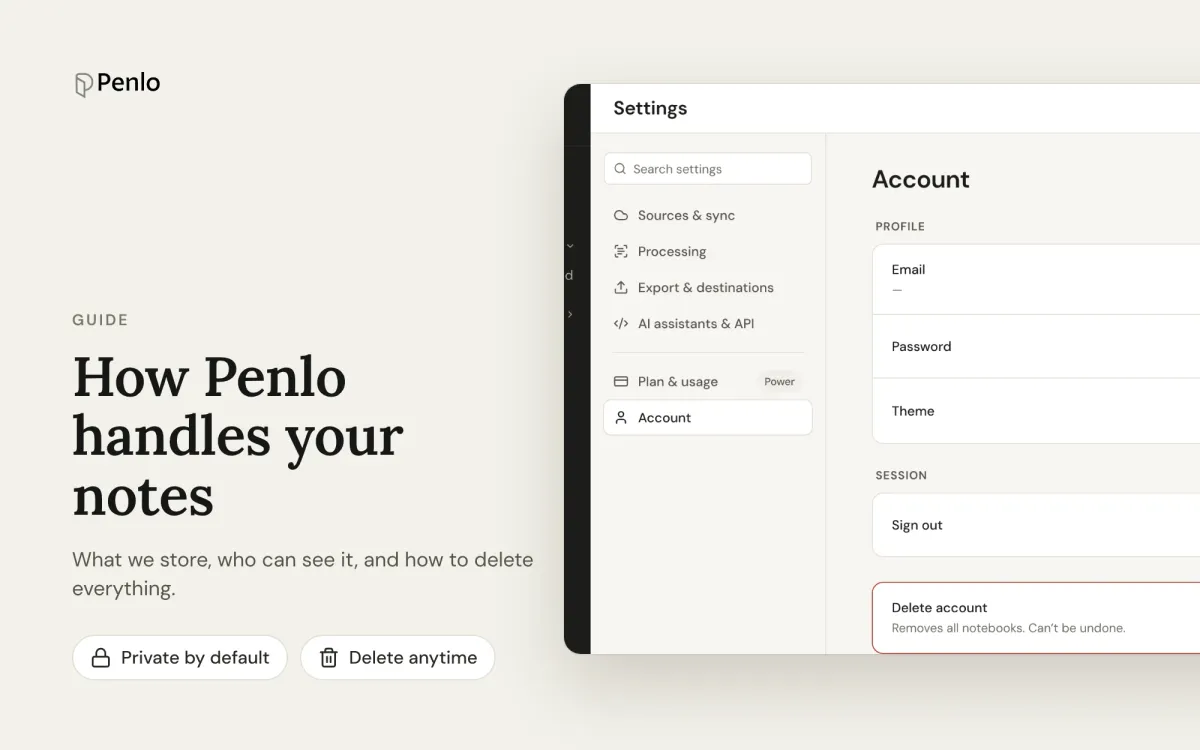
What Penlo stores, where it's stored, who can see it, and how to delete everything. A plain-language guide for people who write sensitive things by hand.
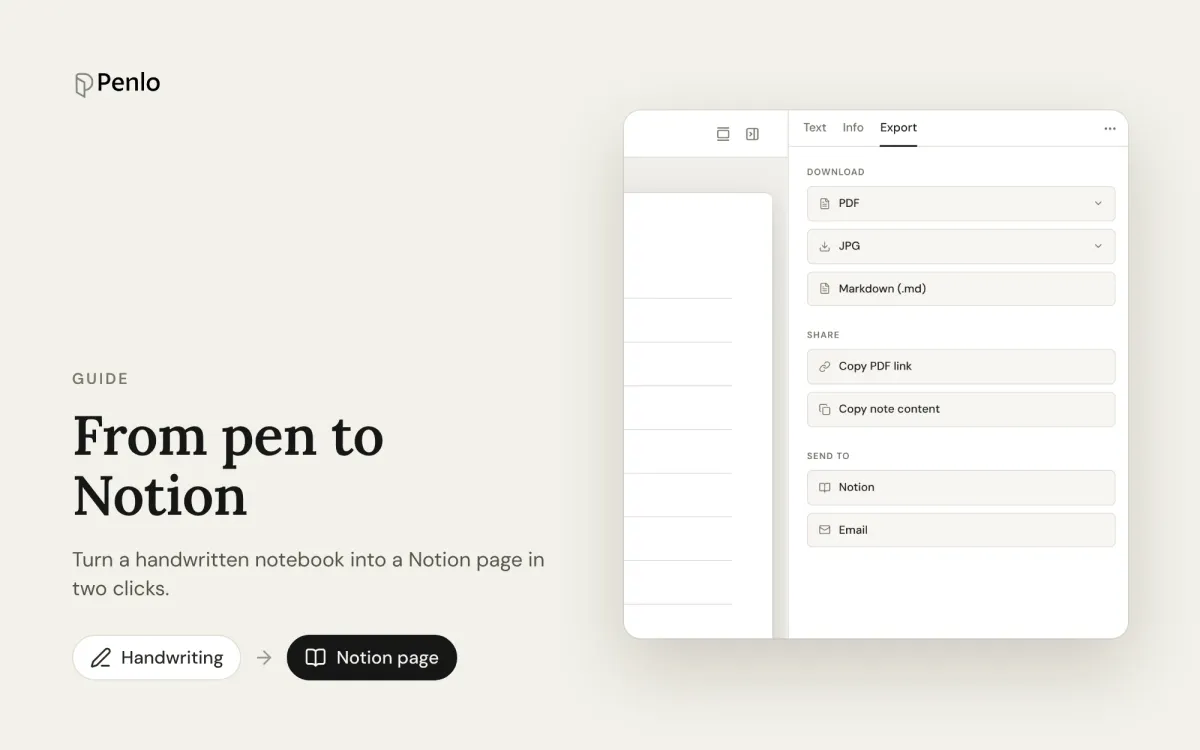
Turn a handwritten notebook into a Notion page, with its text, summary, tags and a link to the original, in two clicks.