
Supernote vs reMarkable for note-taking: what happens after you write
Supernote or reMarkable? A comparison that looks past the pen and screen: handwriting to text, search, cloud sync, subscriptions, and getting your notes out of the tablet.

Michal Wlosik
· 4 min read
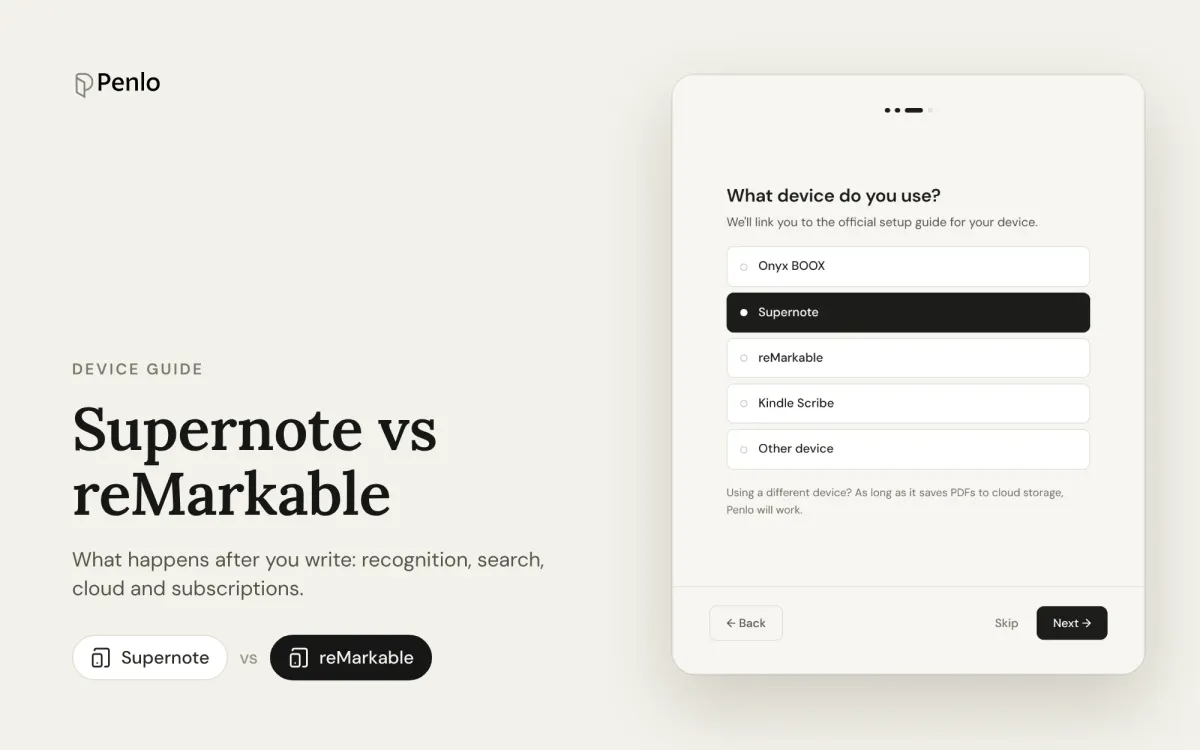
Supernote and reMarkable are the two tablets people most often weigh up when they want a paper-like device for writing. Most comparisons stop at the pen and the screen. This one looks at what happens after you write: can you turn your handwriting into text, find it again, and get it out of the tablet?
The models
- Supernote (by Ratta): the Manta (A5 X2, larger) and the Nomad (A6 X2, smaller). Both have black-and-white screens.
- reMarkable: the Paper Pro (large, colour), the Paper Pro Move (smaller, colour) and the older reMarkable 2 (black and white).
Both brands are known for a good writing feel and a focused, distraction-free design. Prices change often with sales and bundles, so check the makers' shops for current prices, and remember that pens and covers can add a fair amount to the total.
Handwriting to text
Supernote has two ways in. A Real-Time Recognition note converts your writing in the background while you write, and you can view or correct the result page by page. Ordinary notes can be exported as TXT or DOCX, which recognises the handwriting at that point.
reMarkable converts on request. Choose Convert to text on a page and you get a new typed page with the text, while your handwriting stays as it was. You can also select part of a page and convert just that. Conversion is free and needs Wi-Fi.
Verdict: Supernote, if you want text without thinking about it. reMarkable's conversion works well, but it's a step you take each time.
Searching your notes
Supernote can search handwriting that has been recognised, which in practice means notes created with real-time recognition. Writing in ordinary notes isn't found unless it's been recognised.
reMarkable can search handwritten and typed notes, but handwriting search is part of Connect, its paid subscription. Without it, search won't find the words in your handwriting.
Verdict: Supernote for free search. With Connect, reMarkable's handwriting search covers more of your notes without planning ahead.
Cloud sync and subscriptions
Supernote has its own free Supernote Cloud with a web client and a Partner app for phones, and it can sync to Dropbox and OneDrive. There's no subscription. Sync isn't continuous: you tap Sync on the tablet when you want it.
reMarkable syncs through its own cloud. Without a subscription, only files used in the last 50 days stay synced to the apps. Connect costs $3.99 a month (or ten months' price for a year, with a 50-day trial) and adds unlimited cloud storage, handwriting search, and editing notes in the phone and desktop apps.
Verdict: Supernote, if you don't want another subscription.
Getting notes out
This is where both tablets are similar, and where both are a bit awkward.
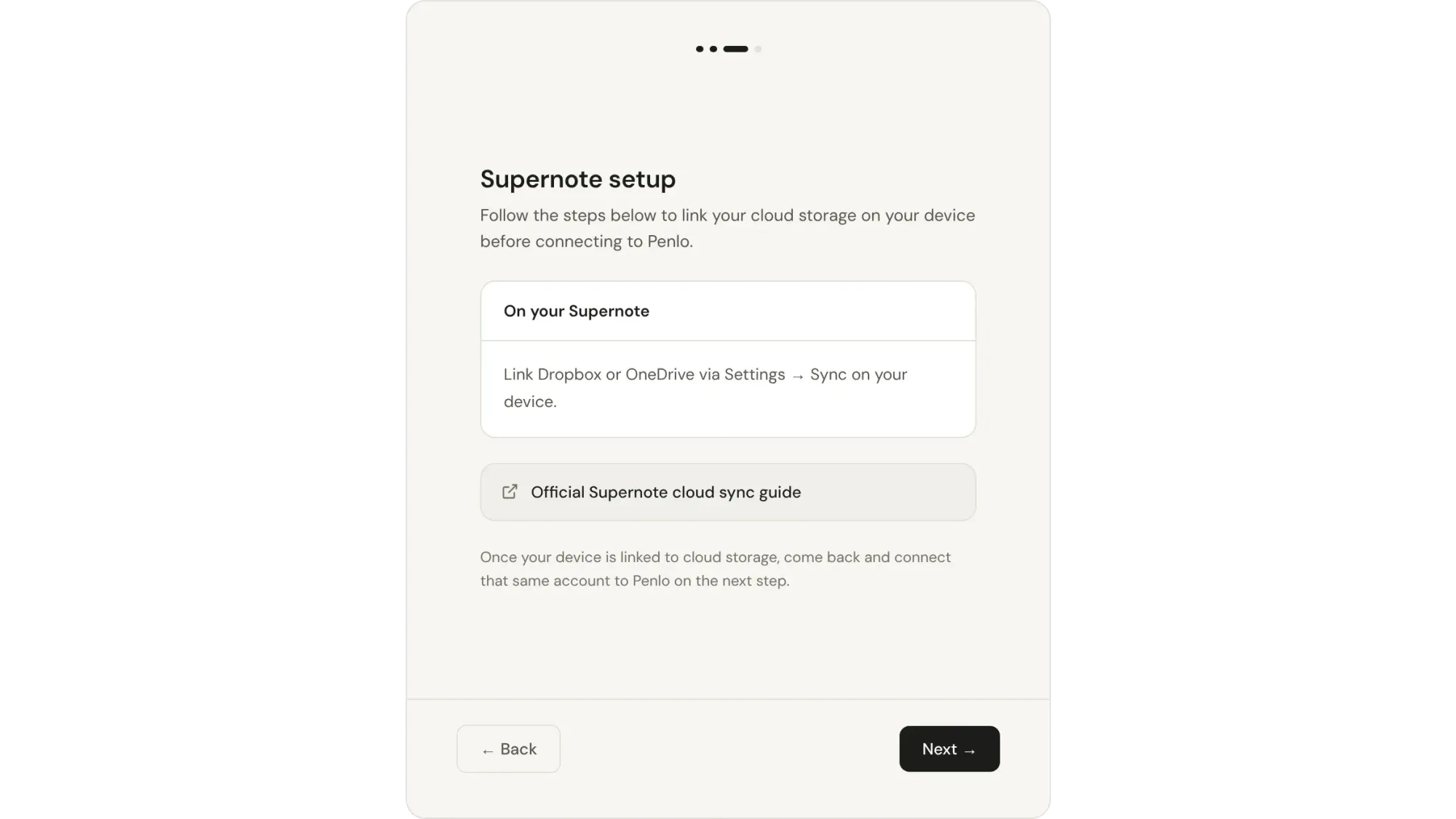
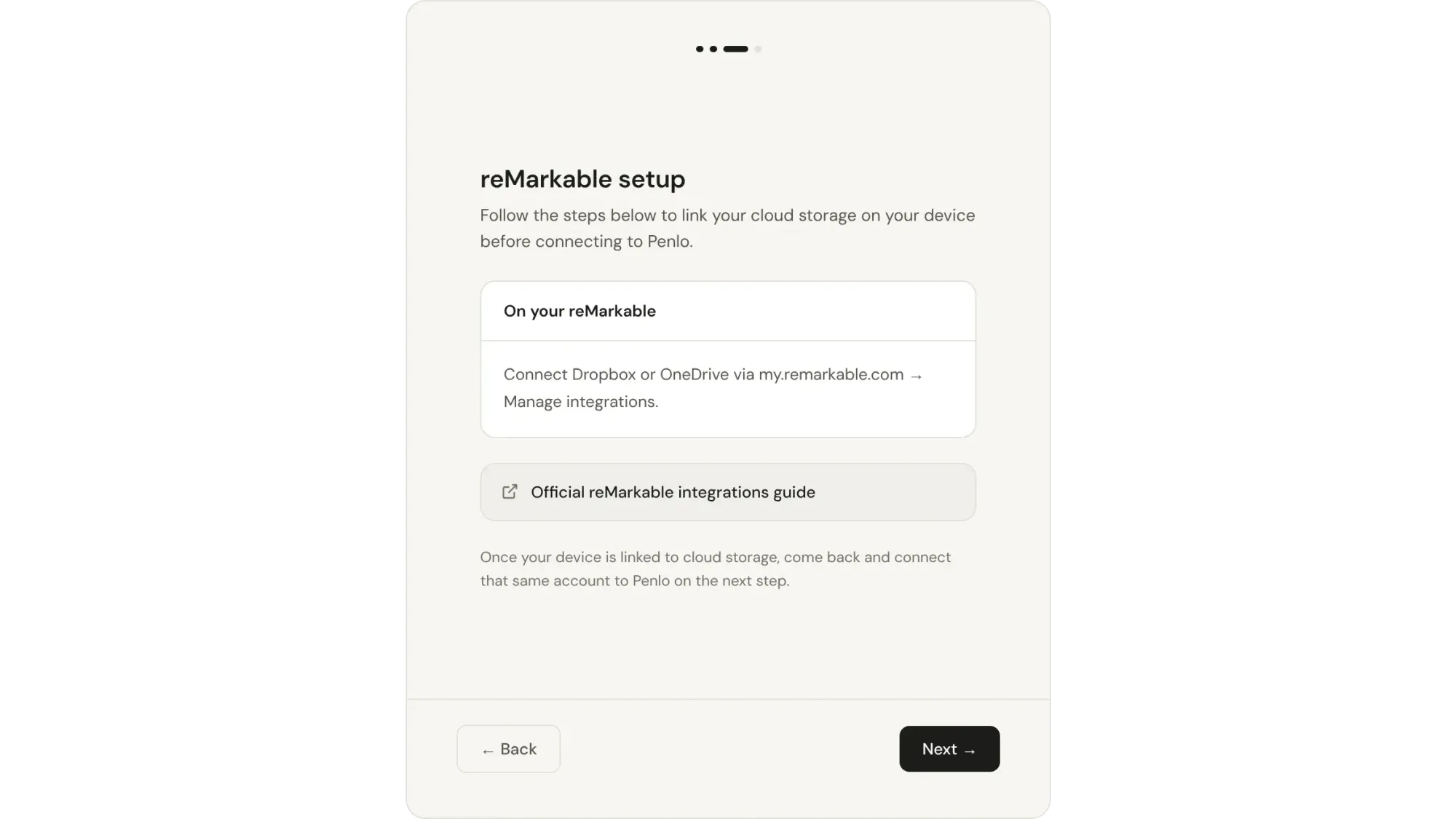
- Supernote syncs notebooks to Dropbox and OneDrive in its own
.noteformat, which other apps can't open. To get something usable, export the notebook as a PDF into the EXPORT folder and sync. - reMarkable can export a notebook as a PDF straight to Dropbox or OneDrive through its integrations, without a subscription. You export each notebook when you want it there.
On both, exporting is a manual step, and what you get is a PDF of your handwriting, not text. Step-by-step instructions are in our Supernote, reMarkable and Kindle Scribe guide.
At a glance
| Supernote | reMarkable | |
|---|---|---|
| Colour screen | No | Paper Pro and Paper Pro Move |
| Handwriting to text | Automatic in recognition notes; TXT/DOCX export | Convert to text, per page or selection |
| Search handwriting | Recognised notes only, free | With Connect ($3.99/month) |
| Own cloud | Supernote Cloud, free | Free with limits; unlimited with Connect |
| Dropbox / OneDrive | Sync in .note format; export PDFs | Export PDFs, no subscription needed |
| Subscription | None | Optional, Connect |
As of October 2026. Features change with software updates, so check the makers' help pages before you buy.
Which should you choose?
- Choose Supernote if you want handwriting recognition and search on the device without a subscription, and you're happy with a black-and-white screen.
- Choose reMarkable if you want colour, a very simple interface, or you'll use the phone and desktop apps to work on your notes (and don't mind paying for Connect).
Whichever you pick, make your notes searchable everywhere
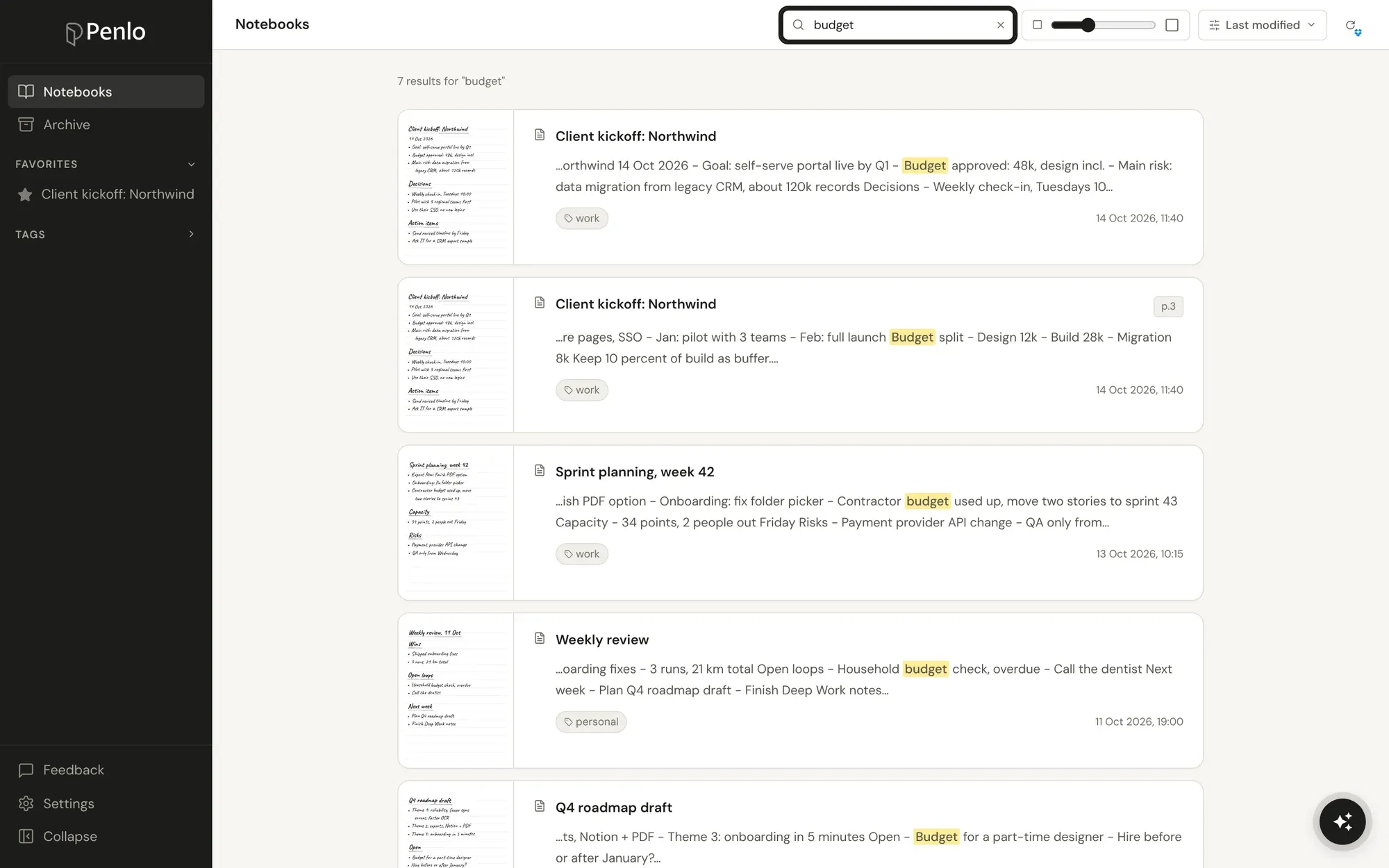
Both tablets keep their best features on the tablet. Neither gives you every notebook as searchable text on your laptop and phone, or lets you search notes from several devices together.
Penlo does that for both. Export your notebooks as PDFs to Dropbox or OneDrive, and Penlo reads every page, cleans up the text and makes it searchable from any browser, with no Connect subscription needed for search.
Got a Supernote or reMarkable?
Connect it to Penlo once and every notebook you export becomes searchable text. Try every feature free for 7 days.
Both tablets work with Dropbox, and it's the setup we recommend: Penlo can import every notebook already in your folder in one go.
Supernote and reMarkable both export to Dropbox.
If you don't have an account yet, sign up through our referral link and get 500 MB extra on top of the free 2 GB. (We get a little extra space too.)
Setup takes about five minutes: see Getting started with Penlo.
Written by
Builder, product marketer. Creator of Penlo and Ectobuilder. Co-author of The AdTech Book. Writes about turning handwritten notes into searchable, useful text.
Keep reading
BOOX Cloud vs Dropbox: where should your BOOX notes go?
BOOX Cloud keeps your notes editable on BOOX devices. Dropbox turns every notebook into a PDF any app can read. What each does, what it doesn't, and why most people should use both.
BOOX vs reMarkable for note-taking: Android freedom or a pure writing tablet?
BOOX or reMarkable? A comparison of what happens to your notes on each: apps, handwriting to text, search, cloud sync, subscriptions and getting notebooks off the tablet.
The best e-ink tablets for note-taking in 2026, if you want to find your notes later
BOOX, reMarkable, Supernote or Kindle Scribe? The best note-taking tablets, picked for what most reviews skip: turning handwriting into text, searching it, and getting notebooks off the device.