BOOX vs reMarkable for note-taking: Android freedom or a pure writing tablet?
BOOX or reMarkable? A comparison of what happens to your notes on each: apps, handwriting to text, search, cloud sync, subscriptions and getting notebooks off the tablet.

Michal Wlosik
· 4 min read
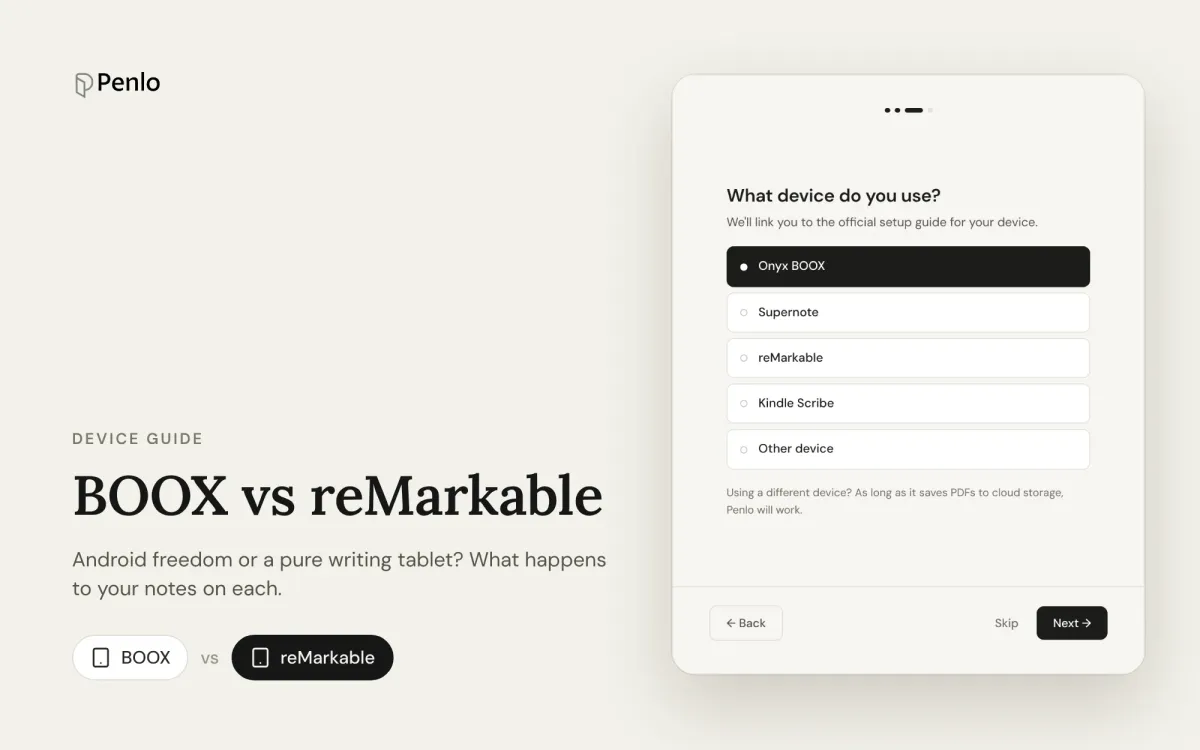
BOOX and reMarkable sit at opposite ends of the e-ink world. A BOOX is a full Android tablet with an e-ink screen: any app, lots of settings, a pen in the box. A reMarkable does one thing, writing, and tries to do it better than anything else. Both are excellent. Which suits you depends on what you want to happen to your notes after you write them.
The models
- Onyx BOOX: many models. For notes, the main ones are the Note Air5 C (10.3-inch, colour), the Note Max (13.3-inch, black and white) and the Go 10.3 (black and white).
- reMarkable: the Paper Pro (11.8-inch, colour), the Paper Pro Move (7.3-inch, colour) and the reMarkable 2 (10.3-inch, black and white).
Prices change often with sales and bundles. Check whether the pen and a cover are included before you compare.
Writing and apps
BOOX runs Android with the Google Play Store, so you can install Kindle, Notion, your email or anything else. Its own Notes app is full of features: templates, layers, shapes and more. The flip side is a busier interface and more ways to get distracted.
reMarkable has no app store, no browser and no notifications. You get notebooks, PDFs and ebooks, and very little else. Many people buy it for exactly that.
Verdict: BOOX for flexibility, reMarkable for focus.
Handwriting to text and search
BOOX can convert a page of handwriting to text in the Notes app, and can search your handwriting, with no subscription.
reMarkable converts a page or a selection to text when you ask, for free. Searching your handwriting, though, is part of Connect, its subscription ($3.99 a month).
Verdict: BOOX, if free handwriting search matters to you.
Cloud and getting notes out
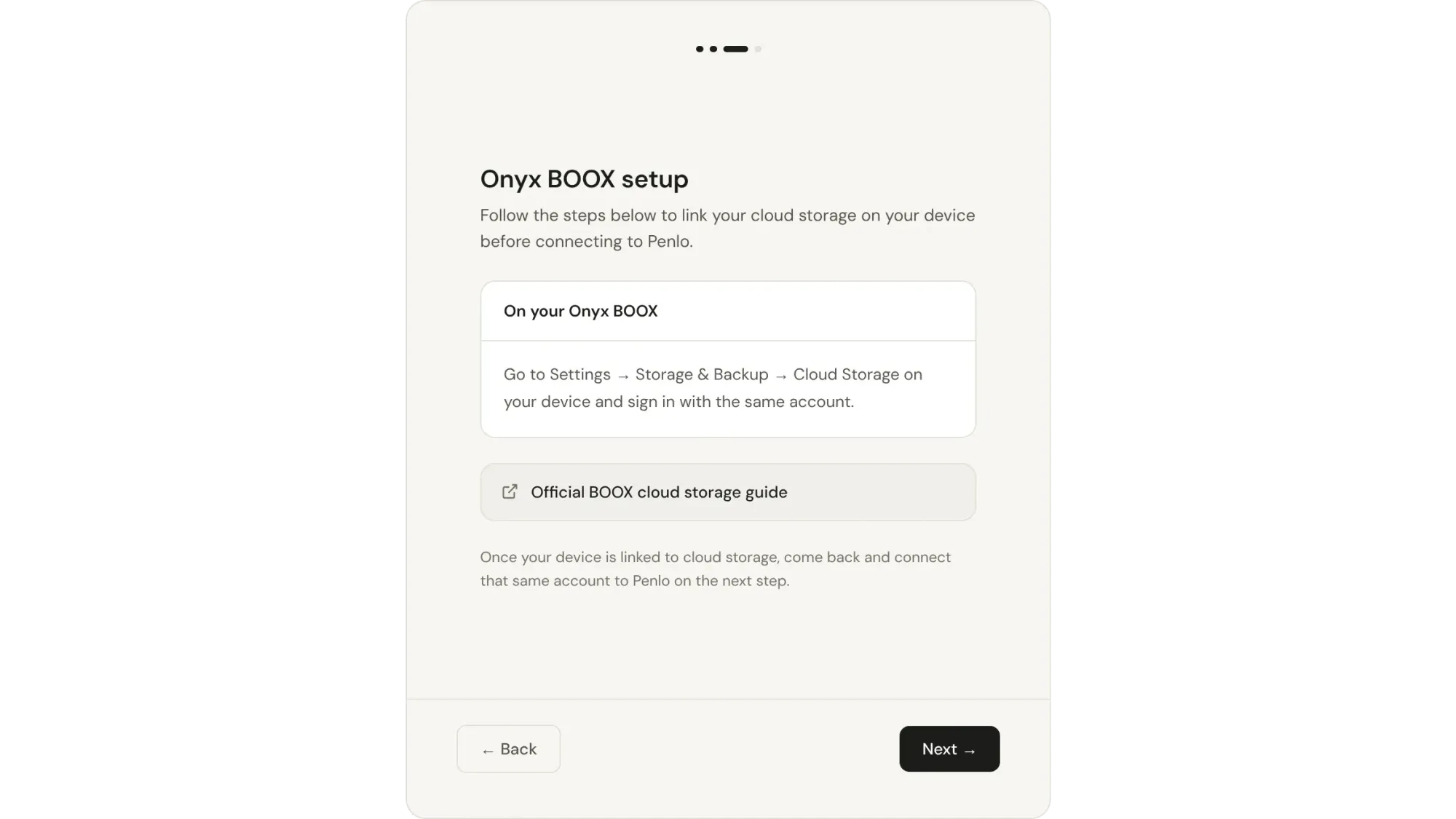
BOOX gives you 10 GB of free BOOX Cloud storage to sync notes between BOOX devices, and you can also link Dropbox, OneDrive and other services under Settings › Accounts. The standout: a BOOX can save every notebook to Dropbox as a PDF automatically, each time you close it. See how to set it up and BOOX Cloud vs Dropbox.
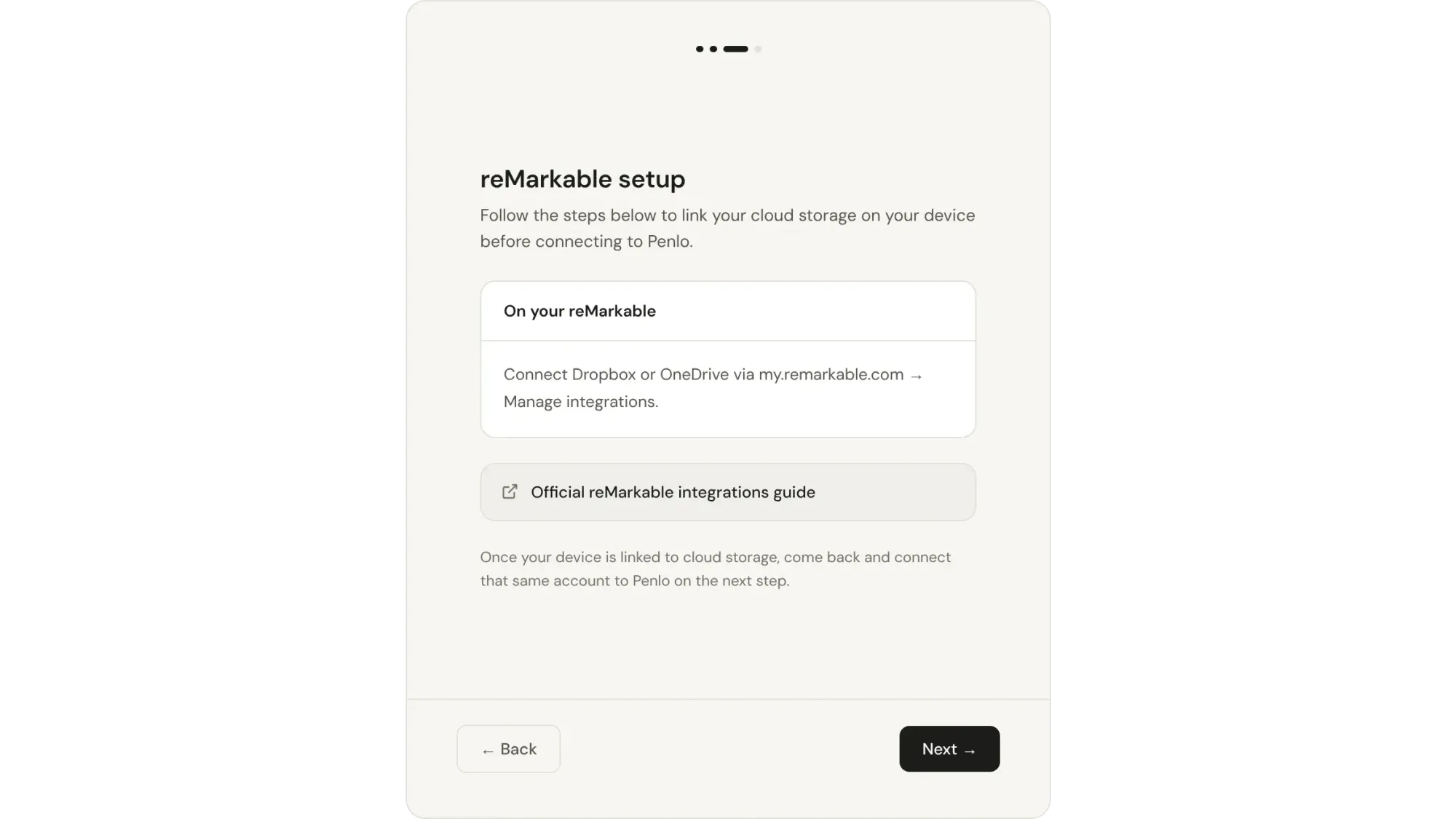
reMarkable syncs through its own cloud. Without Connect, only files you've used in the last 50 days stay synced to its apps. Its integrations can export a notebook as a PDF to Dropbox or OneDrive without a subscription, but you export each notebook yourself.
Verdict: BOOX, clearly. Automatic export is the difference between a backup you have and a backup you meant to make.
At a glance
| Onyx BOOX | reMarkable | |
|---|---|---|
| Apps | Android with Google Play | None beyond its own |
| Colour | Note Air5 C and others | Paper Pro and Paper Pro Move |
| Handwriting to text | Yes, in the Notes app | Yes, per page or selection |
| Search your handwriting | Yes, free | With Connect ($3.99/month) |
| Own cloud | BOOX Cloud, 10 GB free | Free with limits; unlimited with Connect |
| Dropbox / OneDrive | Automatic PDF on note close | Export each notebook |
| Subscription | None | Optional, Connect |
As of October 2026. Features change with software updates, so check the makers' pages before you buy.
Which should you choose?
- Choose BOOX if you want apps, a pen in the box, free handwriting search, and notebooks that reach your cloud storage without you thinking about it.
- Choose reMarkable if you want a tablet that does nothing but writing, and you're happy to export notebooks by hand or pay for Connect.
Either way, search everything from any screen
Both tablets search best on the tablet. Penlo puts every notebook, from either device, into one library you can search from your laptop or phone. Your notebooks go to Dropbox or OneDrive as PDFs, and Penlo reads every page, cleans up the text and makes it searchable, with no Connect subscription needed.
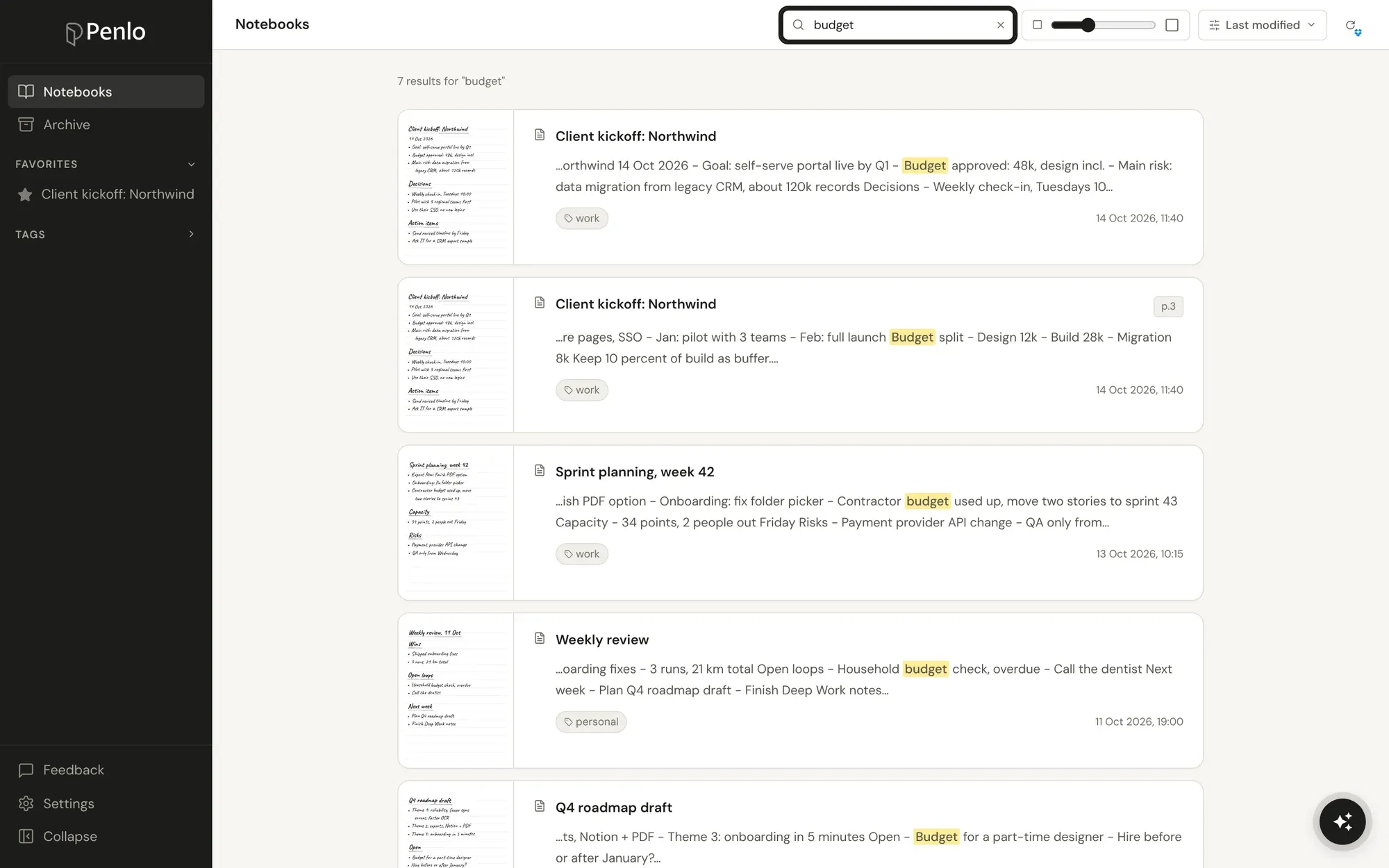
Got a BOOX or a reMarkable?
Connect it to Penlo once and every notebook becomes searchable text. Try every feature free for 7 days.
BOOX and reMarkable both work with Dropbox.
Sign up through our referral link and get 500 MB extra on top of the free 2 GB. (We get a little extra space too.)
Setup takes about five minutes: see Getting started with Penlo.
Written by
Builder, product marketer. Creator of Penlo and Ectobuilder. Co-author of The AdTech Book. Writes about turning handwritten notes into searchable, useful text.
Keep reading
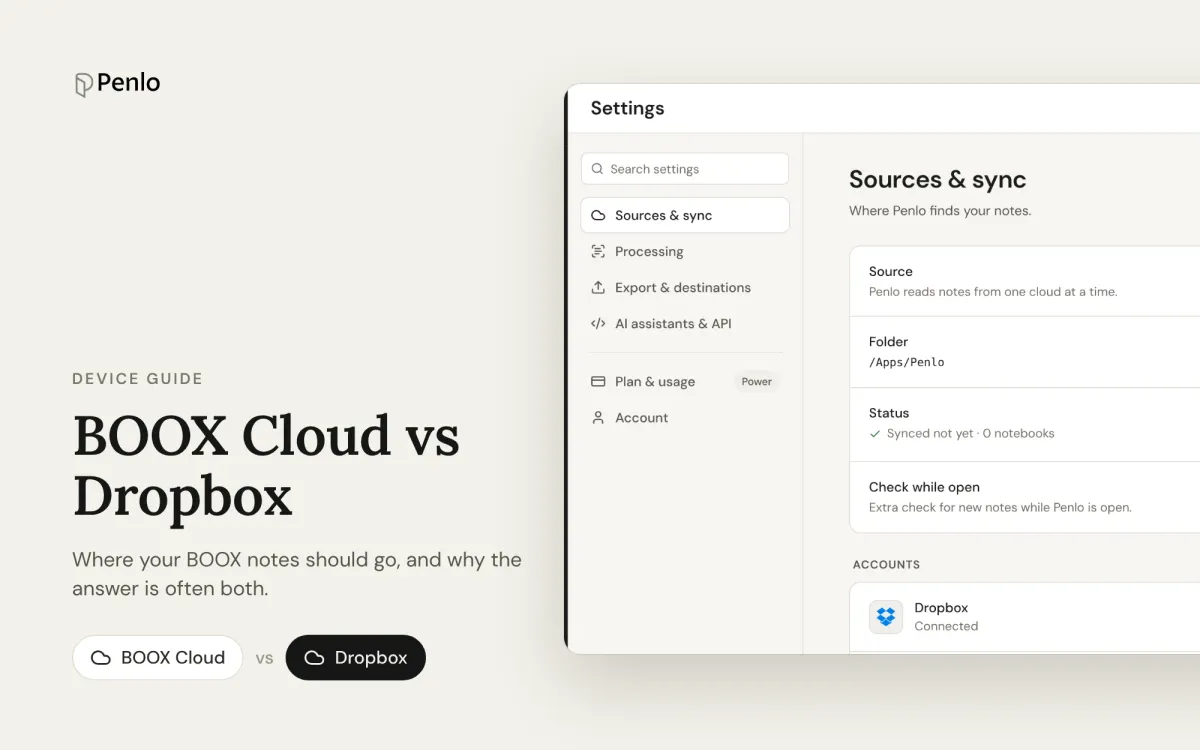
BOOX Cloud vs Dropbox: where should your BOOX notes go?
BOOX Cloud keeps your notes editable on BOOX devices. Dropbox turns every notebook into a PDF any app can read. What each does, what it doesn't, and why most people should use both.
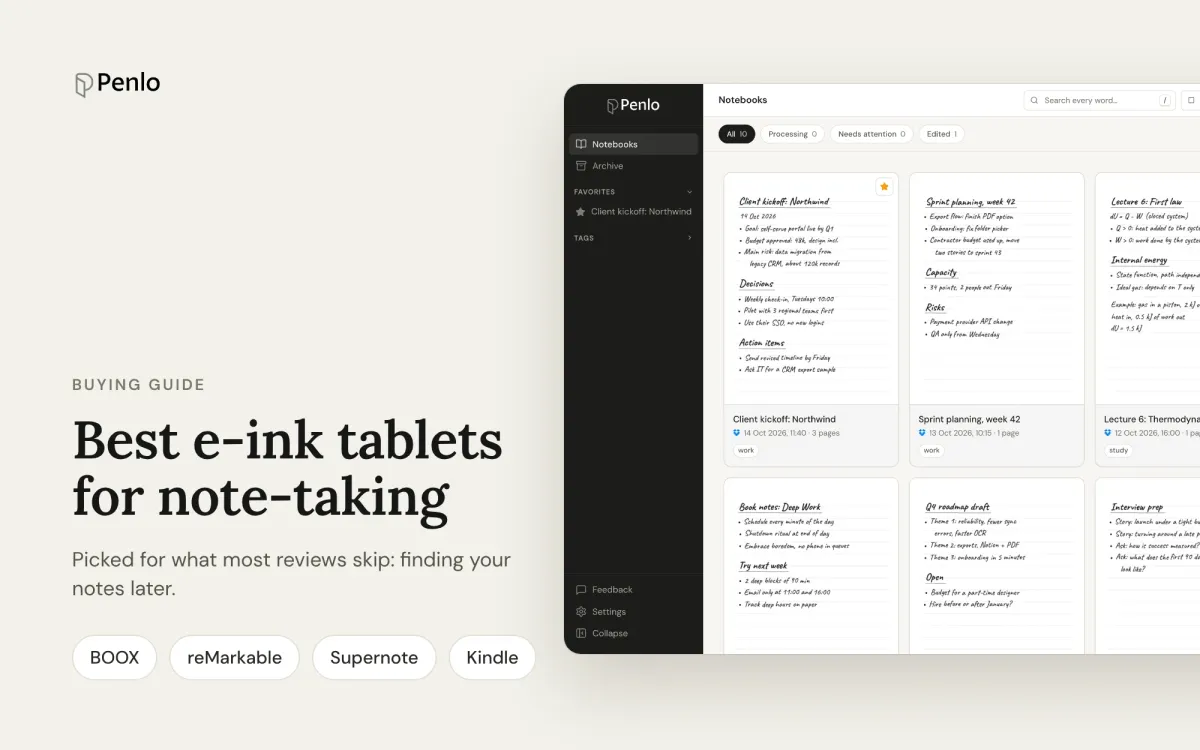
The best e-ink tablets for note-taking in 2026, if you want to find your notes later
BOOX, reMarkable, Supernote or Kindle Scribe? The best note-taking tablets, picked for what most reviews skip: turning handwriting into text, searching it, and getting notebooks off the device.
Supernote vs reMarkable for note-taking: what happens after you write
Supernote or reMarkable? A comparison that looks past the pen and screen: handwriting to text, search, cloud sync, subscriptions, and getting your notes out of the tablet.