BOOX Cloud vs Dropbox: where should your BOOX notes go?
BOOX Cloud keeps your notes editable on BOOX devices. Dropbox turns every notebook into a PDF any app can read. What each does, what it doesn't, and why most people should use both.

Michal Wlosik
· 3 min read
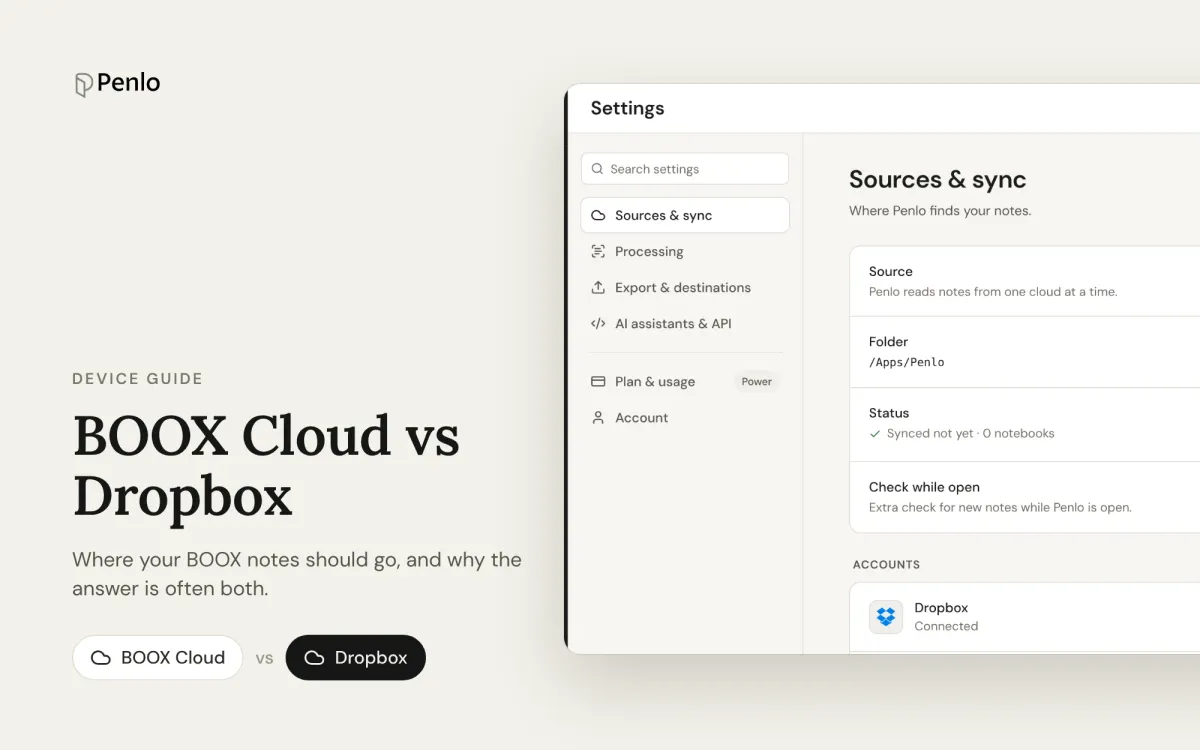
A BOOX tablet offers two very different places for your notes: BOOX Cloud, Onyx's own service, and third-party storage like Dropbox. They sound interchangeable. They aren't, and the best setup for most people uses both.
What BOOX Cloud does
BOOX Cloud (also called ONYX Cloud) comes with your Onyx account. As of October 2026:
- 10 GB free for registered users.
- Syncs your notes between BOOX devices. Sign in on a new BOOX and your notebooks come back, still editable.
- View notes on the web through the send2boox website and the BOOX Assistant app.
- Restore notes to the same or another BOOX, as long as you sign in to the same account on the same server.
To sync everything, open Notes, then the menu, Sync Settings, and Sync all notes to ONYX Account.
What BOOX Cloud doesn't do
Your notes stay in BOOX's world. Other apps can't open them, so BOOX Cloud can't feed your notes into a search tool, a notes app or an AI assistant. It's a backup and a way to move between BOOX devices, not a way to use your notes elsewhere.
What Dropbox does
Link Dropbox under Settings › Accounts, turn on automatic PDF export in the Notes app, and your BOOX saves a fresh PDF of each notebook every time you close it. Those PDFs open anywhere: on your computer, your phone, in any PDF app, and in Penlo. Our step-by-step BOOX to Dropbox guide walks through it.
The catch: copies in third-party storage can't be restored to the tablet as editable notes. A PDF in Dropbox is a picture of your notebook, not the notebook itself. That's exactly why it's worth keeping BOOX Cloud too.
At a glance
| BOOX Cloud | Dropbox | |
|---|---|---|
| Free storage | 10 GB | 2 GB (2.5 GB with a referral) |
| What's stored | Your BOOX notes, editable | A PDF of each notebook |
| Restore to a BOOX | Yes | No |
| Open in other apps | No | Yes, any PDF app |
| Works with Penlo | No | Yes |
| When it syncs | When you sync notes | Every time you close a notebook |
Our recommendation: use both
- Turn on BOOX Cloud sync so your editable notes are backed up and follow you to a new device.
- Link Dropbox and turn on automatic PDF export so every notebook is also available as a PDF you can use anywhere.
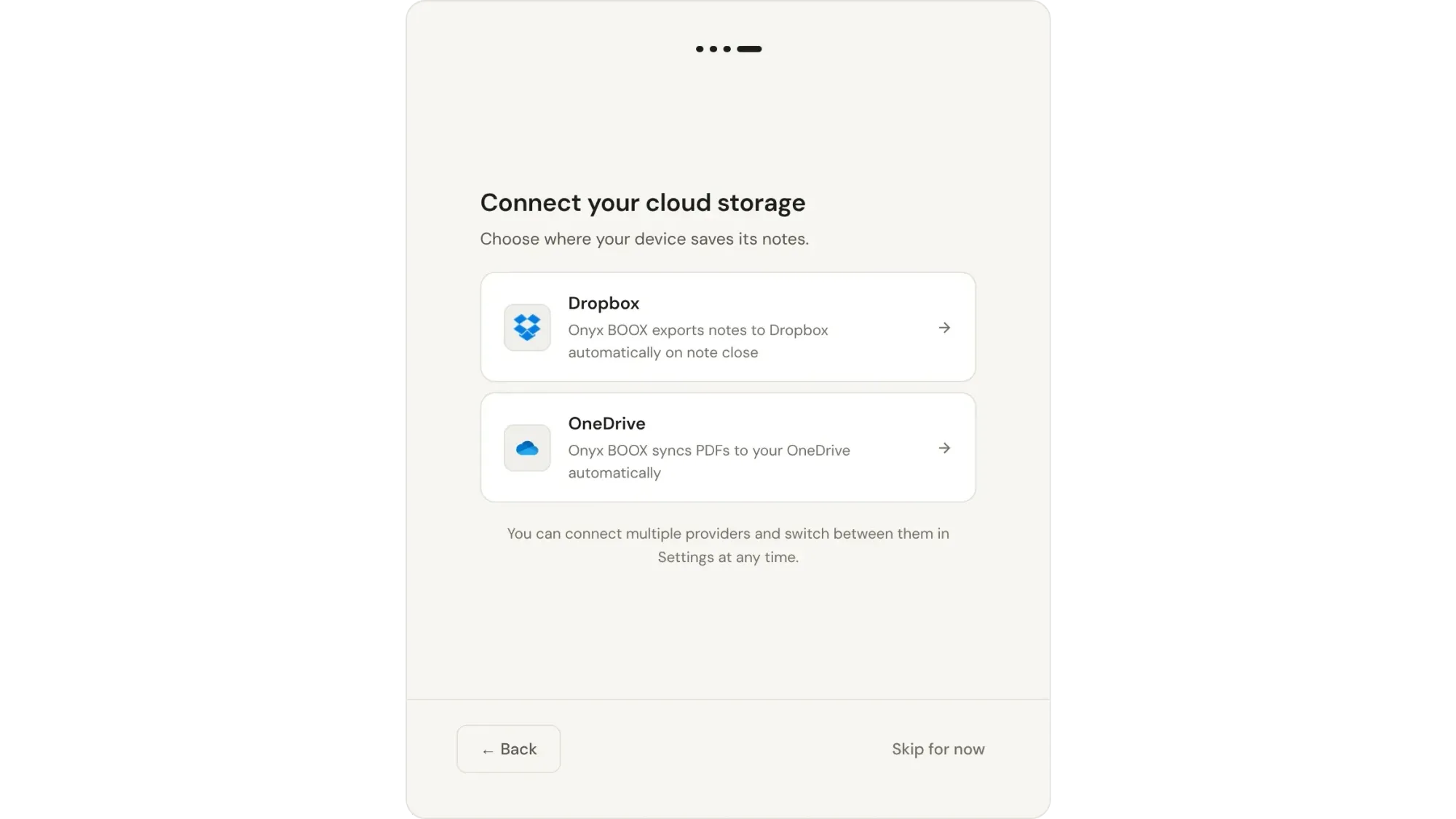
- Connect that Dropbox folder to Penlo to make every notebook searchable as text.
Prefer OneDrive? It works with BOOX and Penlo too. Dropbox has one advantage with Penlo: it can import every notebook already in your folder in one go. See Dropbox vs OneDrive.
New to Dropbox?
Sign up through our referral link and get 500 MB extra on top of the free 2 GB. (We get a little extra space too.)
What Penlo adds on top
A folder of PDFs is a good backup, but you still can't search your handwriting in it. Penlo watches that folder, reads every new notebook with Google Gemini, and turns it into text you can search, copy and send to Notion or your AI assistant.
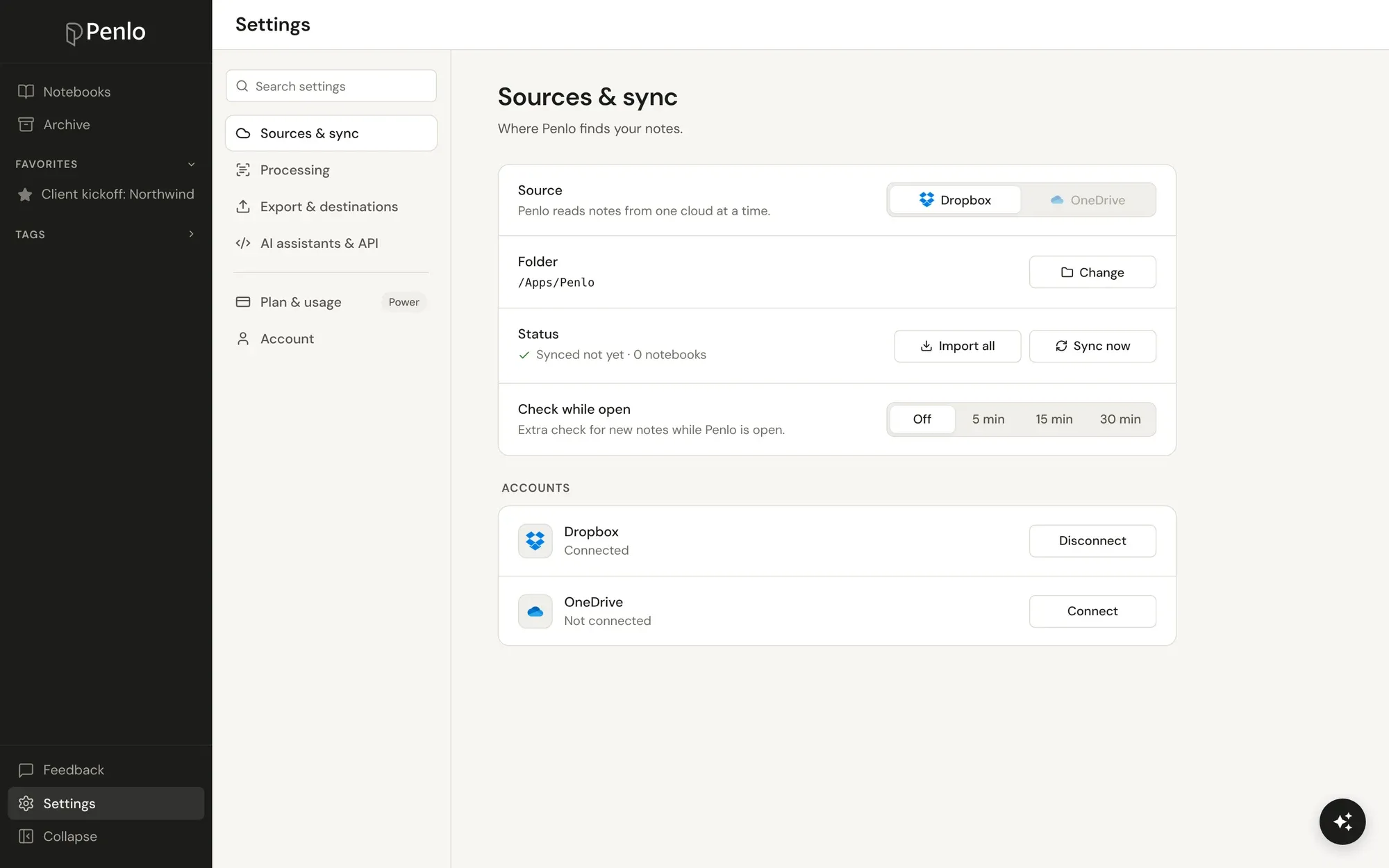
Your BOOX notes, searchable everywhere.
Connect Dropbox once and every notebook you close shows up in Penlo as text. Try every feature free for 7 days.
Setup takes about five minutes: see Getting started with Penlo.
Written by
Builder, product marketer. Creator of Penlo and Ectobuilder. Co-author of The AdTech Book. Writes about turning handwritten notes into searchable, useful text.
Keep reading
BOOX vs reMarkable for note-taking: Android freedom or a pure writing tablet?
BOOX or reMarkable? A comparison of what happens to your notes on each: apps, handwriting to text, search, cloud sync, subscriptions and getting notebooks off the tablet.
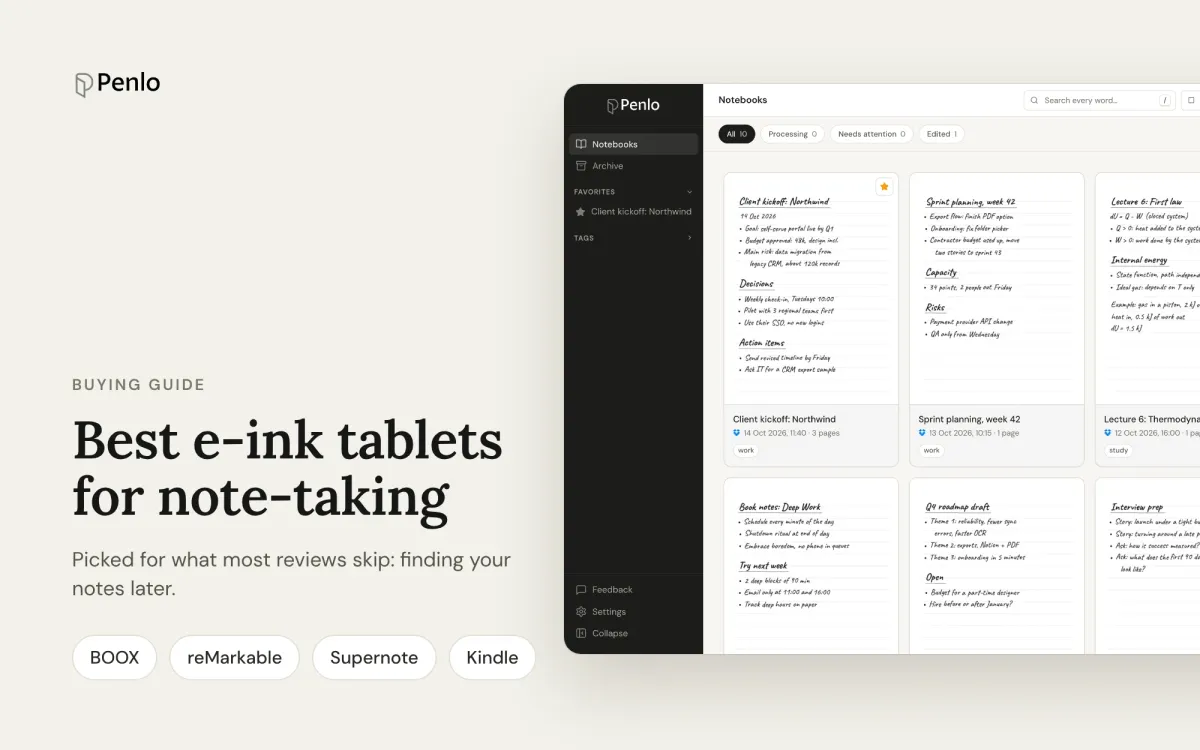
The best e-ink tablets for note-taking in 2026, if you want to find your notes later
BOOX, reMarkable, Supernote or Kindle Scribe? The best note-taking tablets, picked for what most reviews skip: turning handwriting into text, searching it, and getting notebooks off the device.
Supernote vs reMarkable for note-taking: what happens after you write
Supernote or reMarkable? A comparison that looks past the pen and screen: handwriting to text, search, cloud sync, subscriptions, and getting your notes out of the tablet.