
Dropbox vs OneDrive for e-ink notes
Which cloud should your e-ink tablet save to? A comparison of Dropbox and OneDrive for BOOX, Supernote, reMarkable and Kindle Scribe, and how each works with Penlo.

Michal Wlosik
· 2 min read
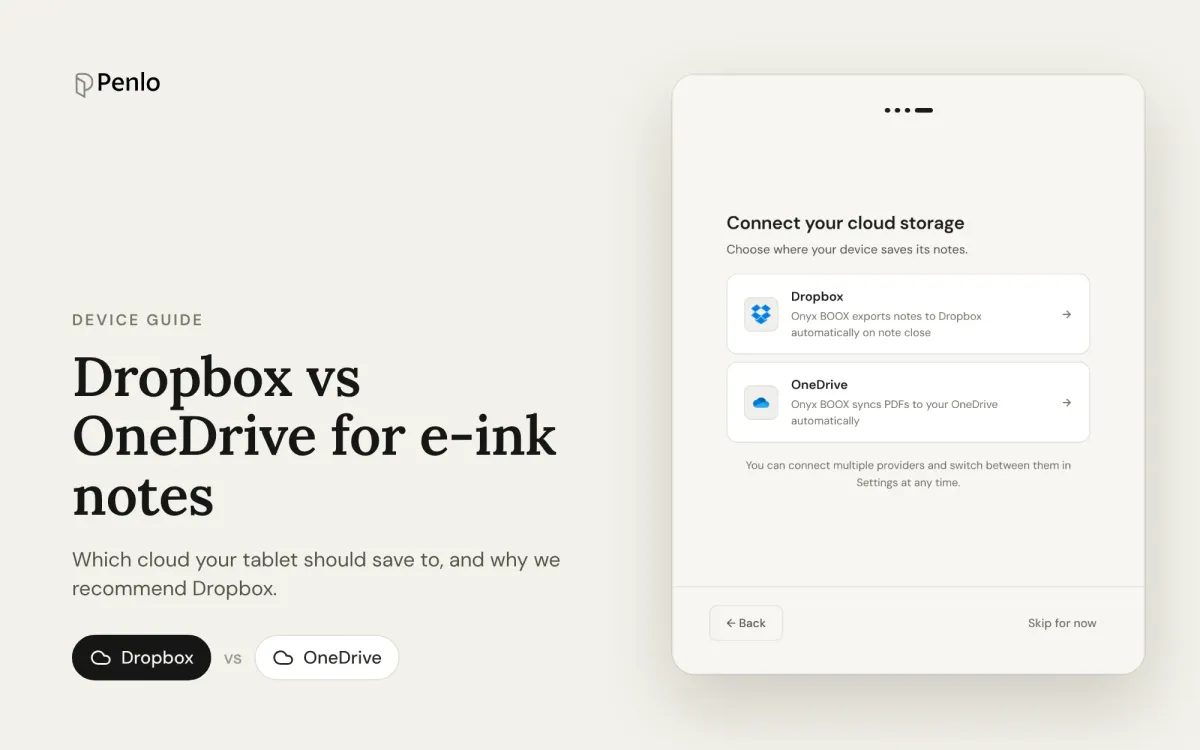
Your e-ink tablet needs somewhere to put your notebooks so other apps can use them. For most tablets that means Dropbox or OneDrive, and Penlo works with both. So which should you pick?
The short answer: use the one your tablet supports best, and if both are an option, choose Dropbox.
Which tablets support which
| Tablet | Dropbox | OneDrive | Automatic? |
|---|---|---|---|
| Onyx BOOX | Yes | Yes | Yes, a PDF every time you close a note |
| Supernote | Yes | Yes | No: export to PDF, then sync |
| reMarkable | Yes | Yes | No: export each notebook |
| Kindle Scribe (2025+) | No | Yes | No: share each notebook |
As of October 2026. Details for each device are in our BOOX guide and Supernote, reMarkable and Kindle Scribe guide.
Free storage
- Dropbox Basic: 2 GB free, plus 500 MB extra if you sign up through a referral link.
- OneDrive: 5 GB free, or more if you already pay for Microsoft 365.
Handwritten notebooks are small, so either is plenty for most people. If you already pay for Microsoft 365, OneDrive is effectively free.
How each works with Penlo
Both connect to Penlo in a minute, and with both, Penlo only reads the one folder you choose. The differences:
- New notes arrive quickly with both. Penlo is notified when a new PDF lands, so notebooks show up shortly after your tablet uploads them.
- Importing your archive: Dropbox only. With Dropbox, Penlo can import every notebook already in your folder in one go, using Import all notes. With OneDrive, Penlo picks up new and updated notebooks from the moment you connect.
- BOOX + Dropbox is the smoothest setup. Every notebook is saved automatically when you close it, so it's in Penlo without you doing anything.
Our recommendation
- BOOX, Supernote or reMarkable: Dropbox. It's the smoothest setup and the only one that brings in your whole archive at once.
- Kindle Scribe: OneDrive, because the Scribe doesn't support Dropbox.
- Already living in Microsoft 365: OneDrive works well too.
Going with Dropbox? Get 500 MB extra, free.
Sign up through our referral link and you get 500 MB on top of the free 2 GB. (We get a little extra space too.)
Can I switch later?
Yes. You can connect both in Penlo and switch between them in Settings › Sources & sync at any time. Notebooks you've already synced stay in Penlo.
Written by
Builder, product marketer. Creator of Penlo and Ectobuilder. Co-author of The AdTech Book. Writes about turning handwritten notes into searchable, useful text.
Keep reading
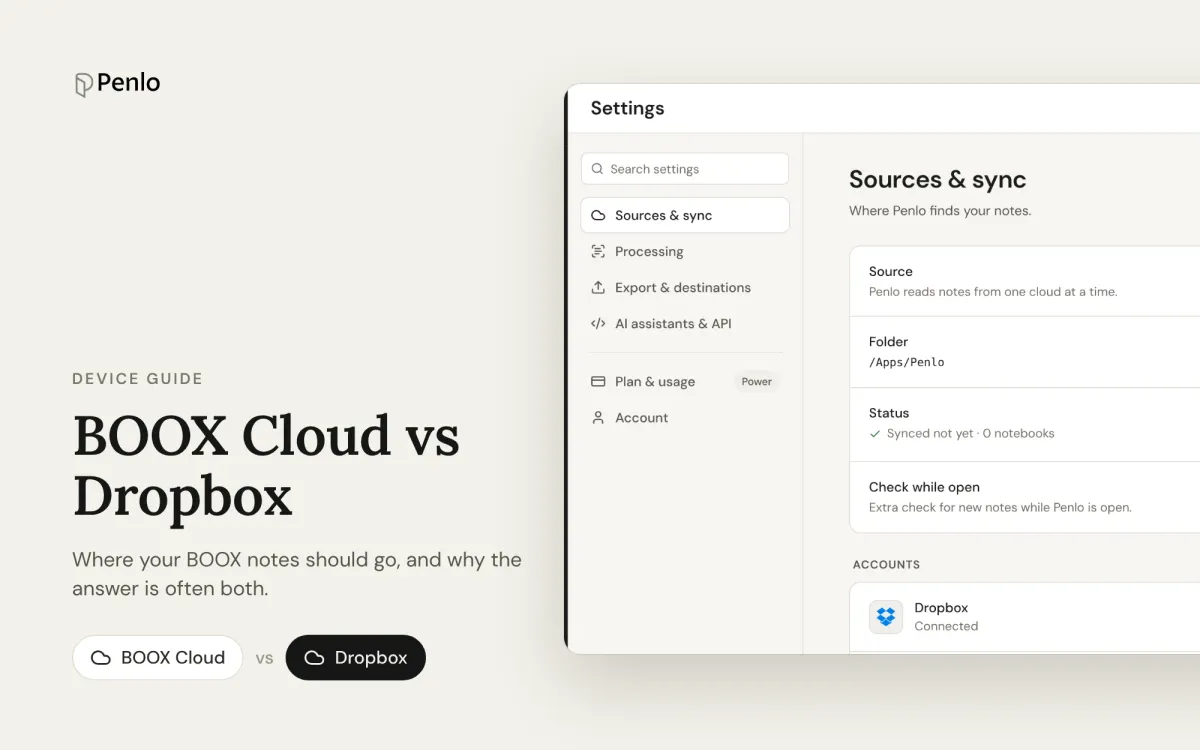
BOOX Cloud vs Dropbox: where should your BOOX notes go?
BOOX Cloud keeps your notes editable on BOOX devices. Dropbox turns every notebook into a PDF any app can read. What each does, what it doesn't, and why most people should use both.
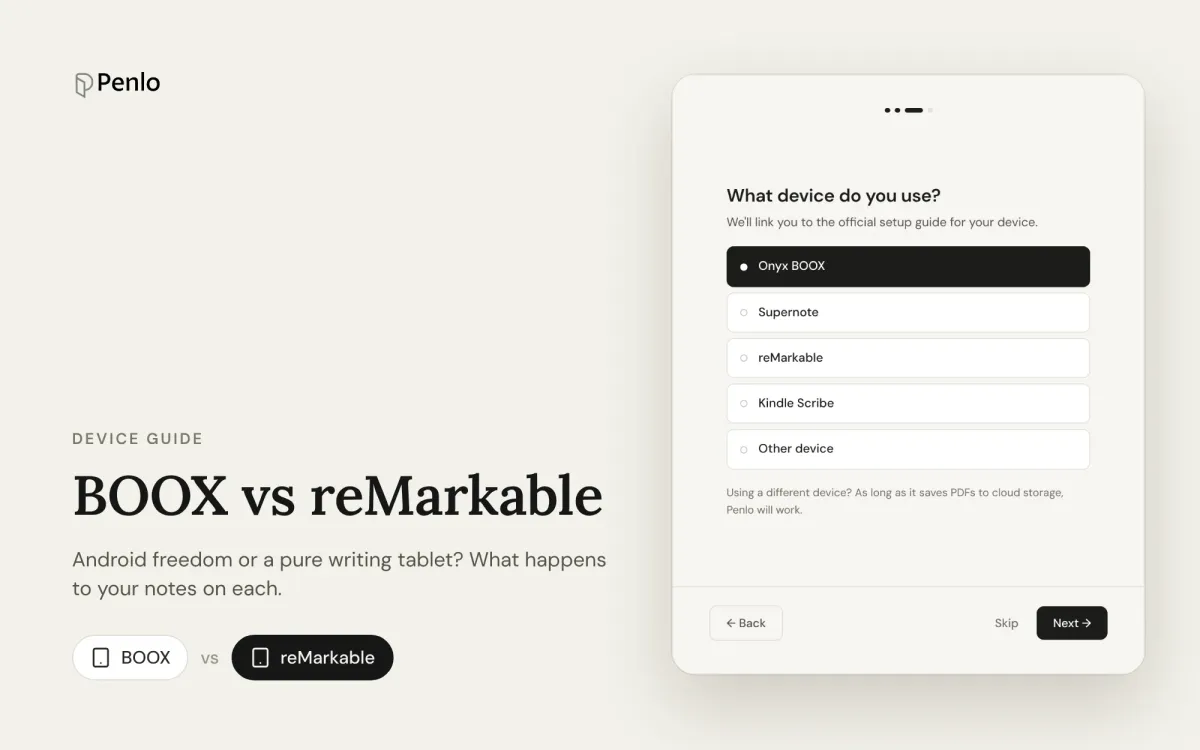
BOOX vs reMarkable for note-taking: Android freedom or a pure writing tablet?
BOOX or reMarkable? A comparison of what happens to your notes on each: apps, handwriting to text, search, cloud sync, subscriptions and getting notebooks off the tablet.
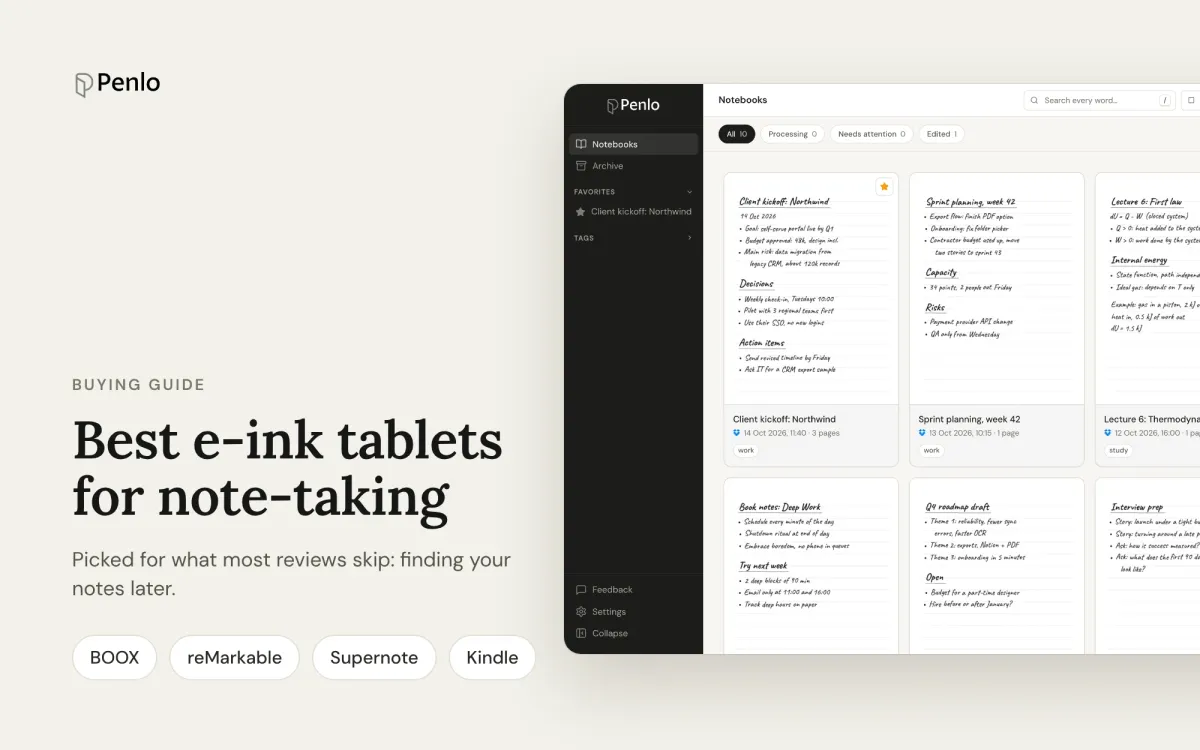
The best e-ink tablets for note-taking in 2026, if you want to find your notes later
BOOX, reMarkable, Supernote or Kindle Scribe? The best note-taking tablets, picked for what most reviews skip: turning handwriting into text, searching it, and getting notebooks off the device.