
Penlo vs searching on your tablet
Your e-ink tablet can probably search your handwriting already. Here's what changes when your notes live in Penlo instead: every notebook, every device, from any screen.

Michal Wlosik
· 2 min read
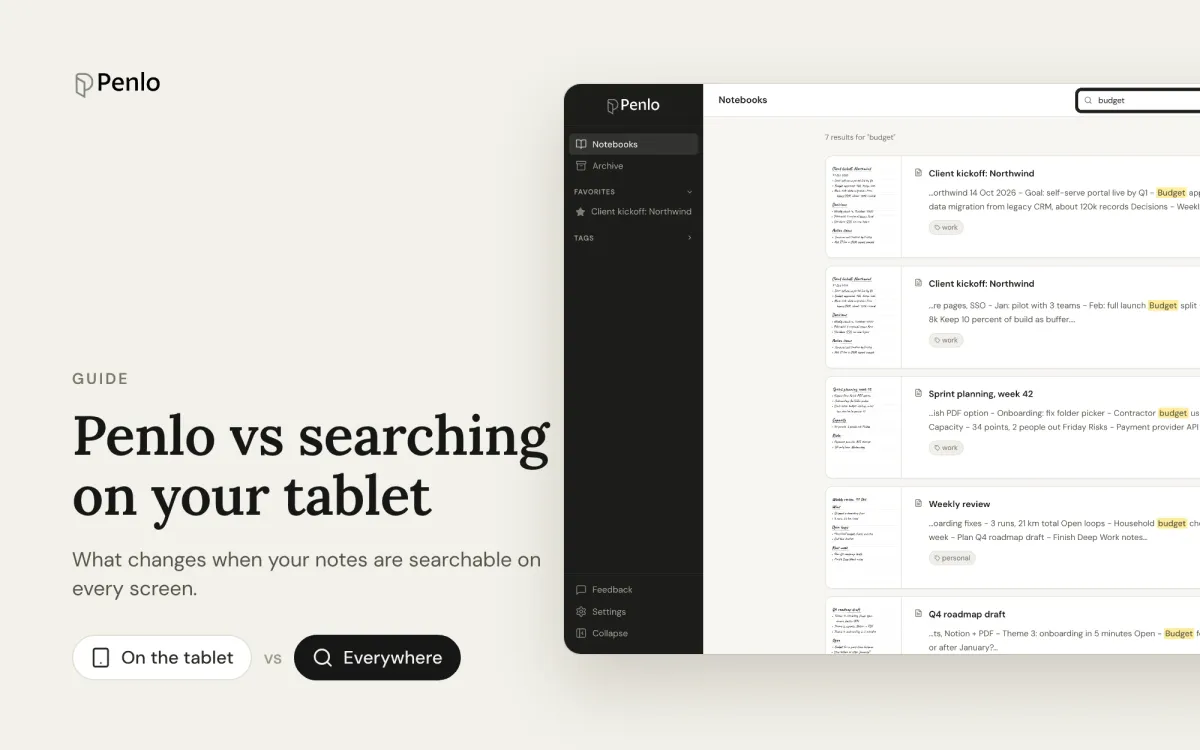
Most e-ink tablets can recognise handwriting on the device, and many can search it. So why would you need anything else? We asked people who take a lot of handwritten notes. One lawyer described searching on her tablet in a single word: "miserable".
The tablet is a great place to write. It's a cramped place to find things. Here's what changes when your notes also live in Penlo.
Search from any screen
On-device search only works when the tablet is in your hands. Penlo works in any browser: at your desk, on your laptop in a meeting, on your phone. When you need last month's notes while writing an email, you don't have to go and find the tablet first.
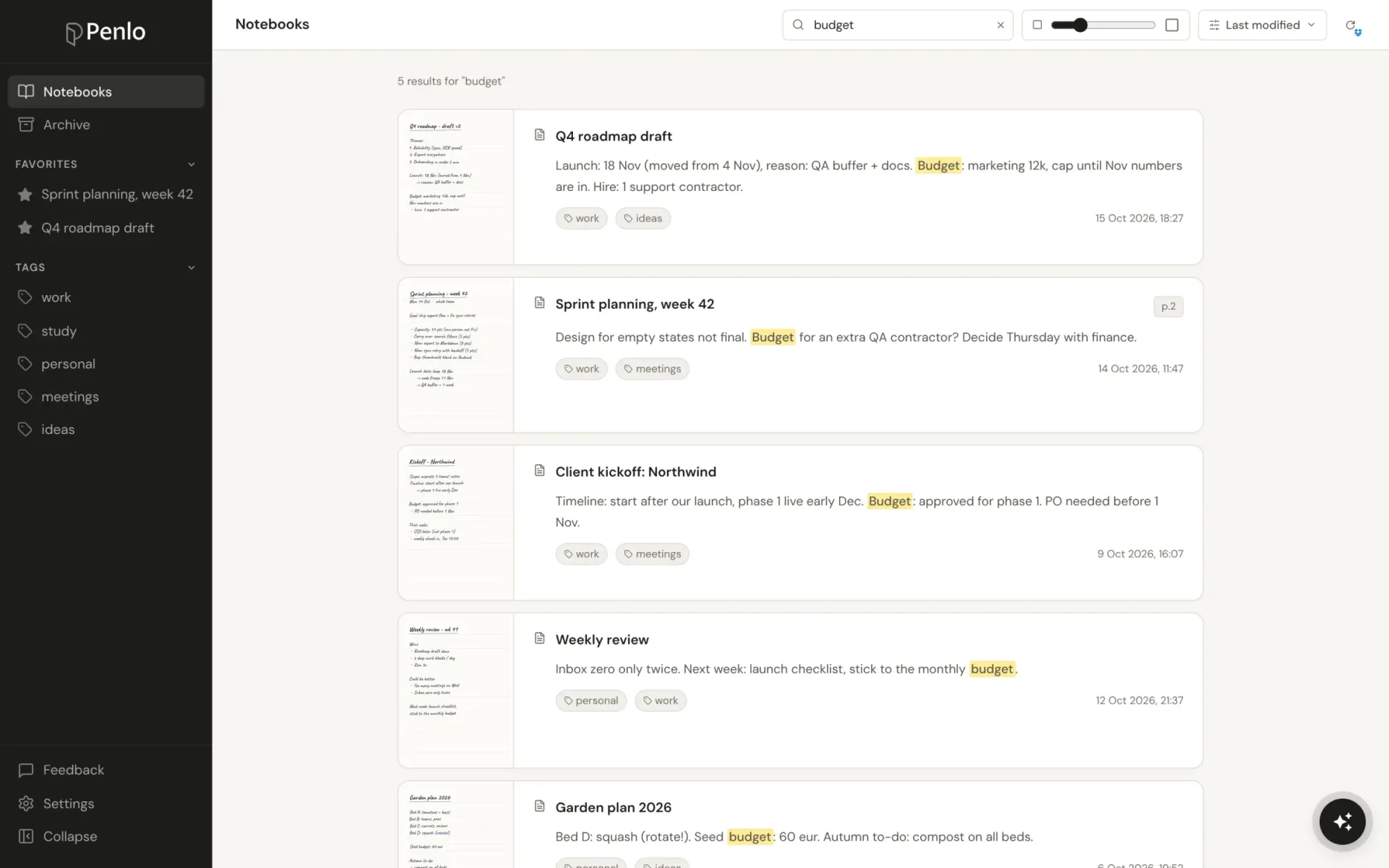
Every notebook at once
Penlo searches all your notebooks in one go, and shows each match with the page it's on and the passage highlighted. Use quotes for exact phrases and a minus to leave words out. If you use more than one tablet, notebooks from all of them sit in the same library.
Better text to search
Search is only as good as the transcription underneath it. Penlo reads every page with Google Gemini and cleans it up as it goes: lines broken at the edge of the page are joined, unclear words are settled using the context of the whole page, and punctuation is tidied. When it still gets a word wrong, you fix it once in the Text tab and it's findable from then on. More on how cleanup works.
Answers, not just matches
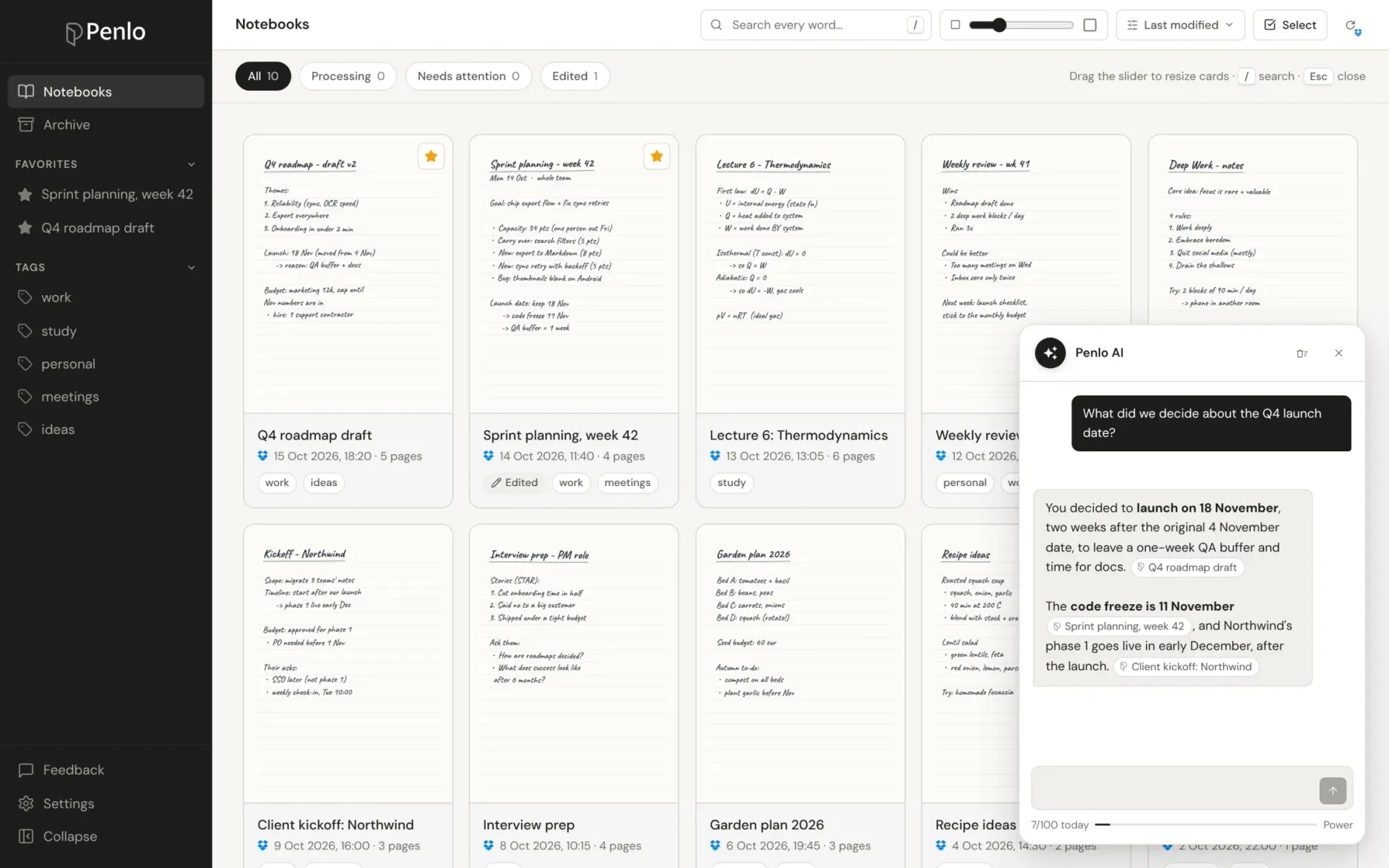
Search finds pages that contain a word. Sometimes you remember the idea, not the word. Penlo AI answers questions like "what did we decide about the launch date?" from everything you've written, and shows which notebooks the answer came from.
Your notes in your other tools
Text locked inside a tablet can't go anywhere. In Penlo you can copy it, download it as Markdown or a searchable PDF, send it to Notion, share a link, or let Claude and ChatGPT read it for you.
At a glance
| Search on the tablet | Penlo | |
|---|---|---|
| Where you can search | On the tablet | Any browser, any device |
| What it searches | Depends on the device | All notebooks, all your tablets |
| Fix misread words | Depends on the device | Edit the text; your fixes are kept |
| Ask questions | No | Penlo AI, with sources |
| Use the text elsewhere | Limited | Copy, Markdown, PDF, Notion, Claude, ChatGPT |
You keep writing exactly as you do now
Penlo doesn't replace your tablet's notes app. You write the same way you always have; your tablet saves the notebook to Dropbox or OneDrive, and Penlo picks it up from there. Setup takes about five minutes: see Getting started with Penlo.
Written by
Builder, product marketer. Creator of Penlo and Ectobuilder. Co-author of The AdTech Book. Writes about turning handwritten notes into searchable, useful text.
Keep reading
E-ink tablet vs iPad for note-taking: an honest comparison
Paper feel, focus and battery life, or apps, colour and search? How e-ink tablets and the iPad compare for handwritten notes, and how to close the e-ink tablet's one big gap.
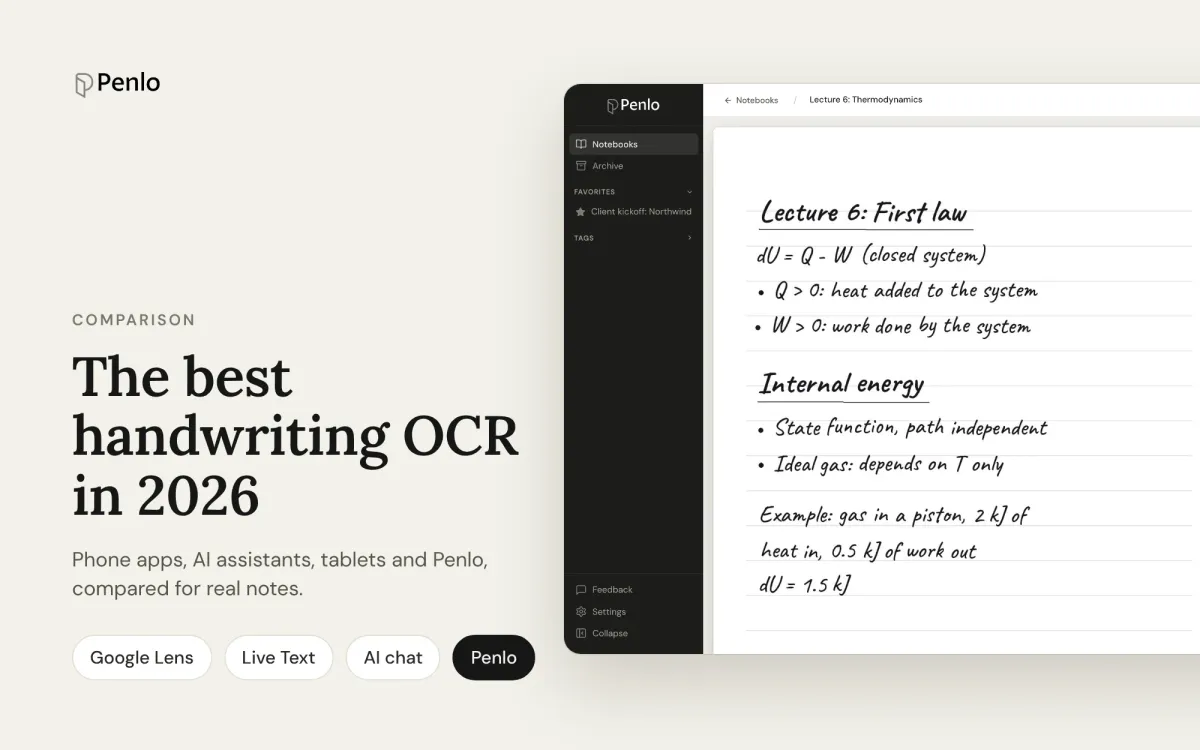
The best handwriting OCR in 2026: what actually works for notes
Google Lens, Apple Live Text, AI assistants, your tablet's own recognition and Penlo, compared for real handwritten notes: messy writing, many pages, and finding the text again.
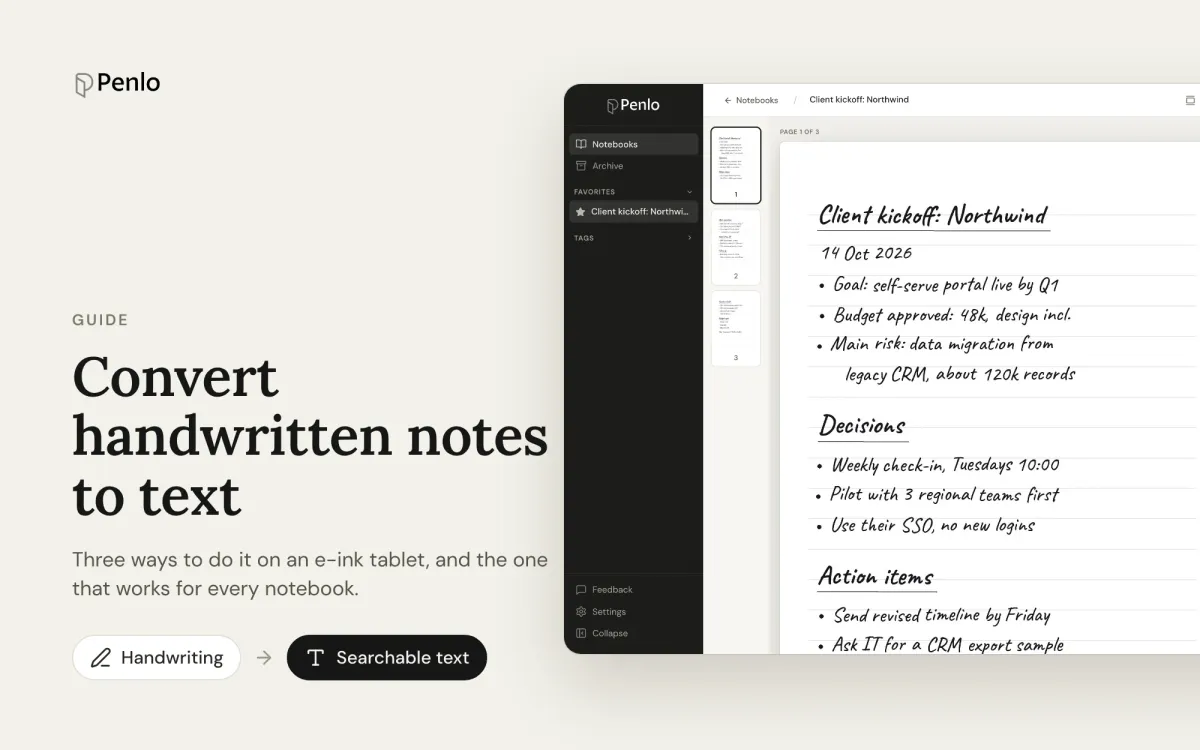
How to convert handwritten notes to text on an e-ink tablet
Three ways to turn handwritten notes into text if you write on an e-ink tablet: on the device, with a phone OCR app, or automatically for every notebook. What each is good for, and where it falls short.