
Search every word you've ever written
Penlo turns every handwritten page into text, so you can find any note by a word you wrote in it, across all your notebooks at once.

Michal Wlosik
· 3 min read
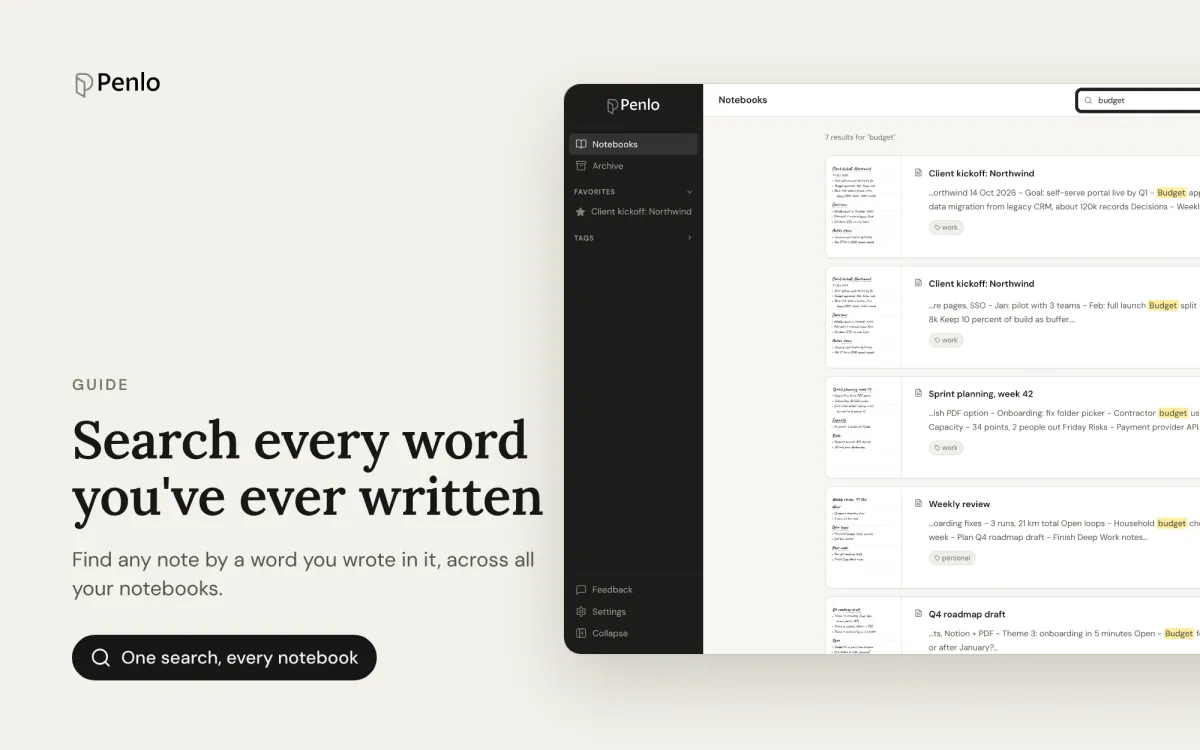
The whole point of writing on an e-ink tablet is that it feels like paper. The catch is that paper is hard to search. Penlo fixes that: every page you sync is read and turned into text, so you can find a note by any word you wrote in it, across every notebook at once.
This is part of our getting started series. If you haven't connected your tablet yet, start there.
Search every notebook at once
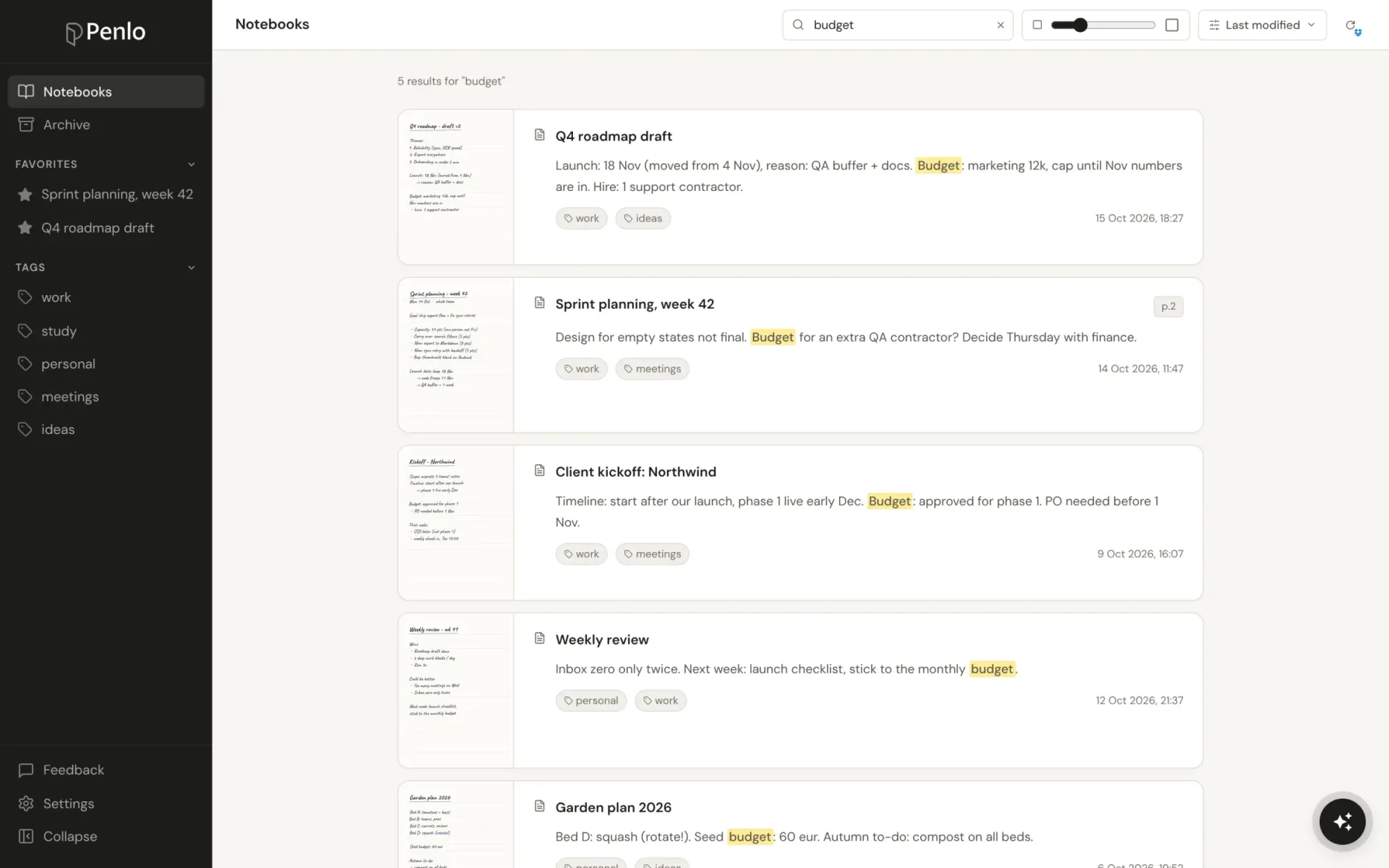
The search box sits at the top of your dashboard. Click it, or press / anywhere in the dashboard, and start typing. Penlo looks through the text of every page in every notebook, and through notebook names too.
Each result shows the notebook, the page the match is on, and a short excerpt with your search words highlighted. Click a result to open that notebook.
Search tips
Penlo's search understands a few handy shortcuts, the same ones you'd use in a web search:
- Word forms are matched for you. Searching meeting also finds meetings.
- Use quotes for an exact phrase. "launch date" finds those two words together, in that order.
- Exclude a word with a minus. budget -marketing finds pages about budgets that don't mention marketing.
- Use or for either word. invoice or receipt finds pages with either one.
Search works on English word forms, so the matching of word endings is best for notes written in English. Exact words still match in any language.
Read a notebook as text
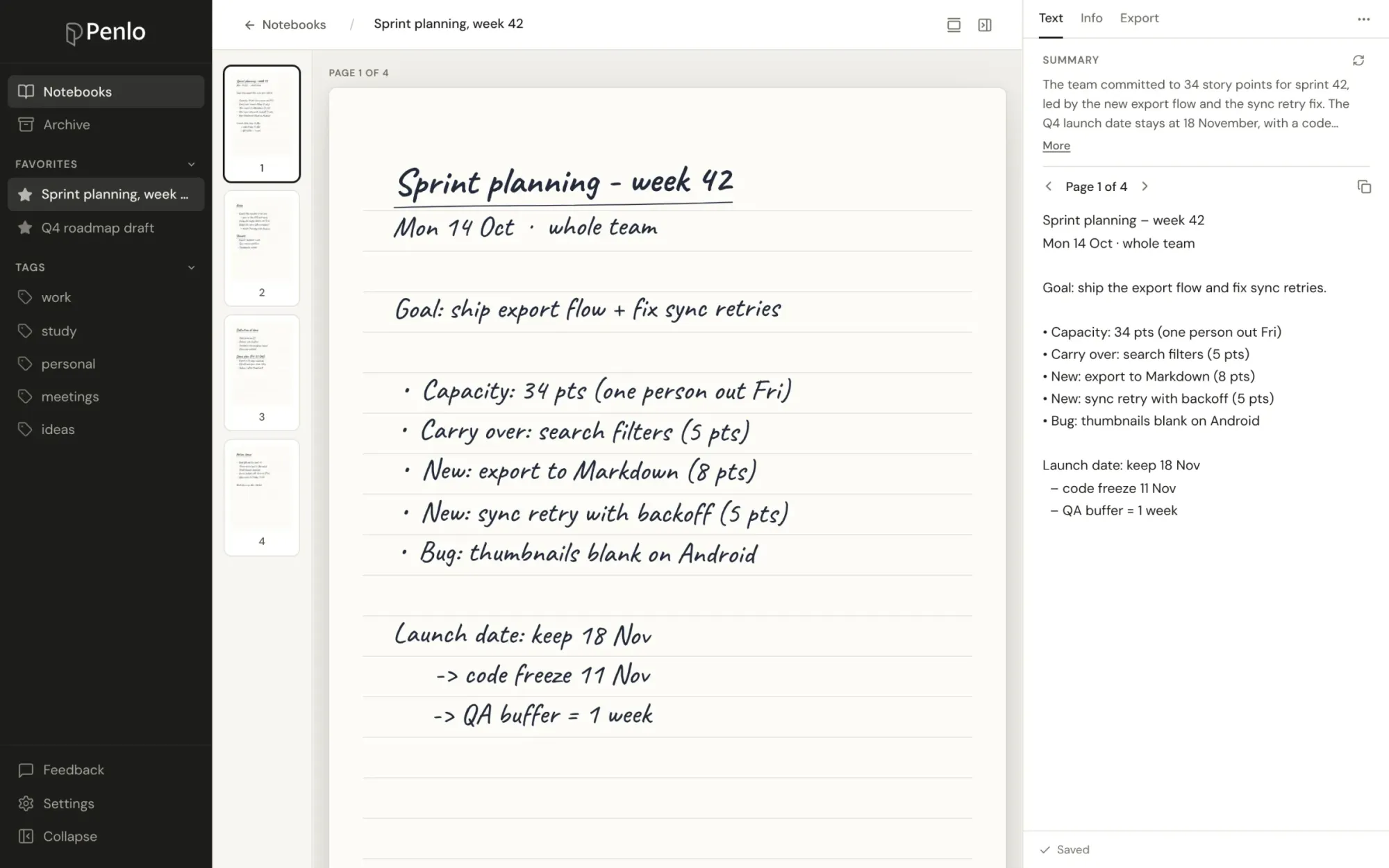
Open a notebook and its text sits next to each page in the Text tab, with a short summary of the whole notebook on top. Step through pages with the arrows, copy a single page, or copy the whole notebook's text from the ⋯ menu.
When search can't find something
A notebook I just wrote doesn't show up
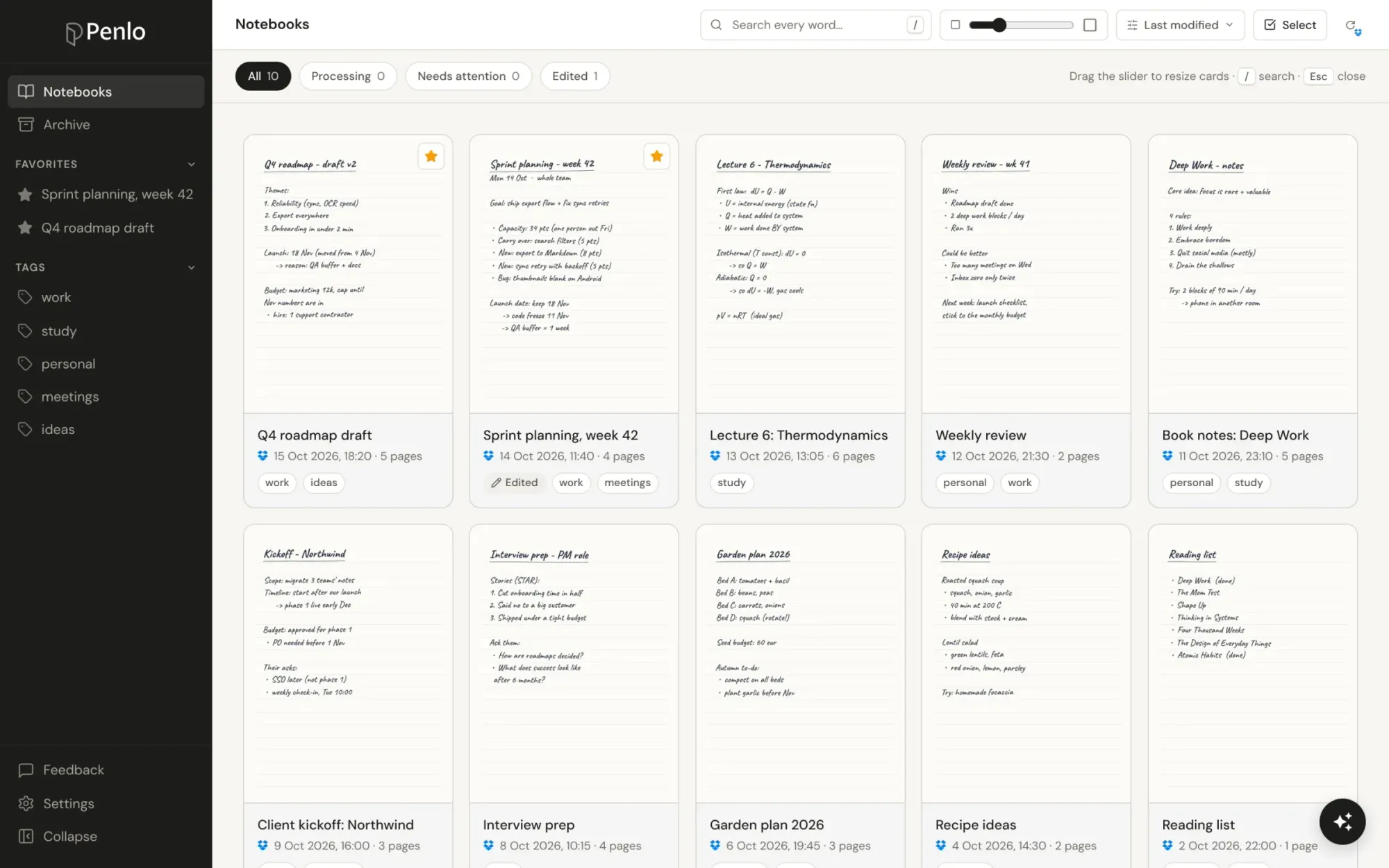
A notebook becomes searchable once Penlo has finished reading it. You can see this on its card in the dashboard: while it's being read, it's marked as processing. Most notebooks are done within a minute or two of syncing.
A word I know I wrote isn't found
It may have been read as a different word. Open the notebook, find the page, and correct the word in the Text tab. For older notebooks, re-running OCR applies Penlo's latest text cleanup, which fixes most misreads using the context of the page. Your own corrections are kept.
Which plans include search across notebooks?
Searching across all notebooks is part of Pro and Power, and of the 7-day free trial every new account starts with. On the Free plan you can still open any notebook and read or copy its text.
Next in the series
Search finds the page. Penlo AI goes one step further and answers questions using everything you've written.
Written by
Builder, product marketer. Creator of Penlo and Ectobuilder. Co-author of The AdTech Book. Writes about turning handwritten notes into searchable, useful text.
Keep reading
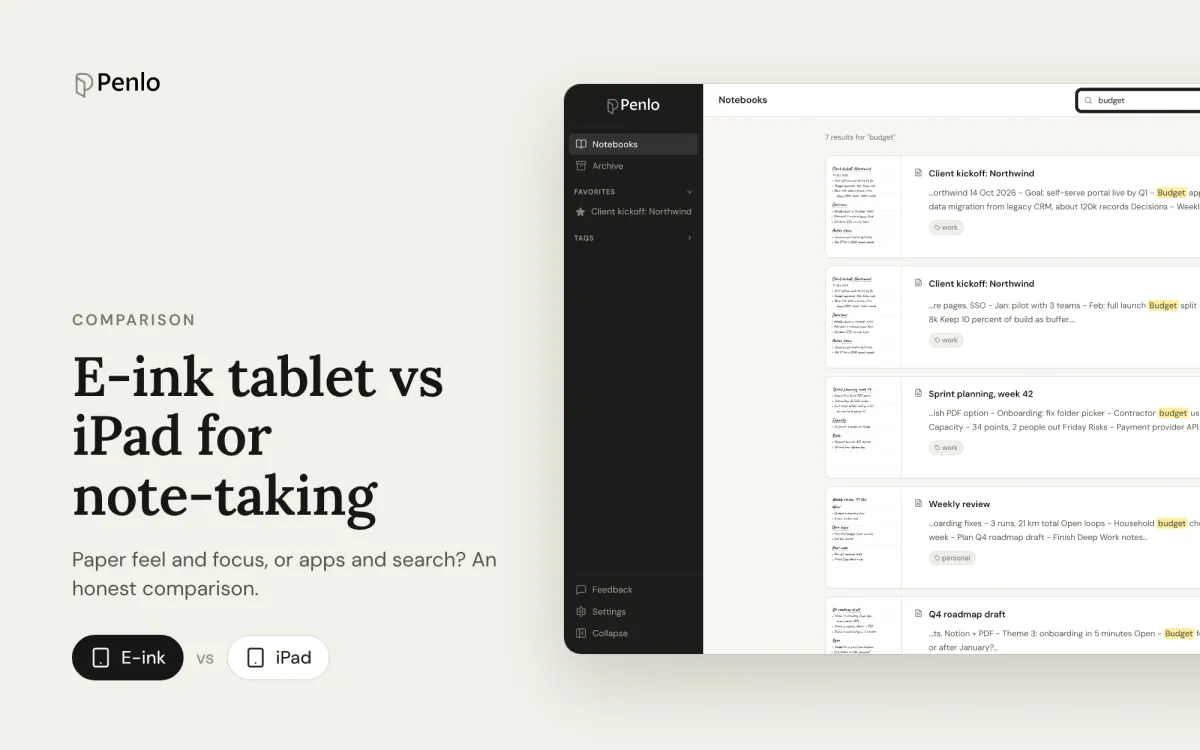
E-ink tablet vs iPad for note-taking: an honest comparison
Paper feel, focus and battery life, or apps, colour and search? How e-ink tablets and the iPad compare for handwritten notes, and how to close the e-ink tablet's one big gap.
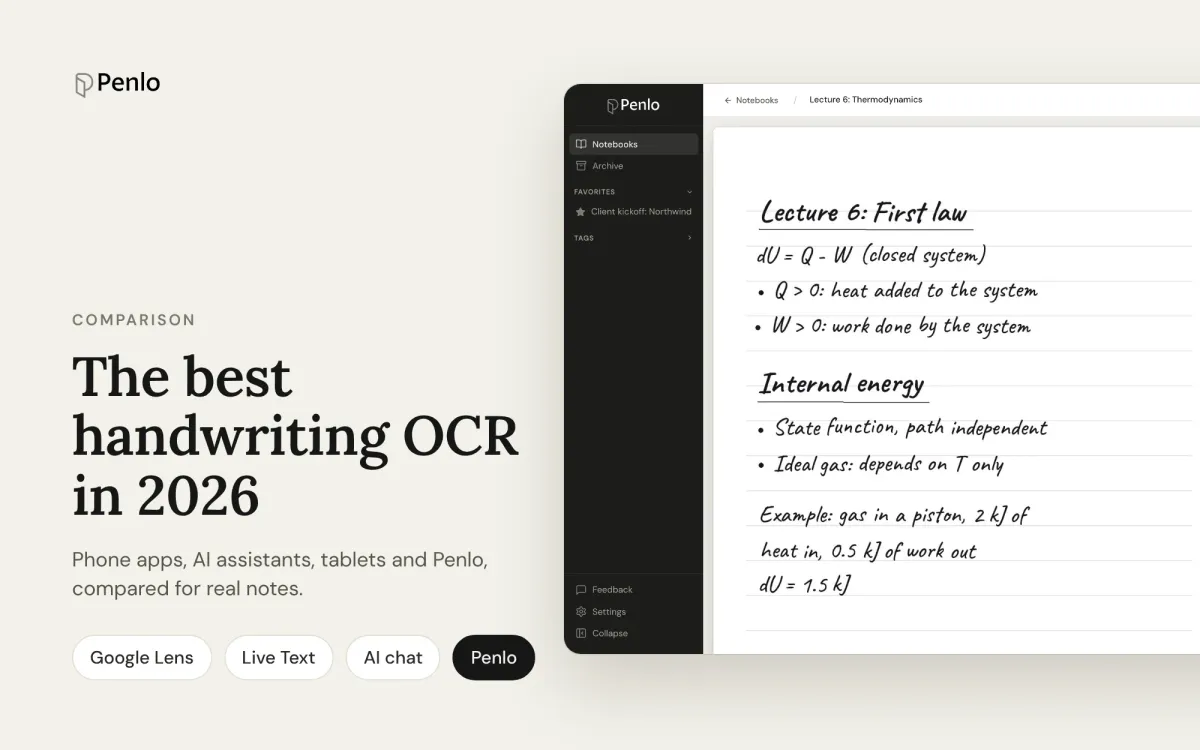
The best handwriting OCR in 2026: what actually works for notes
Google Lens, Apple Live Text, AI assistants, your tablet's own recognition and Penlo, compared for real handwritten notes: messy writing, many pages, and finding the text again.
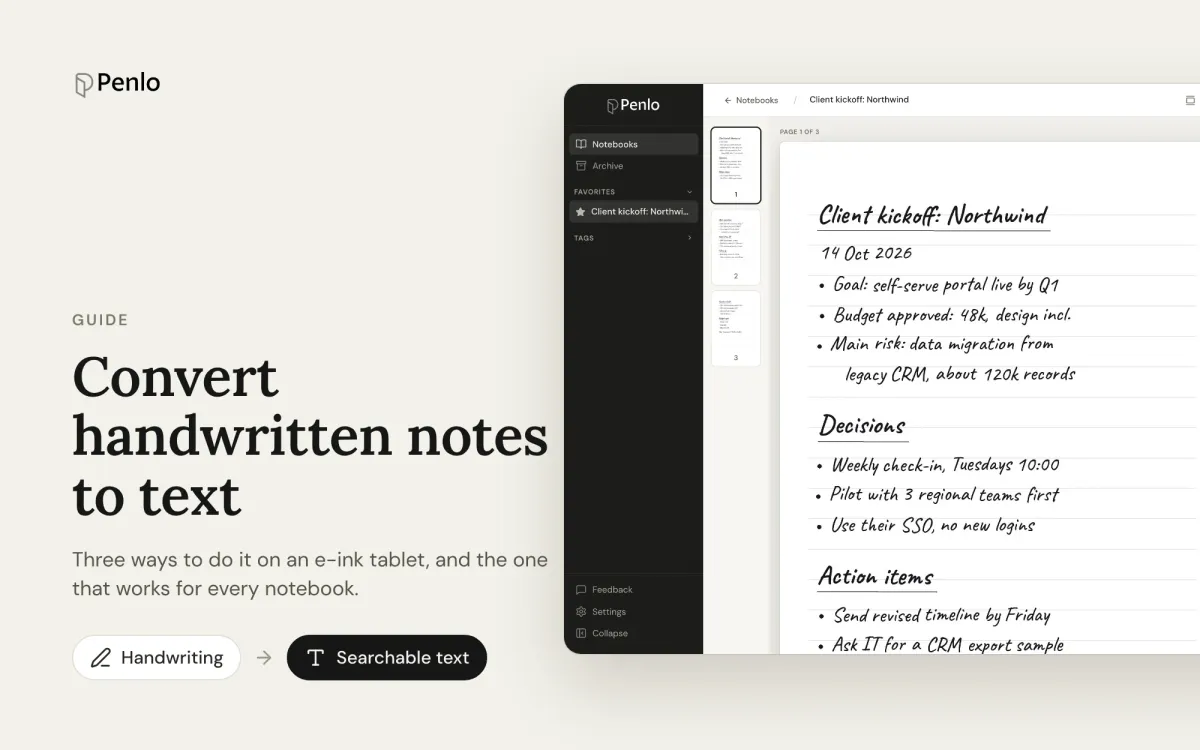
How to convert handwritten notes to text on an e-ink tablet
Three ways to turn handwritten notes into text if you write on an e-ink tablet: on the device, with a phone OCR app, or automatically for every notebook. What each is good for, and where it falls short.