The best reading apps for e-ink note-taking tablets in 2026
Your note-taking tablet is also a reader. Which reading apps BOOX, Supernote, reMarkable and Kindle Scribe can run, the best ones to install, and how to keep reading and handwritten notes working together.

Michal Wlosik
· 6 min read
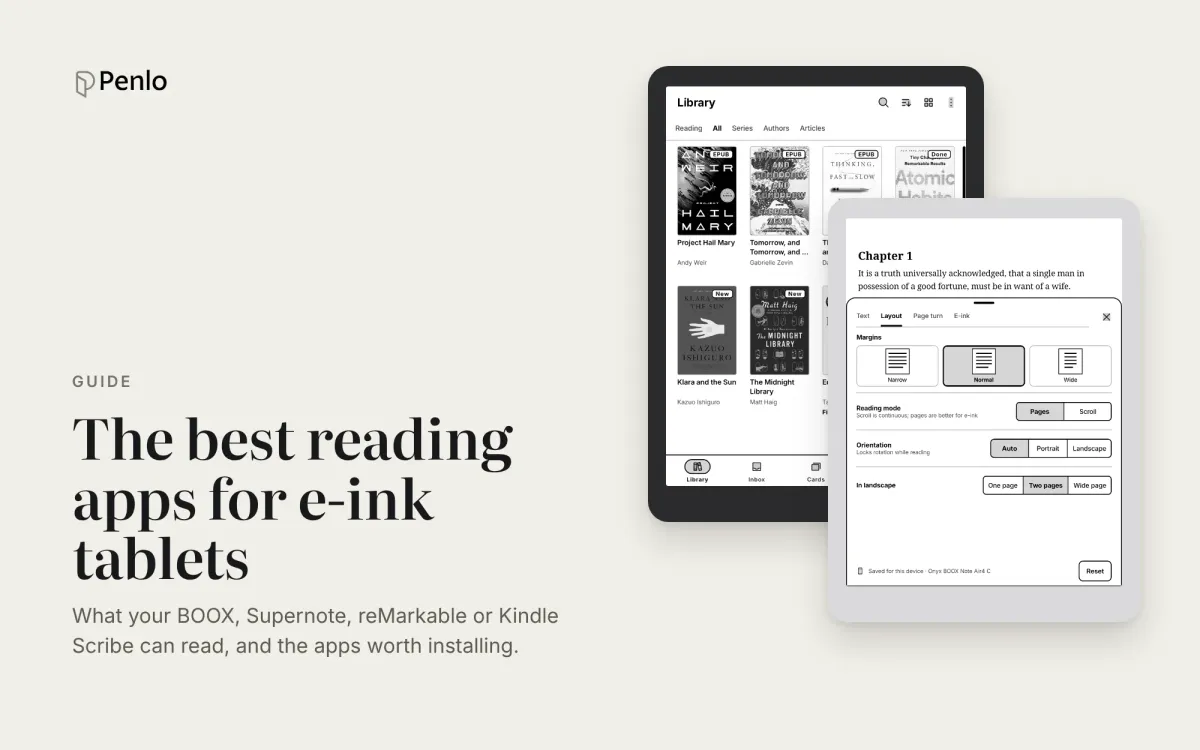
Most e-ink tablets are bought for writing, then end up being used just as much for reading: papers, reports, novels, the PDF you need to mark up before a meeting. How well your tablet reads depends on one thing most comparisons skip: which reading apps it can run. A BOOX runs almost anything from Google Play. A Supernote, reMarkable or Kindle Scribe gives you the reader it ships with, and little else.
This guide covers the best reading apps for each note-taking tablet, what each built-in reader does well, and how to keep reading and handwritten notes working together. Full disclosure: we make Penlo, and also Bookbeam Reader, one of the apps below. We'll be clear about where other apps are the better pick.
Which tablets can install reading apps?
- BOOX: yes. BOOX tablets run Android with Google Play, so any Android reading app installs normally.
- Supernote: mostly no. Its Chauvet system is built on Android but has no Google Play. You can add the Kindle app from Settings, and you can sideload other apps, but Supernote doesn't support it officially and some apps run poorly.
- reMarkable: no. You read PDFs and EPUBs in reMarkable's own reader, and there's no app store.
- Kindle Scribe: no. It reads Kindle books, plus documents and EPUBs you send with Send to Kindle.
So if reading apps matter to you, the choice of tablet matters more than the choice of app. Our guide to the best e-ink tablets for note-taking covers the hardware.
The best reading apps for BOOX
On a BOOX you can install several readers and use each one for what it does best. These are the ones worth having.
1. Bookbeam Reader: best for books and articles
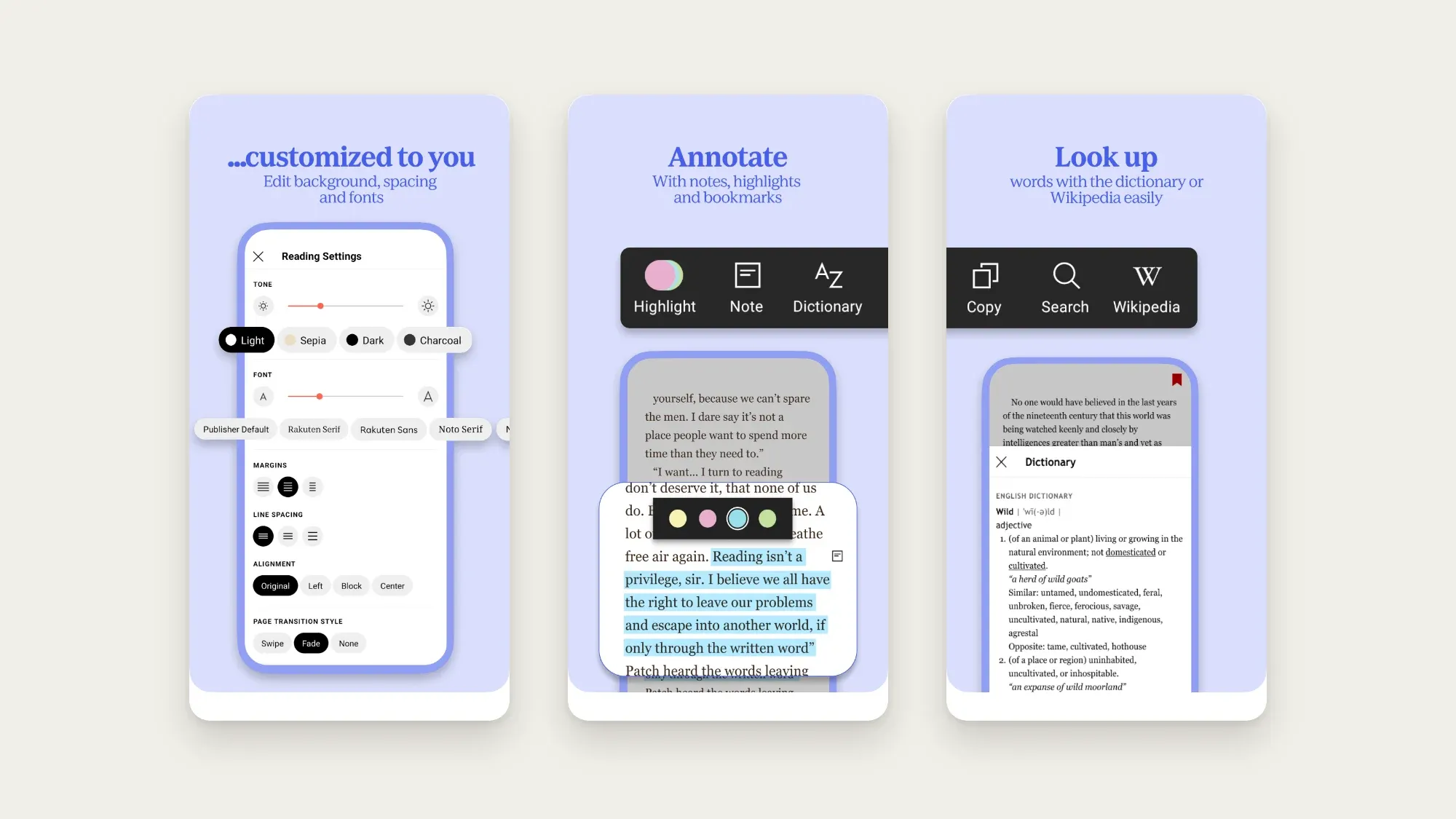
Bookbeam Reader is an Android reader built for e-ink first. Page turns are designed to keep ghosting down, and the interface avoids the animations and grey gradients that smear on an e-ink screen. It opens EPUB, PDF, MOBI and AZW3 without DRM, FB2, TXT and CBZ comics.
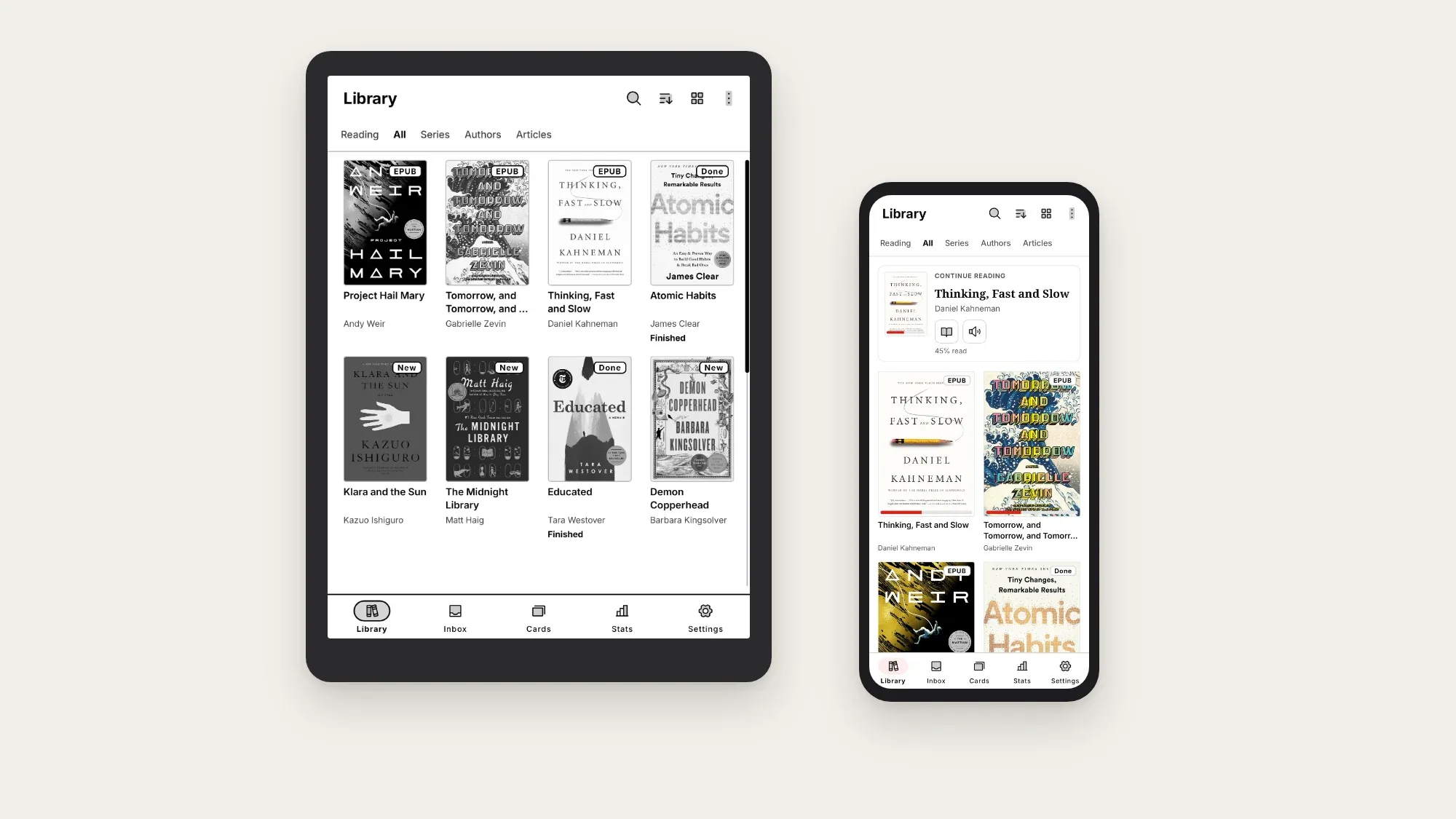
What makes it useful next to a notes app:
- Sync beyond the tablet. Progress, highlights, notes and your library sync across devices, with a free web library at books.bookbeam.tools. Read on the BOOX at home, continue on your phone later.
- Articles and videos as e-books. The Send to Bookbeam Chrome extension turns web articles and YouTube videos into clean, readable books on your tablet.
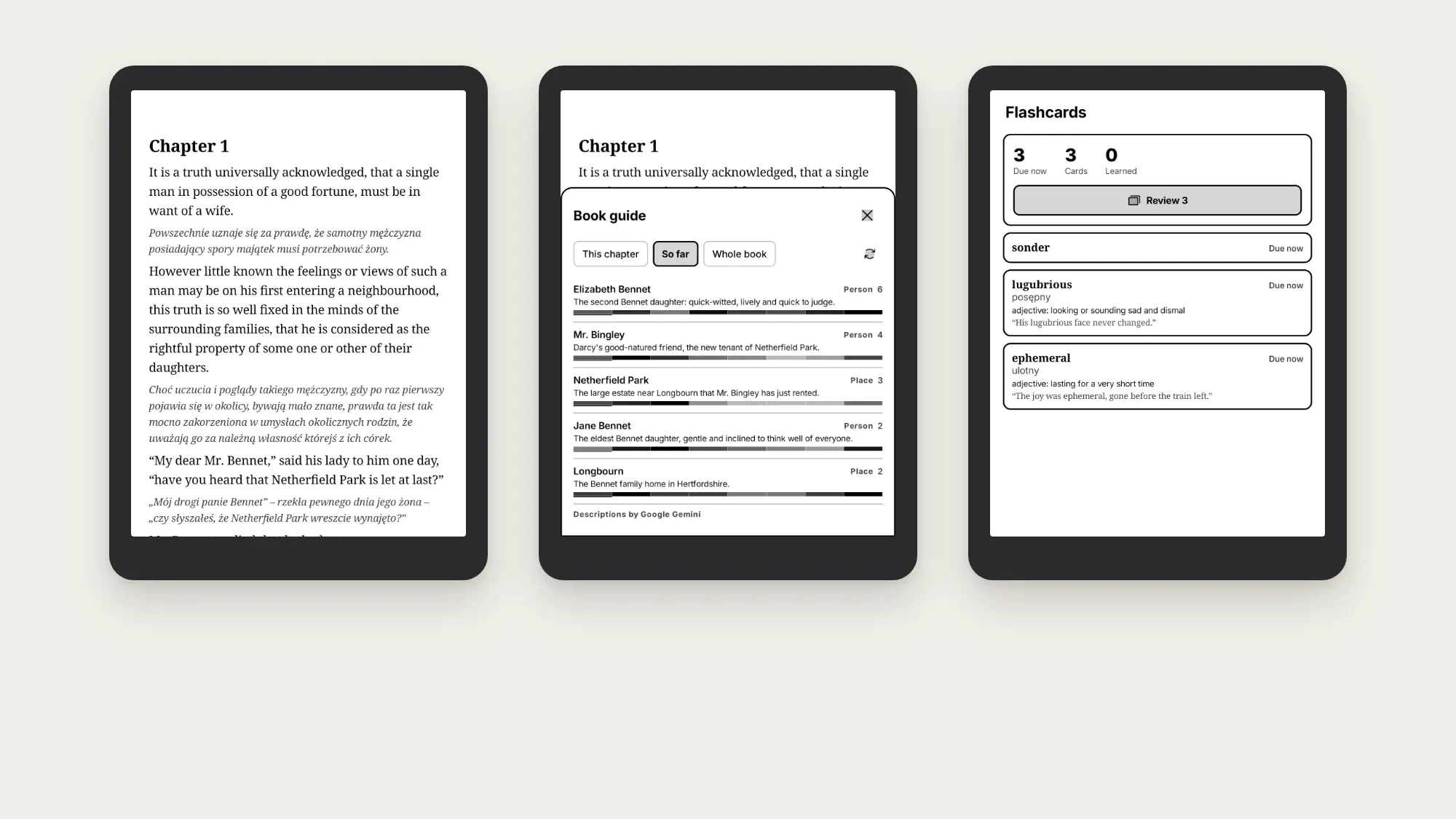
- Reading tools. Long-press a word for a dictionary and translation, keep a Book guide of people, places and terms, and review looked-up words as flashcards, which are free and sync.
- Read aloud and bilingual reading (Pro): natural voices with sentence highlighting, and a translation under every paragraph in 50+ languages.
- KOReader sync, if you use KOReader too.
Where it's weaker: no DRM support, so Kindle and Kobo store books stay in their own apps, and no stylus writing on the page itself. For PDFs you want to annotate by hand, NeoReader is better.
Price: free for 2 devices and 1 GB of storage. Pro is $6.99 a month or $59.99 a year, Lifetime $129 once, and every new account gets a 7-day Pro trial.
Reading on a BOOX? Bookbeam Reader is built for e-ink first, syncs your books, highlights and notes across devices, and has no ads. Try Pro free for 7 days.
2. NeoReader: best for PDFs you write on
NeoReader comes with every BOOX and is tightly tied into the device: refresh modes, split screen and, most importantly, the stylus. It's the app to use for PDFs you want to mark up by hand, like papers, contracts and slides. For novels and long EPUBs, a dedicated reader is usually more comfortable. We compare the two in detail in the best reading app for BOOX.
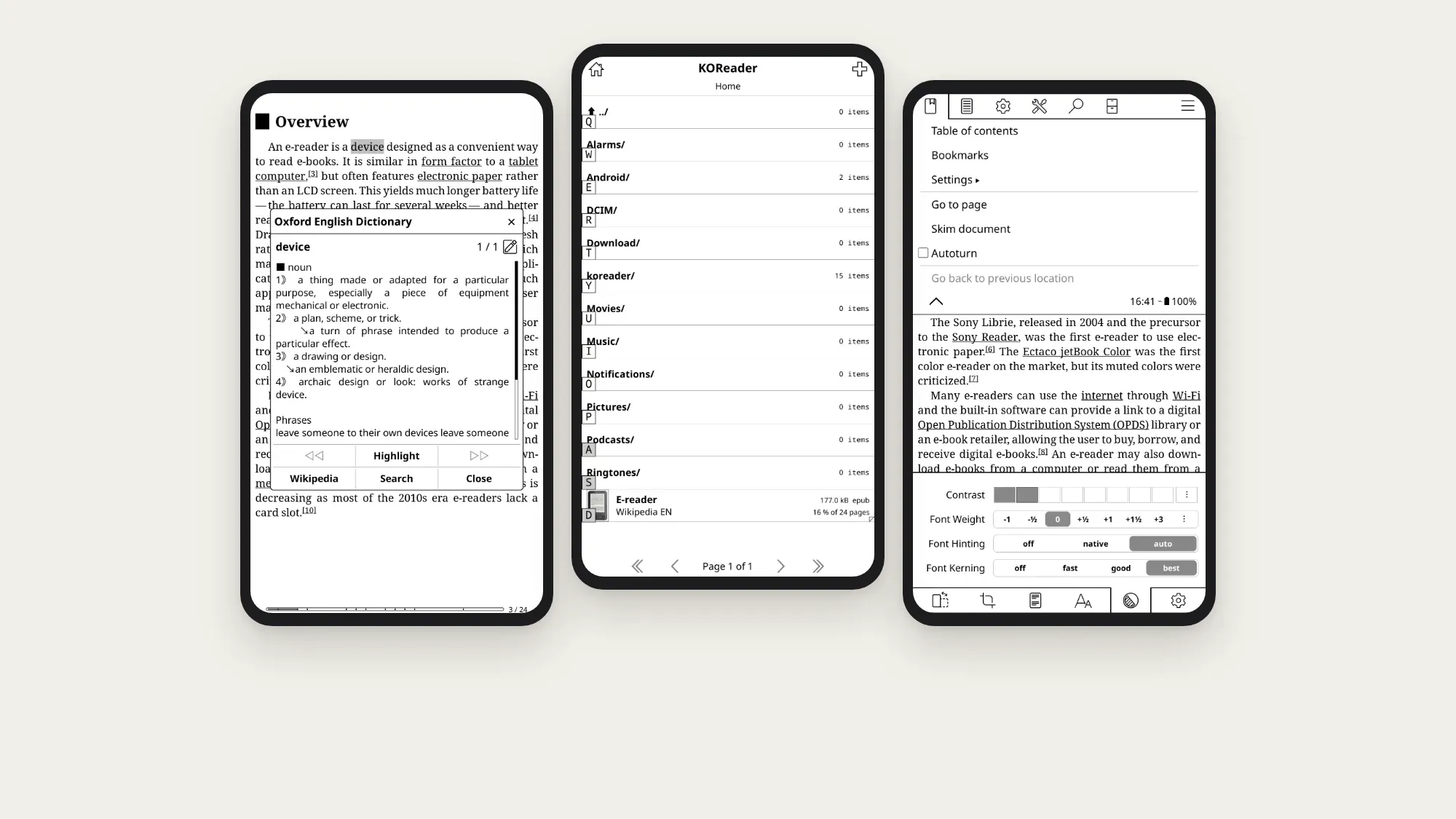
3. KOReader: best for tinkerers
KOReader is free, open source and built for e-ink. It's excellent with PDFs and DjVu, and it can be configured endlessly. The trade-off is a learning curve. See KOReader alternatives if you want something simpler.
4. Kindle and Kobo apps: for store purchases
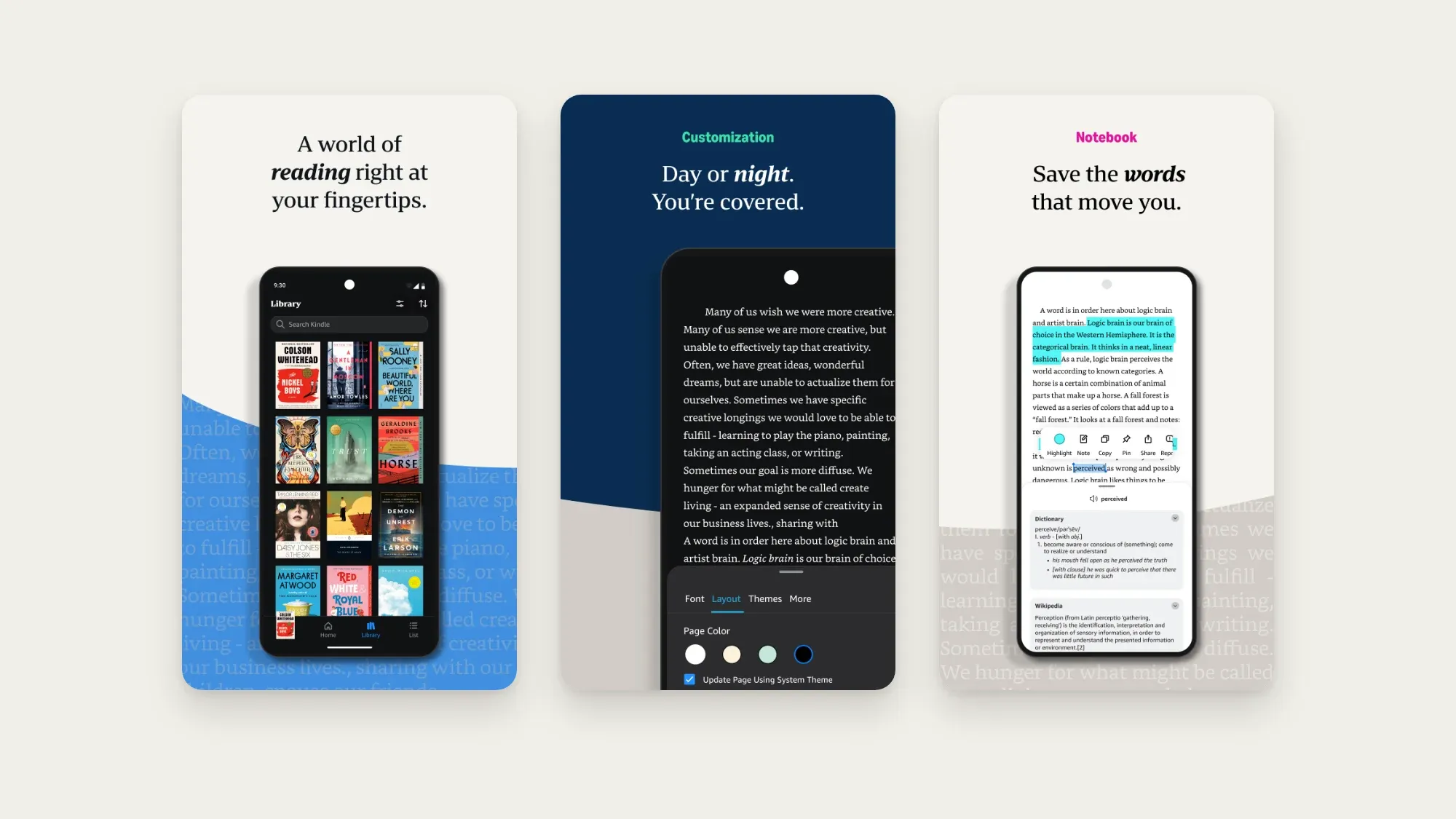
Books bought from Amazon or Kobo are DRM-protected, so you read them in those stores' own apps. Both install from Google Play on a BOOX. They're fine readers, just not tuned for e-ink.
Supernote, reMarkable and Kindle Scribe
Supernote
Supernote's built-in reader handles EPUB and PDF, and you can highlight and write on documents with the pen. Supernote also offers the Kindle app as an official add-on in Settings, so Kindle store books work. Everything else means sideloading, which works for many apps but isn't supported by Supernote, and Supernote has no Google services, so apps that depend on them won't run.
reMarkable
reMarkable reads PDF and EPUB, and you can write directly on pages and in the margins, which is its real strength for papers and documents. There's no app store and no support for DRM-protected store books, so it's a reader for your own files. reMarkable has been improving EPUB reading in recent updates, but it remains a writing tablet first.
Kindle Scribe
The Kindle Scribe is the opposite: an excellent reader for Kindle books, with handwriting added. You can write notes in books and documents sent with Send to Kindle. It can't install other apps, so books from other stores have to be DRM-free files you send to it.
At a glance
| BOOX | Supernote | reMarkable | Kindle Scribe | |
|---|---|---|---|---|
| Install reading apps | Yes, Google Play | Kindle app; others by sideloading | No | No |
| Built-in reader | NeoReader | Supernote reader | reMarkable reader | Kindle |
| Write on PDFs | Yes, in NeoReader | Yes | Yes | Yes, on sent documents |
| Kindle store books | Kindle app | Kindle app | No | Yes |
| Best extra reader | Bookbeam, KOReader | None needed | Not possible | Not possible |
As of November 2026. Software updates change what each tablet can do, so check the makers' help pages before you buy.
Reading and writing, together
The most useful setup on a note-taking tablet keeps the two jobs apart but connected: read in a reader that's good at reading, and write your thinking in your notes app. A simple routine:
- Highlight while you read. Keep highlights and short typed notes in the reader, where they stay attached to the text.
- Write the bigger thoughts by hand. Summaries, arguments, questions and ideas go into a notebook, one per book, project or course.
- Make the handwriting searchable. This is where e-ink tablets fall short: your notes are searchable on the tablet at best. Penlo turns every handwritten page into text you can search from any browser, next to the original page.
On a BOOX, both halves can live on the same tablet: Bookbeam for reading, the Notes app for writing, and Penlo for Android to upload every notebook you close.
Find every note you wrote about a book.
Connect your tablet to Penlo once and every handwritten notebook becomes searchable text, on any screen. Try every feature free for 7 days.
Questions
What's the best e-book app for a BOOX tablet?
For EPUBs, articles and everyday reading, a dedicated e-ink reader like Bookbeam. For PDFs you want to write on, the built-in NeoReader. For Kindle or Kobo store books, those stores' own apps.
Can I install Bookbeam on a Supernote, reMarkable or Kindle Scribe?
Not on reMarkable or Kindle Scribe, which don't run Android apps. Supernote doesn't have Google Play and doesn't officially support third-party apps. Bookbeam runs on BOOX and other Android tablets and phones.
Can I read Kindle books on a BOOX?
Yes. Install the Kindle app from Google Play. Kindle store books are DRM-protected, so they open only in the Kindle app.
Does Penlo search my highlights from reading apps?
No. Penlo works with your handwritten notebooks, exported as PDFs. Highlights stay in your reading app; in Bookbeam they sync across your devices and the web library.
Related guides
Written by
Builder, product marketer. Creator of Penlo and Ectobuilder. Co-author of The AdTech Book. Writes about turning handwritten notes into searchable, useful text.
Keep reading
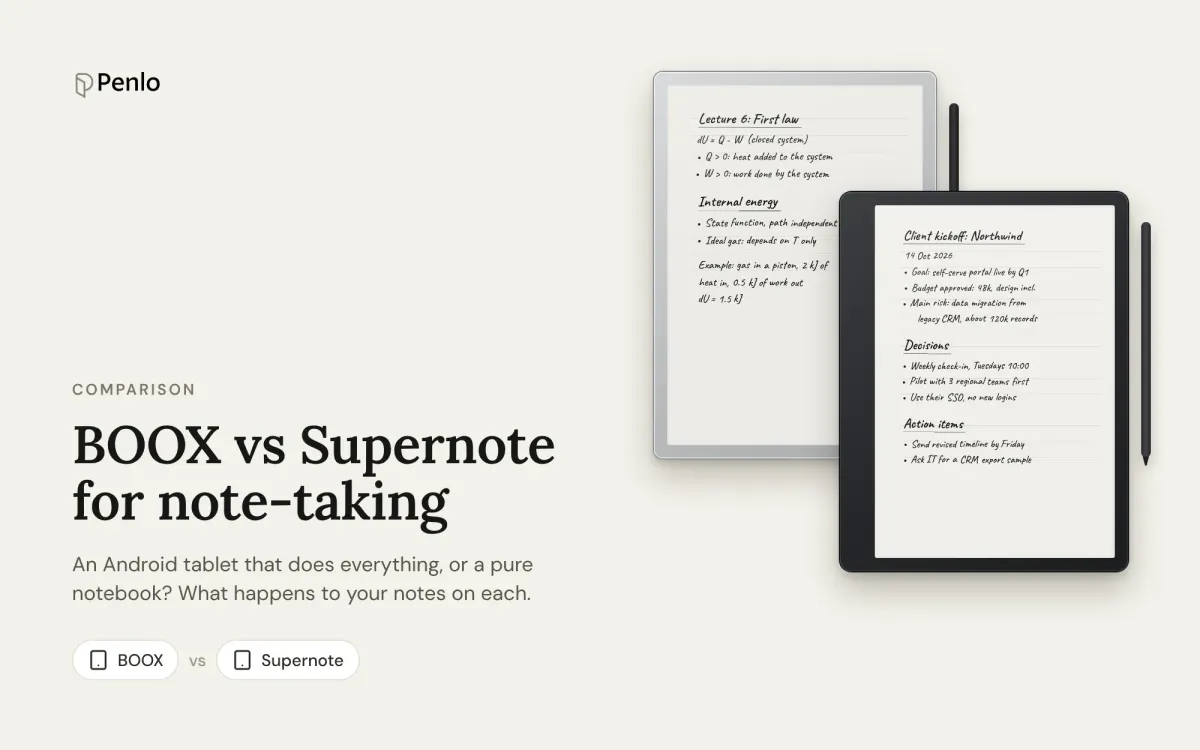
BOOX vs Supernote for note-taking: an Android tablet or a pure notebook?
BOOX or Supernote? How they compare for note-taking: models and prices, apps, handwriting recognition, search, cloud sync and getting your notebooks off the tablet.
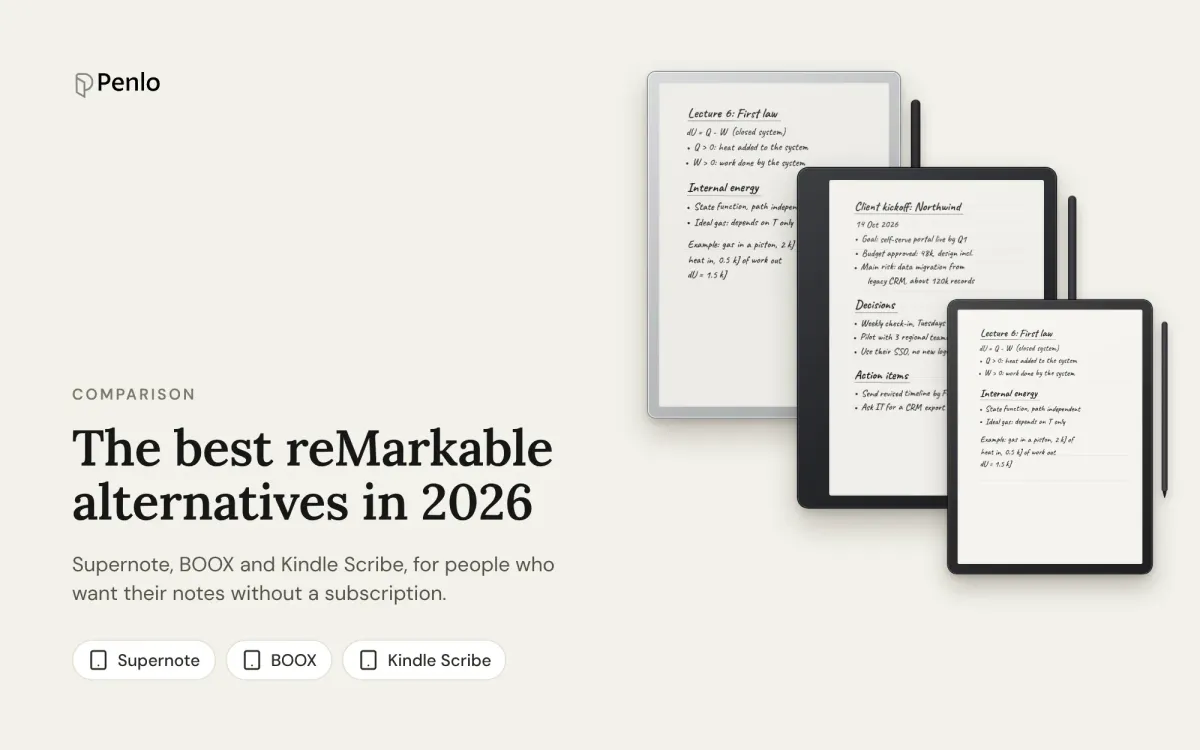
The best reMarkable alternatives in 2026: Supernote, BOOX and Kindle Scribe, no subscription needed
Tired of paying for reMarkable Connect? The best alternatives in 2026, with prices, what each does differently, and how each handles handwriting search and exporting notes.
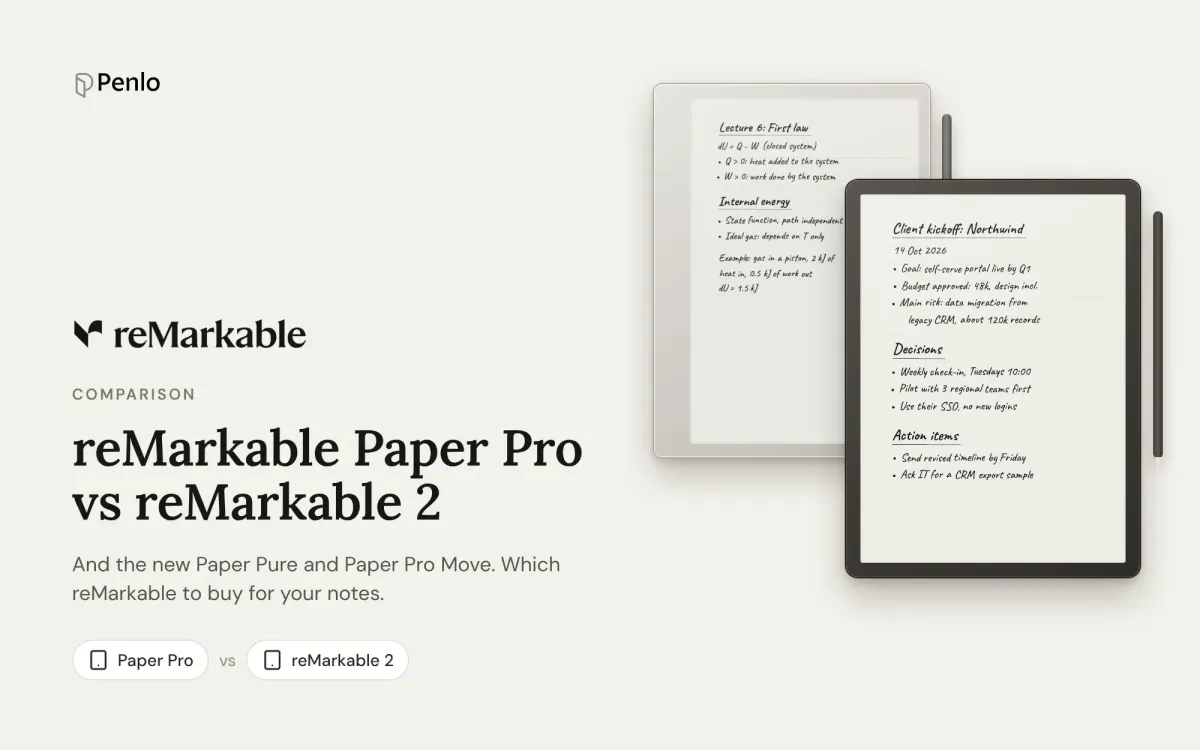
reMarkable Paper Pro vs reMarkable 2 vs Paper Pure: which reMarkable should you buy?
The reMarkable Paper Pro, the discontinued reMarkable 2, the new Paper Pure and the Paper Pro Move compared: screens, weight, battery, price, and what stays the same on every model.