BOOX vs Supernote for note-taking: an Android tablet or a pure notebook?
BOOX or Supernote? How they compare for note-taking: models and prices, apps, handwriting recognition, search, cloud sync and getting your notebooks off the tablet.

Michal Wlosik
· 6 min read
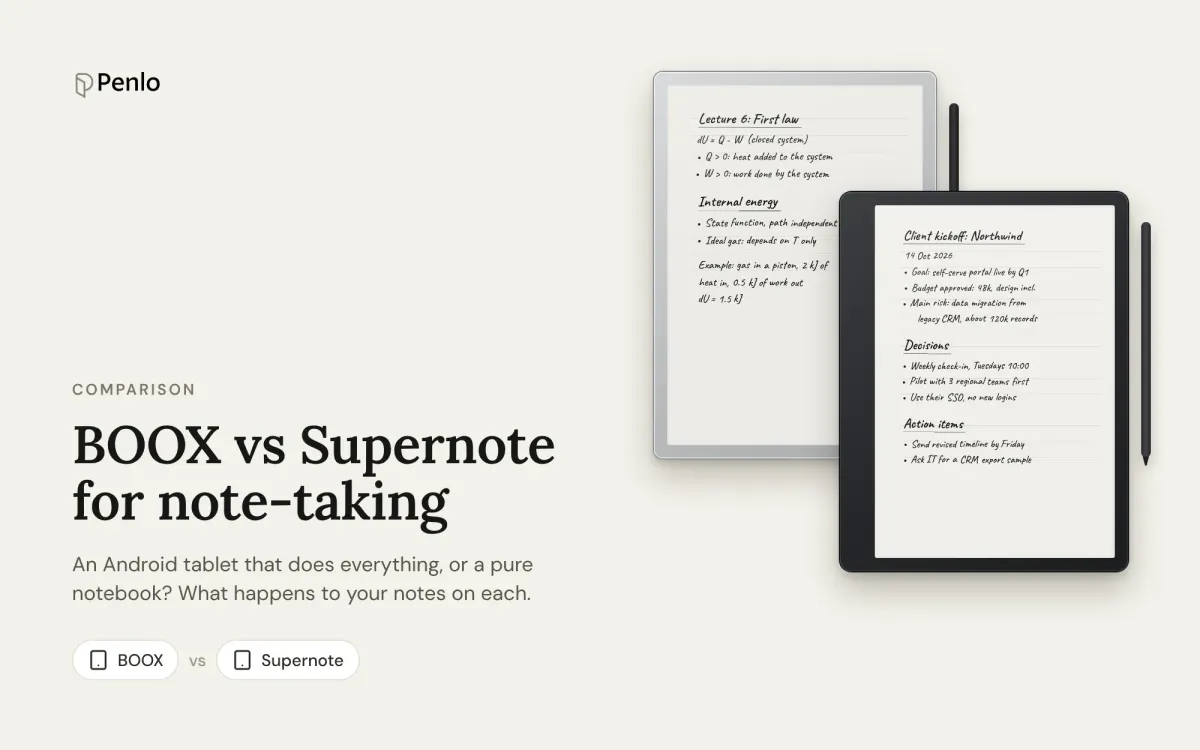
BOOX and Supernote are two of the most popular e-ink tablets for writing, and they're built on opposite ideas. A BOOX is an Android tablet with an e-ink screen: install your apps, read, write, do almost anything. A Supernote is a notebook first, with a carefully limited set of features. Most comparisons stop at the hardware. This one also looks at what happens after you write: handwriting to text, search, and getting your notebooks off the tablet.
The models
Supernote has two tablets, both black and white without a front light:
- Manta: 10.7 inches, 300 PPI, replaceable battery, $505.
- Nomad: 7.8 inches, 300 PPI, replaceable battery, $359.
Supernote says it won't move to colour e-ink until the technology improves. Its pens, like the Heart of Metal 2 with a ceramic nib that never needs replacing, are sold separately.
BOOX has a much wider range. The main note-taking models:
- Note Air6 C: 10.3 inches, colour, Android 16, pen included, from $549.99. The newest, from September 2026.
- Go 10.3 (Gen II): 10.3 inches, black and white, $419.99, or $449.99 with a front light.
- Note Max: 13.3 inches, black and white, $599.99.
- Tab X C: 13.3 inches, colour, $759.99.
- Go 7: 7 inches, black and white, $249.99.
Prices from the makers' US stores in October 2026.
Apps and focus
BOOX runs Android with Google Play. Kindle, Kobo, OneNote, Obsidian, Readwise: if it's on Android, it probably runs. That's its biggest strength, and for some people its biggest risk, since a tablet that does everything also does email.
Supernote runs its own system, Chauvet, which is built on Android but doesn't let you install apps yourself. Supernote adds a few selected ones, like Kindle, and in 2026 it started testing a plugin system. You get a notebook and a reader, and very little else.
Verdict: BOOX for flexibility, Supernote for focus.
Handwriting to text
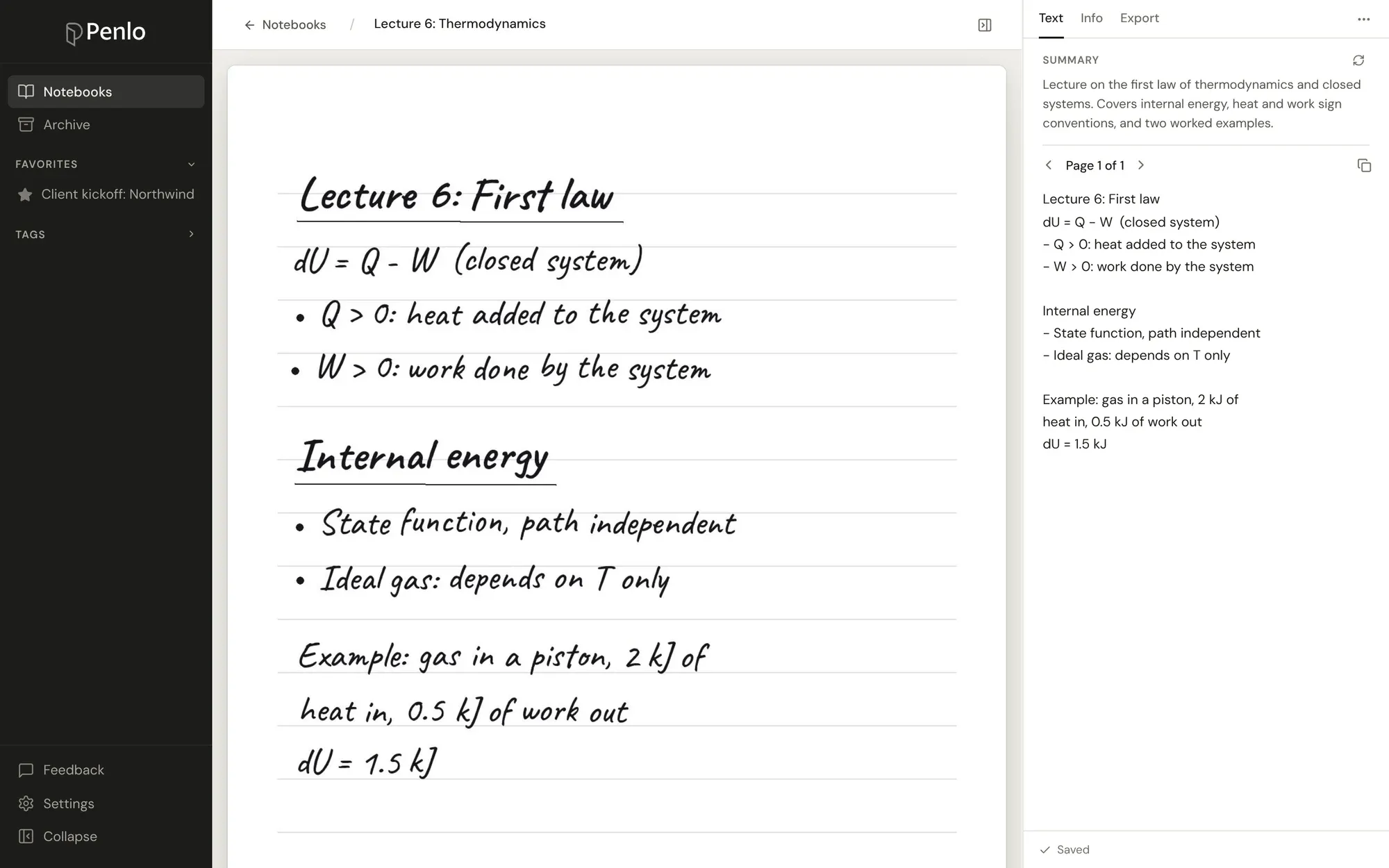
Supernote has some of the best recognition on any e-ink tablet, in more than 60 languages. Create a note as Real-Time Recognition and it converts your writing in the background while you work. Ordinary notes can be exported as TXT or DOCX, which recognises the handwriting at that point.
BOOX lets you lasso any part of a page and convert it to text, and some models add an AI assistant for tidying and summarising notes. It works well, but it's a step you take rather than something that happens as you write.
Verdict: Supernote, if you want text without thinking about it.
Searching your notes
Supernote searches the handwriting in Real-Time Recognition notes, and since mid-2025 also searches text in ordinary notes. Writing that hasn't been recognised isn't found.
BOOX searches handwritten and typed notes in the Notes app.
Both search on the tablet only, and both are free. Neither lets you search your handwriting from your laptop or phone; see what the desktop apps can do.
Cloud and getting notes out
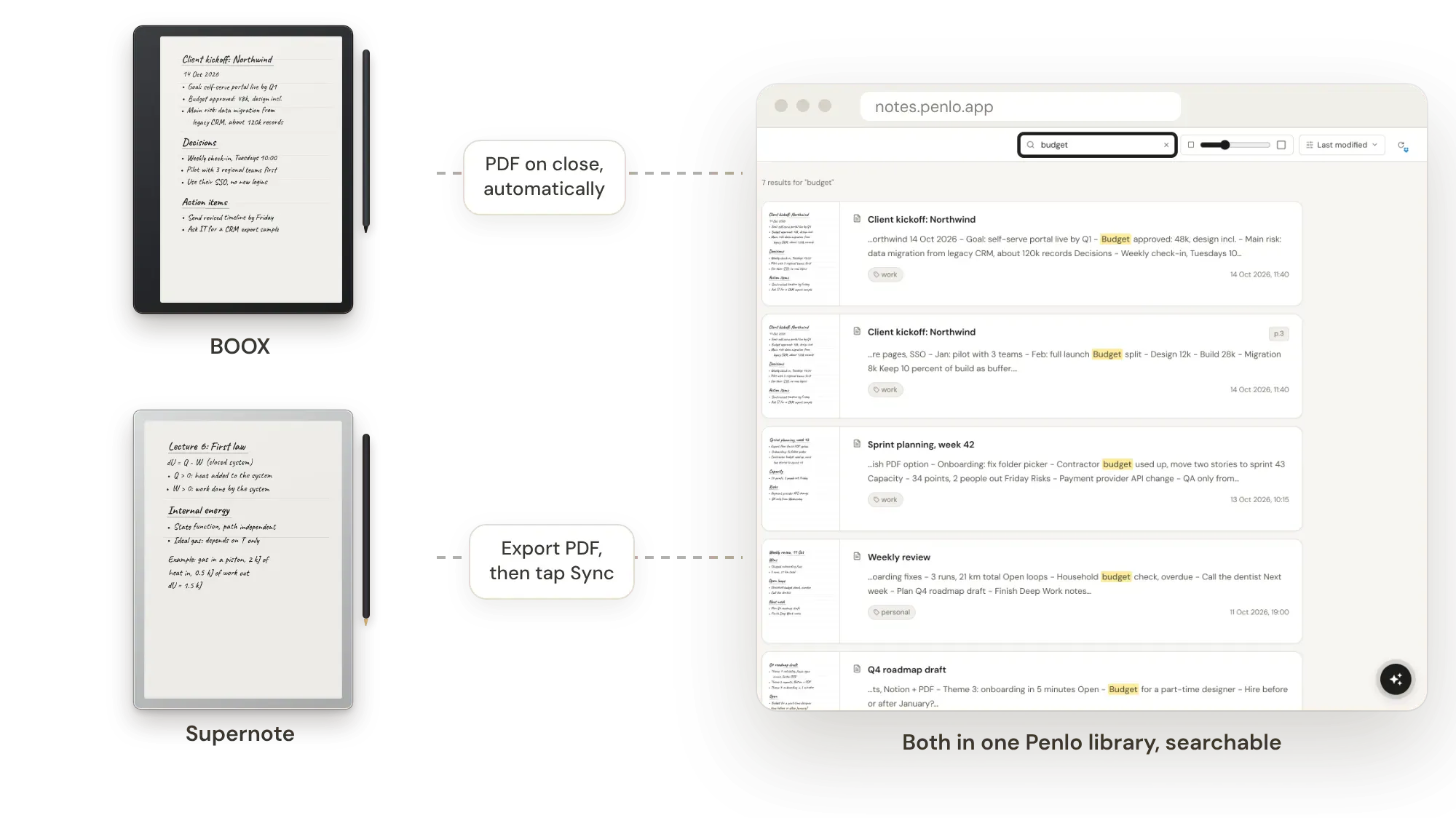
BOOX includes 10 GB of free ONYX Cloud for backing up notes. More useful for most people: it can export every notebook as a PDF to Dropbox or OneDrive automatically each time you close it, even turning Wi-Fi on to do it. Set it up once and you never think about it again. Our BOOX setup guide has the steps with screenshots, and BOOX Cloud vs Dropbox explains which to use for what.
Supernote includes 32 GB of free Supernote Cloud, and also syncs with Dropbox and OneDrive. Sync happens when you tap the Sync button, and notes sync in Supernote's own .note format, which other apps can't open. To get something usable, export the notebook as a PDF first, then sync. Steps are in our Supernote setup guide.
Verdict: BOOX, by a distance, if you want your notebooks somewhere else without lifting a finger.
Subscriptions and privacy
Neither brand needs a subscription for writing, recognition, search or cloud sync. BOOX is made by Onyx, based in Guangdong, China, and Supernote by Ratta. If data privacy matters to you, check what each one syncs, and remember you can use Dropbox or OneDrive instead of either company's own cloud.
At a glance
| BOOX | Supernote | |
|---|---|---|
| Models | 7 to 13.3 inches | 7.8 and 10.7 inches |
| Colour | Yes, on several models | No |
| Apps | Android with Google Play | Built-in apps only |
| Handwriting to text | Lasso to convert; AI on some models | Real-time recognition, 60+ languages |
| Search handwriting | On the tablet, free | Recognised notes, on the tablet, free |
| Free cloud | ONYX Cloud, 10 GB | Supernote Cloud, 32 GB |
| Dropbox / OneDrive | Automatic PDF export | Export PDF, then tap Sync |
| Subscription | None | None |
As of October 2026. Features change with software updates, so check each maker's help pages before you buy.
Which should you choose?
- Choose BOOX if you want Android apps, a colour screen or a choice of sizes, and every notebook exported for you automatically.
- Choose Supernote if you want a calm, focused notebook with recognition that just works, and you're happy with black and white.
Weighing up reMarkable too? See BOOX vs reMarkable, Supernote vs reMarkable and the best reMarkable alternatives.
Whichever you pick, search your notes everywhere
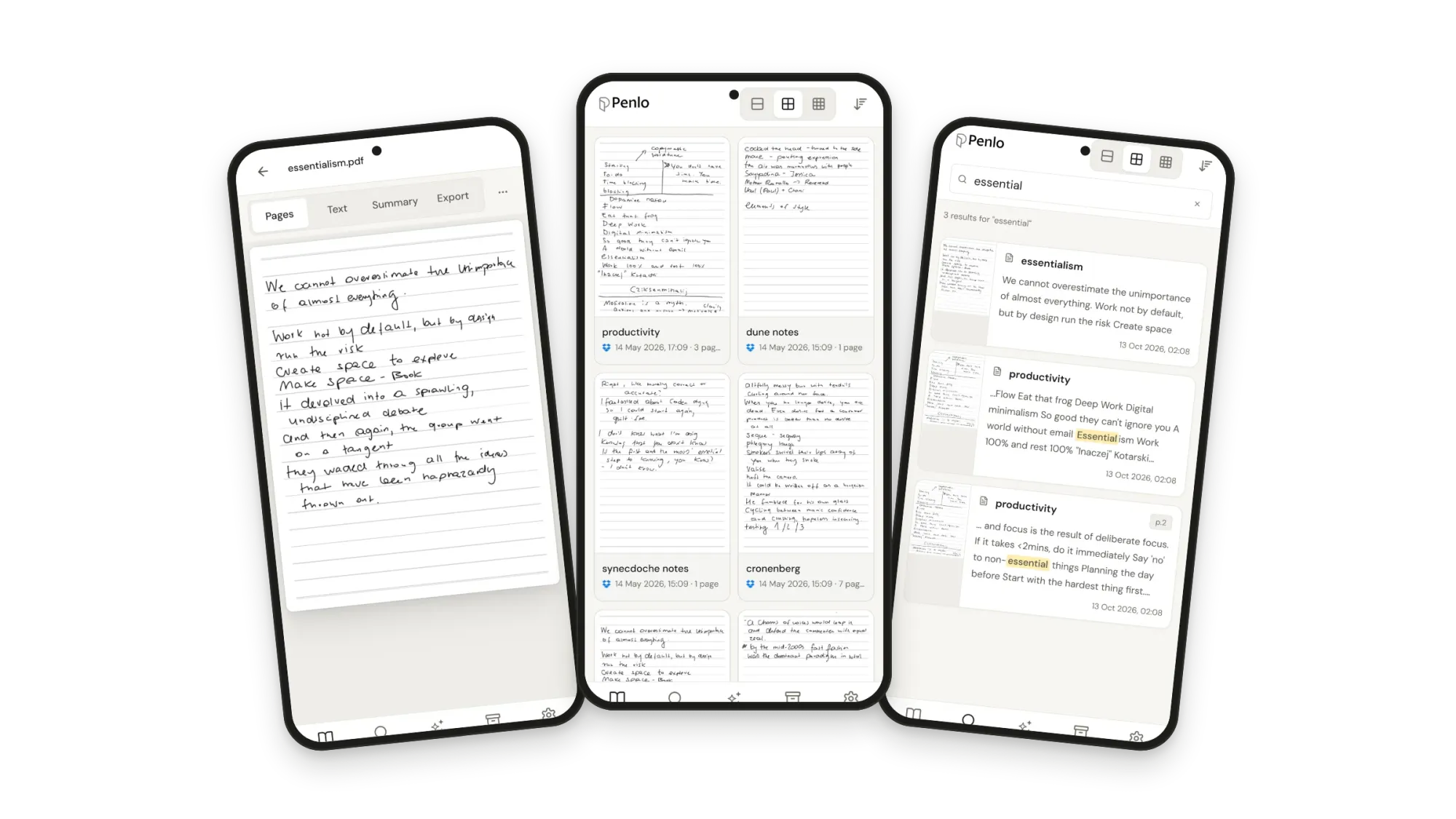
Both tablets search only on the tablet. Penlo makes every notebook searchable from any browser: your BOOX exports PDFs to Dropbox or OneDrive (or uploads them straight from the tablet with Penlo for Android), your Supernote exports PDFs and syncs, and Penlo reads every page, cleans up the text and keeps it next to the original.
Got a BOOX or Supernote?
Connect it to Penlo once and every notebook becomes searchable text, on any screen. Try every feature free for 7 days.
BOOX and Supernote both work with Dropbox.
If you don't have an account yet, sign up through our referral link and get 500 MB extra on top of the free 2 GB. (We get a little extra space too.)
Questions
Can a Supernote run Android apps?
No. Supernote's system is built on Android, but you can't install apps from Google Play. Supernote adds a few selected apps, like Kindle, itself.
Does BOOX need a subscription for handwriting search?
No. The Notes app searches handwritten and typed notes for free, and ONYX Cloud includes 10 GB at no cost.
Which one exports notes to Dropbox more easily?
BOOX, which can export every notebook as a PDF automatically when you close it. Supernote syncs when you tap Sync, and you export notebooks as PDFs first.
Can I use a BOOX and a Supernote with one Penlo account?
Yes. On Pro and Power you can sync several sources, and notebooks from both land in one library you can search at once.
Setup takes about five minutes: see Getting started with Penlo.
Related guides
Written by
Builder, product marketer. Creator of Penlo and Ectobuilder. Co-author of The AdTech Book. Writes about turning handwritten notes into searchable, useful text.
Keep reading
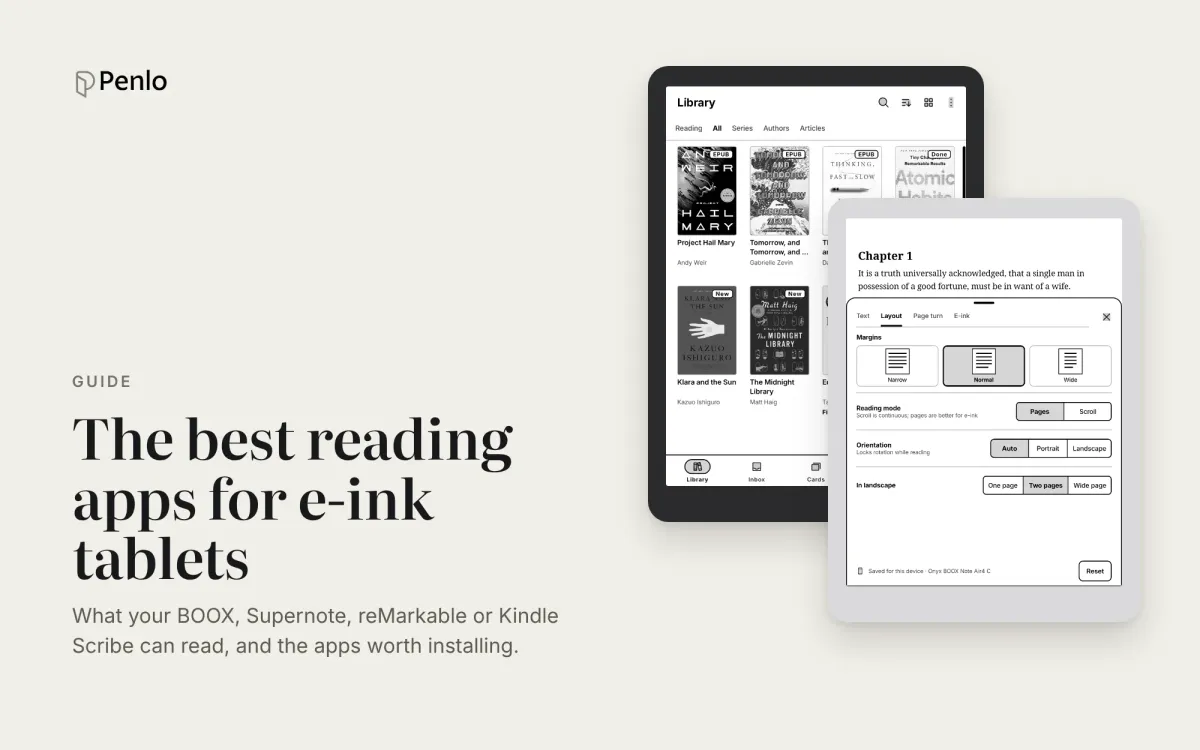
The best reading apps for e-ink note-taking tablets in 2026
Your note-taking tablet is also a reader. Which reading apps BOOX, Supernote, reMarkable and Kindle Scribe can run, the best ones to install, and how to keep reading and handwritten notes working together.
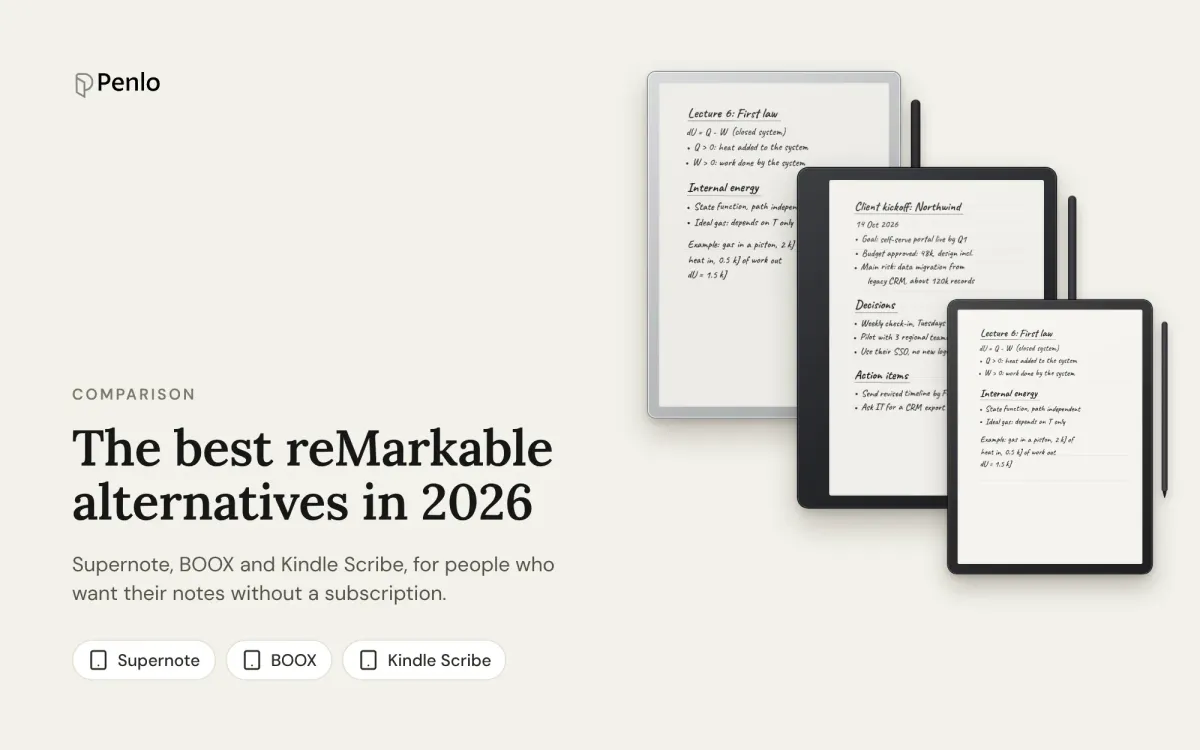
The best reMarkable alternatives in 2026: Supernote, BOOX and Kindle Scribe, no subscription needed
Tired of paying for reMarkable Connect? The best alternatives in 2026, with prices, what each does differently, and how each handles handwriting search and exporting notes.
reMarkable Paper Pro vs reMarkable 2 vs Paper Pure: which reMarkable should you buy?
The reMarkable Paper Pro, the discontinued reMarkable 2, the new Paper Pure and the Paper Pro Move compared: screens, weight, battery, price, and what stays the same on every model.