The best reMarkable alternatives in 2026: Supernote, BOOX and Kindle Scribe, no subscription needed
Tired of paying for reMarkable Connect? The best alternatives in 2026, with prices, what each does differently, and how each handles handwriting search and exporting notes.

Michal Wlosik
· 5 min read
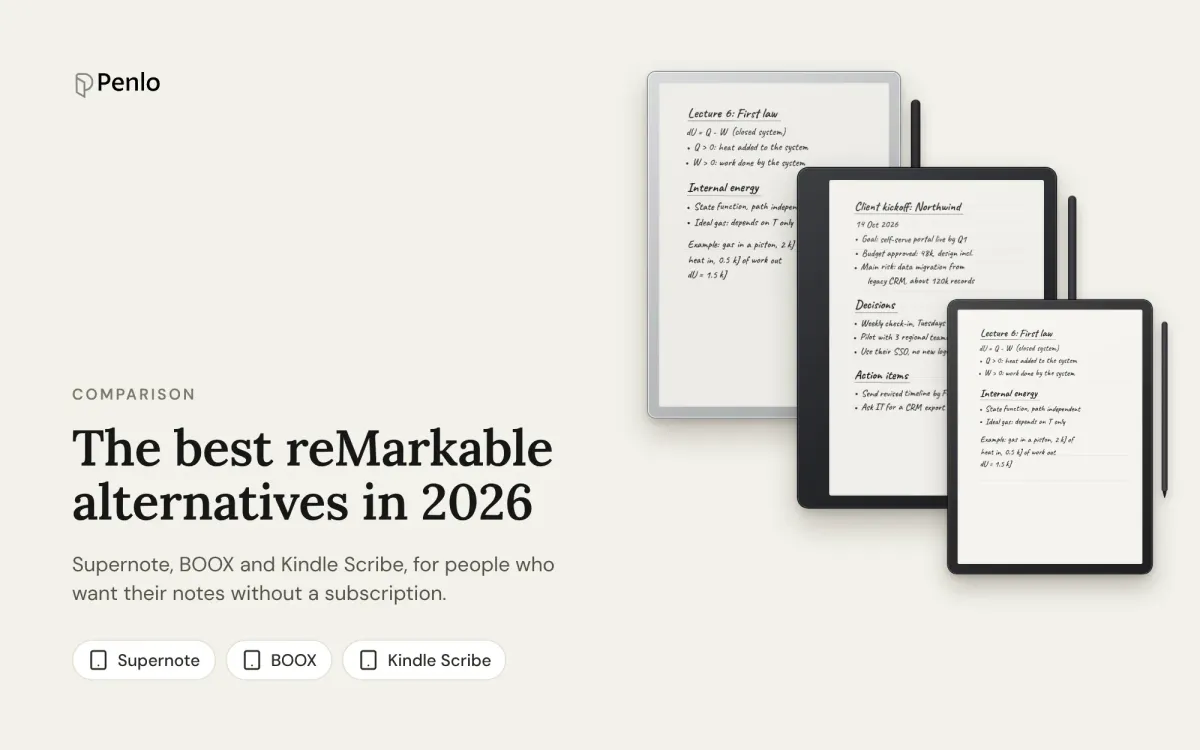
reMarkable makes lovely writing tablets, but a lot of owners hit the same walls: searching your handwriting needs a Connect subscription, the apps only keep files from the last 50 days in sync without it, and you can't install anything else on the tablet. If that's why you're looking around, here are the alternatives worth considering in 2026, and how each one handles the part reMarkable charges for.
Why people look for an alternative
- Connect. Handwriting search, unlimited sync and writing in the phone and desktop apps cost $3.99 a month or $39.90 a year, after a 50-day trial.
- A closed tablet. You get reMarkable's own apps and integrations, and nothing else.
- No bookstore. You can read PDFs and ebooks you add yourself, but there's no store built in.
None of that is a problem if you want a pure notebook and don't mind paying for search. If you do mind, read on.
Supernote: the closest match, no subscription
Supernote (made by Ratta) has the same focus as reMarkable: a distraction-free notebook with a paper-like feel. Two models:
- Manta: 10.7 inches, black and white, 300 PPI, $505.
- Nomad: 7.8 inches, black and white, 300 PPI, $359.
Handwriting recognition runs on the tablet in more than 60 languages, recognised notes are searchable, and Supernote Cloud is free with 32 GB. It also syncs with Dropbox and OneDrive. There's no subscription. The trade-offs: no colour, no reading light, and you tap Sync yourself rather than syncing continuously.
Best for: reMarkable owners who want the same kind of tablet without Connect. Compare them head to head in Supernote vs reMarkable.
BOOX: the most flexible
Onyx BOOX tablets run Android with Google Play, so you can install the apps you already use: Kindle, OneNote, Obsidian, Readwise and more. The current note-taking line-up includes:
- Note Air6 C: 10.3 inches, colour, Android 16, pen included, from $549.99.
- Go 10.3 (Gen II): 10.3 inches, black and white, $419.99, or $449.99 with a front light.
- Note Max: 13.3 inches, black and white, $599.99.
- Go 7: 7 inches, black and white, $249.99.
The Notes app can convert handwriting to text and search handwritten notes with no subscription, and ONYX Cloud is free with 10 GB. The standout for getting notes out: BOOX can export every notebook as a PDF to Dropbox or OneDrive automatically each time you close it. The trade-off is that a tablet that does everything is also easier to get distracted on.
Best for: people who want apps and automatic export. See BOOX vs reMarkable and our BOOX setup guide.
Kindle Scribe: for readers
Amazon's Scribe is a Kindle you can write on, with the whole Kindle store. The current models have an 11-inch screen: without a front light from $429.99, the Scribe from $499.99, and the colour Scribe Colorsoft from $629.99.
On the current models, AI search finds things across all your notebooks and can summarise them, with no subscription. Notebooks go out to OneDrive as PDFs or to OneNote as text; there's no Dropbox support.
Best for: heavy Kindle readers. More in Kindle Scribe vs reMarkable.
Kobo Elipsa 2E: the budget reader-notebook
The Elipsa 2E is a 10.3-inch black-and-white Kobo for $399.99, with handwriting-to-text, search in notebooks, and Dropbox for importing documents and exporting notebooks. Kobo hasn't released a successor since 2024, so it's an older design, but it's a fair choice if you read Kobo books.
At a glance
| Supernote | BOOX | Kindle Scribe | reMarkable | |
|---|---|---|---|---|
| Starting price | $359 | $249.99 | $429.99 | $399 |
| Colour models | No | Yes | Colorsoft | Paper Pro, Pro Move |
| Third-party apps | No | Yes, Google Play | No | No |
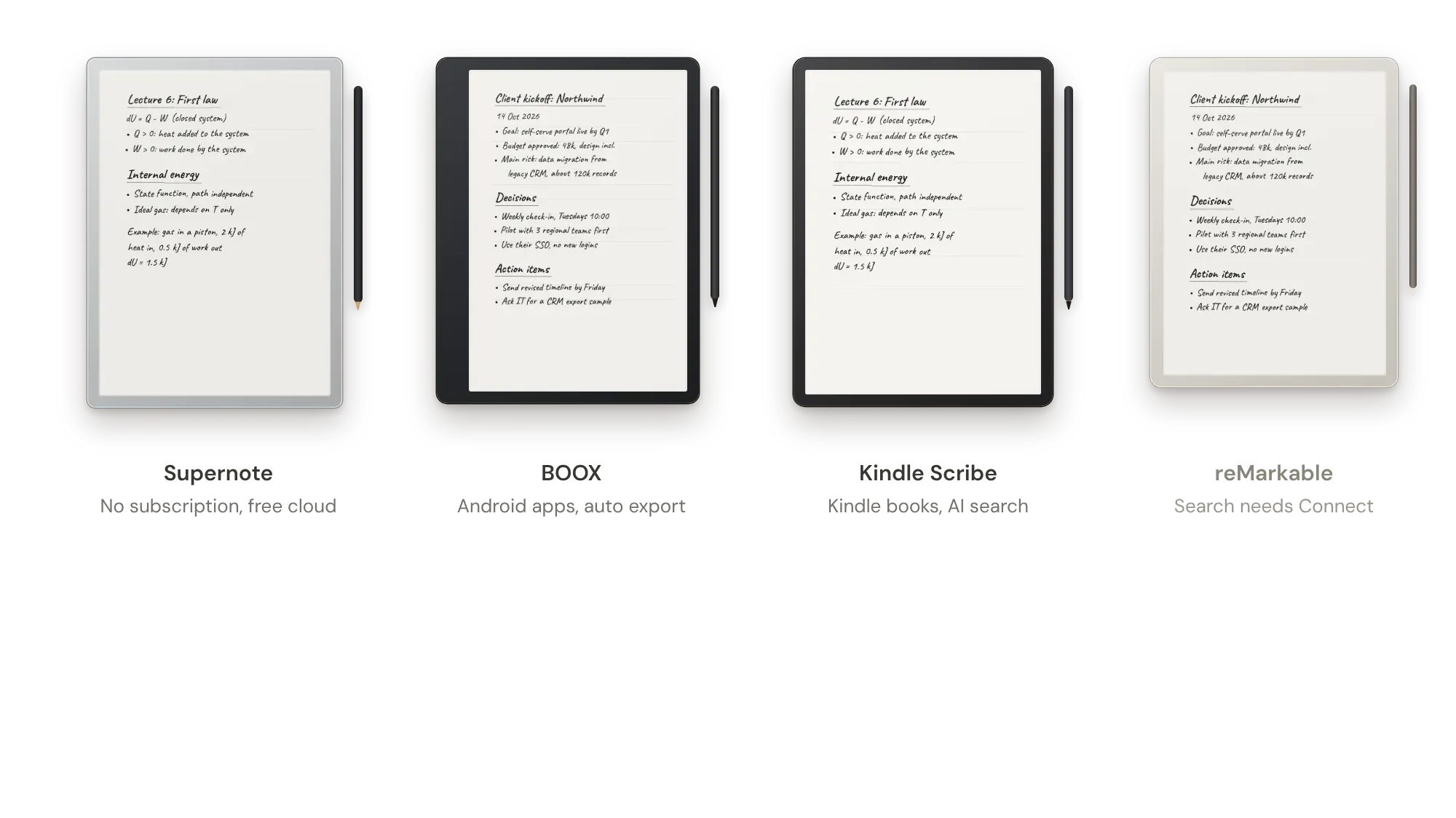
| Search handwriting on the tablet | Free | Free | Free (AI search) | With Connect |
| Subscription | None | None | None | Optional, Connect |
| Notebooks to Dropbox | Yes, export PDF and sync | Yes, automatic PDF | No (OneDrive) | Yes, export PDF |
Prices from the makers' US stores in October 2026. They change often with sales and bundles.
Which alternative should you choose?
- Supernote if you love the reMarkable idea and just don't want the subscription.
- BOOX if you want apps, colour options and every notebook exported for you.
- Kindle Scribe if reading Kindle books matters as much as writing.
- An iPad if you'd rather have one device for everything: see e-ink tablet vs iPad.
Still on the fence about reMarkable itself? Paper Pro vs reMarkable 2 vs Paper Pure compares its current models, and the best e-ink tablets for note-taking covers the whole field.
Whichever you switch to, bring your notes with you
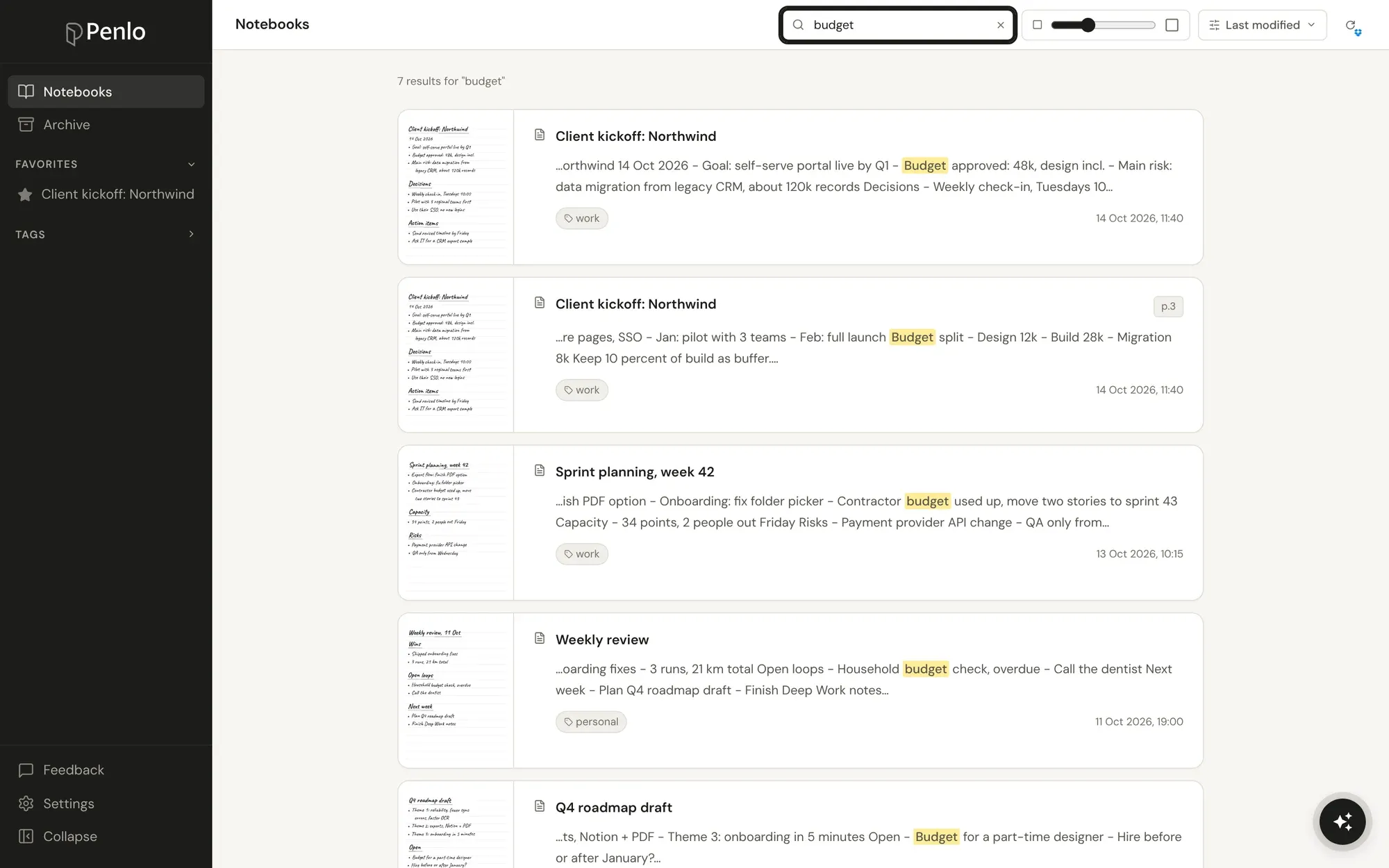
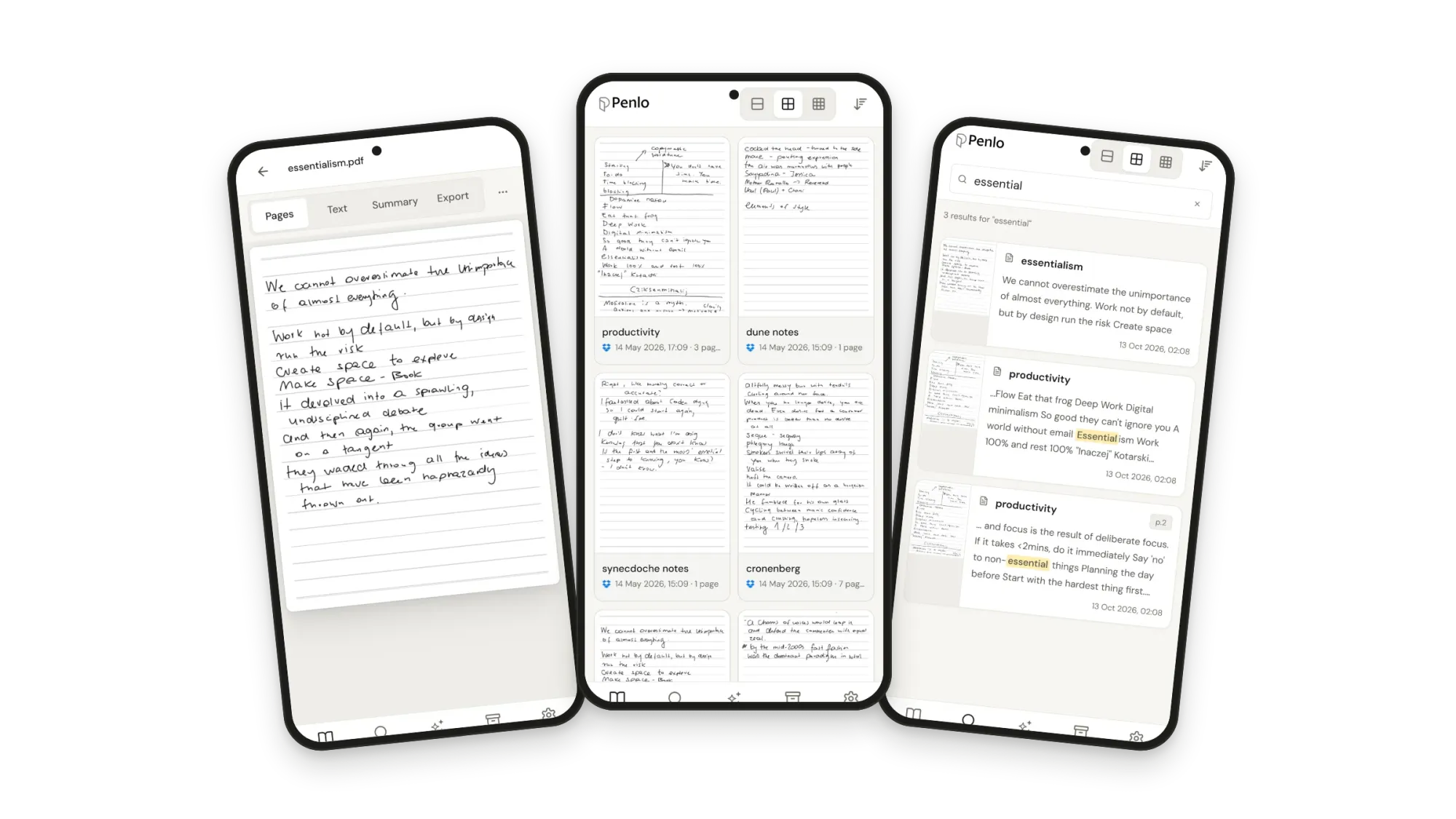
Switching tablets usually means your old notes stay behind in the old brand's app. Penlo keeps them together: export your reMarkable notebooks as PDFs to Dropbox or OneDrive, connect your new tablet the same way, and Penlo turns every page from both into text you can search in one place, from any browser.
Switching tablets?
Keep every notebook, old and new, searchable in one library. Try every feature free for 7 days.
reMarkable, Supernote and BOOX all export to Dropbox.
If you don't have an account yet, sign up through our referral link and get 500 MB extra on top of the free 2 GB. (We get a little extra space too.)
Questions
Which reMarkable alternative has no subscription?
Supernote, BOOX, Kindle Scribe and Kobo all search your handwriting on the tablet without a subscription. The Scribe's Send to Alexa feature needs Prime or Alexa+.
Can I move my reMarkable notes to another tablet?
Not as editable notes: each brand has its own format. Export them as PDFs to Dropbox or OneDrive to keep them, and Penlo makes those PDFs searchable next to your new notes.
Which alternative feels most like a reMarkable to write on?
Supernote is the closest in spirit: a focused notebook with a textured screen. Writing feel is personal, so try one in a shop if you can.
Setup takes about five minutes: see Getting started with Penlo or the setup guide for your tablet.
Related guides
Written by
Builder, product marketer. Creator of Penlo and Ectobuilder. Co-author of The AdTech Book. Writes about turning handwritten notes into searchable, useful text.
Keep reading
The best reading apps for e-ink note-taking tablets in 2026
Your note-taking tablet is also a reader. Which reading apps BOOX, Supernote, reMarkable and Kindle Scribe can run, the best ones to install, and how to keep reading and handwritten notes working together.
BOOX vs Supernote for note-taking: an Android tablet or a pure notebook?
BOOX or Supernote? How they compare for note-taking: models and prices, apps, handwriting recognition, search, cloud sync and getting your notebooks off the tablet.
reMarkable Paper Pro vs reMarkable 2 vs Paper Pure: which reMarkable should you buy?
The reMarkable Paper Pro, the discontinued reMarkable 2, the new Paper Pure and the Paper Pro Move compared: screens, weight, battery, price, and what stays the same on every model.