Kindle Scribe vs reMarkable for note-taking: a reading tablet or a writing tablet?
Kindle Scribe or reMarkable? How the two compare for note-taking: models, handwriting to text, search, subscriptions and getting your notebooks off the tablet.

Michal Wlosik
· 6 min read
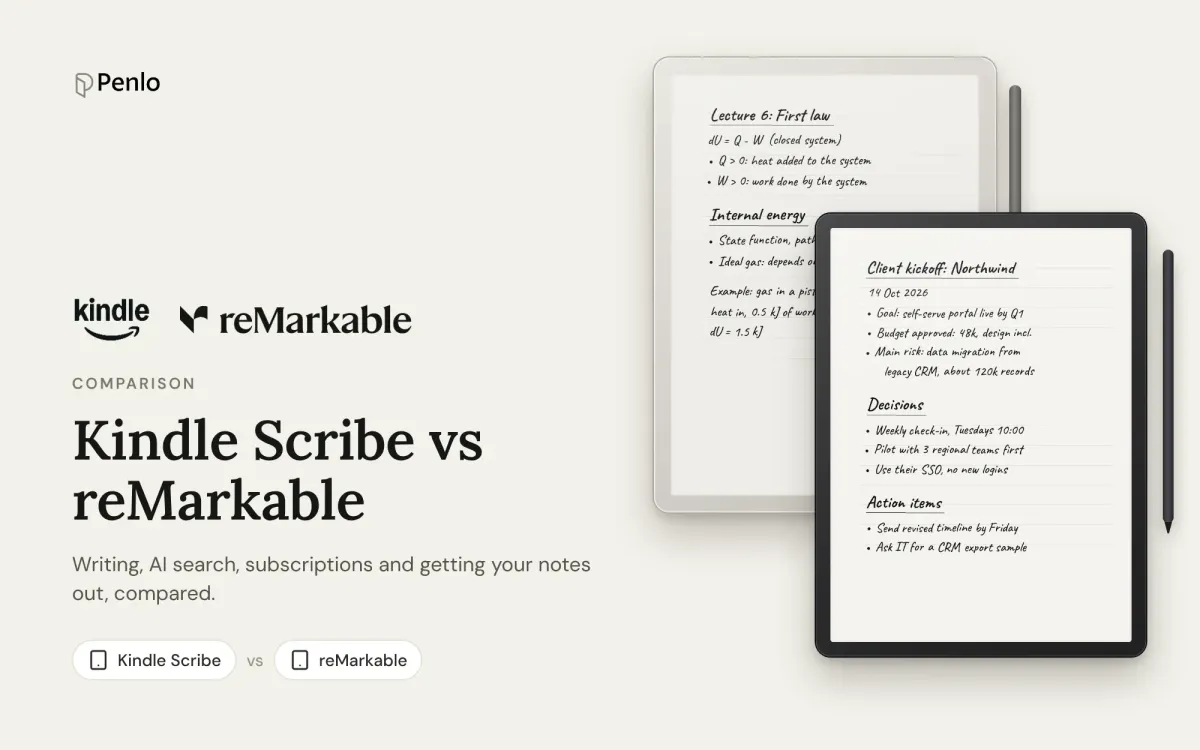
The Kindle Scribe and reMarkable are the two big names in writing tablets, and they come at the idea from opposite ends. The Scribe is a Kindle you can write on. A reMarkable is a notebook first, built to do as little else as possible. Most comparisons stop at the screen and the pen. This one also looks at what happens after you write: turning handwriting into text, finding it again, and getting it off the tablet.
The models
Kindle Scribe. Amazon's current line, from late 2025, has an 11-inch screen and comes in three versions:
- Kindle Scribe without a front light, from $429.99
- Kindle Scribe, from $499.99
- Kindle Scribe Colorsoft, with a colour screen, from $629.99
Plenty of people still write on the older 10.2-inch Scribes from 2022 and 2024. Some features below are only on the current models.
reMarkable. Three tablets:
- reMarkable Paper Pure, 10.3 inches, black and white, from $399 with the Marker pen. It replaced the reMarkable 2 in 2026.
- reMarkable Paper Pro, 11.8 inches, colour.
- reMarkable Paper Pro Move, 7.3 inches, colour, the one to carry everywhere.
US prices at launch. Both makers run frequent sales and bundles, so check their shops before you buy.
Reading and writing
The Kindle Scribe is a full Kindle. You get the Kindle store, your library and Kindle Unlimited, and you can write notes in many books as well as in notebooks. If you read a lot, this is the biggest reason to pick it.
A reMarkable is a writing tablet first. It opens PDFs and ebooks you add yourself, but there's no bookstore. What it does very well is the notebook itself: layers, moving and resizing what you wrote, and tools for organising pages.
Verdict: Kindle Scribe for reading. reMarkable for writing.
Handwriting to text
Kindle Scribe. The AI tools can tidy your handwriting into an editable script font (Refine writing) and summarise up to 15 pages at a time. On the newer models you can also send notebooks to OneNote, either as converted text or as images of your pages.
reMarkable. Convert to text turns a handwritten page into typed text in one tap, in more than 30 languages, and it's free. With Connect, an AI version also sorts your notes into summaries and next steps when you share them.
Verdict: reMarkable, if you want plain typed text out of a page. The Scribe's tools are more about tidying and summarising.
Searching your notes
Kindle Scribe. The current models have AI search across all your notebooks. Ask in plain words, get a summary of what you wrote, and ask follow-up questions. It's on the tablet, and it needs no subscription.
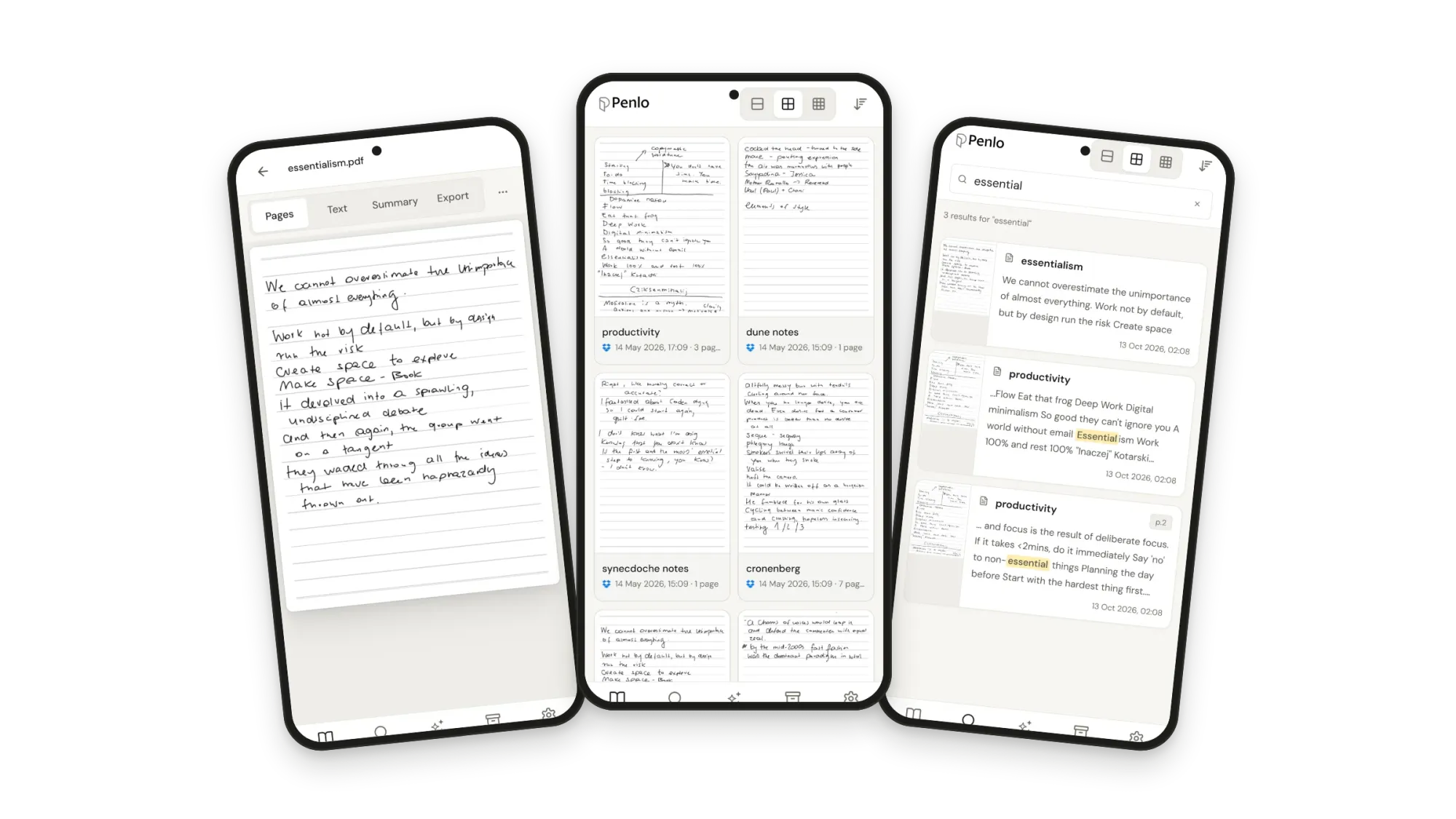
reMarkable. Search finds typed text and document names for free. Searching the words in your handwriting is part of Connect, which costs $3.99 a month or $39.90 a year, with a 50-day trial on a new tablet.
Verdict: Kindle Scribe. Both search only on their own tablet and apps.
Subscriptions
Kindle Scribe. Notebooks, AI search and summaries work without a subscription. Send to Alexa, which turns notes into reminders and to-do lists, needs Prime or Alexa+.
reMarkable. Connect is optional, but you'll notice without it: only files you've used in the last 50 days stay synced to the phone and desktop apps, you can't write in those apps, and handwriting search is off. Connect also adds unlimited cloud storage, templates, and sending notes to Slack and Miro.
Verdict: Kindle Scribe, if you don't want another monthly bill.
Getting notes out
This is where the two differ most, and where it matters if you use your notes anywhere other than the tablet.
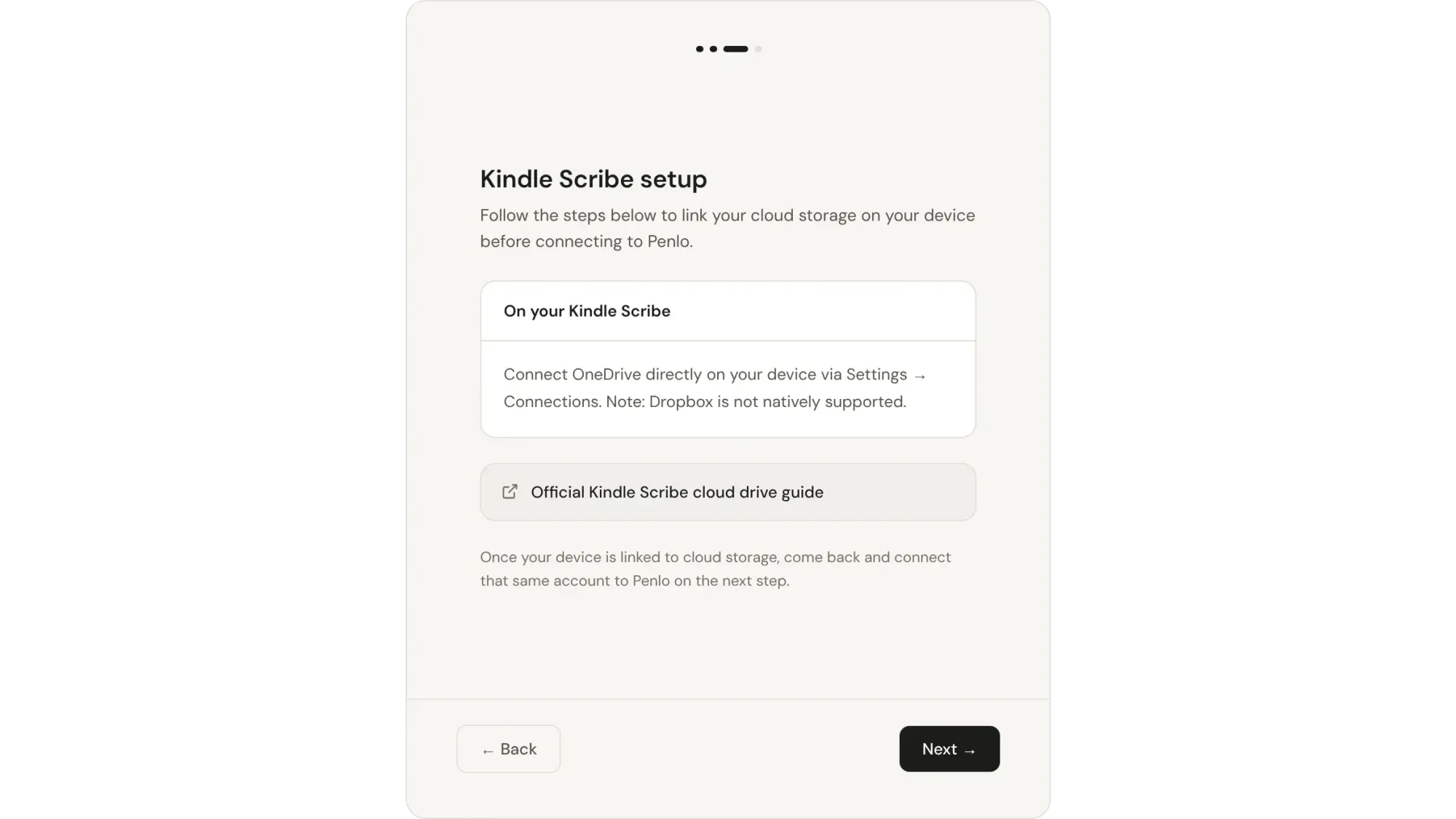
- Kindle Scribe (2025 and later) can share a whole notebook as a PDF to OneDrive. It doesn't support Dropbox. Older Scribes can email a notebook as a PDF instead.
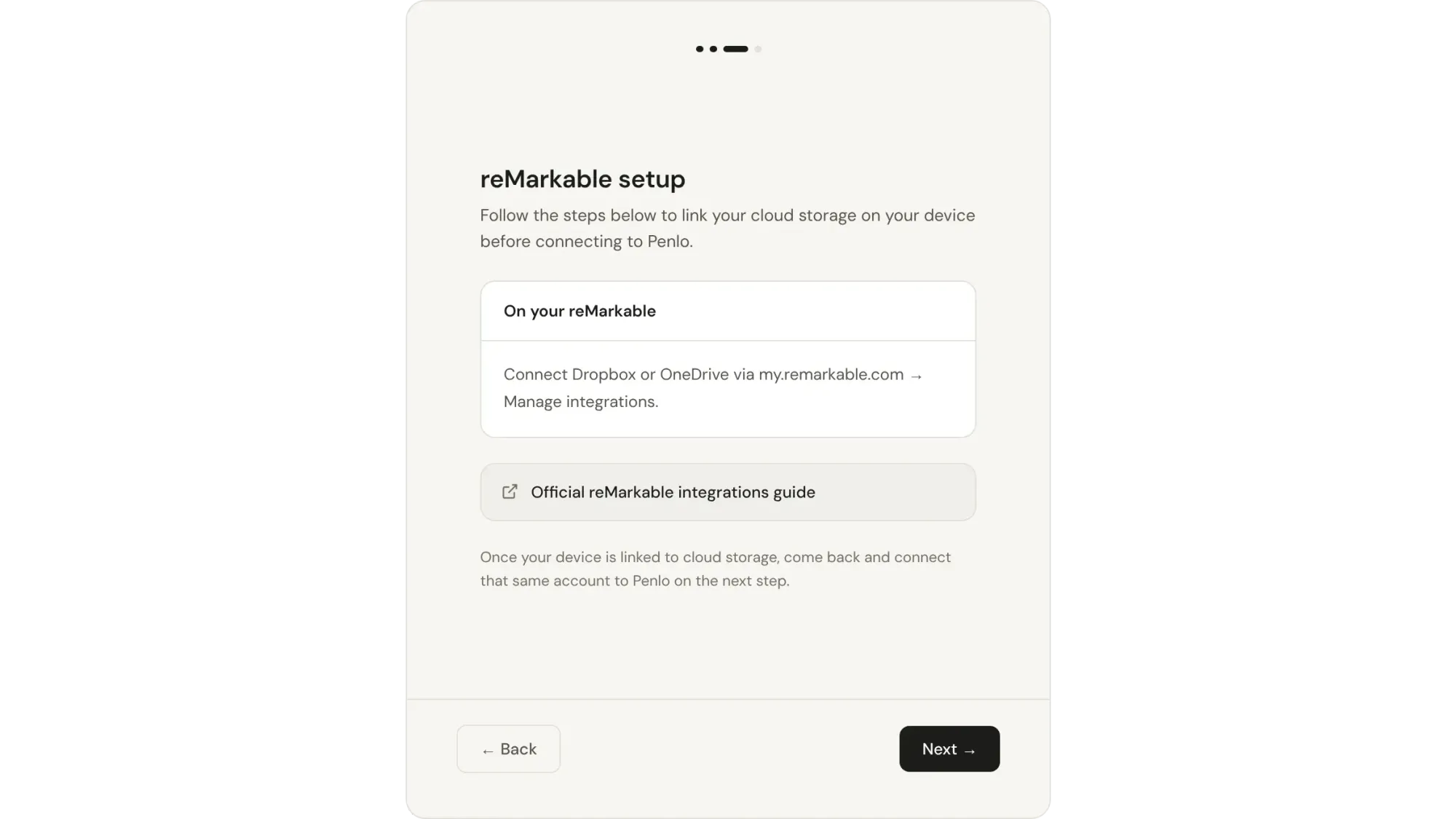
- reMarkable can export a notebook as a PDF straight to Dropbox or OneDrive through its integrations, without Connect.
On both, it's a step you take each time, and you get a PDF of your handwriting, not text. Step-by-step instructions are in our Kindle Scribe setup guide and reMarkable setup guide.
At a glance
| Kindle Scribe | reMarkable | |
|---|---|---|
| Screen sizes | 11 inches (current models) | 7.3, 10.3 and 11.8 inches |
| Colour | Scribe Colorsoft | Paper Pro and Paper Pro Move |
| Kindle books | Yes, the full store | No store; add your own PDFs and ebooks |
| Handwriting to text | Refine writing; OneNote export as text | Convert to text, free, 30+ languages |
| Search your handwriting | AI search, free | With Connect ($3.99/month) |
| Subscription | None needed | Optional, Connect |
| Export PDFs to | OneDrive | Dropbox or OneDrive |
As of October 2026. Features change with software updates, so check Amazon's and reMarkable's help pages before you buy.
Which should you choose?
- Choose the Kindle Scribe if you read Kindle books, want AI search and summaries on the tablet without paying monthly, and use OneDrive or OneNote.
- Choose a reMarkable if writing is the point, you want the most focused notebook and the choice of three sizes, or you keep your files in Dropbox.
Still weighing up other brands? See Supernote vs reMarkable, BOOX vs reMarkable and the best e-ink tablets for note-taking.
Whichever you pick, search your notes everywhere
Both tablets keep their best features on the tablet. The Scribe's AI search doesn't reach your laptop, a reMarkable needs Connect to search handwriting at all, and neither can search notes from another brand of tablet alongside its own.
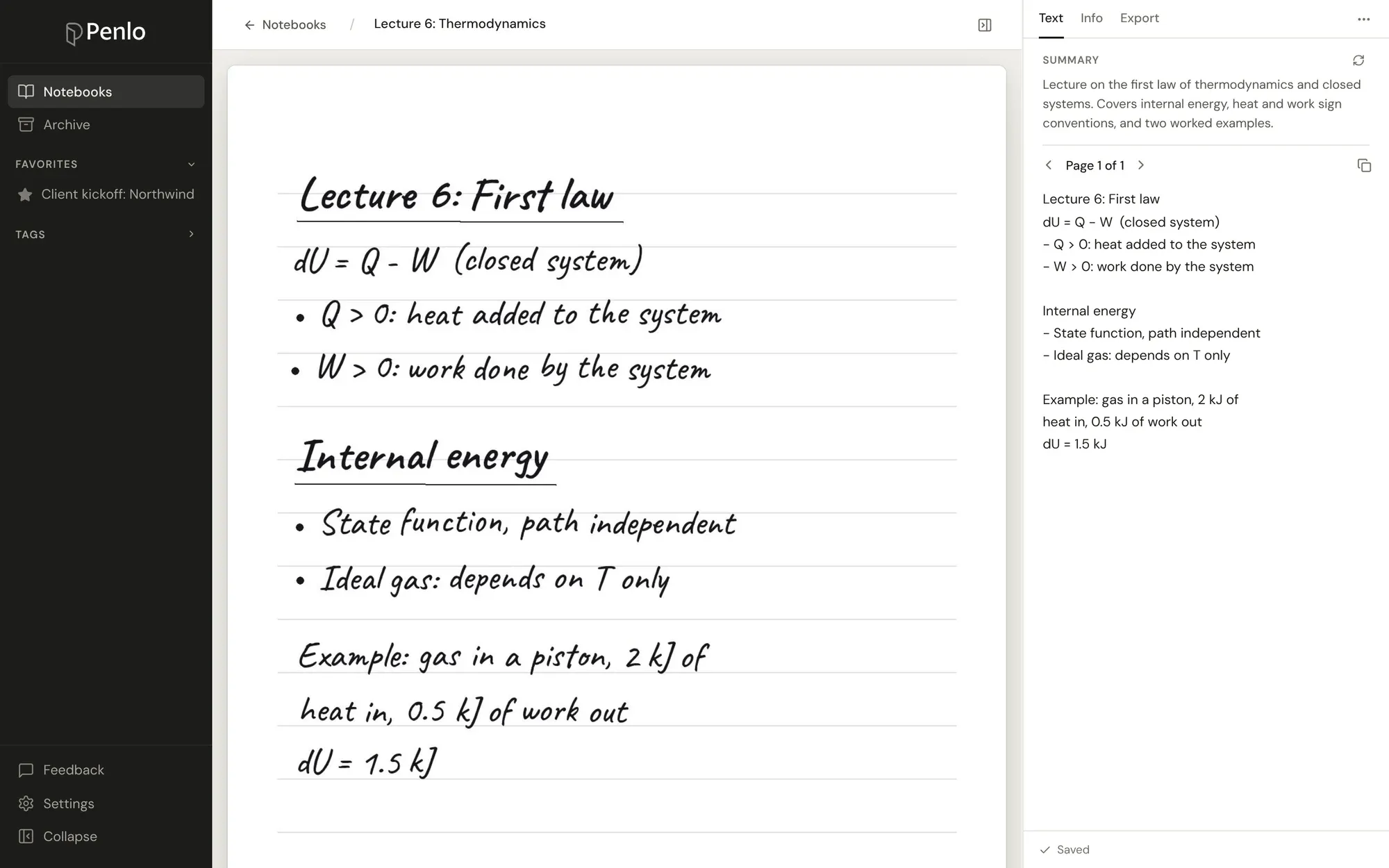
Penlo does that for both. Send your notebooks as PDFs to OneDrive or Dropbox, and Penlo reads every page, cleans up the text and makes it searchable from any browser. You can also ask questions about your notes or let Claude or ChatGPT search them for you.
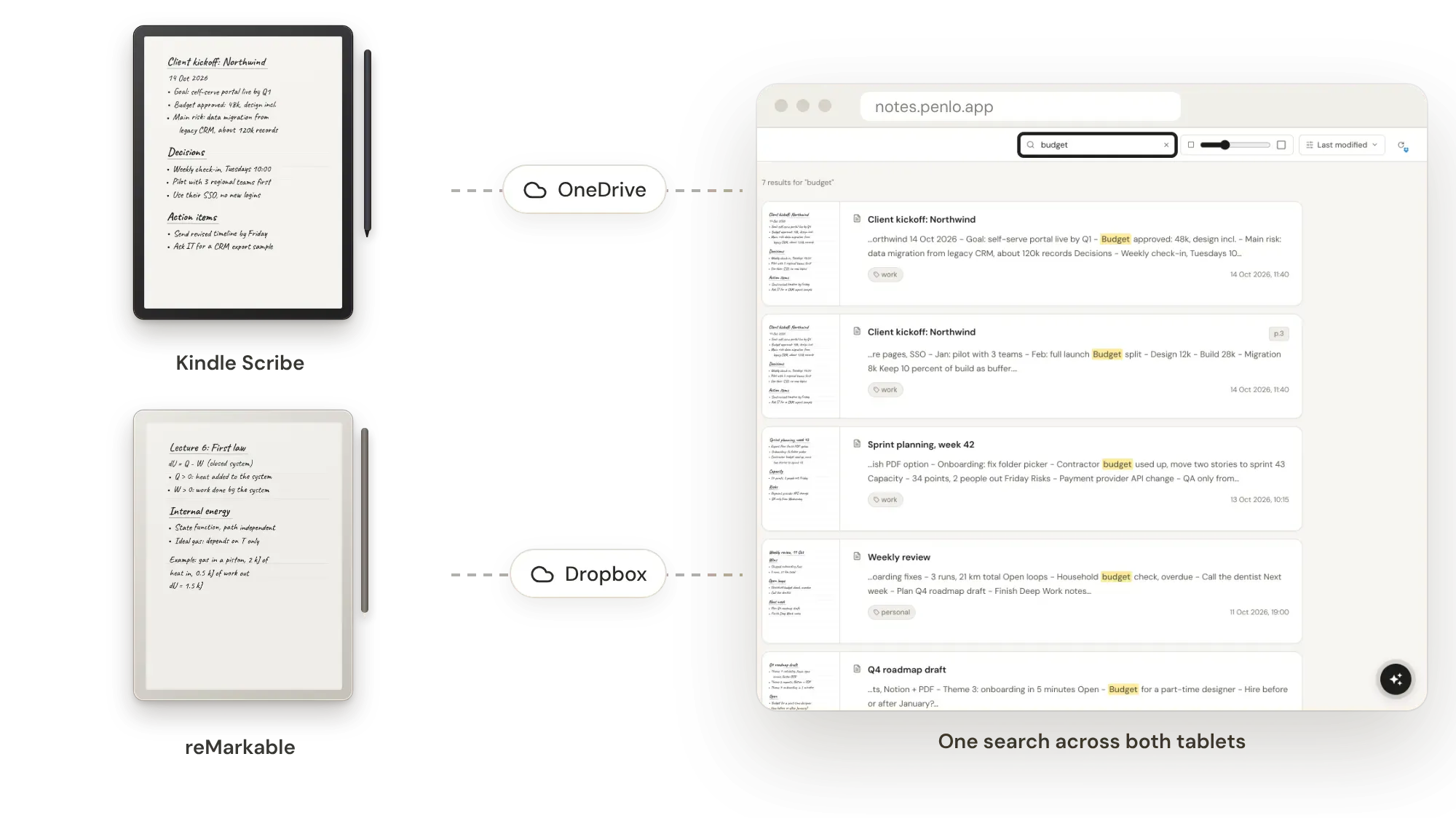
Got a Kindle Scribe or reMarkable?
Connect it to Penlo once and every notebook you export becomes searchable text. Try every feature free for 7 days.
reMarkable exports to Dropbox.
If you don't have an account yet, sign up through our referral link and get 500 MB extra on top of the free 2 GB. (We get a little extra space too.)
Questions
Can the Kindle Scribe save notebooks to Dropbox?
Not directly. The Scribe shares notebooks to OneDrive, and older models can email them. For Penlo, use OneDrive, or save emailed PDFs into Dropbox yourself.
Do I need reMarkable Connect to search my handwriting?
On the tablet and in reMarkable's apps, yes. Exporting PDFs to Dropbox or OneDrive works without it, and Penlo then makes them searchable, so you can skip Connect if search is all you'd use it for.
Which one converts handwriting to text better?
For plain typed text, reMarkable's Convert to text is the more direct tool. The Scribe is better at summarising what you wrote. Penlo converts every page of either automatically and keeps the text next to the original page.
Can I use both tablets with one Penlo account?
Yes. Connect OneDrive for the Scribe and Dropbox for the reMarkable (on Pro and Power you can sync several sources), and every notebook lands in one library you can search at once.
Setup takes about five minutes: see Getting started with Penlo.
Related guides
Written by
Builder, product marketer. Creator of Penlo and Ectobuilder. Co-author of The AdTech Book. Writes about turning handwritten notes into searchable, useful text.
Keep reading
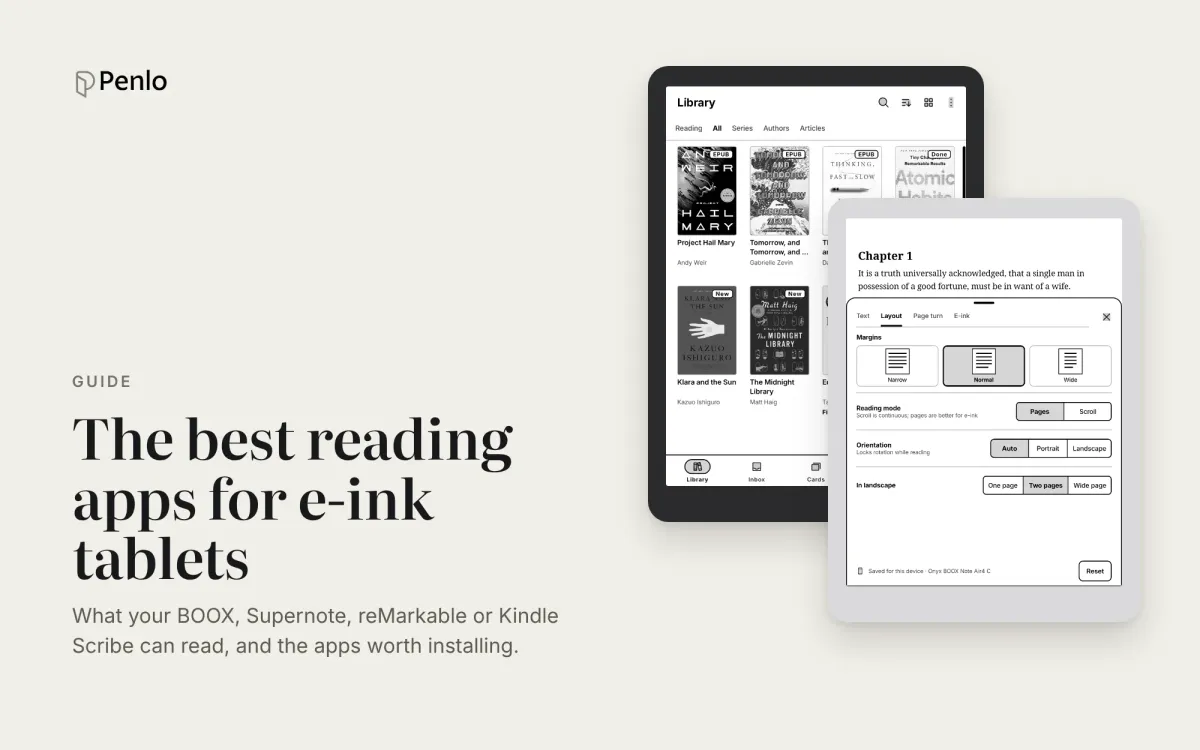
The best reading apps for e-ink note-taking tablets in 2026
Your note-taking tablet is also a reader. Which reading apps BOOX, Supernote, reMarkable and Kindle Scribe can run, the best ones to install, and how to keep reading and handwritten notes working together.
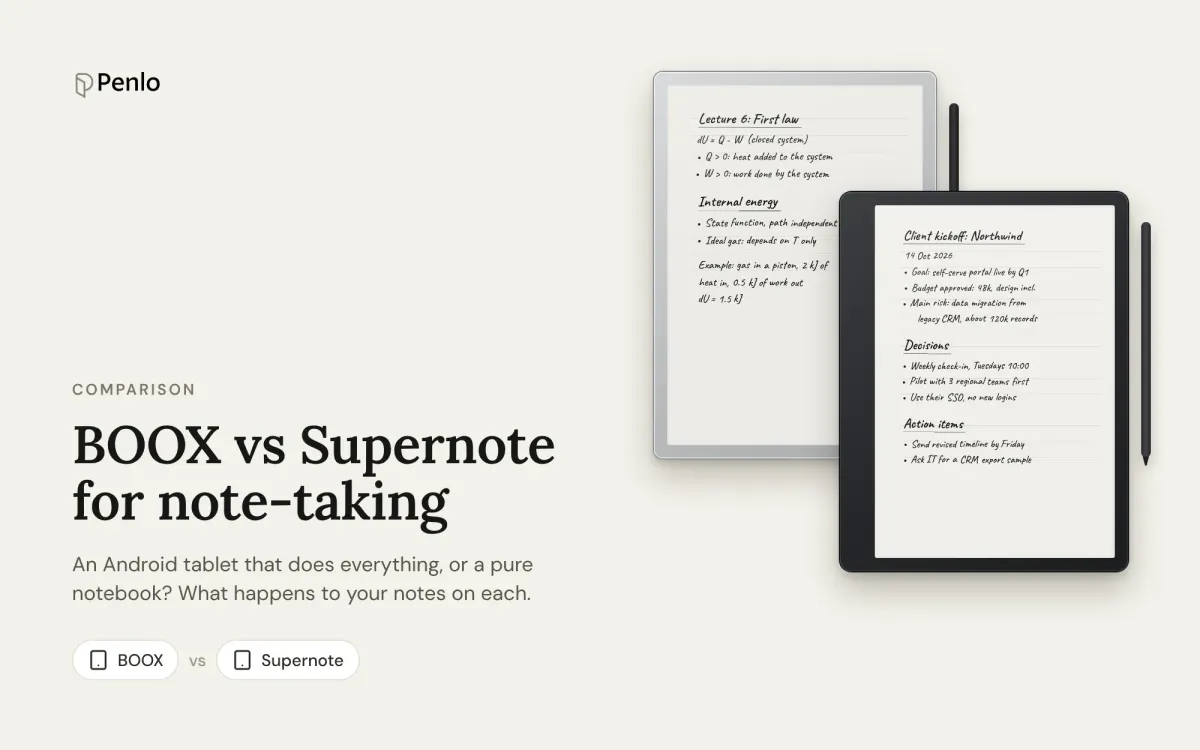
BOOX vs Supernote for note-taking: an Android tablet or a pure notebook?
BOOX or Supernote? How they compare for note-taking: models and prices, apps, handwriting recognition, search, cloud sync and getting your notebooks off the tablet.
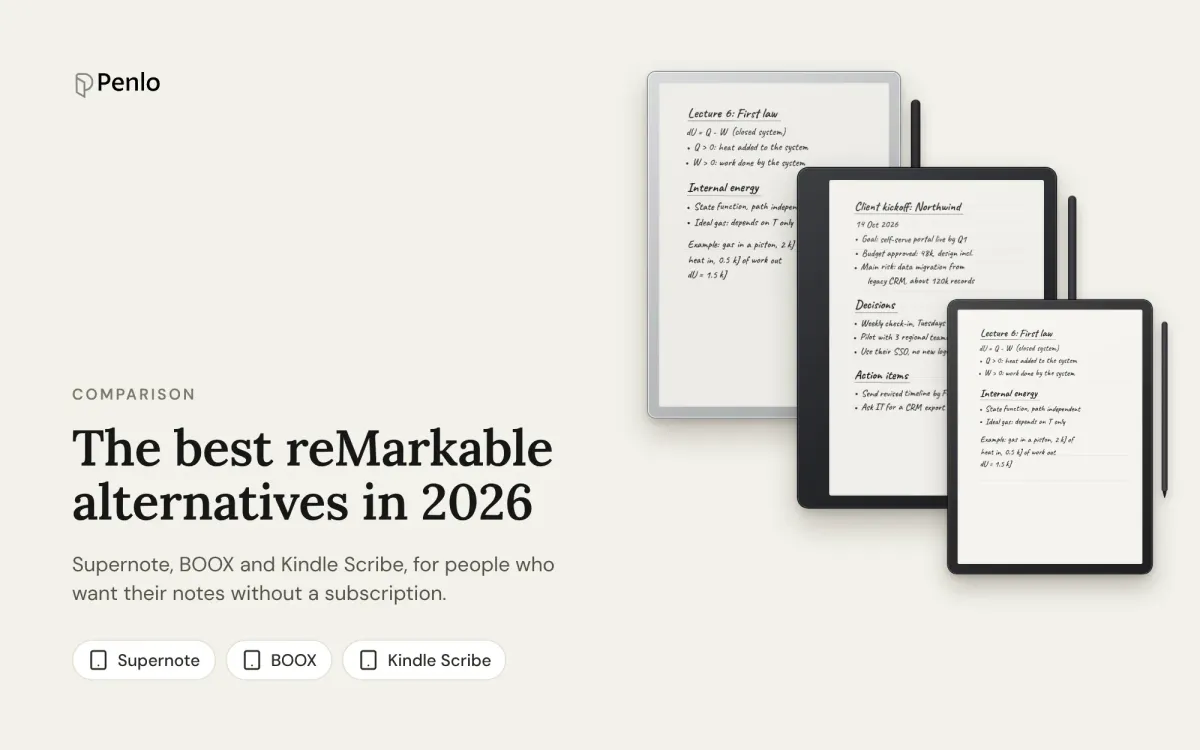
The best reMarkable alternatives in 2026: Supernote, BOOX and Kindle Scribe, no subscription needed
Tired of paying for reMarkable Connect? The best alternatives in 2026, with prices, what each does differently, and how each handles handwriting search and exporting notes.