reMarkable Paper Pro vs reMarkable 2 vs Paper Pure: which reMarkable should you buy?
The reMarkable Paper Pro, the discontinued reMarkable 2, the new Paper Pure and the Paper Pro Move compared: screens, weight, battery, price, and what stays the same on every model.

Michal Wlosik
· 5 min read
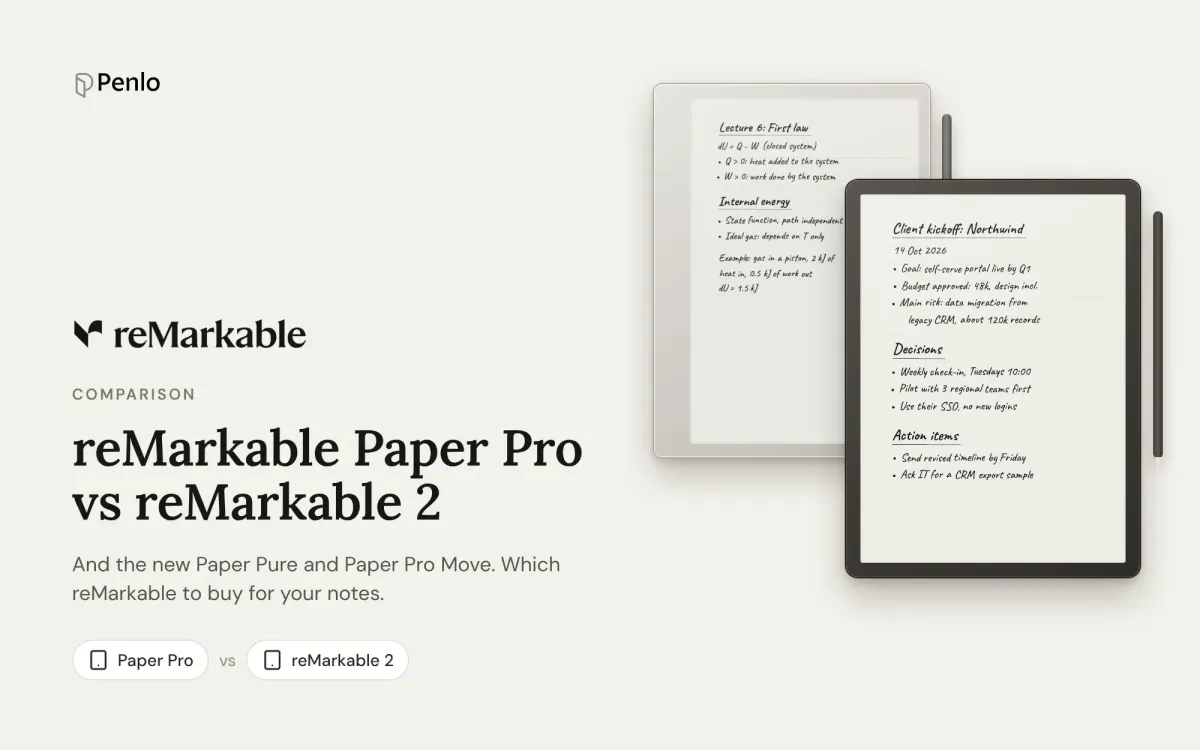
reMarkable now sells three tablets, and plenty of people still write on a fourth. The reMarkable 2 was discontinued in May 2026, the new Paper Pure took its place at the same $399, and the colour Paper Pro and pocket-sized Paper Pro Move sit above it. If you're choosing between them, or wondering whether to upgrade from a reMarkable 2, here's how they differ, and what stays the same.
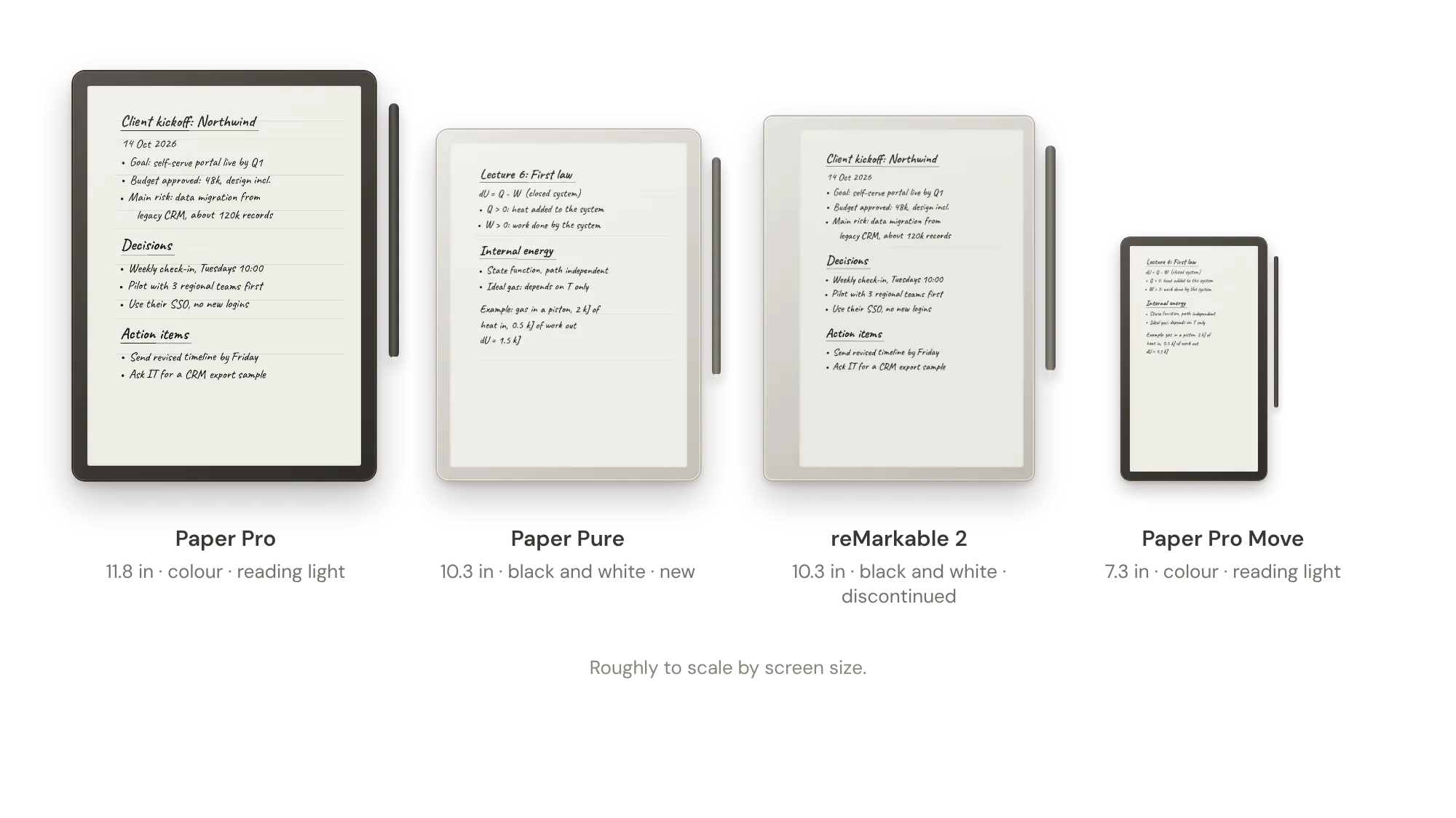
The models
- Paper Pro: 11.8-inch colour screen with an adjustable reading light, 525 g, 5.1 mm thin, 64 GB. From $629 with the Marker pen (it launched at $579).
- Paper Pure: 10.3-inch black-and-white screen, no reading light, 360 g, 32 GB, up to three weeks of battery. From $399 with the Marker; $449 with the Marker Plus and a folio. Launched in May 2026.
- reMarkable 2: 10.3-inch black-and-white screen, no reading light, 403.5 g, 4.7 mm, 8 GB, up to two weeks of battery. Discontinued in May 2026; reMarkable now sells it refurbished only.
- Paper Pro Move: 7.3-inch colour screen with a reading light, 230 g, 64 GB. From $449 with the Marker.
US prices on remarkable.com in October 2026.
Paper Pro vs reMarkable 2
This is the comparison most people search for, usually because they own a reMarkable 2 and wonder whether the Pro is worth it. The differences are real:
- Colour. The Pro shows and writes in muted colour: highlighters, coloured pens, colour PDFs. The reMarkable 2 is black and white.
- Reading light. The Pro has one, so you can write in a dim room. The reMarkable 2 doesn't.
- Size. 11.8 inches against 10.3. More room per page, but a heavier tablet: 525 g against 403.5 g.
- Speed. reMarkable quotes 12 ms writing latency for the Pro. Reviewers say the colour ink appears in black first and fills in a moment later.
- Storage. 64 GB against 8 GB.
Verdict: upgrade if you miss colour or a reading light. If you only write in black and white in good light, the reMarkable 2 still does the job, and it keeps getting updates.
Paper Pure vs reMarkable 2
The Paper Pure is the direct replacement, with the same screen size and resolution. It's lighter (360 g against 403.5 g), reMarkable says it's about 50% more responsive with 30% more battery, and it has four times the storage. Reviewers describe the writing feel as smoother and firmer than the reMarkable 2.
Two things to know before you upgrade: reMarkable 2 Markers don't work with the Pure, and the Pure has no connector for the Type Folio keyboard.
Verdict: if you're buying new and want black and white, get the Pure. If your reMarkable 2 works well, there's no rush.
The Paper Pro Move
The Move puts the Pro's colour screen and reading light into a 7.3-inch tablet that weighs 230 g. It's built for carrying everywhere and writing in short bursts. For long meetings, lectures or full A4 pages, the bigger screens are more comfortable.
Same software on every model
All four run the same reMarkable software and got the same updates through 2026, including the meeting notes and sharing features. That means:
- Convert to text is free on every model.
- Handwriting search, unlimited cloud storage, and writing in the phone and desktop apps need Connect: $3.99 a month or $39.90 a year, with a 50-day trial on a new tablet.
- Without Connect, only files you've used in the last 50 days stay synced to the apps.
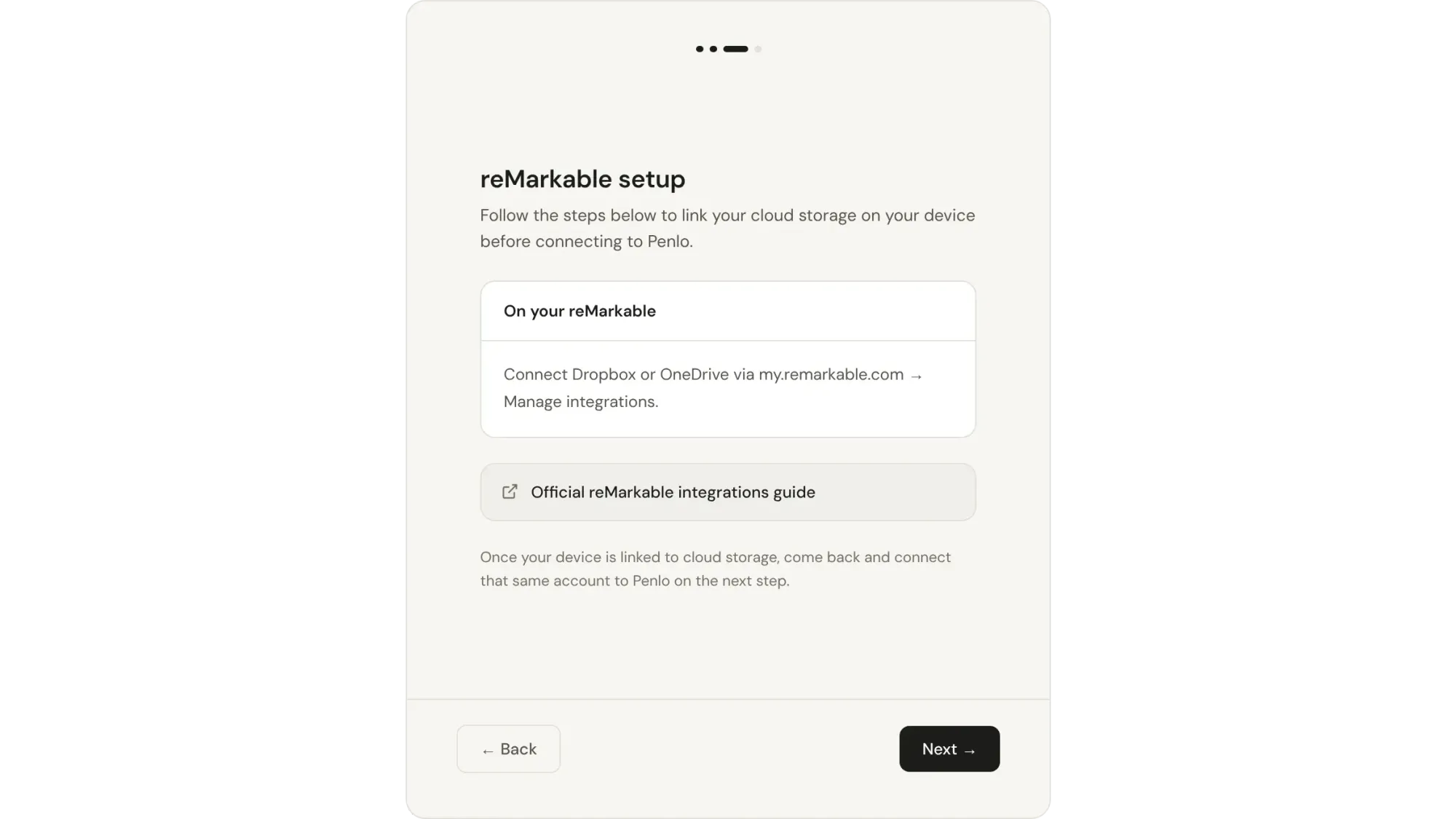
Every model can also export a notebook as a PDF to Dropbox or OneDrive through reMarkable's integrations. See our reMarkable setup guide for the steps.
At a glance
| Paper Pro | Paper Pure | reMarkable 2 | Paper Pro Move | |
|---|---|---|---|---|
| Screen | 11.8 in, colour | 10.3 in, black and white | 10.3 in, black and white | 7.3 in, colour |
| Reading light | Yes | No | No | Yes |
| Weight | 525 g | 360 g | 403.5 g | 230 g |
| Storage | 64 GB | 32 GB | 8 GB | 64 GB |
| Battery (claimed) | Up to 2 weeks | Up to 3 weeks | Up to 2 weeks | Up to 2 weeks |
| Price | From $629 | From $399 | Refurbished only | From $449 |
| Software and Connect | Same | Same | Same | Same |
As of October 2026, from reMarkable's specs. Prices change with sales and bundles.
Which should you choose?
- Paper Pro if you want colour, a reading light and the most room to write.
- Paper Pure if you want the best-value reMarkable, or you're replacing a reMarkable 2.
- Paper Pro Move if you'll carry it everywhere.
- Keep your reMarkable 2 if it still suits you: it gets the same software as the new ones.
Considering other brands too? See the best reMarkable alternatives, Kindle Scribe vs reMarkable and Supernote vs reMarkable.
Search every reMarkable notebook, without Connect
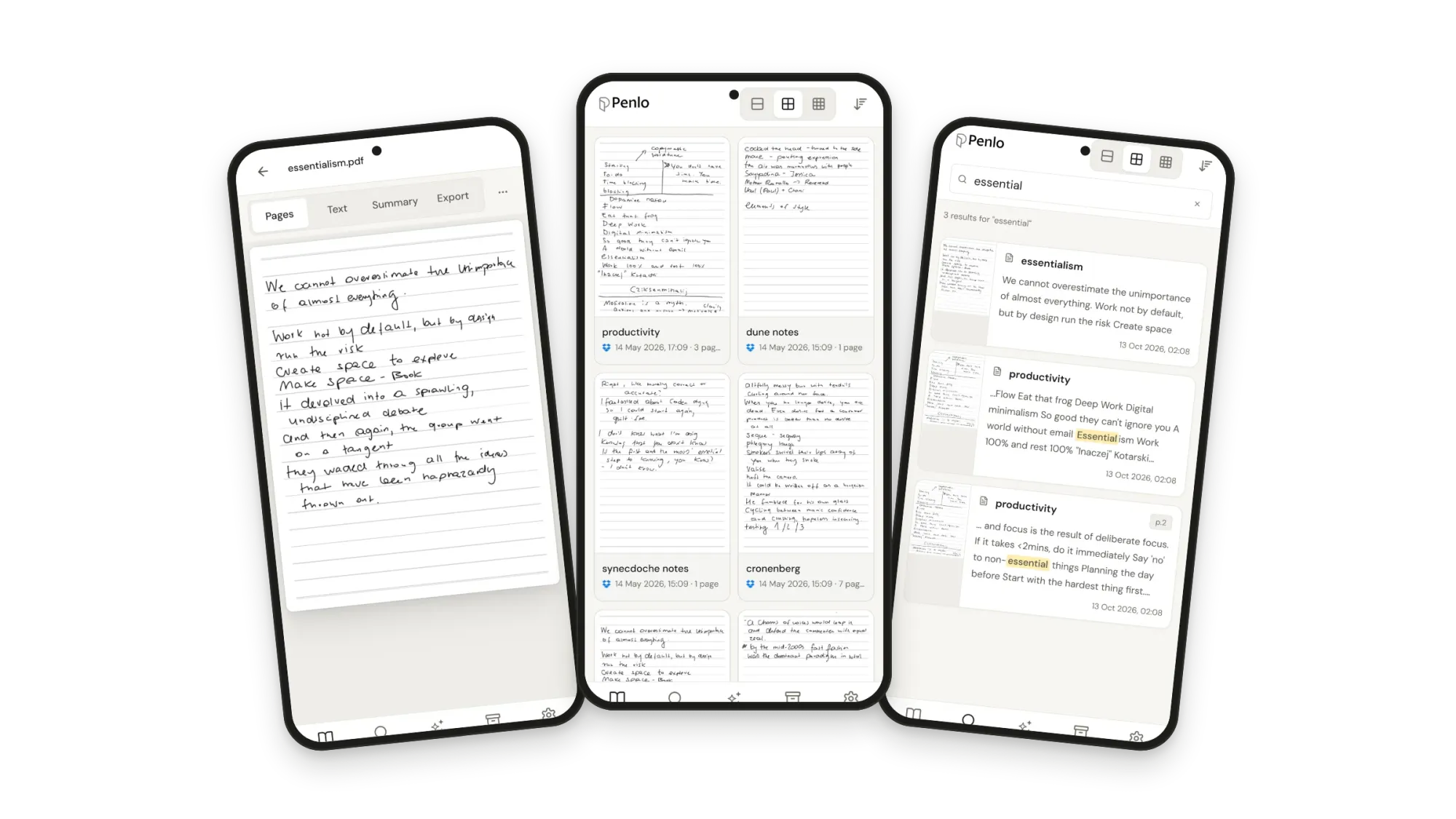
Whichever model you pick, searching your handwriting is the one thing that costs extra, and it only works in reMarkable's own apps. Penlo takes a different route: export your notebooks as PDFs to Dropbox or OneDrive, and Penlo reads every page, cleans up the text and makes it searchable from any browser, alongside notebooks from any other tablet you own.
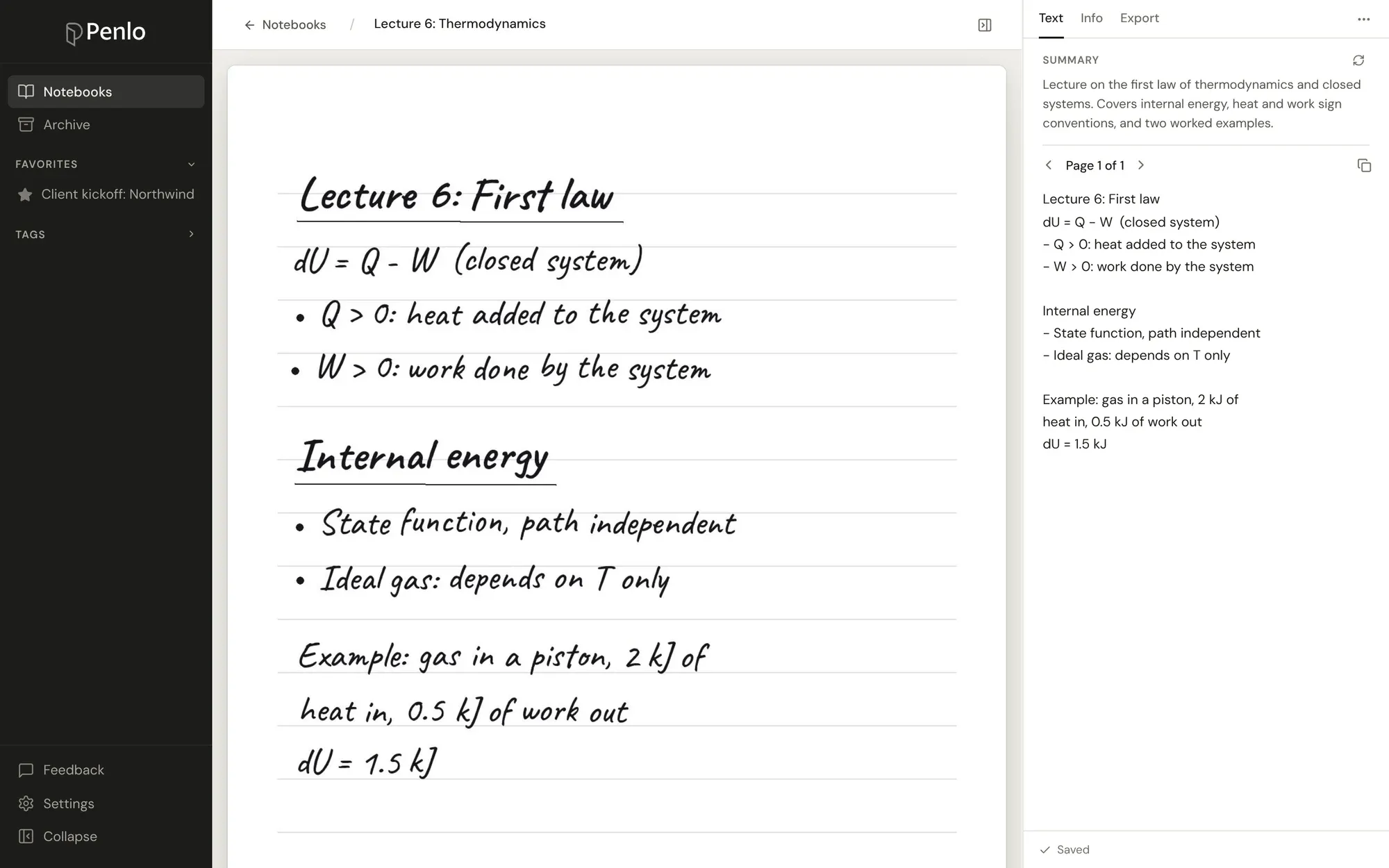
Got a reMarkable?
Export your notebooks to Penlo and search every page, without a Connect subscription. Try every feature free for 7 days.
Every reMarkable exports to Dropbox.
If you don't have an account yet, sign up through our referral link and get 500 MB extra on top of the free 2 GB. (We get a little extra space too.)
Questions
Is the reMarkable 2 still supported?
Yes. reMarkable says reMarkable 2 owners keep getting regular software updates, including new features. It's no longer sold new, only refurbished.
Does the Paper Pure have a reading light?
No. Like the reMarkable 2, it's black and white without a light. For a reading light, choose the Paper Pro or Paper Pro Move.
Do my reMarkable 2 accessories work with the Paper Pure?
The Markers don't, and the Pure has no connector for the Type Folio keyboard. Check reMarkable's site for which folios fit.
Do I need Connect?
Only for handwriting search, unlimited sync and writing in the apps. Convert to text and exporting PDFs to Dropbox or OneDrive work without it.
Setup takes about five minutes: see Getting started with Penlo.
Related guides
Written by
Builder, product marketer. Creator of Penlo and Ectobuilder. Co-author of The AdTech Book. Writes about turning handwritten notes into searchable, useful text.
Keep reading
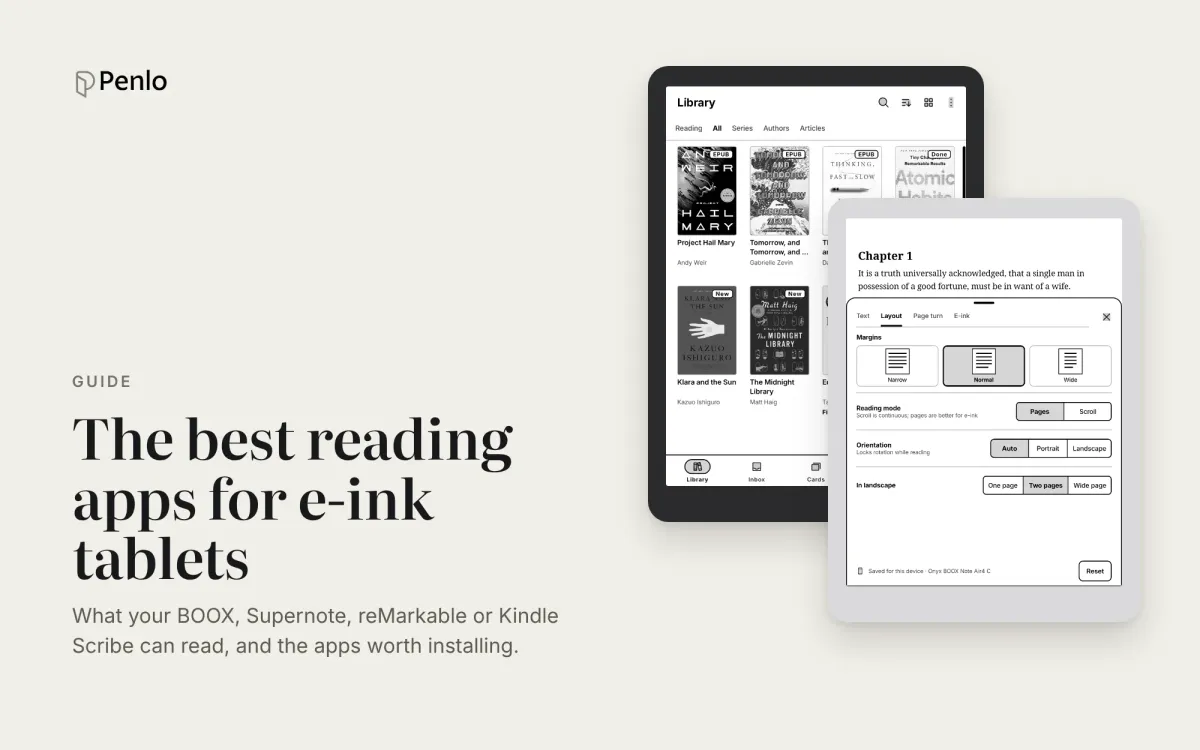
The best reading apps for e-ink note-taking tablets in 2026
Your note-taking tablet is also a reader. Which reading apps BOOX, Supernote, reMarkable and Kindle Scribe can run, the best ones to install, and how to keep reading and handwritten notes working together.
BOOX vs Supernote for note-taking: an Android tablet or a pure notebook?
BOOX or Supernote? How they compare for note-taking: models and prices, apps, handwriting recognition, search, cloud sync and getting your notebooks off the tablet.
The best reMarkable alternatives in 2026: Supernote, BOOX and Kindle Scribe, no subscription needed
Tired of paying for reMarkable Connect? The best alternatives in 2026, with prices, what each does differently, and how each handles handwriting search and exporting notes.