The reMarkable, Supernote, BOOX and Kindle Scribe desktop apps: can you search your notes on your computer?
What the reMarkable desktop app, Supernote Partner app, BOOX send2boox and Kindle Scribe's OneNote export can do on your computer, what they cost, and whether you can search your handwriting.

Michal Wlosik
· 5 min read
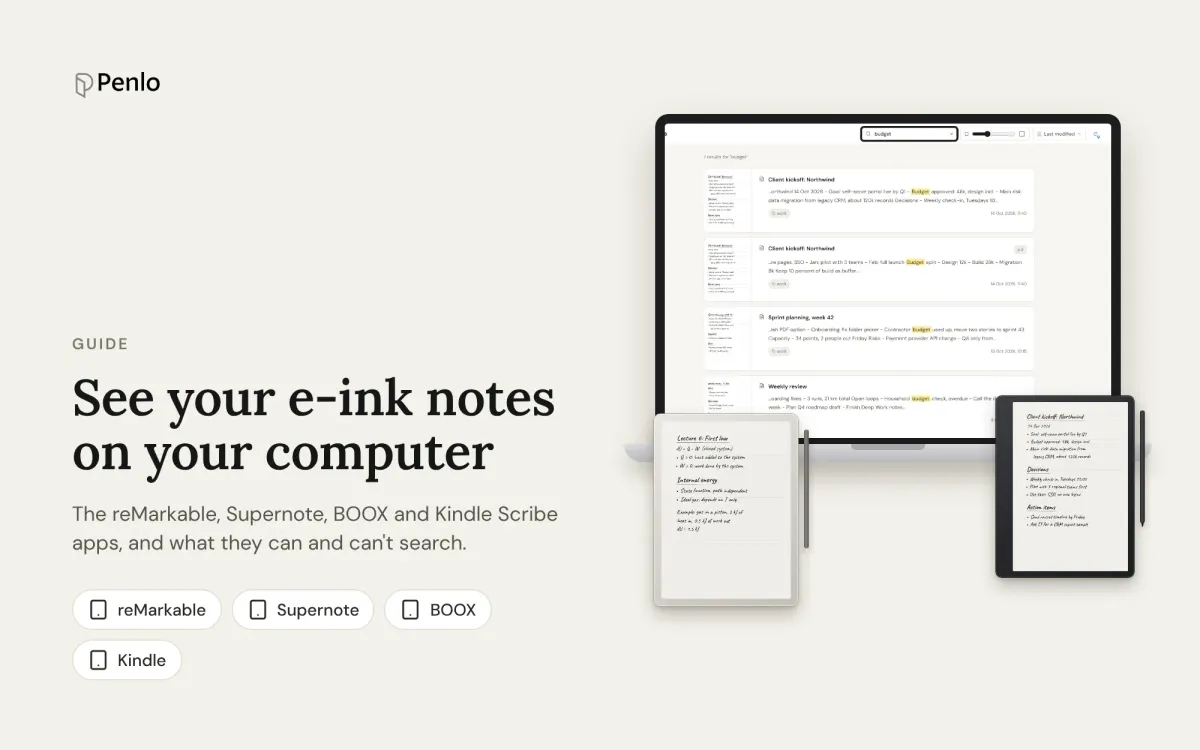
You wrote it on the tablet, and now you need it on your computer: to copy a paragraph into an email, find what you decided in last month's meeting, or just read your notes on a bigger screen. Every e-ink brand has an app or website for that, and they do very different things. Here's what each one can do, what it costs, and the part most people care about: whether you can search your handwriting from your computer.
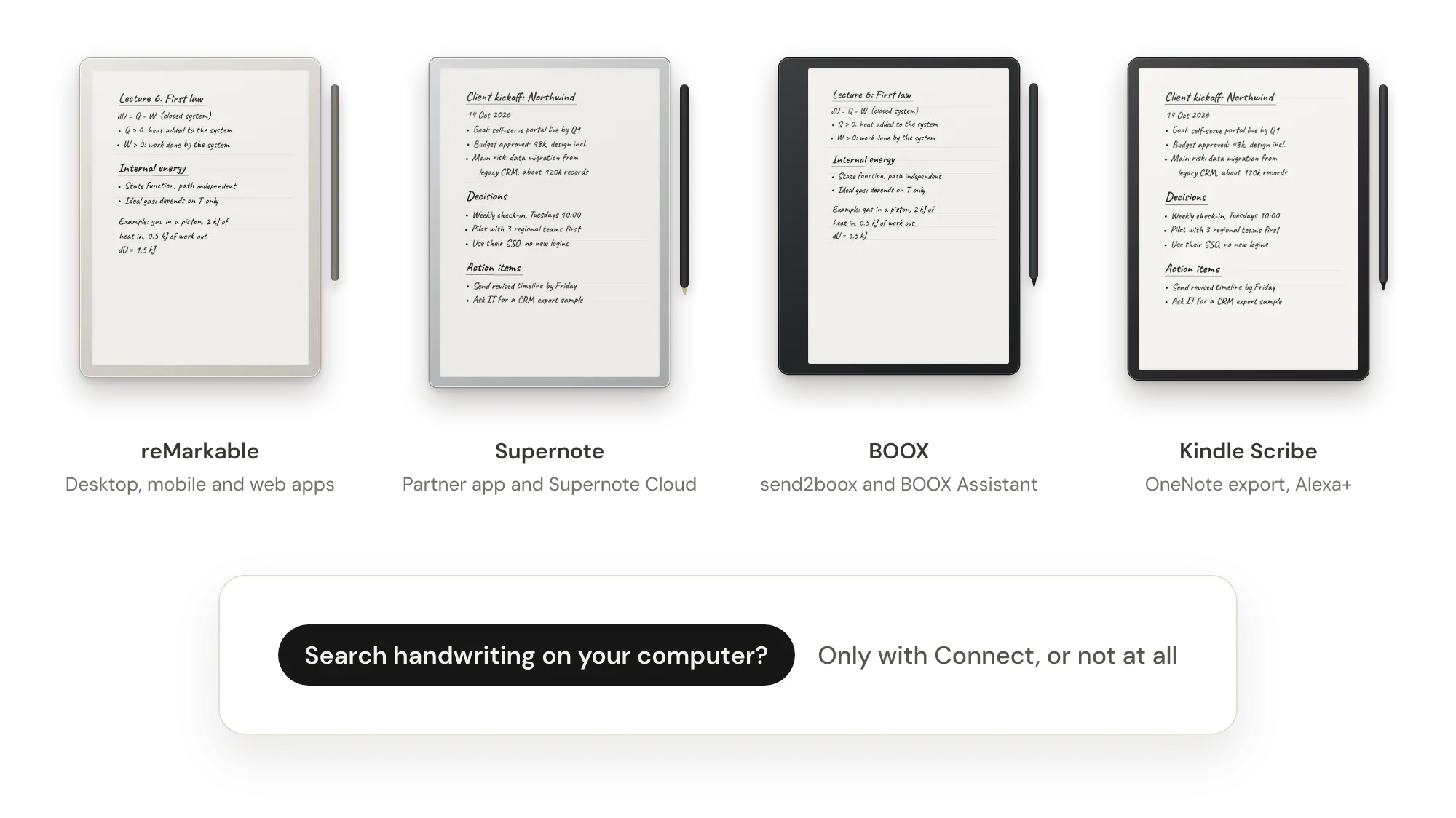
reMarkable: desktop, mobile and web apps
reMarkable has the most complete set: a desktop app for Windows and macOS, apps for iPhone and Android, and since spring 2026 a web app in beta at app.remarkable.com.
- Free: view your notebooks in the desktop and mobile apps, export pages as PDF, PNG or SVG, import files, use tags, and convert handwriting to text.
- With Connect ($3.99 a month or $39.90 a year, with a 50-day trial): write and edit notes in the apps, rearrange pages, unlimited cloud storage, and handwriting search.
- Without Connect, only files you've used and synced in the last 50 days stay in the cloud and keep updating in the apps.
The web app is still growing. It started as a place to view, upload and organise files, and reMarkable has been adding features to it through 2026, including file search in October.
Searching your handwriting on a computer: only with Connect.
Supernote: Partner app and Supernote Cloud
Supernote's Partner app runs on Windows and macOS (a Linux version is in development), and on iPhone and Android. It's free. It syncs with the free Supernote Cloud, opens your notes, and can export a notebook as a TXT file with its handwriting recognised. You can also view notes in a browser through Supernote Cloud's web client.
Browse & Access on the tablet gives you a local web address for moving files over Wi-Fi. It's handy for transfers, but it isn't a viewer.
Searching your handwriting on a computer: not that we could find. Supernote searches recognised handwriting on the tablet. On a computer, the workaround is exporting a notebook to TXT and searching the file.
BOOX: send2boox and BOOX Assistant
BOOX has no desktop app. Notes synced to your free ONYX Cloud account (10 GB) can be viewed and shared on the send2boox website and in the BOOX Assistant app for phones. BOOXDrop gives you a local web address for moving files between the tablet and your computer.
BOOX's strongest feature here is a different one: it can export every notebook automatically as a PDF to Dropbox or OneDrive each time you close it, so your notes are on your computer without you doing anything. See BOOX Cloud vs Dropbox and our BOOX setup guide.
Searching your handwriting on a computer: no. BOOX searches handwriting in the Notes app on the tablet.
Kindle Scribe: OneNote and Alexa
Amazon doesn't have a notebook app for your computer. The two ways to get your writing there are:
- OneNote: send notebooks to Microsoft OneNote as page images, converted text, or both. Once the text is in OneNote, you can search it there.
- Send to Alexa: notes you send become available on Alexa.com and in the Alexa app, where Alexa can turn them into to-do lists and reminders. This needs Alexa+.
The 2025 and later Scribes can also share a whole notebook as a PDF to OneDrive. The Scribe's AI notebook search, including asking questions about your notes, works on the tablet. Step-by-step instructions are in our Kindle Scribe setup guide.
Searching your handwriting on a computer: only if you've sent the text to OneNote first.
At a glance
| App on your computer | View notes | Search handwriting on your computer | Cost | |
|---|---|---|---|---|
| reMarkable | Desktop app, web app | Yes | With Connect | Free; Connect $3.99/month |
| Supernote | Partner app, Supernote Cloud | Yes | No; export to TXT | Free |
| BOOX | send2boox website | Yes, synced notes | No | Free (10 GB) |
| Kindle Scribe | None; OneNote, Alexa.com | Through OneNote | Through OneNote text | Free; Alexa+ for Send to Alexa |
As of October 2026. These apps change often, so check each maker's help pages for the latest.
One place for all of them, searchable everywhere
Each app shows you its own tablet's notes, in its own way, and searching handwriting from your computer is either paid or missing. If you own two tablets, or switch brands one day, your notes end up in two places.
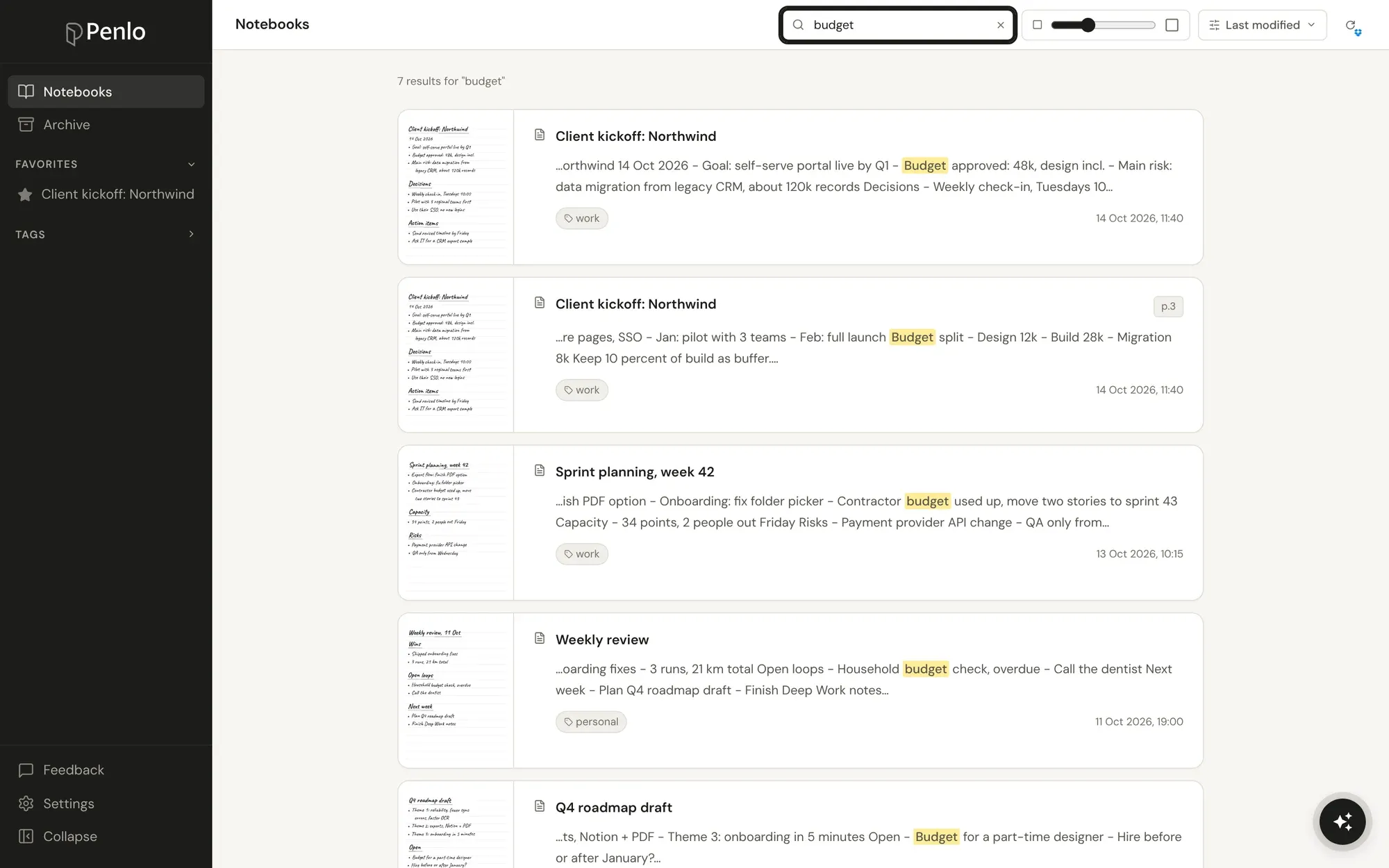
Penlo works the other way round. Your tablet saves notebooks as PDFs to Dropbox or OneDrive (or, on a BOOX, uploads them straight from the tablet), and Penlo reads every page, cleans up the text and makes it searchable in any browser, on any computer. Notes from every tablet sit in one library, each page next to its text.
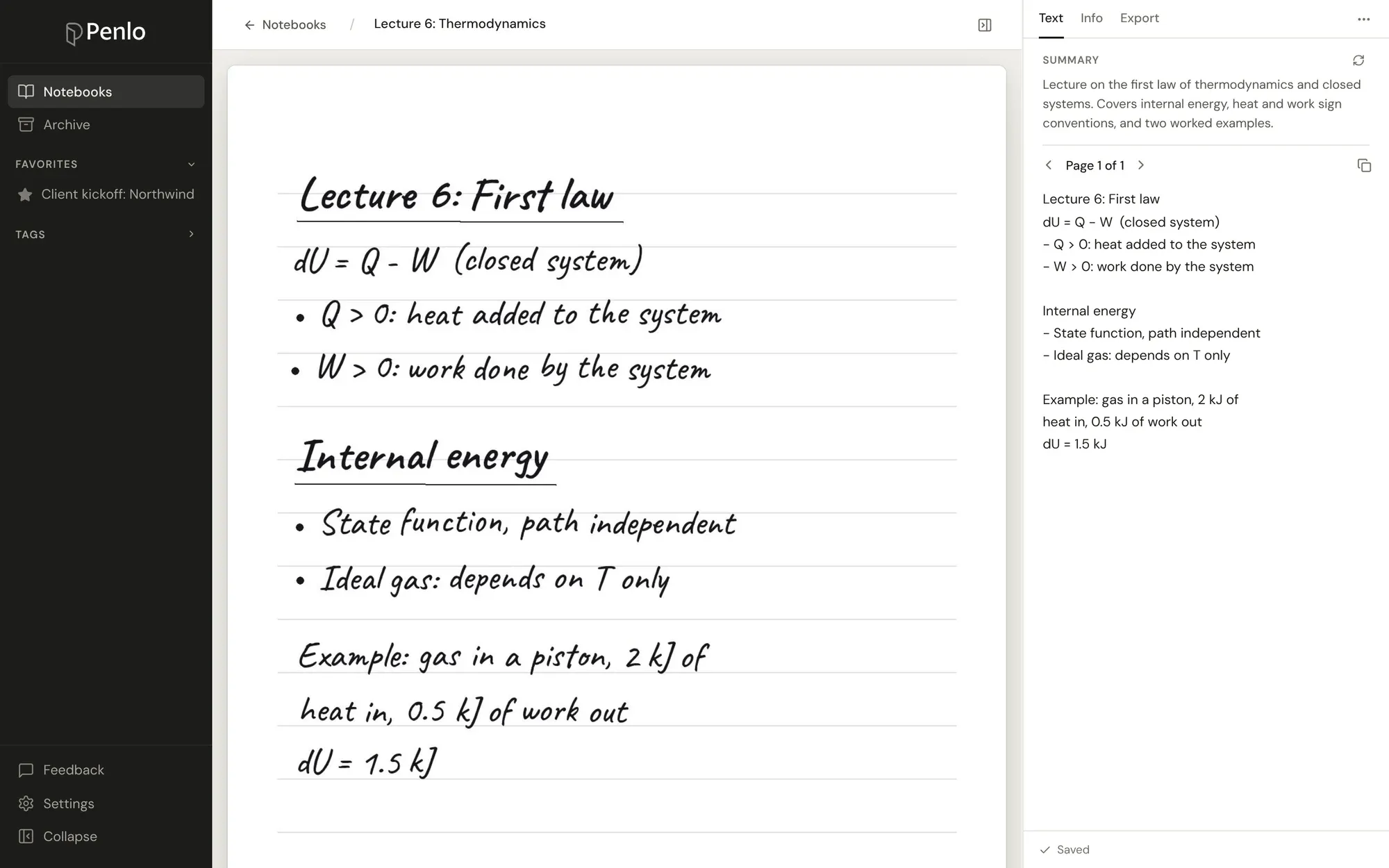
See and search every notebook on your computer.
Connect your tablet to Penlo once, and every notebook becomes text you can search from any browser. Try every feature free for 7 days.
From there you can ask questions about your notes, send a notebook to Notion, or let Claude or ChatGPT search them for you.
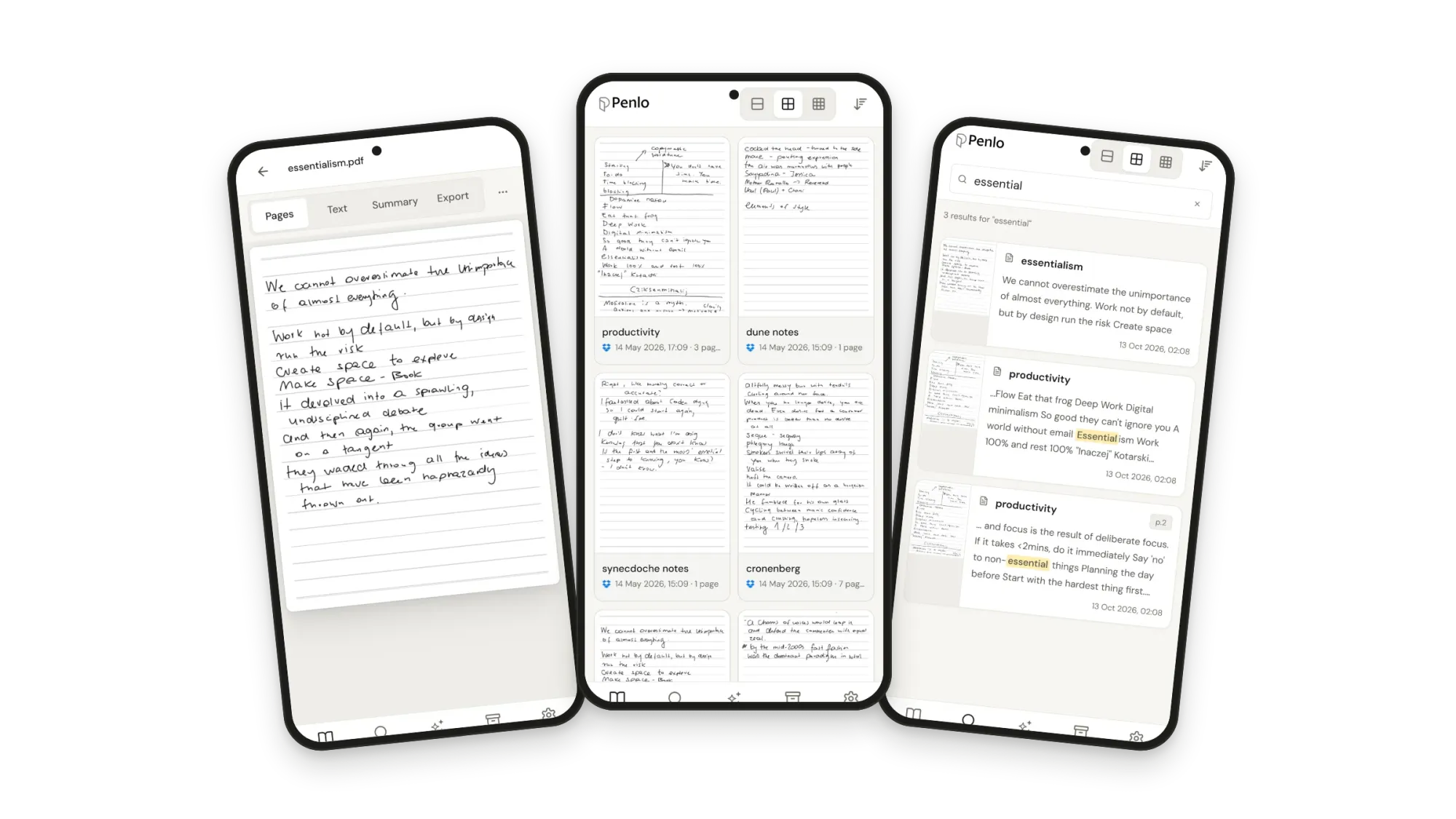

reMarkable, Supernote and BOOX all export to Dropbox.
If you don't have an account yet, sign up through our referral link and get 500 MB extra on top of the free 2 GB. (We get a little extra space too.)
Questions
Can I search my reMarkable handwriting on my computer without Connect?
Not in reMarkable's apps: handwriting search is part of Connect. You can export notebooks as PDFs to Dropbox or OneDrive without a subscription, and Penlo makes those searchable.
Does Supernote have a desktop app?
Yes, the Supernote Partner app for Windows and macOS. It's free, syncs with Supernote Cloud, opens notes and exports them to TXT.
Is there a BOOX app for Windows or Mac?
No. Use the send2boox website to see synced notes, BOOXDrop to move files over Wi-Fi, or automatic PDF export to Dropbox or OneDrive.
Can I read Kindle Scribe notebooks on my computer?
Not in a Kindle app. Send them to OneNote, share them as PDFs to OneDrive, or send them to Alexa with Alexa+.
Setup takes about five minutes: see Getting started with Penlo or the setup guide for your tablet.
Related guides
Written by
Builder, product marketer. Creator of Penlo and Ectobuilder. Co-author of The AdTech Book. Writes about turning handwritten notes into searchable, useful text.
Keep reading
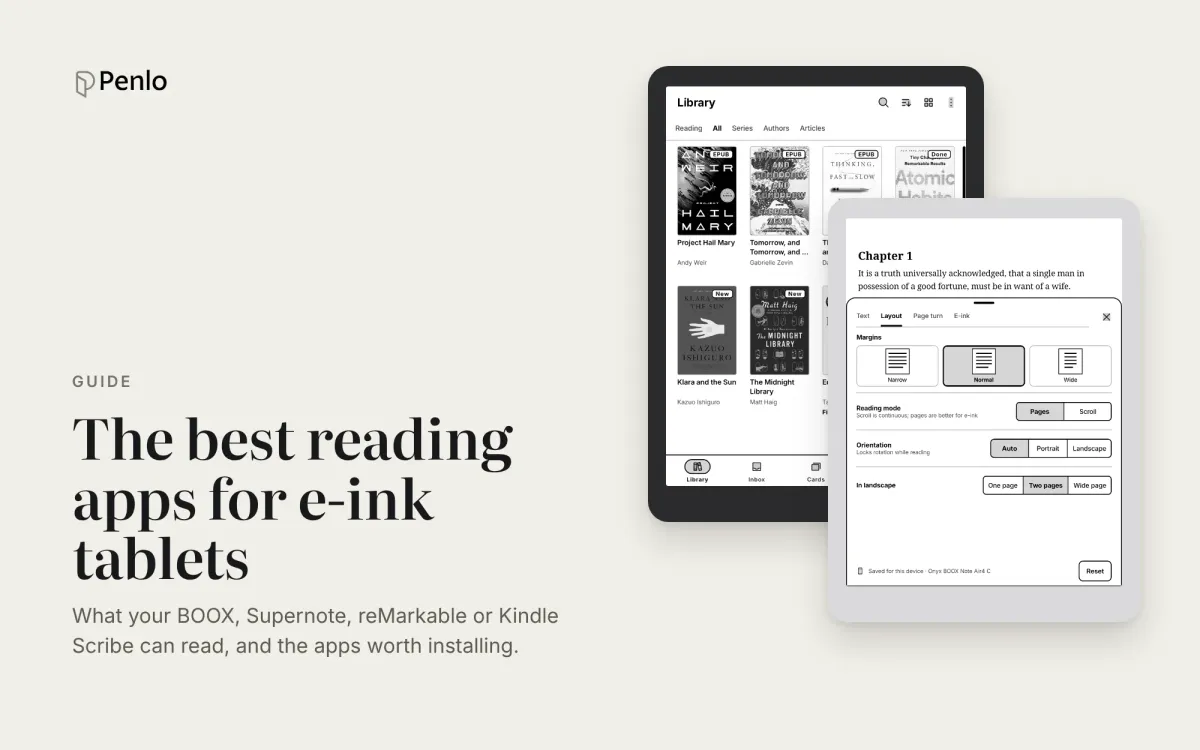
The best reading apps for e-ink note-taking tablets in 2026
Your note-taking tablet is also a reader. Which reading apps BOOX, Supernote, reMarkable and Kindle Scribe can run, the best ones to install, and how to keep reading and handwritten notes working together.
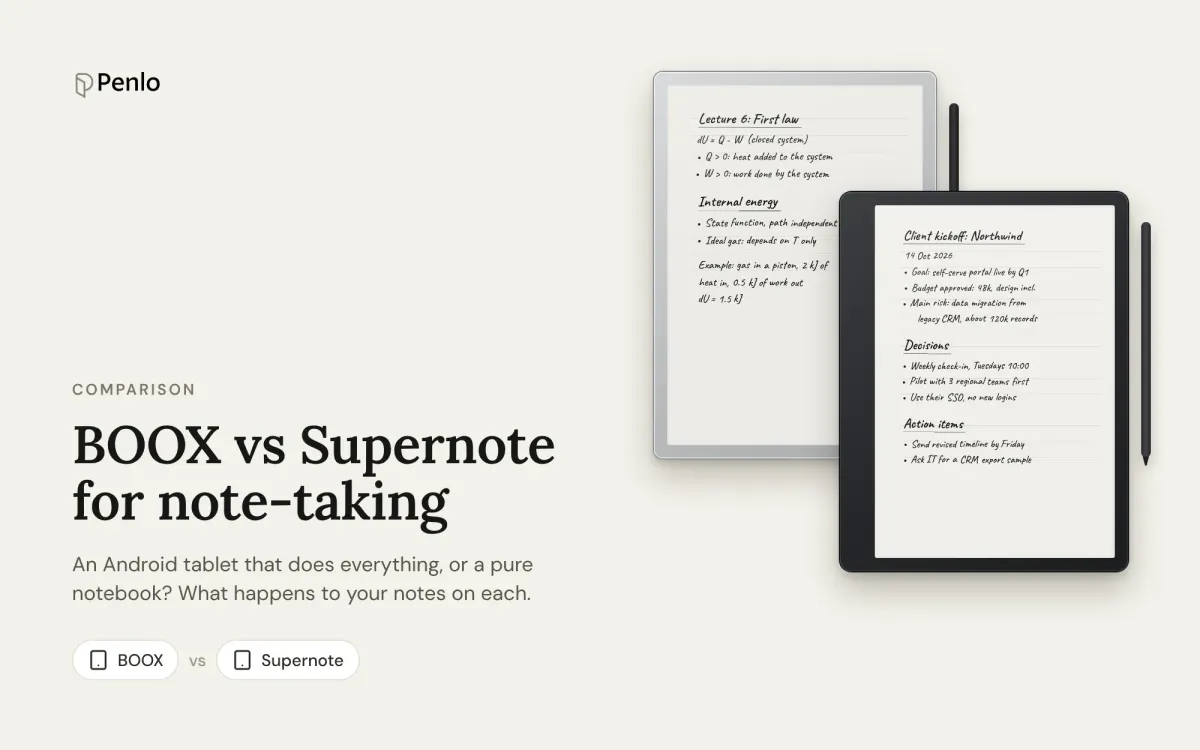
BOOX vs Supernote for note-taking: an Android tablet or a pure notebook?
BOOX or Supernote? How they compare for note-taking: models and prices, apps, handwriting recognition, search, cloud sync and getting your notebooks off the tablet.
The best reMarkable alternatives in 2026: Supernote, BOOX and Kindle Scribe, no subscription needed
Tired of paying for reMarkable Connect? The best alternatives in 2026, with prices, what each does differently, and how each handles handwriting search and exporting notes.